
 Script Planner Assistant▸
 AI Apps
 AI News
Cursor AI vs Trae: Which AI Programming Tool Is Right for You?
小编 ·

Cursor AI vs Trae: Which AI Programming Tool Is Right for You?
Recently, two AI programming tools—Cursor AI and Trae IDE—have been blowing up in the developer community, and everyone is debating which one is more powerful. So let's take a good look at their pros and cons, see which one better fits our daily development needs, and maybe add a new trick or two to everyone's toolbox.
Cursor AI
Built on top of VS Code, it inherits the plugin ecosystem and stability, making it suitable for professional developers handling complex projects.
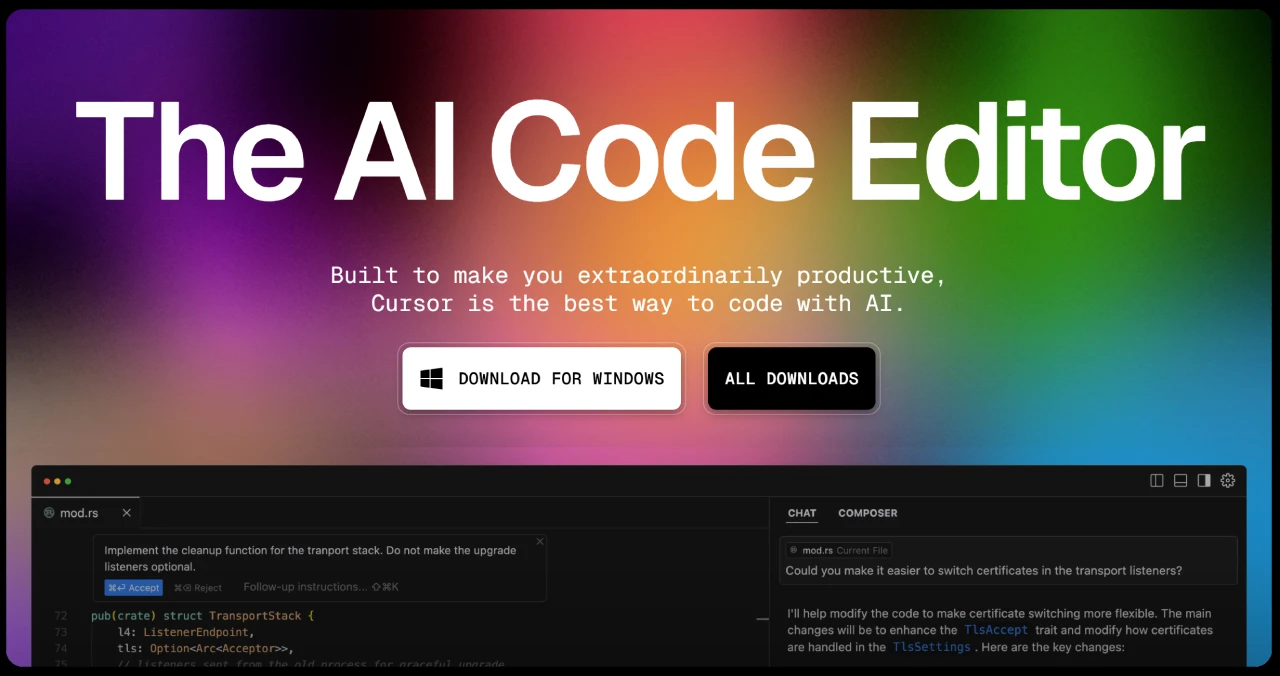
Cursor Features
Intelligent Code Generation: Describe your needs in natural language, and Cursor can quickly generate code.
Code Completion and Correction: Automatically completes code and intelligently fixes errors.
Context Awareness: Understands the entire codebase and provides precise suggestions.
Multiple AI Model Support: Choose different AI models based on your needs.
Shortcut Operations: Quickly generate or modify code through keyboard shortcuts.
VS Code Integration: Built on VS Code, supports a rich plugin ecosystem.
Privacy Protection: Supports privacy mode to keep your code secure.
Trae (Domestic Version)
An AI-native Integrated Development Environment (IDE) built by ByteDance, with the core concept of "human-machine collaboration and mutual enhancement." It's ideal for beginner developers or those who need a Chinese interface.

Trae Features
Intelligent Code Generation: Describe your needs in natural language, and Trae can generate code.
Two Modes:
Builder Mode: Visually build projects, quickly generating code and architecture.
Chat Mode: Ask questions or describe needs like a chat, and Trae provides solutions.
Multimodal Interaction: Supports text, images, and other input methods.
Powerful AI Models: Built-in with multiple advanced AI models that automatically select the most suitable one.
Chinese-Friendly: Interface and interactions fully support Chinese, suitable for domestic users.
Completely Free: Currently available for free use.
VS Code-Based: Supports plugin extensions for flexible functionality.
Cursor vs. Trae: Pros and Cons Comparison
Pros Comparison
| Feature | Cursor | Trae |
|---|---|---|
| Feature Richness | Powerful features, supporting code generation, optimization, refactoring, debugging, and more. | Comprehensive features, supporting intelligent code generation and optimization, with both Chat and Builder interaction modes. |
| AI Models | Supports multiple advanced AI models (such as GPT-4, Claude 3.5, etc.) and is customizable. | Built-in Claude 3.5 and GPT-4o, focused on high-end models. |
| User Experience | Based on VS Code, with a friendly interface, suitable for users familiar with VS Code. | Provides native Chinese support, with a clean interface, suitable for beginners and Chinese-speaking developers. |
| Collaboration & Project Management | No particular emphasis on team collaboration features. | Supports team collaboration, with project management features optimized for team development workflows. |
| Price | Requires payment; Pro version is $20/month. | Currently completely free. |
Cons Comparison
| Feature | Cursor | Trae |
|---|---|---|
| Learning Curve | Steeper learning curve; beginners need time to get familiar with shortcuts and features. | Lower learning cost; beginners can get started faster. |
| Customization | Supports deep customization, but requires some technical background. | Limited customization features; does not support project-level AI behavior configuration. |
| Performance Requirements | Still runs smoothly on devices with 8GB of RAM. | Requires at least 16GB of RAM, with higher hardware requirements. |
| Data Security | Some users have concerns about data security. | No clear data security issues have been reported, but it requires connecting to domestic verification services. |
After looking at the pros and cons comparison above, you probably already have an answer as to which AI programming tool is more suitable for you. If you're looking for a mature and stable toolchain, need to handle complex projects, and don't mind paying—especially if you're familiar with VS Code—Cursor is the better choice.
If you're a beginner developer who values free access, multilingual support, rapid development, and wants a Chinese interface, Trae is more suitable for you.









