
 Script Planner Assistant▸
 AI Apps
 AI News
2025's Top Picks: 20+ Best AI Programming Tools and AI Coding Assistants
小编 ·

2025's Top Picks: 20+ Best AI Programming Tools and AI Coding Assistants
Today, artificial intelligence technology is advancing rapidly, and AI programming tools and AI coding assistants have become extremely important productivity aids in modern software development. They can significantly boost development efficiency, help developers reduce repetitive work, improve code quality, and provide strong support even in complex projects. Below, I'll introduce some outstanding programming tools and coding assistants that have received a lot of attention heading into 2025. This list includes both paid commercial tools and free open-source options, and I'll categorize them by functionality and features:
1. Code Generation & Completion Coding Assistants
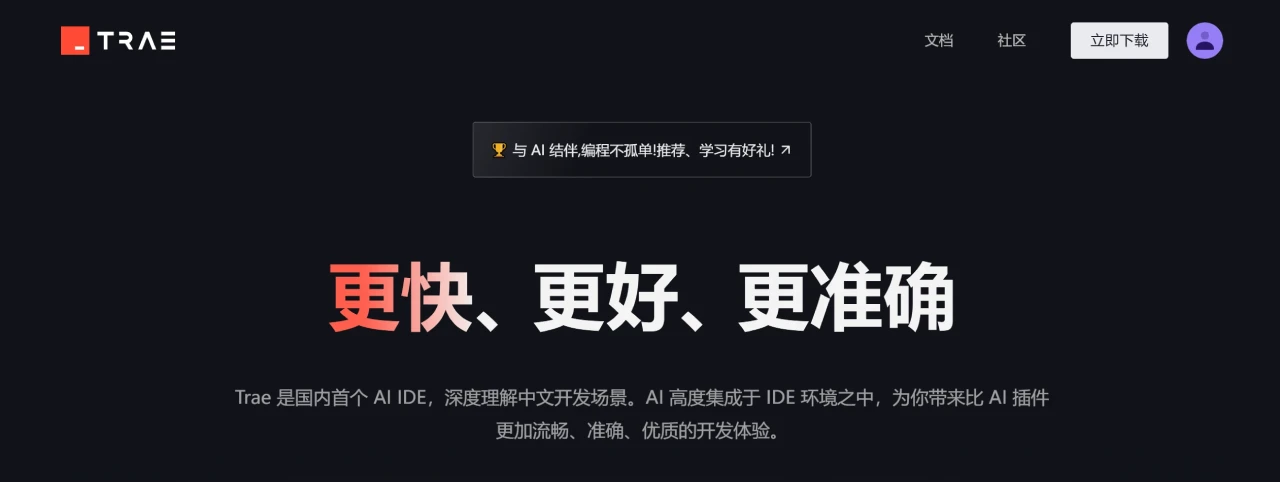
1. Trae Domestic Version
An AI programming tool launched by ByteDance, built on the Claude model, supporting code completion, bug fixing, and more.
Key Features of Trae:
AI programming assistance: Supports code generation, optimization, and real-time suggestions to boost development efficiency.
Multimodal interaction: Generates code from natural language or images.
Efficient development modes: Offers Builder mode and Chat mode for quickly generating projects and code.
Native Chinese support: The interface and interaction are fully supported in Chinese.
Free and easy to use: Currently free, with support for migrating configurations from other tools.
Wide range of use cases: Suitable for web development, game development, data processing, and more.
Dynamic collaboration: Emphasizes human-machine collaboration to support the entire development workflow.
2. Doubao MarsCode
A free AI programming assistant launched by ByteDance, supporting code generation, explanation, unit test generation, and more, compatible with various programming languages and development environments.
Key Features of Doubao MarsCode:
Code completion and generation: Provides single-line or multi-line code completion, and supports generating code from comments.
Code explanation and comment generation: Explains code logic and automatically generates comments.
Unit test generation: Automatically generates unit test cases for code.
Error fixing and optimization: Detects code errors and provides optimization suggestions.
AI Q&A: Answers programming and technical questions.
Cloud IDE: Provides a cloud-based development environment with project import and management support.
Multi-language and multi-IDE support: Compatible with various languages and mainstream IDEs such as VSCode and JetBrains.

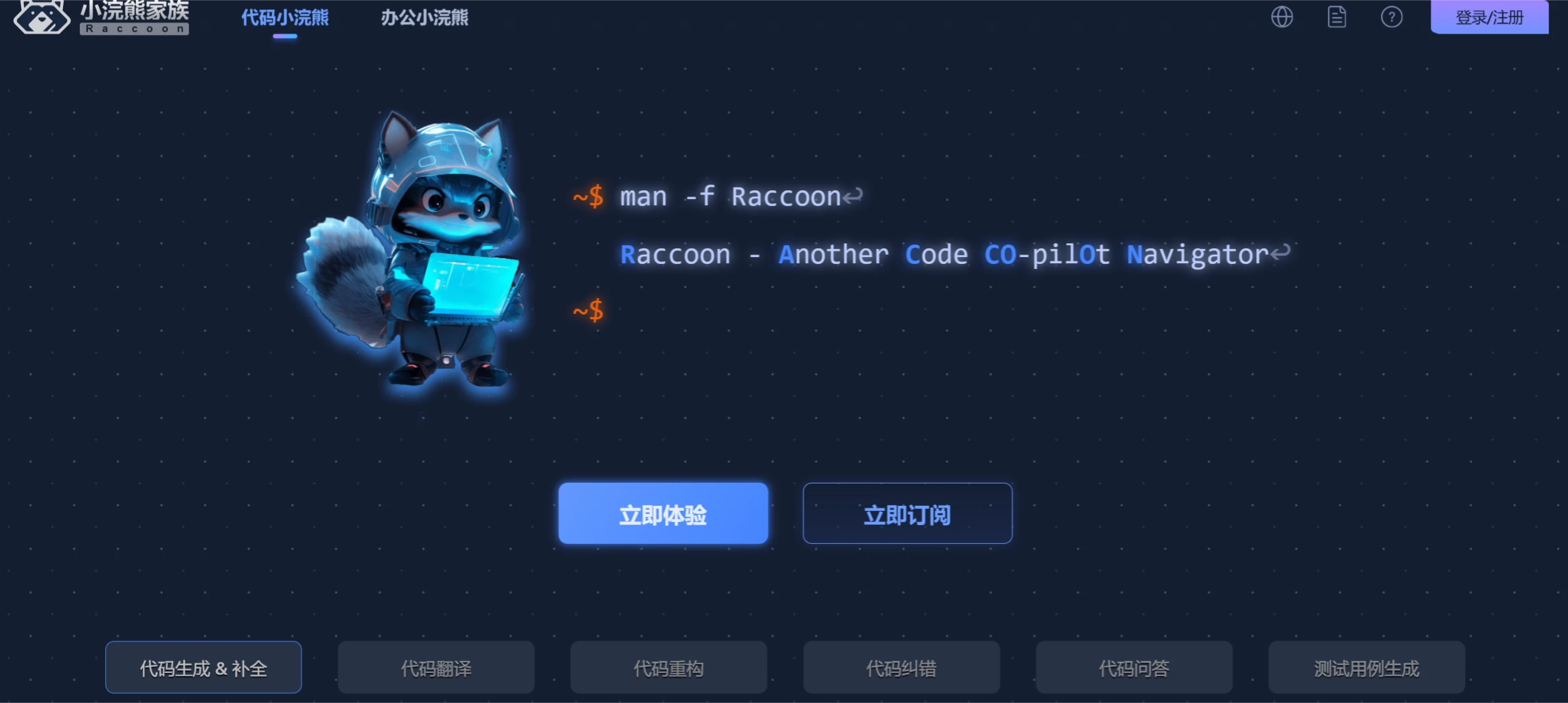
3. Code Raccoon
An AI programming assistant based on SenseTime's large model, covering requirements analysis, design, coding, and testing, and supporting more than 30 programming languages.
Key Features of Code Raccoon:
Code generation and completion: Automatically generates code based on context or comments, supporting both single-line and full-block completion.
Code translation: Supports translation between multiple programming languages, for example converting Python code to JavaScript.
Code refactoring and optimization: Optimizes code structure to improve readability and runtime efficiency.
Code error correction: Quickly detects and fixes code errors.
Code Q&A: Supports multi-turn conversations to answer programming-related questions.
Test case generation: Automatically generates unit test cases to ensure code quality.
Technical documentation generation: Supports generating requirements documents, code comments, API documentation, and more.
4. GitHub Copilot
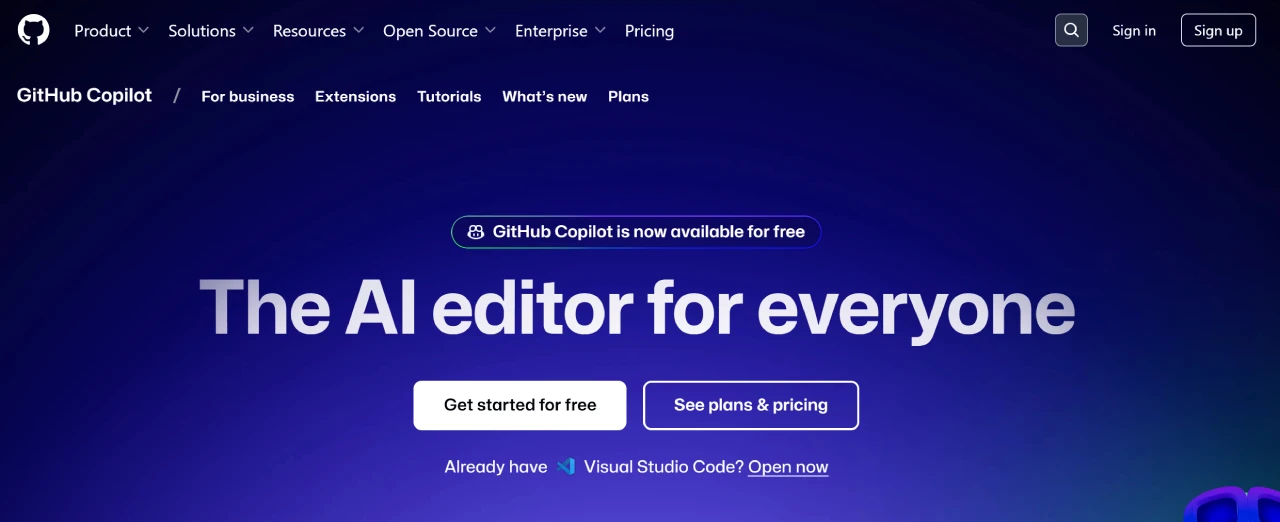
An AI coding assistant launched by GitHub, supporting multiple programming languages, capable of generating code based on context to boost programming efficiency.
Key Features of GitHub Copilot:
Code completion and generation: Automatically completes code based on context, supporting multiple programming languages.
Comments to code: Converts comment content into actual code.
Test code and documentation generation: Generates test cases and docstrings.
Multi-language support: Supports dozens of common programming languages.
Integration and extensions: Supports mainstream development tools such as Visual Studio Code, Visual Studio, and JetBrains IDEs.
Improved efficiency and quality: Helps developers reduce repetitive work and improve code quality and development efficiency.
Continuous learning: Continuously optimizes suggestions based on developer feedback and community code.
Multi-scenario applications: Suitable for everyday development, machine learning projects, and more.
5. CodeWhisperer
A free AI programming assistant launched by Amazon, supporting code generation and completion.
Key Features of CodeWhisperer:
Intelligent code completion: Generates code snippets and function suggestions in real time, supporting multiple languages.
Code security scanning: Detects potential vulnerabilities and provides fix recommendations.
Multi-language support: Covers 15 languages including Python, Java, and JavaScript.
Multi-IDE integration: Compatible with mainstream development environments such as VS Code, IntelliJ IDEA, and AWS Cloud9.
Personalized recommendations: Provides accurate code suggestions based on developer habits.
Free and paid versions: Free for individuals, with the professional version offering more features and security scan capacity.
Cloud service optimization: Provides tailored code suggestions for AWS services to improve cloud development efficiency.
oads/allimg/20250317/1-25031G6310c56.webp" title="Latest Roundup: 20+ Best AI Programming Tools and AI Coding Assistants - CodeWhisperer" />
6. Tongyi Lingma
An AI programming tool launched by Alibaba, based on the Tongyi large model.
Tongyi Lingma Features:
Intelligent Code Generation: Quickly generate line-level or function-level code based on natural language descriptions.
Multi-file Modification: Supports batch editing of code across multiple files.
Code Optimization: Analyzes code and provides optimization suggestions.
Unit Test Generation: Automatically generates unit test code.

7. Wenxin Kuaima
An AI programming assistant launched by Baidu, based on the Wenxin large model.
Wenxin Kuaima Features:
Code Generation & Continuation: Quickly generate code and continue code blocks in real time.
Comment & Documentation Generation: Automatically generates code comments and documentation.
Intelligent Q&A and Debugging Assistance: Answers technical questions and assists with code debugging.
Unit Test Generation: Automatically generates unit test code.
Code Optimization & Security Detection: Optimizes code and detects security issues.

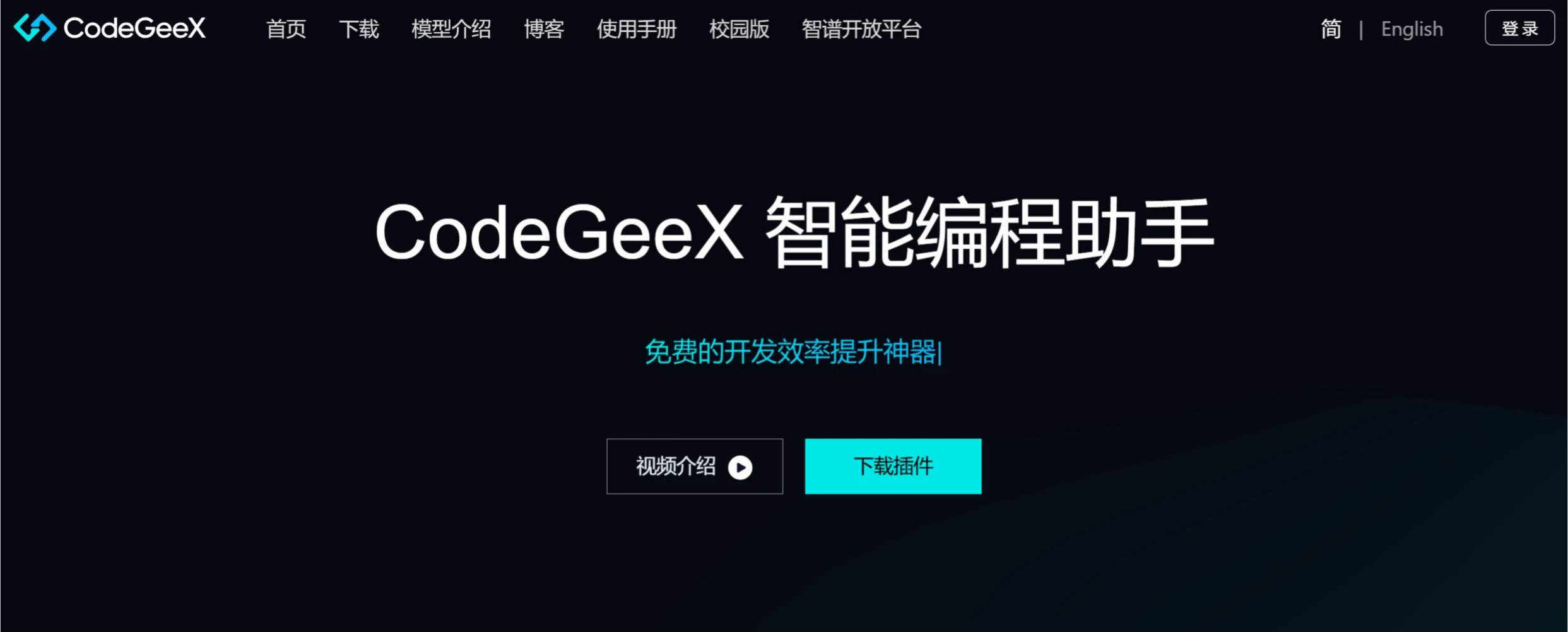
8. CodeGeeX
A free AI programming assistant launched by Zhipu AI, supporting code generation, completion, commenting, review, and more.
CodeGeeX Features:
Code Generation: Completes and continues code, generates code from comments.
Code Translation: Multi-language translation.
Intelligent Q&A: Answers programming questions.
Automatic Annotation: Generates line-level comments.
Unit Testing: Automatically generates test cases.
Code Review: Provides optimization suggestions.
Supports 300+ languages.
Free and open-source.
Compatible with mainstream IDEs.
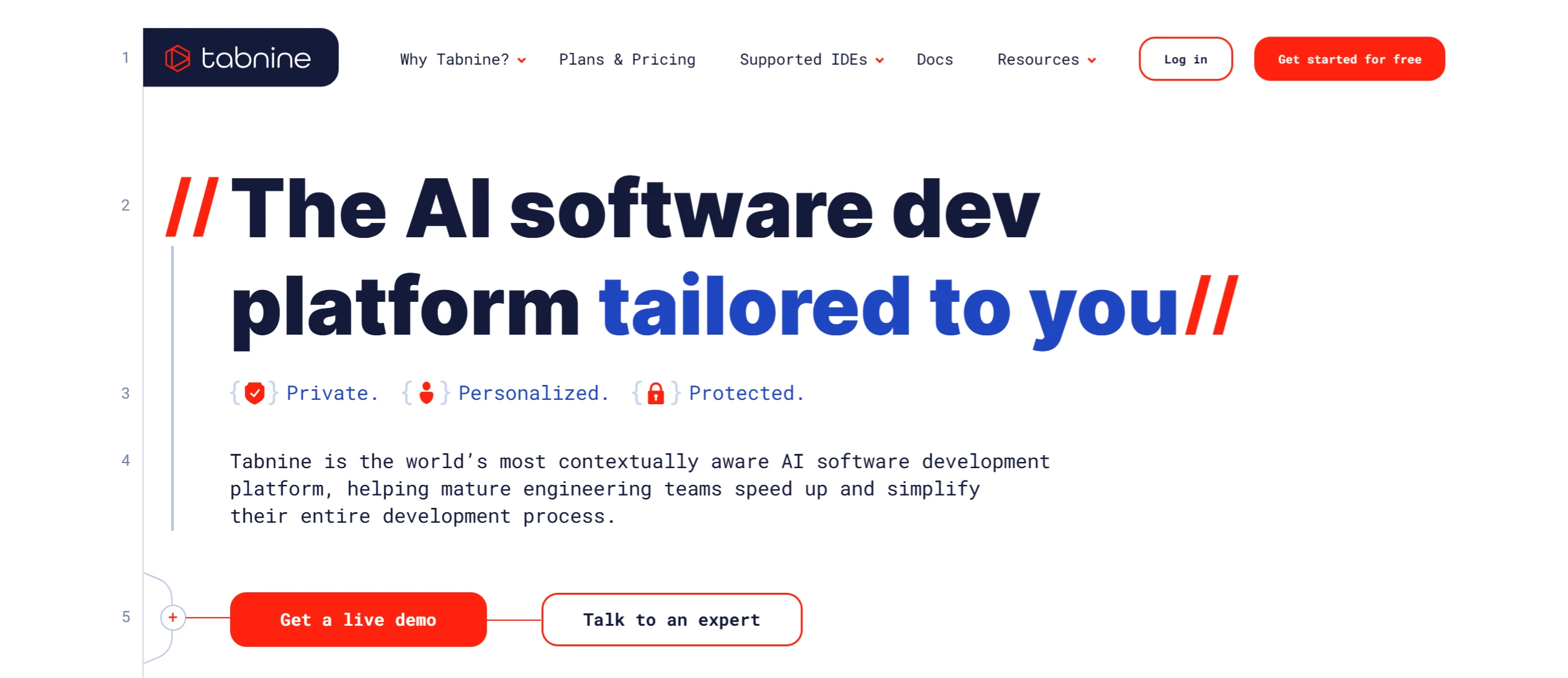
9. Tabnine
A popular AI code completion tool that supports multiple programming languages.
Tabnine Features:
Intelligent Code Completion: Supports multi-language and full-line code completion.
Multi-platform Support: Compatible with VS Code, IntelliJ IDEA, and other mainstream IDEs and editors.
Privacy Protection: Code data is processed locally to ensure privacy and security.
Personalized Suggestions: Provides customized recommendations based on the developer's coding style.
Code Optimization: Offers suggestions for optimization, refactoring, and test generation.
Natural Language Interaction: Supports code generation through natural language.
Flexible Deployment: Supports local, cloud, and enterprise internal deployment.
Diverse Versions: The free version offers basic features, while paid and enterprise versions provide advanced features.
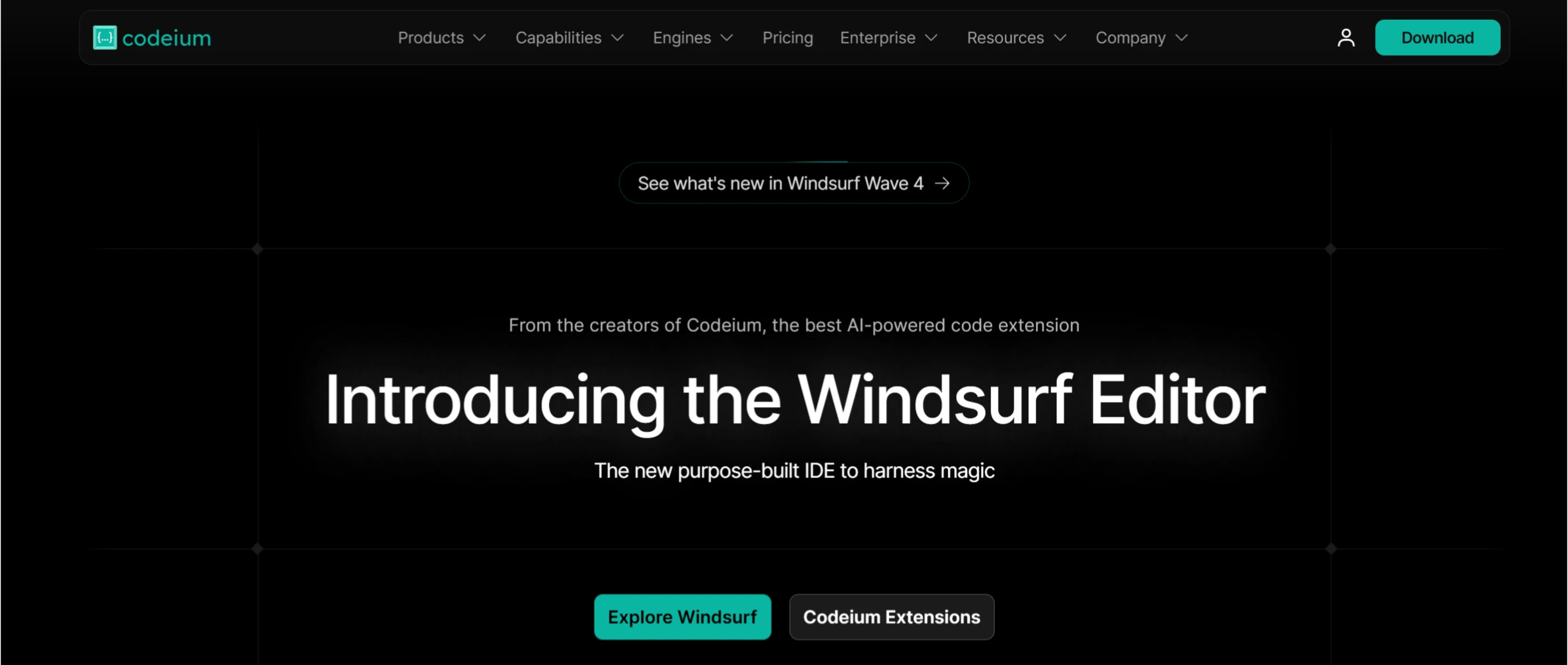
10. Codeium
A free AI programming tool that intelligently generates and completes code.
Codeium Features:
Intelligent Code Completion: Generates code suggestions based on context, supporting multi-line code and functions.
AI Chat Function: Converse with AI in the IDE for code explanation, refactoring, fixing, and more.
Context Awareness: Analyzes the entire codebase to provide accurate suggestions.
Multi-language and Multi-IDE Support: Supports over 70 languages and 40+ IDEs.
Data Security: Does not collect user data, protecting privacy.
Free to Use: Completely free for individual users.
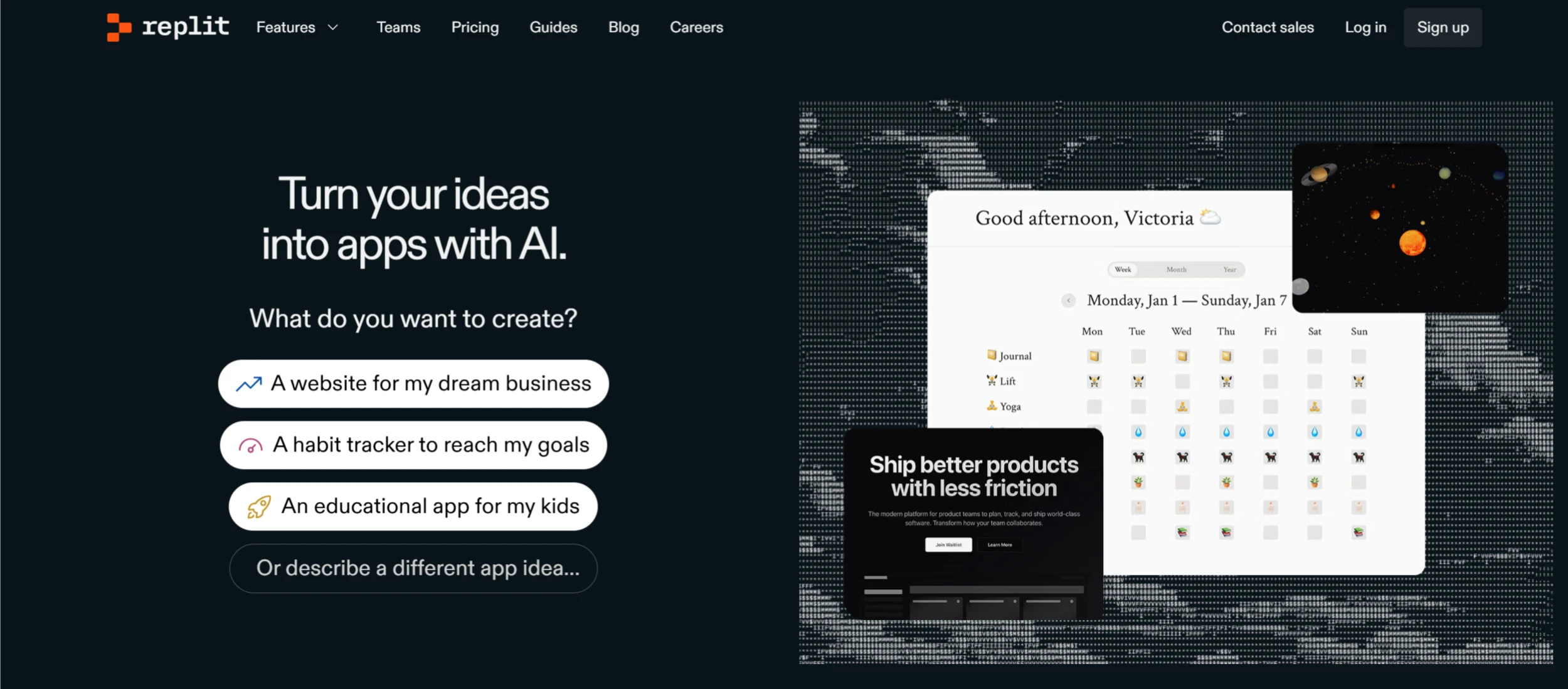
11. Replit Agent
An AI programming tool launched by Replit that helps users quickly build applications through natural language prompts.
Replit Agent Technical Features:
Multi-language Support: Covers mainstream programming languages.
Sandbox Environment: Safely test code and verify new features.
Task Decomposition: Breaks complex projects into multiple subtasks, improving efficiency.
Version Control Integration: Supports tools like Git for convenient code management.
II. Code Editors and Integrated Development Environments (IDE)
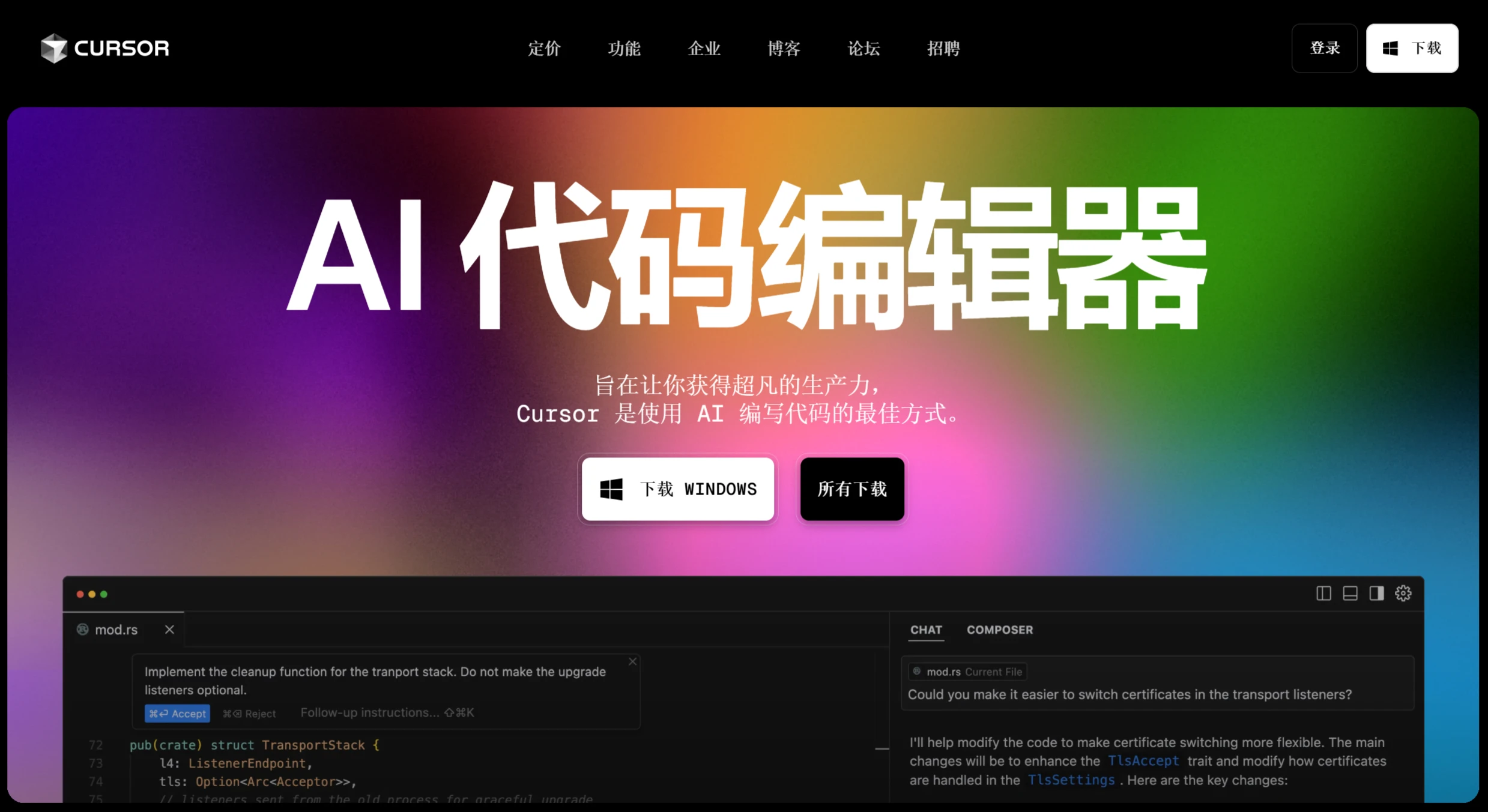
12. Cursor AI
An AI-assisted programming tool developed based on Visual Studio Code, supporting intelligent code completion, multi-file editing, context-aware chat, and more.
Cursor AI Main Features:
AI-Assisted Programming: Code completion, generation, refactoring, and error fixing.
Code Understanding: Code explanation, comment generation, and intelligent navigation.
Context Management: Reference files and ask codebase questions via the @ symbol.
Multi-language Support: Supports multiple programming languages with built-in chat functionality.
Project Management: Integrated Git, supporting team collaboration.
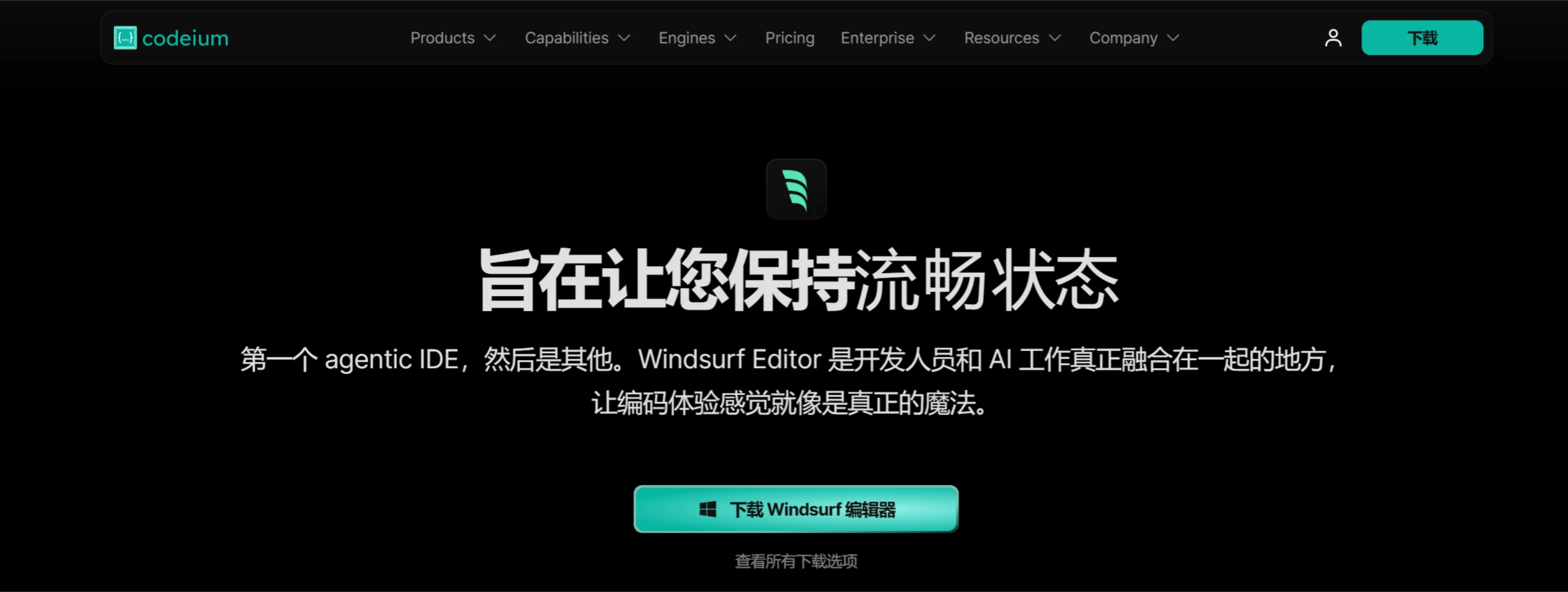
el="noreferrer noopener">Windsurf
An AI code editor developed by Codeium, supporting AI intelligent agents and Cascade mode, capable of automatically handling complex coding tasks.
Windsurf Features:
AI Flow: Combines Agent and Copilot functions to automatically plan and execute complex tasks.
Cascade Feature: Deep context awareness, supporting multi-file editing and code generation.
Real-time Collaboration: AI syncs with developers in real-time, no need to manually provide context.
Multi-mode Operation: Supports edit mode and chat mode, allowing flexible switching.
Terminal Operation: Directly operates the terminal to run commands or install dependencies.
Version Control Integration: Supports tools like Git.
14. Project IDX
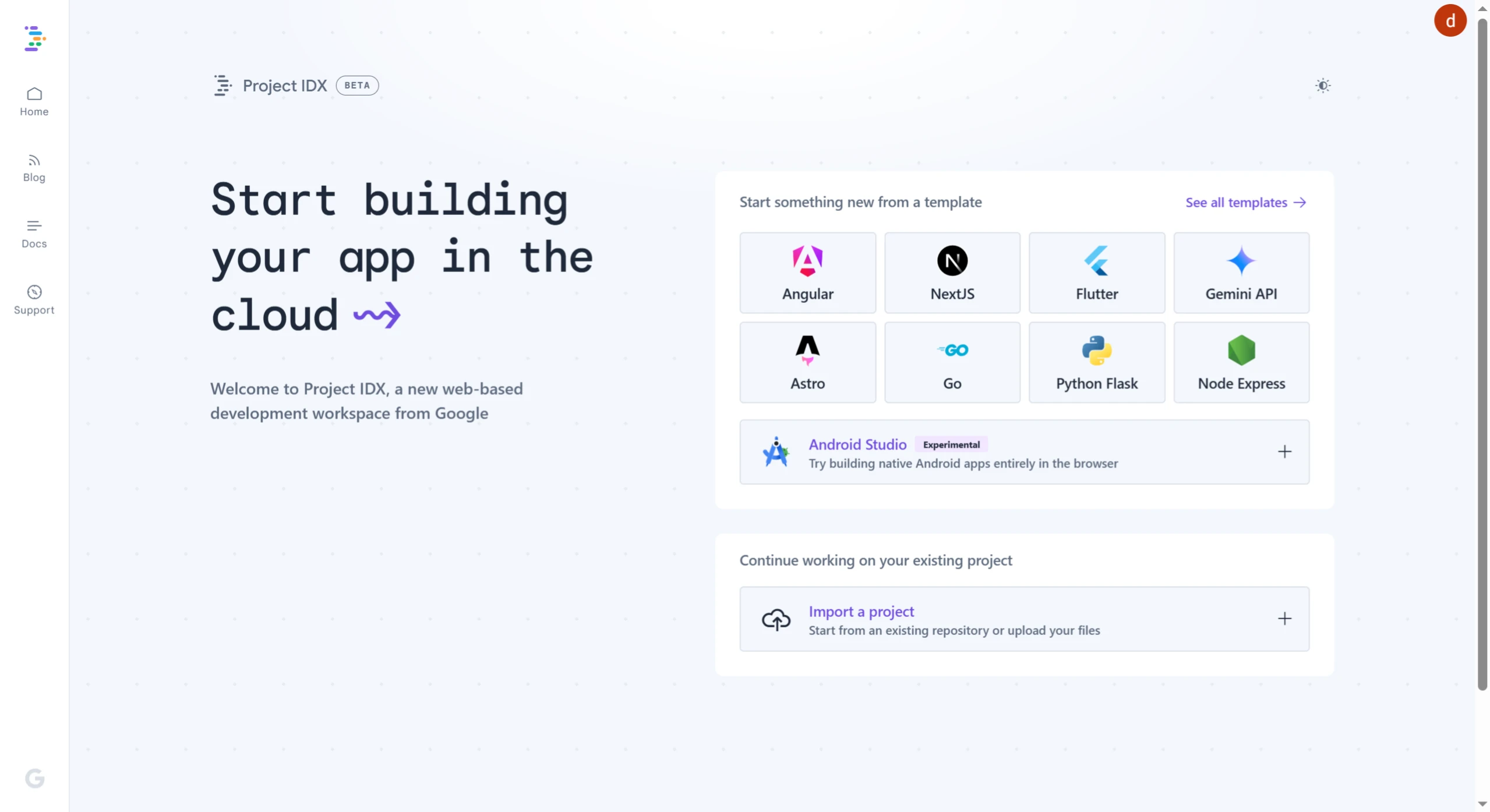
An AI cloud-based development and code editor launched by Google.
Main Features of Project IDX:
AI-Assisted Development: Intelligent code completion, generation, explanation, and debugging, powered by Gemini.
Multi-platform Support: Supports web and mobile app development (Android/iOS) as well as multiple programming languages.
Cloud Development Environment: Based on Google Cloud, no local setup required, supports multi-device access.
One-Click Deployment: Supports quick deployment to Firebase Hosting.
Project Management: Provides preset templates and supports importing projects from GitHub.
Real-time Collaboration: Supports team members sharing code and collaborating on development in real-time.
15. Trae
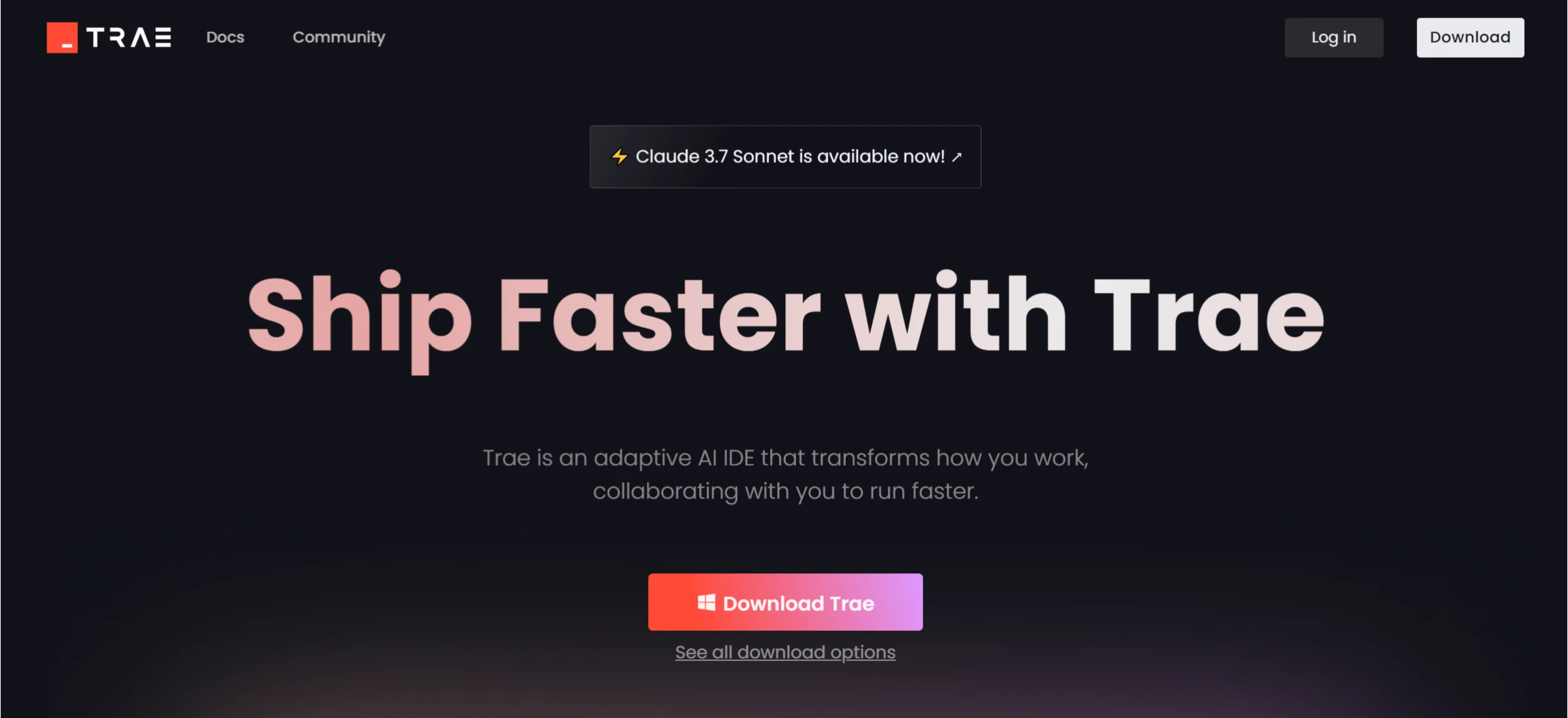
An AI-driven integrated development environment launched by ByteDance, supporting code completion, code understanding, bug fixing, and more. See feature #1 above.
III. Code Review and Analysis Tools
16. CodeRabbit
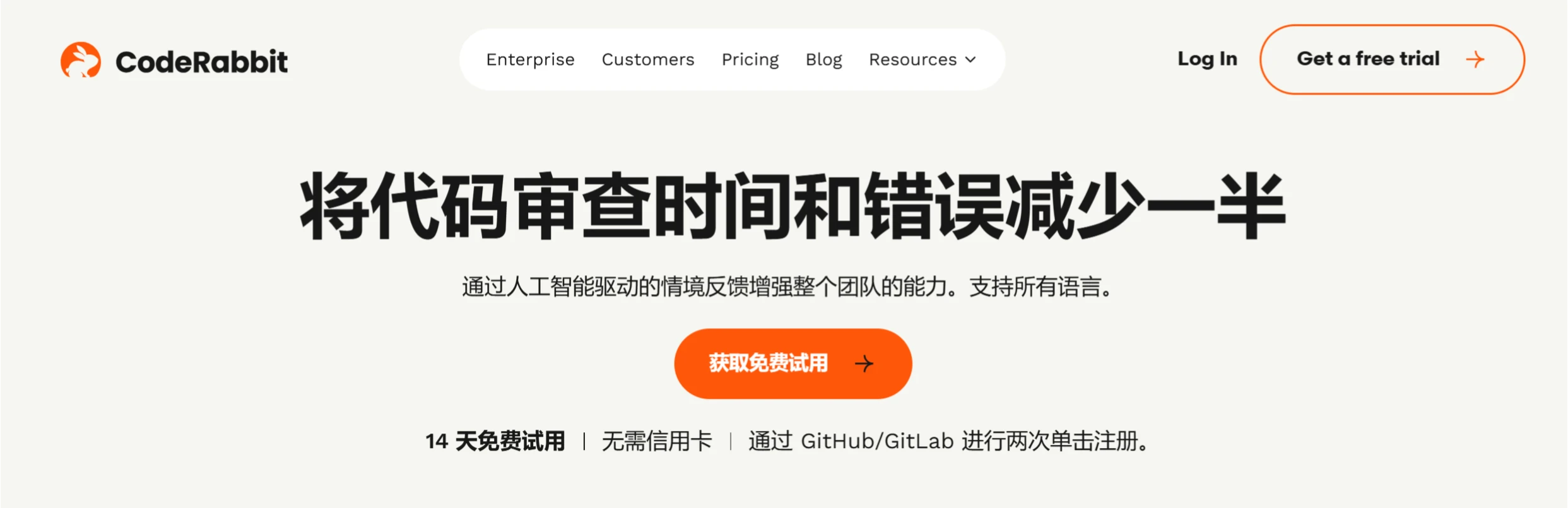
CodeRabbit is an AI-driven code review tool that helps developers quickly improve code quality and development efficiency through automated detection, real-time interaction, and intelligent learning.
CodeRabbit Features
Automated Code Review: Automatically detects code issues and provides improvement suggestions.
Real-time Interaction: Supports real-time chat with developers to answer questions and provide suggestions.
Seamless Integration: Integrates with platforms like GitHub and GitLab, supporting multiple programming languages.
Intelligent Learning: Optimizes review strategies based on user feedback.
One-Click Fix: Quickly implements code improvements, supporting incremental review.
Comprehensive Reports: Provides code review summaries and visual reports.
Customizable Rules: Customizes review behavior through configuration files.
Improved Efficiency: Significantly reduces code review time and optimizes the development workflow.
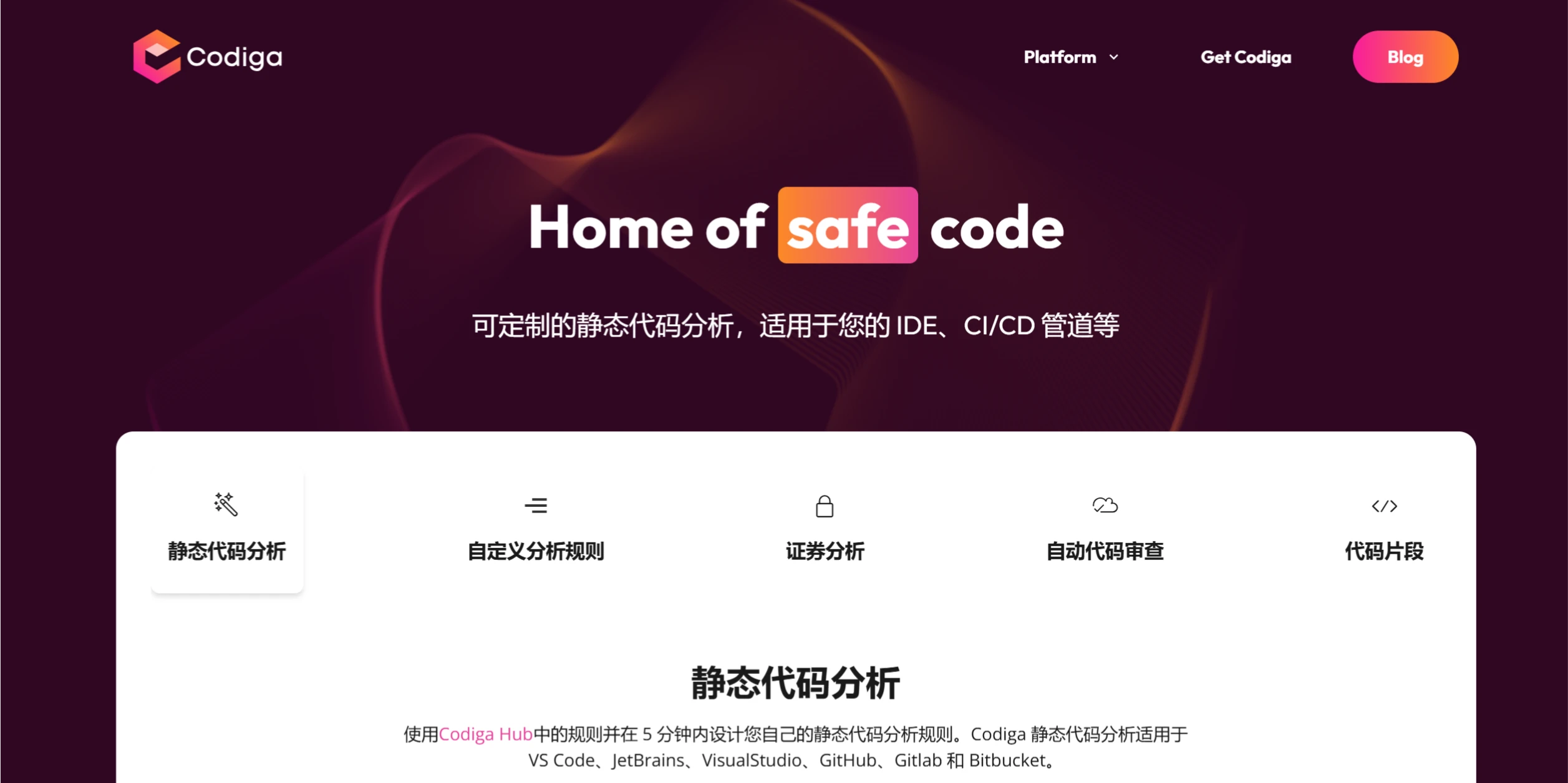
17. Codiga
An AI-based static code analysis tool that helps developers detect code issues in real-time and improve code quality and security.
Core Features of Codiga:
Real-time Code Analysis: Instantly detects code issues and provides fix suggestions.
Automated Code Review: Automatically checks code quality on commits and pull requests.
Security Vulnerability Detection: Identifies and fixes potential security issues.
Code Snippet Management: Create, share, and reuse code snippets.
Custom Rules: Customize code inspection rules based on team needs.
Multi-language Support: Covers mainstream languages such as Python, JavaScript, and Java.
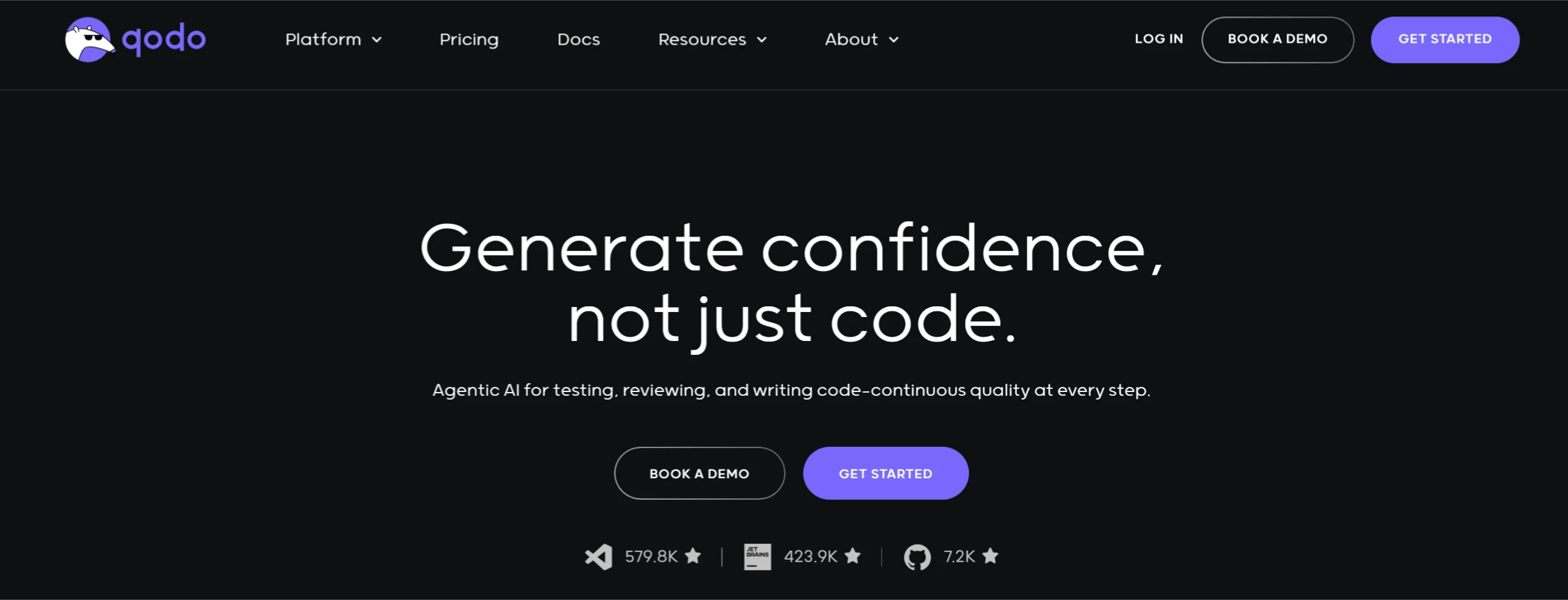
18. CodiumAI (QoDo.ai)
A free AI code testing and analysis tool.
CodiumAI Features
Automatic Test Generation: Generates unit tests covering normal and edge cases.
Code Completion and Suggestions: Provides intelligent code completion and optimization suggestions.
Pull Request Assistance: Automatically generates PR descriptions to simplify code review.
Code Analysis: Detects errors and vulnerabilities, provides optimization feedback.
Multi-language Support: Supports mainstream languages such as Python and JavaScript.
IDE Integration: Seamlessly integrates with IDEs such as VS Code and JetBrains.
Free and Paid: Free for personal use forever; teams require a paid plan.
IV. Low-Code/No-Code AI Programming Tools
19. Solo AI
A zero-coding, no-code AI website building tool launched by Mozilla.
Solo AI Features
Zero-Code Website Building: No programming skills required; create websites through simple input and interaction.
AI Content Generation: AI automatically generates text, image layouts, and design suggestions.
SEO Optimization: Automatically generates keywords and optimization suggestions to improve search engine rankings.
Social Media Integration: Import content from social media to enhance interactivity.
Booking System Integration: Supports calendar or booking system integration for convenient customer appointment scheduling.
Customization Features: Adjust website style, layout, images, and text; supports connecting custom domains.
Multi-language Support: Supports multiple languages to meet the needs of users in different regions.
0318/1-25031PU235O6.webp" title="Latest Roundup: 20+ Best AI Programming Tools and AI Coding Assistants - Solo AI" />
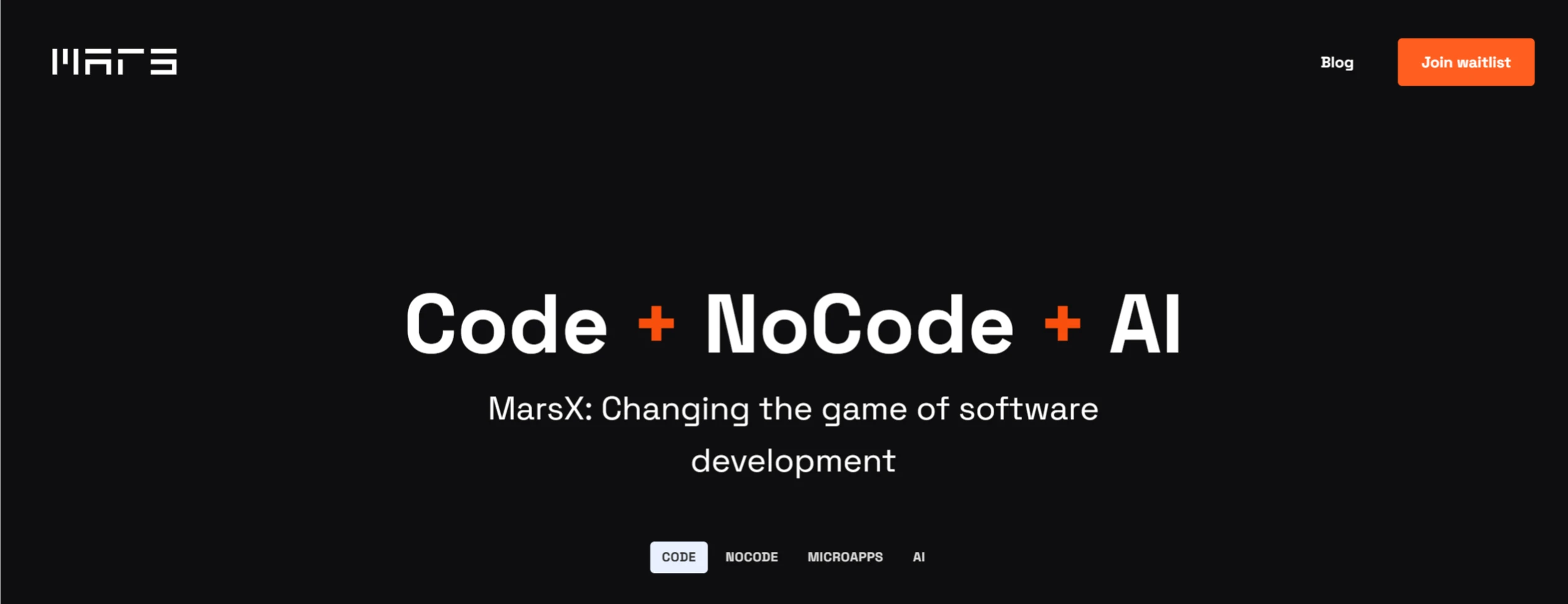
20. MarsX
A versatile platform that combines AI, no-code, and traditional coding capabilities, streamlining the software development process through pre-built micro-apps and AI tools.
MarsX Features:
AI-Assisted Development: Quickly generate code and build pages.
No-Code Functionality: Create apps quickly through drag-and-drop operations.
Micro-App Store: Provides ready-made mini-programs for easy integration and use.
NFT Marketplace: Supports the creation and trading of digital works.
Peer-to-Peer Transactions: Enables users to trade and collaborate directly.
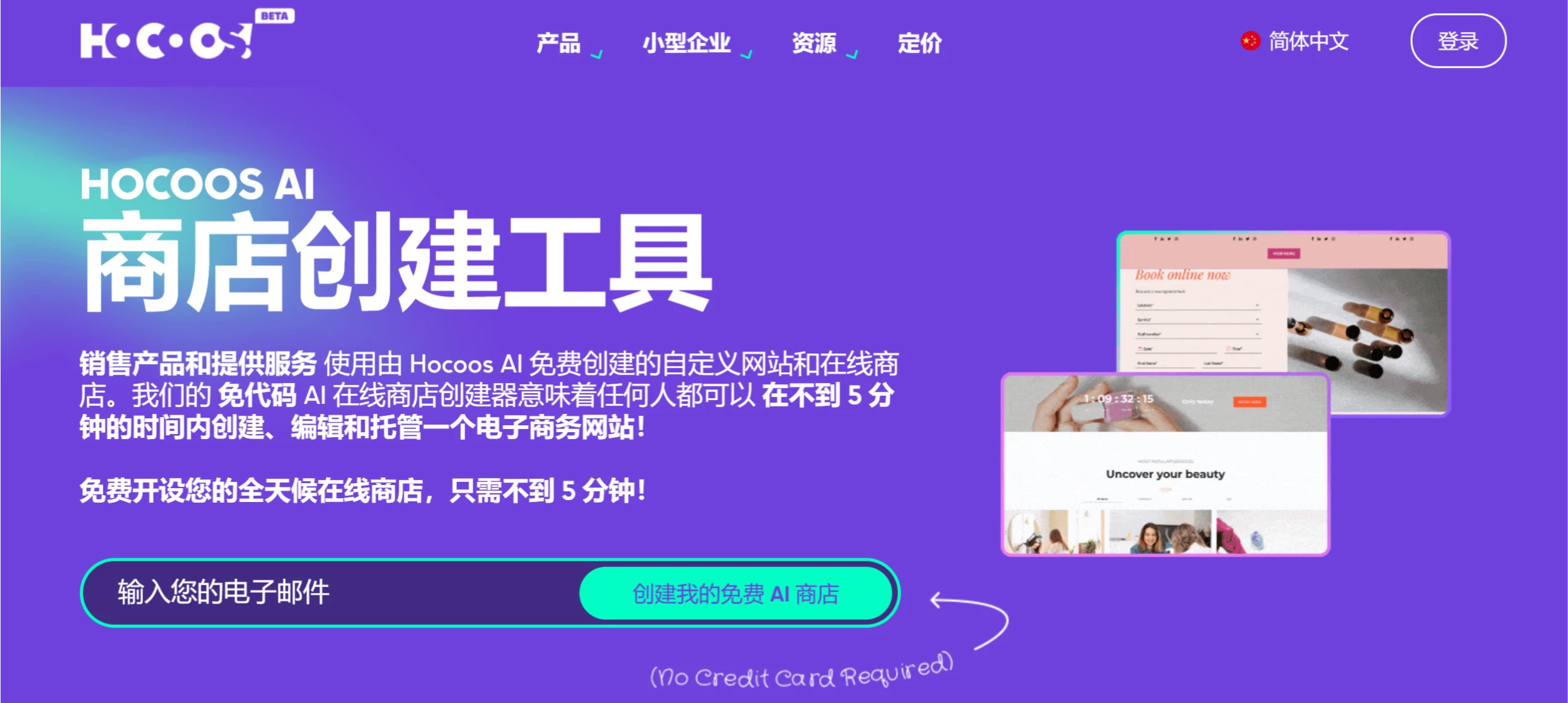
21. Hocoos ai
A no-code AI-powered tool for quickly creating websites and online stores online.
Main Features of Hocoos ai:
AI Website Generation: Quickly generate basic websites.
No-Code Editing: Drag-and-drop operations for easy content modification.
Rich Templates: A variety of industry templates to choose from.
E-commerce Features: Supports online stores and payment integration.
Mobile Optimization: Automatically adapts to phones and tablets.
Code Conversion & Generation Tools
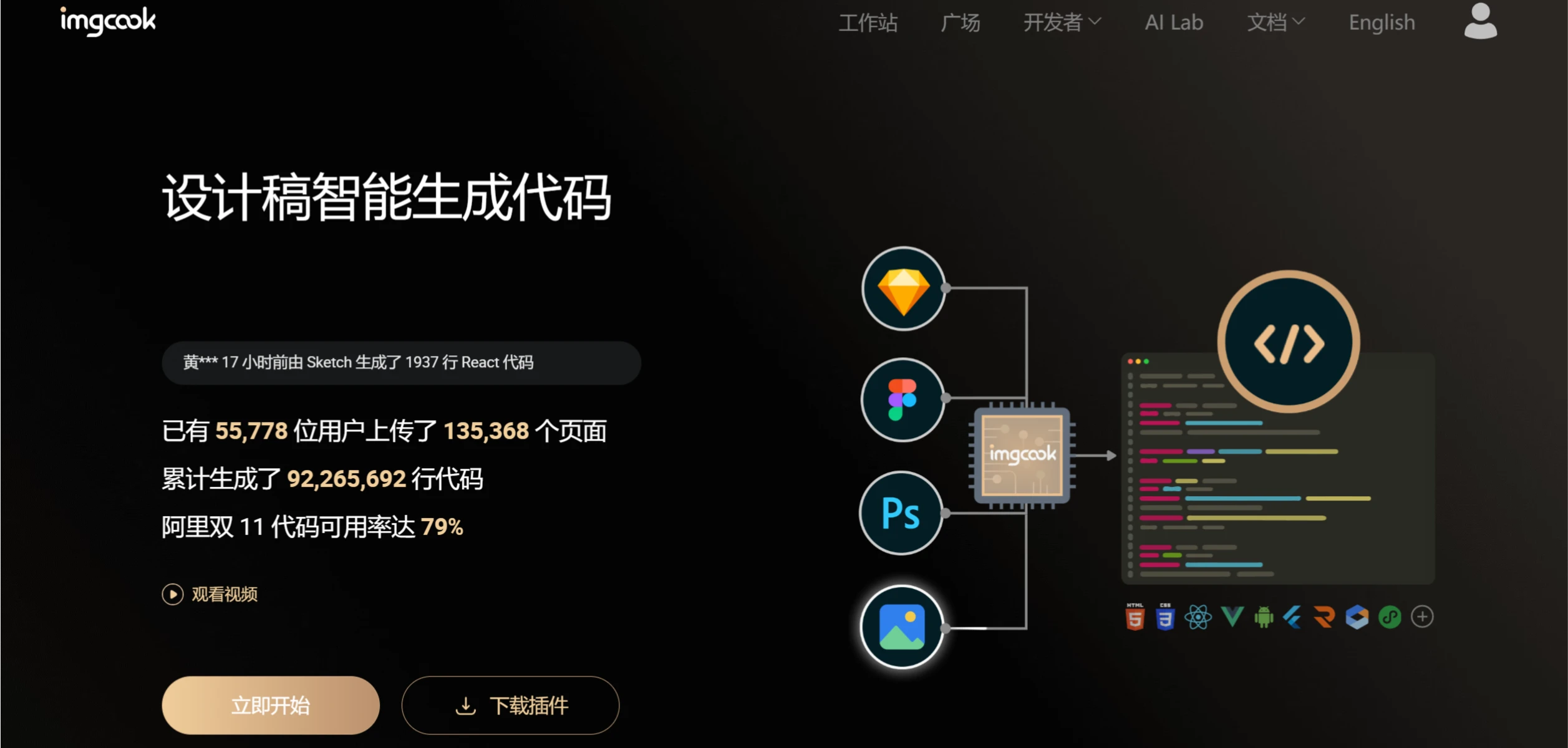
22. Imgcook
A free tool launched by Alibaba that intelligently generates front-end code from design files.
Imgcook Features:
One-Click Front-End Code Generation: Quickly convert design files (such as PSD, Sketch, etc.) into front-end code like React, Vue, HTML, and more.
Smart Recognition & Restoration: Automatically identifies elements in design files and highly restores the design effect.
Visual Editing: Supports visual modification and adjustment of the generated code.
Data Binding & Logic Generation: Supports data field binding and partial business logic code generation.
Team Collaboration & Customization: Supports team customization and plugin extensions to meet different development specifications.
Seamless Integration: The generated code can be directly incorporated into project workflows, with support for VS Code plugins and more.
23. Deco
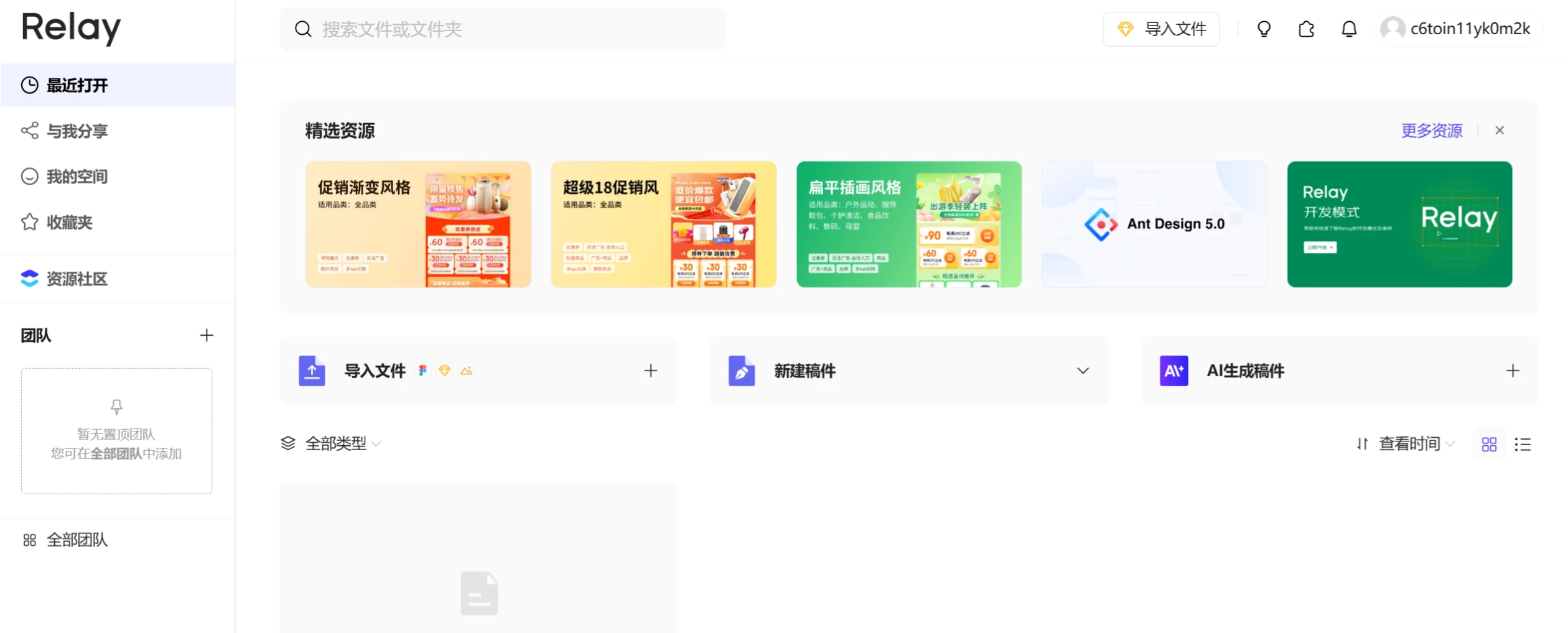
A tool launched by JD.com that generates multi-platform code from design files with one click.
Deco Core Features
Design-to-Code: Convert design files (such as Sketch, PS) into multi-platform code (such as React, Vue, HTML, etc.) with one click.
Component-Based & Semantic: Automatically identifies components and replaces them with standard component library code, generating semantic HTML structures.
Multi-Framework Support: Compatible with multiple front-end frameworks (such as React, Vue, Taro, etc.) to suit different development needs.
Adaptive Layout: Achieves adaptive page display through intelligent DOM structures and flexible layouts.
The above is my curated list of the latest 20+ outstanding AI programming tools and AI coding assistants. You can choose the programming tool that best suits your needs.









