
 Script Planner Assistant▸
 AI Apps
 AI News
ReActMCP: An MCP Service That Integrates Search Capabilities into AI Assistants
小编 ·

ReActMCP: An MCP Service That Integrates Search Capabilities into AI Assistants
What is ReActMCP?
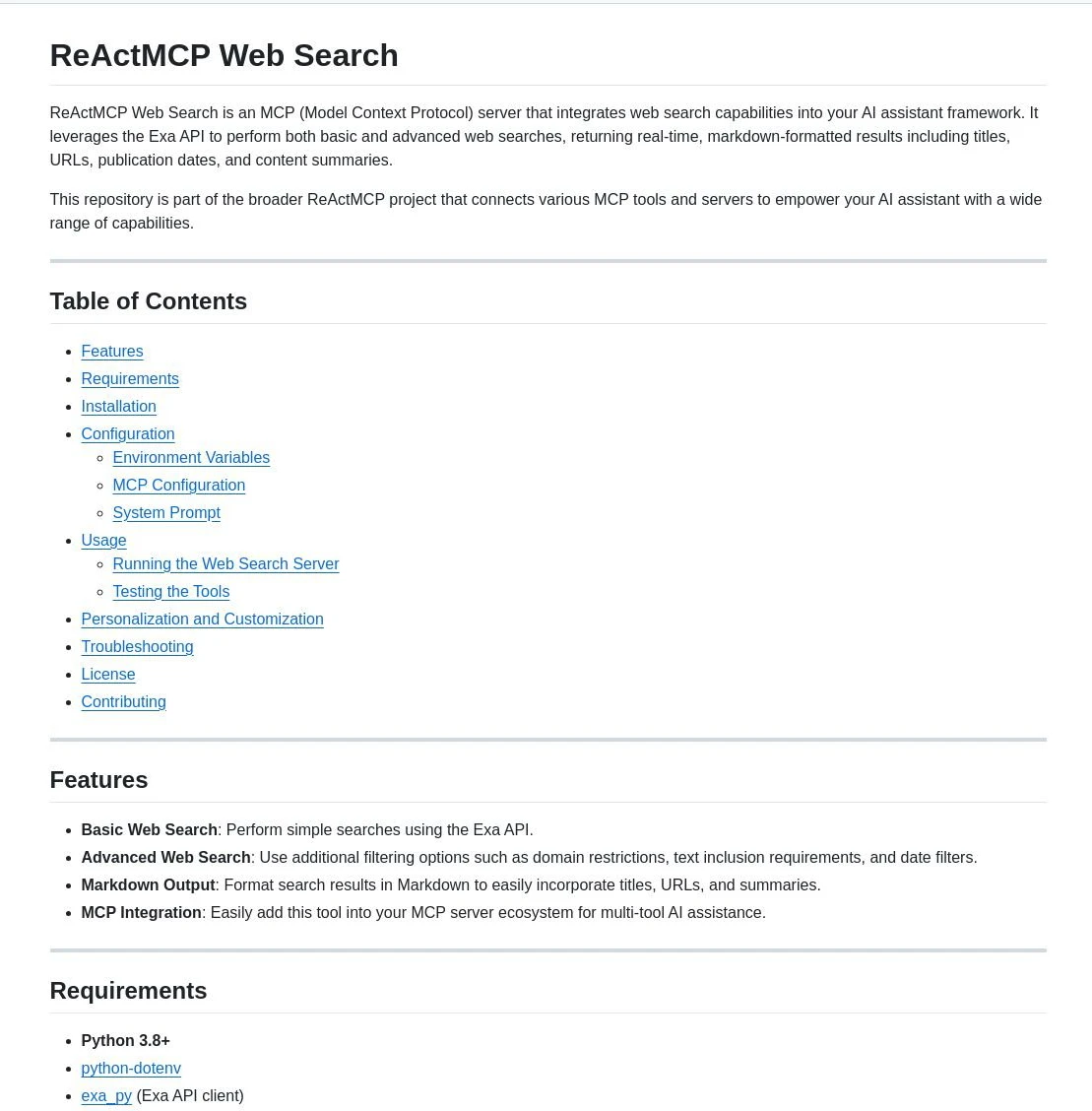
ReActMCP is an MCP-based server that integrates web search capabilities into the AI assistant framework. Its core function is to perform basic and advanced web searches through the Exa API and return real-time results in Markdown format. It is essentially like installing a search engine for AI, enabling it to look up the latest content in real time. ReActMCP is part of the broader ReActMCP project, which aims to connect various MCP tools and servers, thereby providing AI assistants with broader capabilities.

ReActMCP Features
Basic web search: Capable of performing simple searches using the Exa API.
Advanced web search: Supports additional filtering options, such as domain restrictions, text inclusion requirements, and date filters.
Markdown format output: Presents search results in Markdown format, making it easy to integrate titles, URLs, and summaries.
MCP integration: Can be easily added to the MCP server ecosystem to enable multi-tool AI assistance.
Personalization and customization: Users can add new tools, modify configuration files, adjust AI assistant behavior, or style the output.
ReActMCP Applications
The application scenarios of ReActMCP mainly focus on providing web search capabilities for AI assistants, thereby enhancing their ability to acquire and process information.
When the latest information is needed or facts may have changed, retrieve the most relevant and up-to-date information through web search.
Conduct searches targeting specific sources or topics to obtain more precise information.
When answering questions, cite URLs from search results to provide authoritative sources.
When handling complex topics, break down the information into organized sections and provide multiple perspectives.
How to Use ReActMCP
Clone the repository: Clone the ReActMCP repository from GitHub.
Create a virtual environment (optional but recommended): Create and activate a Python virtual environment.
Install dependencies: Run pip install -r requirements.txt to install the required dependencies.
Configure environment variables: Create a .env file in the project root directory and set the necessary environment variables such as EXA_API_KEY.
Configure MCP: Modify the mcp_config.json file as needed to enable or disable tools and change default parameters.
Run the server: Execute the code in web_search.py to start the MCP server.
Test the tool: Test the search functionality by running the test_search() function.
GitHub repository:https://github.com/mshojaei77/ReActMCP









