
 Script Planner Assistant▸
 AI Apps
 AI News
DeepSearcher: Intelligent Search and Analysis Tool for Private Data
小编 ·

DeepSearcher: Intelligent Search and Analysis Tool for Private Data
What is DeepSearcher?
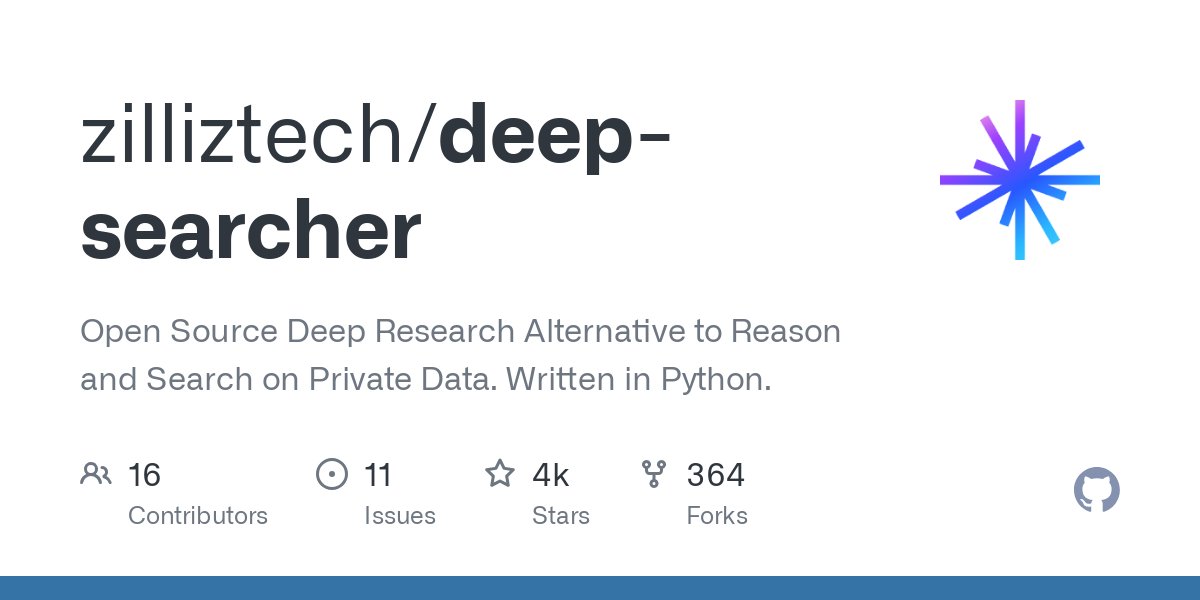
DeepSearcher is an open-source deep search tool that combines large language models and vector databases to perform search, evaluation, and reasoning on private data. DeepSearcher is suitable for scenarios that require efficient processing of private data, intelligent content generation, and data analysis, and is especially well-suited for enterprises, research institutions, and industries such as finance, healthcare, and legal.
DeepSearcher Features
Private Data Search: Securely search within enterprise internal data, supporting local files and web crawling.
Vector Database Support: Integrates with Milvus and Zilliz Cloud for efficient data retrieval.
Multi-LLM Support: Compatible with Openai, DeepSeek, Claude, and other language models for intelligent Q&A and content generation.
Flexible Embedding Models: Supports OpenAI, Milvus built-in models, VoyageAI, etc., for data vectorization.
Document Loaders: Supports loading local files such as PDF and TXT, as well as web content crawling.
Efficient Reasoning: Combines LLMs with vector databases to quickly generate accurate answers and comprehensive reports.
Flexible Configuration: Dynamically adjust modules through code or configuration files, supporting RESTful API interfaces.
CLI Mode: Supports command-line data loading and queries for quick onboarding.
Deploy as a Service: Can be deployed as a web service via FastAPI for easy integration.
Application Scenarios of DeepSearcher
Enterprise Knowledge Management: Quickly retrieve internal documents and knowledge bases.
Intelligent Q&A Systems: Build enterprise internal intelligent customer service or Q&A assistants.
Report Generation: Automatically generate market, technical, or industry reports.
Information Retrieval: Quickly locate key information in massive datasets.
Content Creation Assistance: Generate copy, press releases, and other text content.
Data Analysis: Provide business intelligence analysis and market trend insights.
Education and Research: Assist academic research and literature reviews.
Medical and Healthcare: Retrieve medical literature and analyze patient records.
Financial Industry: Generate investment reports and risk assessments.
Legal Industry: Retrieve legal statutes and case analyses.
Multilingual Content Processing: Supports multilingual data processing for multinational enterprises.
Installing and Using DeepSearcher
Installation Steps:
1. Clone the repository:
git clone https://github.com/zilliztech/deep-searcher.git
cd deep-searcher
2. Create a virtual environment:
python3 -m venv .venv
source .venv/bin/activate
3. Install dependencies:
pip install -e .
4. Configure environment variables:
Set the corresponding API key (such as OPENAI_API_KEY) according to the LLM being used.
Usage:
1. Configure LLM and embedding model:
from deepsearcher.configuration import Configuration, init_config
config = Configuration()
config.set_provider_config("llm", "OpenAI", {"model": "o1-mini"})
config.set_provider_config("embedding", "OpenAIEmbedding", {"model": "text-embedding-ada-002"})
init_config(config=config)
2. Load data:
from deepsearcher.offline_loading import load_from_local_files
load_from_local_files(paths_or_directory="your_local_path")
3. Execute a query:
from deepsearcher.online_query import query
result = query("Write a report about xxx.")
print(result)
GitHub Repository:https://github.com/zilliztech/deep-searcher









