
 Script Planner Assistant▸
 AI Apps
 AI News
QuantaLogic: A ReAct Framework for Building Advanced AI Agents
小编 ·

QuantaLogic: A ReAct Framework for Building Advanced AI Agents
What is QuantaLogic?
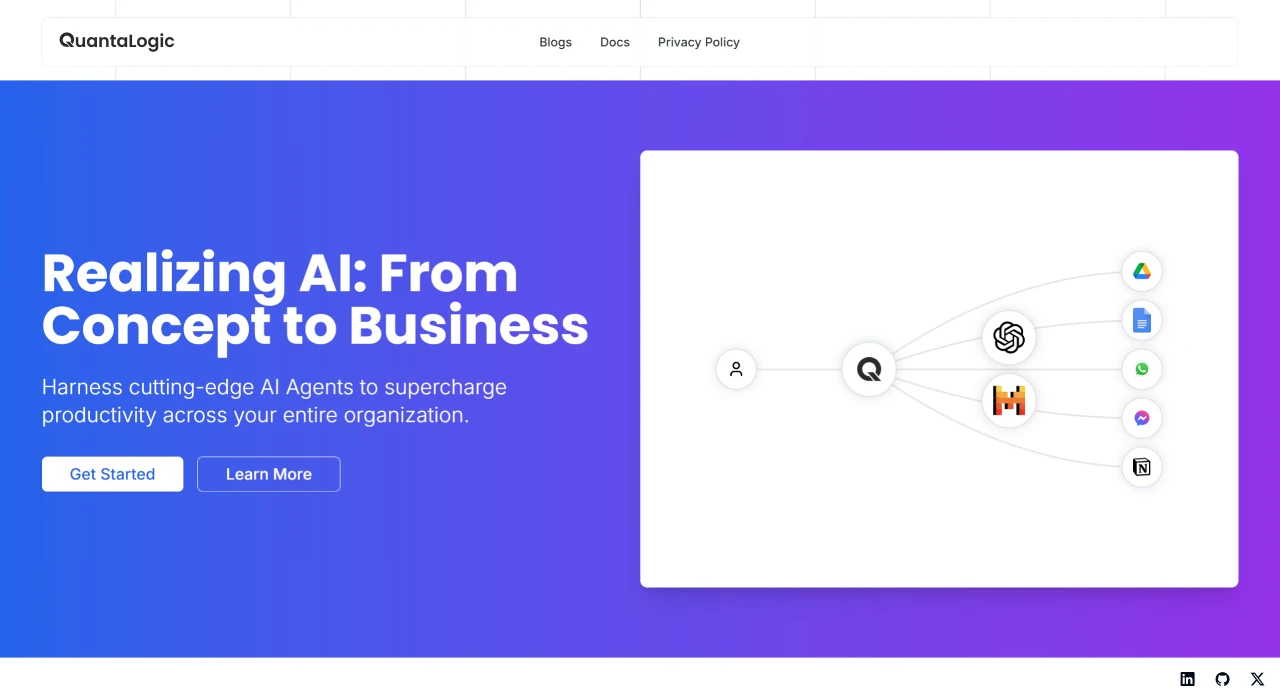
QuantaLogic is an advanced ai agent platform that provides intelligent solutions for businesses of all sizes through task automation, content generation, and data analysis. Built on the ReAct framework, QuantaLogic combines large language models with a powerful set of tools, enabling it to understand and execute complex tasks through natural language interaction.
Main Features of QuantaLogic
ReAct Framework: Combines the reasoning capabilities of language models with actual operations to automate complex tasks.
Universal LLM Support: Integrates multiple language models such as OpenAI, Anthropic, LM Studio, Bedrock, Ollama, and DeepSeek V3 through LiteLLM.
Secure Tool System: Docker-based code execution and file operation tools to ensure security.
Real-Time Monitoring: Real-time task execution monitoring through a web interface and Server-Sent Events (SSE) based event visualization.
Memory Management: Intelligent context processing and optimization.
Enterprise-Grade Features: Comprehensive logging, error handling, and validation systems.
Flow Module: Supports structured workflows, enabling tasks to be processed smoothly like a flowing river.
Chat Mode: Supports conversational interaction with tool-calling capabilities.
Use Cases for QuantaLogic
Natural language interaction with intelligent assistants.
Content Creation: Generate articles, social media copy, reports, and more.
Data Analysis: Generate content and analyze data, parsing complex datasets to provide insights.
Task Automation: Handle repetitive tasks such as summary extraction, document classification, and other automated business processes.
Installation and Usage
QuantaLogic offers a simple installation method, supporting installation via pip:
pip install quantalogic
In addition, it provides a command-line interface (CLI) and a Python API, making it easy for users to get started quickly.
How to Use QuantaLogic and DeepSeek
Visit the Official Website: Go to the QuantaLogic official website.
Register an Account: Click "Log In" or "Sign Up". It is recommended to use a frequently used email address.
Select a Model: Choose the DeepSeek model based on your needs (such as content generation, data analysis, or task automation).
Get Started:
Content Creation: Enter a topic to generate high-quality text.
Data Analysis: Input text or data to obtain analytical insights.
Task Automation: Set up workflows to handle repetitive tasks.
Optimize Your Experience: Check the platform guides, learn operational tips, and improve usage efficiency.
QuantaLogic Official Website:https://www.quantalogic.app/
GitHub Repository:https://github.com/quantalogic/quantalogic









