
 Script Planner Assistant▸
 AI Apps
 AI News
CUA Browser: An Open-Source Browser Automation Project Based on Browserbase and OpenAI CUA
小编 ·

CUA Browser: An Open-Source Browser Automation Project Based on Browserbase and OpenAI CUA
What is CUA Browser?
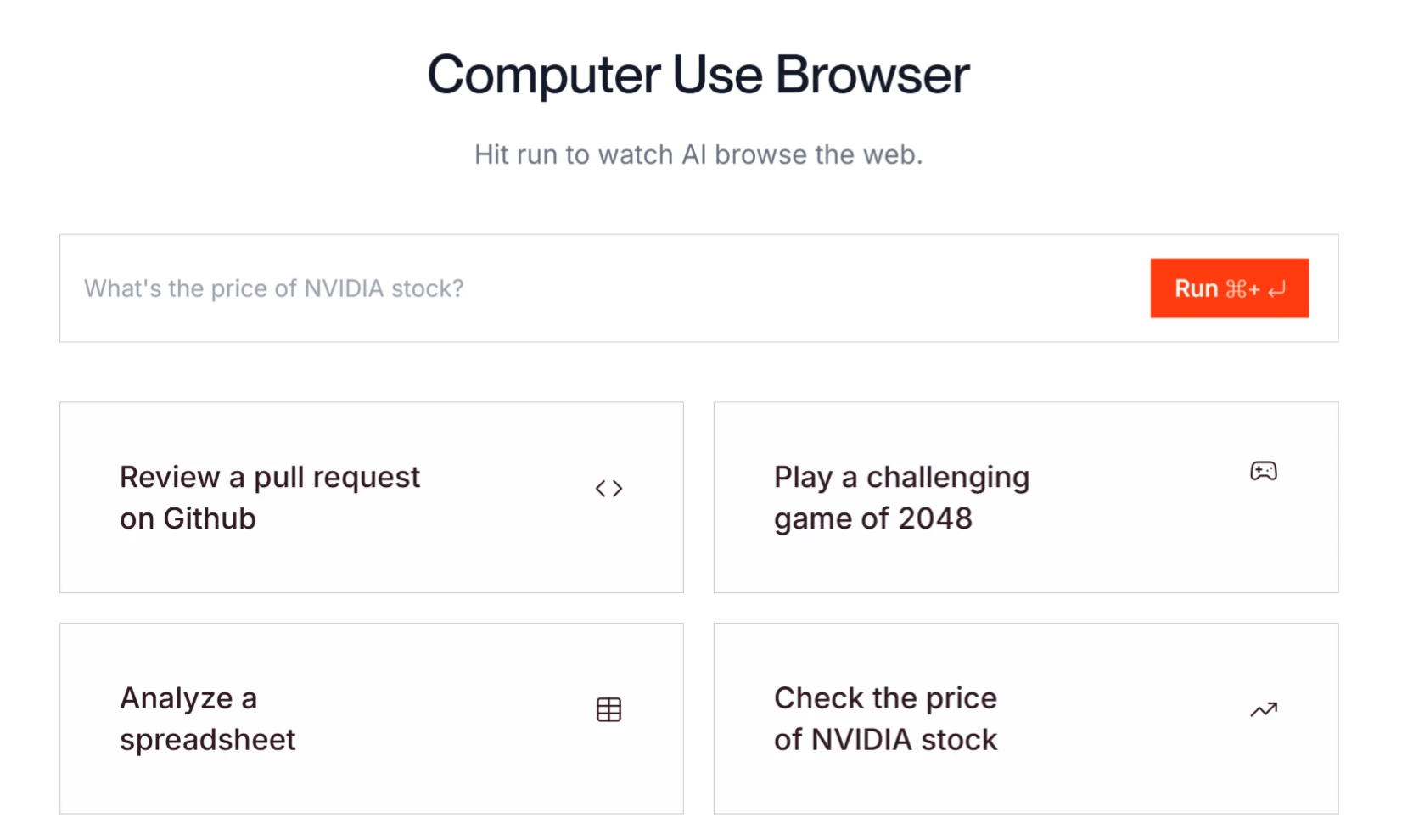
CUA Browser is a free open-source project that provides a way to test and explore the Computer-Using Agent (CUA) capabilities of Browserbase and Openai. Users can interact with a browser using natural language commands and observe the browser's responses.
CUA Browser Features
Multimodal Interaction: CUA understands interface content by processing raw pixel data on the screen and completes operations with the help of a virtual mouse and keyboard.
Multi-Step Task Execution: It can break down complex tasks into multiple steps and dynamically adjust the order of operations.
Reasoning and Self-Correction Capability: When executing tasks, CUA reasons through chain-of-thought and dynamically adjusts operations based on environmental feedback.
User Confirmation Mechanism: For sensitive operations, such as entering login information or handling CAPTCHA codes, CUA requests user confirmation to prevent potential errors.
No Dedicated API Required: CUA does not rely on a specific operating system or web API, and can directly interact with various digital environments through the screen, mouse, and keyboard.
CUA Browser Project Highlights
Open Source and Free: CUA Browser is an open-source project licensed under the MIT license, and users can use it for free.
Technical Foundation: The project is developed based on the CUA technology of Browserbase and OpenAI. CUA is an artificial intelligence model that can interact with computer applications through a graphical user interface (GUI).
Use Cases: After the user enters natural language commands, CUA Browser can perform tasks such as web browsing, form filling, and information extraction.
CUA Browser Application Scenarios
Web Automation Tasks: It can automatically fill out forms, search for information, filter content, etc. For example, searching for specific products, booking hotels, and checking flight information.
Complex Task Execution: It can handle multi-step tasks, such as creating projects, generating shopping lists, and managing schedules. For example, creating a shopping list in Todoist or creating a playlist in Spotify.
Information Retrieval and Organization: Extract and organize information from multiple websites, such as searching for and comparing product information across different sites.
Decision Assistance: It provides decision support in complex tasks, such as calculating refund amounts or solving logical reasoning problems.
Security and Compliance: When performing sensitive operations, CUA requires user confirmation to ensure operational security.
Education and Research: It can serve as a research tool to help develop and test new AI applications.
How to Use CUA Browser
1. Environment Preparation
Node.js: Node.js needs to be installed (version 14.x or higher is recommended).
API Keys: You need to obtain the corresponding API keys from OpenAI and Browserbase.
2. Project Cloning and Configuration:
git clone https://github.com/browserbase/cua-browser.git
cd cua-browser
cp .env.example .env.local
3. Install Dependencies:
npm install
4. Configure Environment Variables:
OPENAI_API_KEY=your_openai_api_key
OPENAI_ORG=your_openai_org_id (optional)
BROWSERBASE_API_KEY=your_browserbase_api_key
BROWSERBASE_PROJECT_ID=your_browserbase_project_id
5. Start the Development Server:
npm run dev
Relationship with OpenAI's Operator
CUA Browser is inspired by OpenAI's Operator project, which is an AI agent that can perform tasks through a browser. Operator uses the CUA model, combining the vision capabilities of GPT-4o with the reasoning capabilities of reinforcement learning, enabling it to "see" web content through screenshots and interact with web pages by simulating mouse and keyboard operations.
GitHub Repository:https://github.com/browserbase/cua-browser
Project Website:https://www.browserbase.com/computer-use









