
 Script Planner Assistant▸
 AI Apps
 AI News
AkashChat: An AI Chat Tool on the Decentralized Cloud Platform Akash Network
小编 ·

AkashChat: An AI Chat Tool on the Decentralized Cloud Platform Akash Network
What is AkashChat?
AkashChat is an ai chat platform developed by Akash Network, built on decentralized cloud computing. It leverages the high-performance computing power of NVIDIA GPUs to run multiple open-source large language models (such as QwQ-32B, Llama 3.3 70B, Llama 3.1 405B, and DeepSeek R1 671B), providing users with a fast, free, and privacy-friendly conversation experience. No account registration is required, and chat history is stored only in the user's local browser, ensuring data security. Powered by the decentralized architecture of Akash Supercloud, AkashChat breaks through the limitations of traditional centralized cloud services. It not only delivers fast response times but also supports switching between multiple AI models, making it ideal for users who need efficient conversation tools.
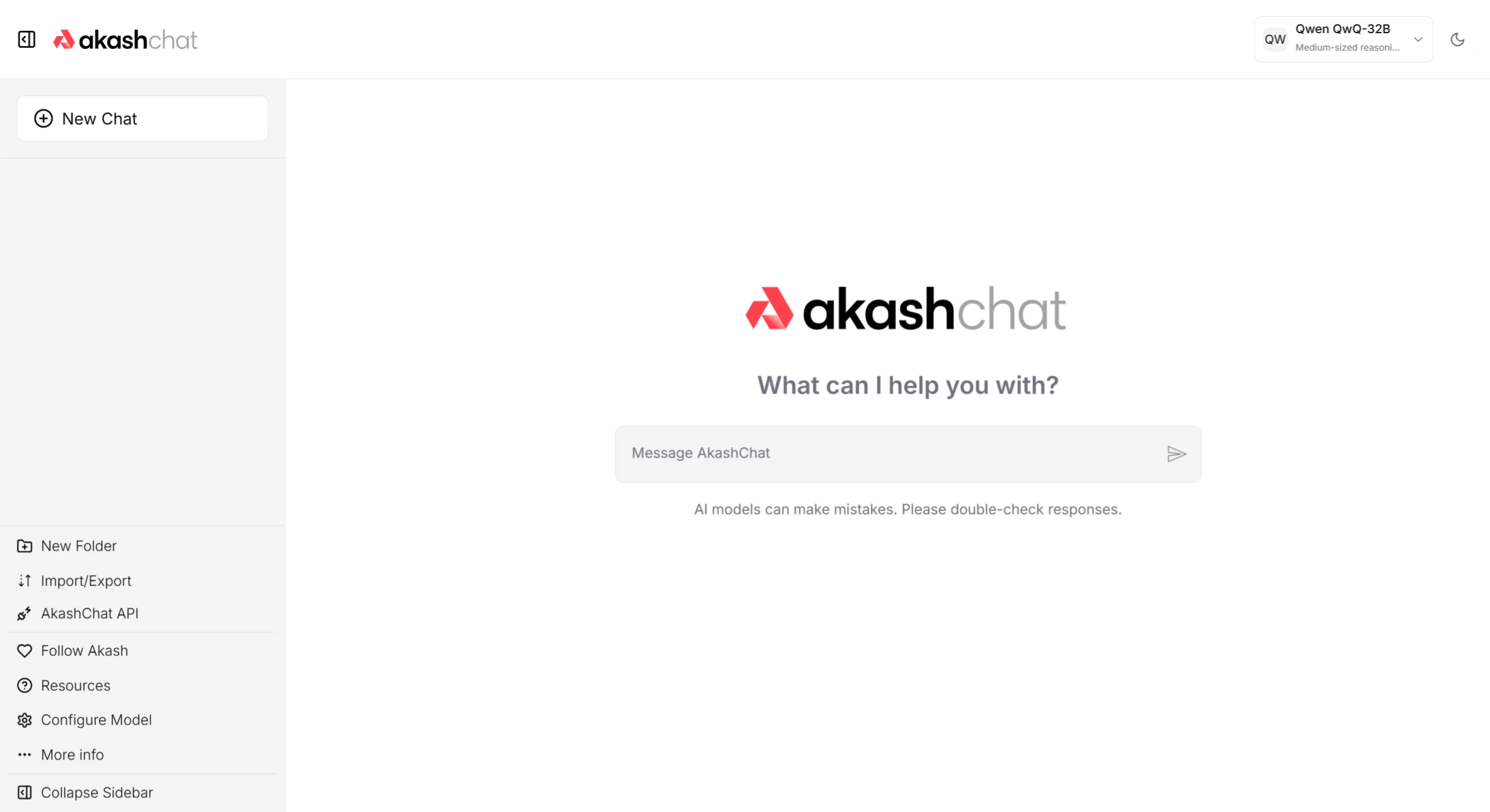
AkashChat Features
Multi-Model Support: Supports a variety of open-source large language models (LLMs), such as QwQ-32B, Llama 3.3 70B, Llama 3.1 405B, DeepSeek R1 671B, and more. Users can switch between different models based on their needs to experience different response styles and performance.
High-Performance Conversation: Powered by NVIDIA H100 and A100 GPUs, response speeds can reach up to 27 tokens/second, providing a fast interactive experience.
Privacy Protection: Chat history is stored only in the local browser and is not uploaded to the cloud, ensuring user data security.
No Login Required: Users can access the service directly through a browser without registering an account.
Open Source: The code is fully open source, allowing users to deploy it themselves or participate in development, making it suitable for technical users.
Free API: A free API key is provided, allowing users to integrate AkashChat's capabilities into their own applications.
Local Deployment: Supports deployment locally or on the Akash Network, giving users the flexibility to choose based on their needs.
AkashChat Use Cases
Personal Learning and Research: Used for acquiring knowledge, answering academic questions, language learning, and more.
Creative Writing and Content Generation: Helps users quickly generate articles, stories, code snippets, and more.
Technical Support and Problem Solving: Provides technical consultation, troubleshooting, and other support.
Enterprise Internal Applications: Integrated into enterprise internal systems for customer service, employee training, and more.
Developer Tools: Developers can use the free API to embed AkashChat's capabilities into their own applications.
Education: Teachers and students can use AkashChat to assist with teaching and learning.
How to Use AkashChat
1. Online Use
Visit the Website: Open any modern browser (such as Chrome, Firefox, or Edge), enter https://chat.akash.network/, and press Enter.
Select a Model: Find the "Model Selection" dropdown menu at the top right of the chat interface and select the appropriate model (such as Llama 3.1 405B or Mistral-7B).
Enter Your Question: In the text input box of the chat interface, type the question or content you want to ask, such as "What's the weather like today?" or "Help me write a short essay."
Manage History: Chat history is stored in the local browser. You can clear the cache in your browser settings to delete historical records.
2. Apply for a Free API
Visit https://chatapi.akash.network/ and follow the on-page instructions to apply for a free API key.
Use the API key to integrate AkashChat's capabilities into your own applications.
3. Local Deployment
1. Get the Code: Visit the AkashChat GitHub repository, and click "Clone" or "Download ZIP" to download the source code.
2. Install Dependencies: Make sure Node.js and npm are installed locally. Navigate to the project folder and run npm i to install dependencies.
3. Configure the Environment: Create a .env.local file in the project root directory, and configure the following content:
DEFAULT_MODEL=mistral
DEFAULT_SYSTEM_PROMPT=你是一个有帮助的助手,提供准确信息。
API_KEY=你的密钥
API_HOST=你的API端点(如Ollama部署地址)
4. Run the Project: Enter npm run dev in the terminal. Once the local development server starts, visit http://localhost:3000 to use the self-deployed version.
5. Deploy to Akash: Use the Akash Provider Console to deploy the project to Akash Supercloud. For specific steps, refer to the Akash official website documentation.
GitHub Repository Address:https://github.com/akash-network/akash-chat
AkashChat Official Website:https://chat.akash.network/









