
 Script Planner Assistant▸
 AI Apps
 AI News
RLAMA: An Open-Source Local Document Q&A Tool for Efficient Document Management and Retrieval
小编 ·

RLAMA: An Open-Source Local Document Q&A Tool for Efficient Document Management and Retrieval
What is RLAMA?
RLAMA is an open-source tool developed by DonTizi for creating, managing, and interacting with document-based Retrieval-Augmented Generation (RAG) systems. By connecting to local Ollama models, RLAMA provides users with powerful document question-answering capabilities.
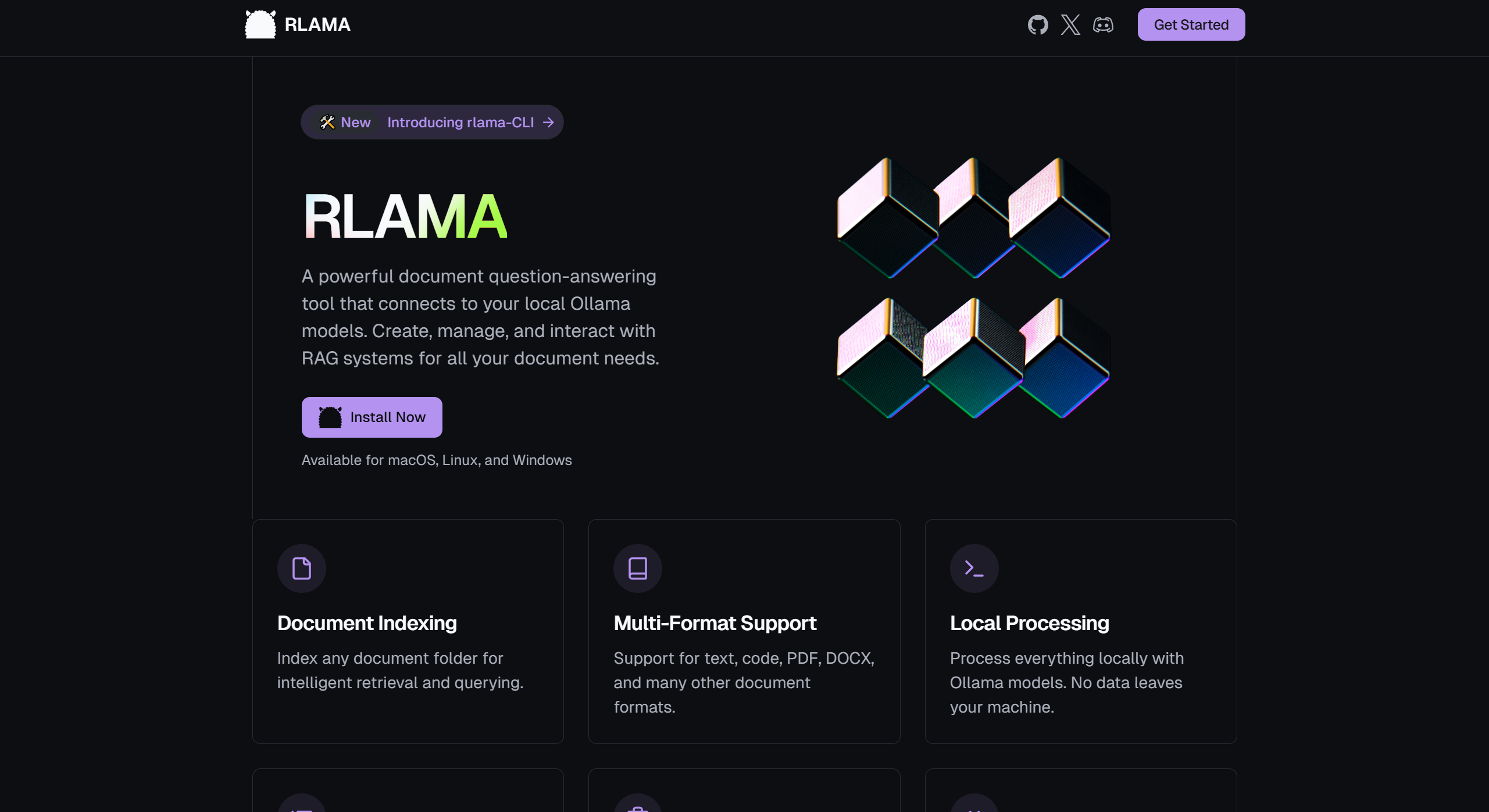
Key Features of RLAMA
Create RAG Systems: By specifying a folder path, RLAMA can index the documents within the folder and create a RAG system.
Interactive Q&A: Users can interact with the RAG system through the command line, asking questions and receiving answers based on the document content.
Manage RAG Systems: Users can list all created RAG systems or delete systems that are no longer needed.
Update and Version Management: RLAMA supports updating to the latest version via the command line and displays current version information.
RLAMA Tech Stack
Core Language: Go, chosen for its high performance, cross-platform compatibility, and single-binary distribution.
Command-line Framework: Cobra, used to build the command-line interface.
LLM Integration: Embedding and completion powered by the Ollama API.
Storage: Local file system-based storage (JSON files), simple and portable.
Vector Search: Custom implementation of the cosine similarity algorithm for embedding retrieval.
Use Cases for RLAMA
Documentation Management for Tech Teams: Helps team members quickly find the code examples or solutions they need.
Knowledge Retrieval for Researchers: Quickly locate key content.
Personal Knowledge Management: Serves as a powerful knowledge base tool, helping individual users quickly find the information they need.
Installing and Using RLAMA
1. Installation: Run the following command in the terminal:
curl -fsSL https://raw.githubusercontent.com/dontizi/rlama/main/install.sh | sh
2. Usage: Users can create, manage, and use RAG systems through simple command-line instructions.
Advantages of RLAMA
Data Security: All data is processed locally, with no concerns about privacy leaks.
Efficient Q&A: Leverages powerful language models to quickly understand questions and provide relevant answers.
Easy to Use: Simple installation and usage, suitable for beginners.
Open Source: Can be customized to fit your needs, with the ability to participate in community development.
Supported Document Formats in RLAMA
Text files (e.g., .txt, .md, .html, .json, etc.)
Programming language files (e.g., .go, .py, .js, etc.)
Document files (e.g., .pdf, .docx, .pptx, etc.)
GitHub Repository: https://github.com/dontizi/rlama
RLAMA Official Website: https://rlama.dev/









