
 Script Planner Assistant▸
 AI Apps
 AI News
Easydict: A Clean, Elegant, Open-Source macOS Dictionary & Translation App
小编 ·

Easydict: A Clean, Elegant, Open-Source macOS Dictionary & Translation App
What is Easydict?
Easydict is a clean and elegant macOS dictionary translation app that supports multiple translation services and features. It works out of the box and delivers a convenient and efficient translation experience. It offers offline OCR recognition and multilingual translation capabilities, and integrates numerous mainstream translation engines, including Youdao Dictionary, Apple System Dictionary, Apple System Translate, Openai, Gemini, DeepL, Google, Tencent, Bing, Baidu, Niutrans, Lrvideo Translate, Alibaba Translate, and Volcano Translate.
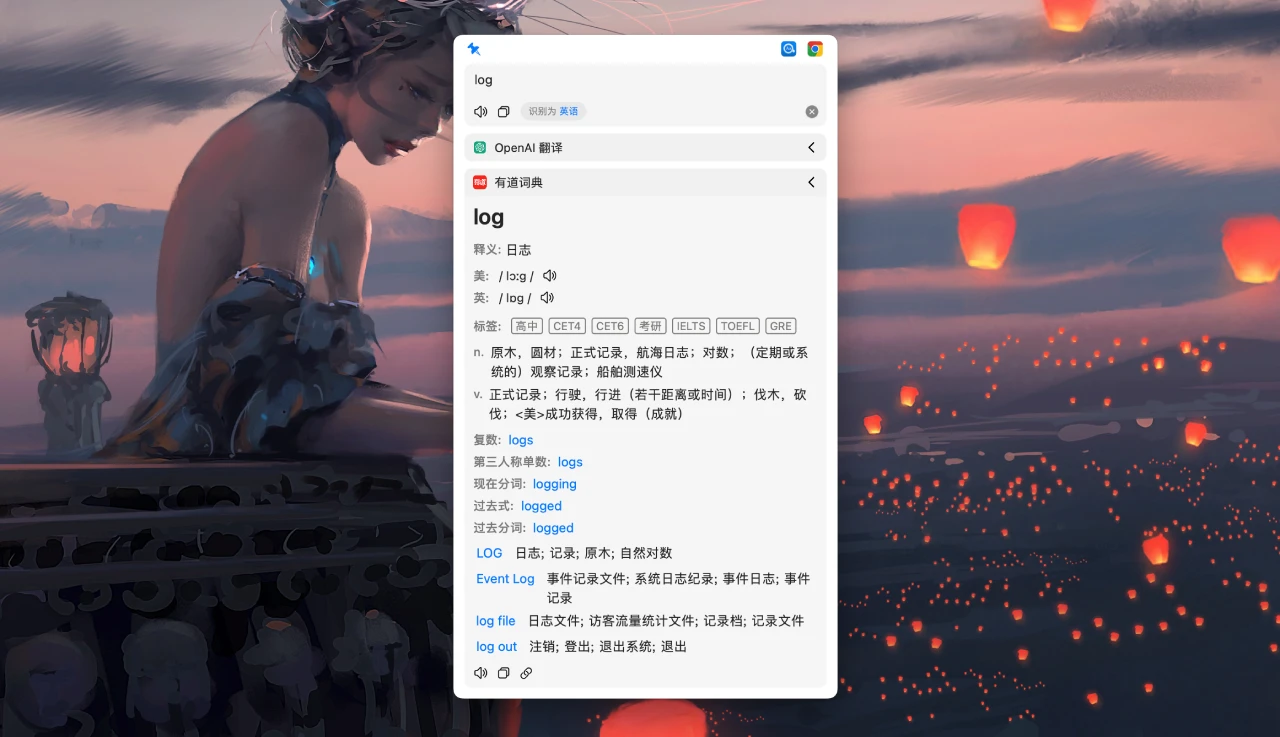
Easydict Features
Multiple Translation Engine Support: Supports Youdao Dictionary, Apple System Dictionary, Apple System Translate, OpenAI, Gemini, DeepL, Google, Bing, Tencent, Baidu, Alibaba, Niutrans, Lrvideo Translate, and Volcano Translate. It can translate 48 languages.
Convenient Operation
Automatically detects the input language and queries the target language.
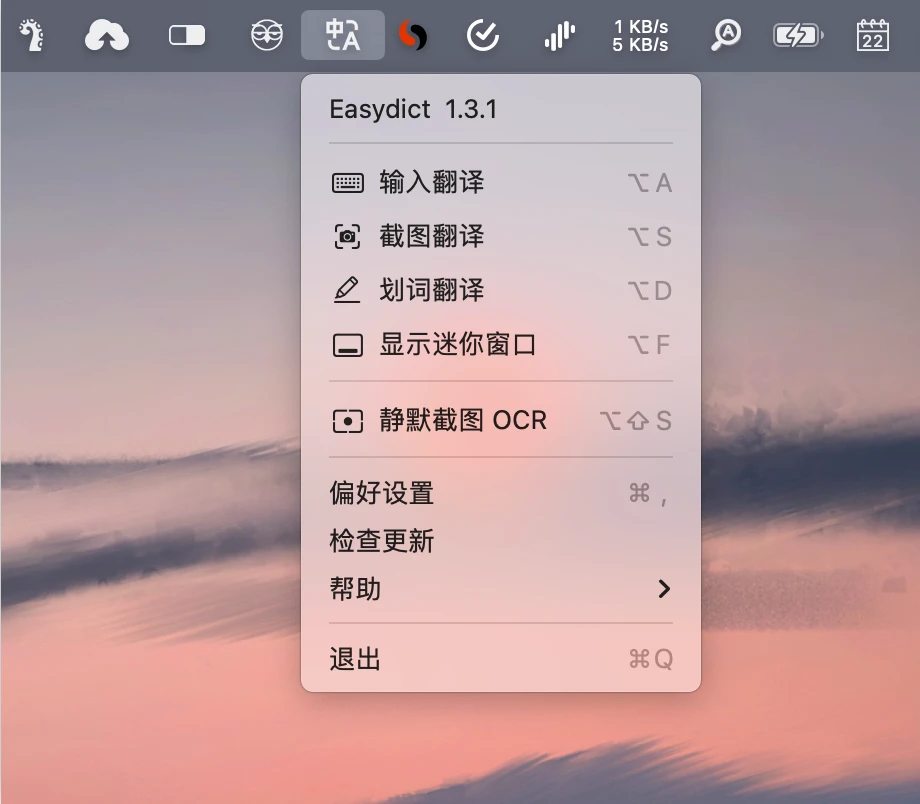
Supports mouse selection translation, shortcut key translation, screenshot translation, and input translation.
Supports system OCR screenshot translation, including silent screenshot OCR.
Personalized Configuration
Configure different translation services for different windows.
Supports smart query mode, which automatically selects the appropriate query service based on the input content.
Voice Support
Supports system TTS (text-to-speech) as well as multiple online TTS services, such as Bing, Google, Youdao, and Baidu.
Localization & Privacy Protection
Supports local operation to protect user data privacy.
Supports offline OCR recognition, usable without an internet connection.
Other Features
Supports custom translation service parameters.
Supports URL Scheme for easy integration with other apps.
Can be used together with extensions like PopClip.
Installation Method
Manual Download & Install: Download the latest Easydict installation package and install it.
Homebrew Install: Enter the command
brew install --cask easydictin the terminal to install.Developer Build: Clone the project code, open it with Xcode, compile and run.
How to Use Easydict
Mouse Selection Translation: After selecting text, hover with the mouse to query.
Shortcut Key Translation: Press a shortcut key (such as ⌥ + D) for selection translation or input translation.
Screenshot Translation: Press a shortcut key (such as ⌥ + S) to capture the area you want to translate.
Silent Screenshot OCR: Press a shortcut key (such as ⌥ + ⇧ + S) to capture the area for OCR, and the result is automatically saved to the clipboard.
Easydict is a powerful yet simple and easy-to-use macOS translation tool. It supports multiple translation engines and convenient operation methods, making it suitable for users who need efficient translation. If you are looking for a translation tool, give Easydict a try.
GitHub Repository:https://github.com/tisfeng/easydict









