
 Script Planner Assistant▸
 AI Apps
 AI News
A Detailed Tutorial and Guide to Monica
小编 ·

A Detailed Tutorial and Guide to Monica
What is Monica?
Monica is a versatile all-in-one AI assistant that integrates multiple advanced AI models (such as DeepSeek R1, GPT-4, Claude 3.5, Gemini, etc.). It can boost the efficiency of your chatting, searching, writing, and coding experience. It is available as a Chrome and Edge browser extension, and also offers mobile and desktop applications. Below is a tutorial on how to use Monica:
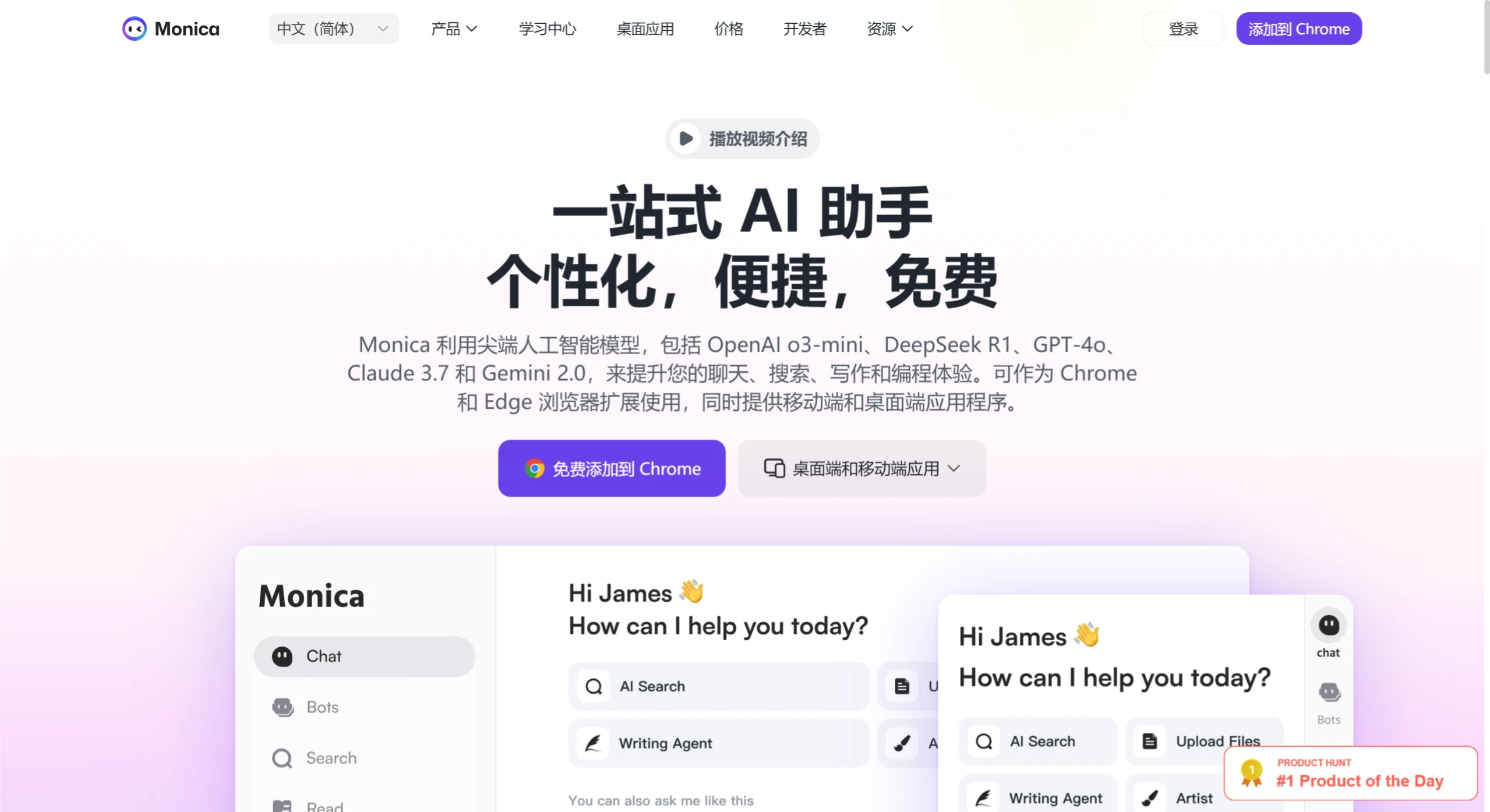
Registration and Installation
Install the browser extension
Open the extension store of Chrome, Edge, or Safari browser, search for "Monica" inside, find it and click the "Get" button to install. After installation, you can see the Monica icon in the upper right corner of the browser. Click it to log in to your account. It supports logging in with a domestic email, Google, or Apple account.
Install the desktop or mobile app
Visit the Monica official website (https://monica.im), and download the corresponding client according to your platform (Windows, macOS, iOS, or Android).
Register an account
You can register with an email, Google account, or Apple account. Newly registered users get 40 free calls to the basic model per day.
Using Basic Features
Wake up Monica:On Windows, press Ctrl+M; on Mac, press Cmd+M. This will wake up the sidebar and start a conversation with the AI.
Smart conversation:You can talk with various LLM models (like GPT-4, Claude 3.5, etc.) to solve some complex problems.
Text processing:After selecting text on a webpage or in a document, you can perform translation (supporting over 120 languages), rewriting (adjusting tone or style), or summarization (extracting core content) operations.
File processing:Upload files like PDF or Excel to enable automatic summarization, Q&A, or translation comparison features.
Writing assistance:It has more than 80 built-in writing templates (such as emails, resumes, marketing copy, etc.). Enter keywords to generate structured content.
Advanced Features
Multimodal generation
AI drawing: Enter a description to generate images, supporting models like DALL·E 3, Stable Diffusion, etc.
Video generation: Generate dynamic videos from text or images, integrating tools like Runway Gen-3 and PixVerse.
Knowledge base management
Upload professional documents or save webpage content to build a personal knowledge base. Afterwards, the AI will provide customized answers based on this knowledge base.
Data analysis and visualization
After uploading an Excel file, a data statistical analysis report is automatically generated, supporting various chart types such as pie charts and bar charts.
Custom AI agent
Create an AI agent powered by DeepSeek, upload professional documents as the knowledge base, and build your own exclusive intelligent assistant.
Personalization and Efficiency Boost
Personalized memory feature:Monica adjusts its service based on your professional background and usage habits, and supports automatic learning and memory of suggestions, so that answers better match your needs.
Search enhancement:AI-analyzed content is loaded next to Google or Bing search results, helping you quickly locate key information.
Browser integration:You can directly invoke AI on pages like Gmail and social media to assist with content creation and replies.
Membership Features and Benefits
Free version:Provides calls to basic models, suitable for daily use.
Paid version (Pro/Unlimited):Offers unlimited access to advanced models (such as GPT-4o, Claude 3.5), and supports features like data analysis, team collaboration, and API access.
Other Features
Chart generation:Can generate mind maps, flowcharts, organizational charts, etc.
Batch file Q&A:Upload up to 20 files at a time for intelligent Q&A.
Privacy protection:You have full control over all memory content and can view, edit, or delete it at any time.
The Monica Bots platform offers many features and is available on different platforms, covering various scenarios such as writing, drawing, data analysis, and translation. Whether you are an individual user or a professional, using it can greatly improve work efficiency.
In addition, the Monica team recently launched a closed beta of a universal AI agent product, the world's first of its kind, called Manus, which has been incredibly popular. Many netizens are desperately seeking a Manus closed beta invitation code.









