
 Script Planner Assistant▸
 AI Apps
 AI News
Markdownify-MCP: Convert Multiple File Types and Web Content to Markdown
小编 ·

Markdownify-MCP: Convert Multiple File Types and Web Content to Markdown
What is Markdownify-MCP?
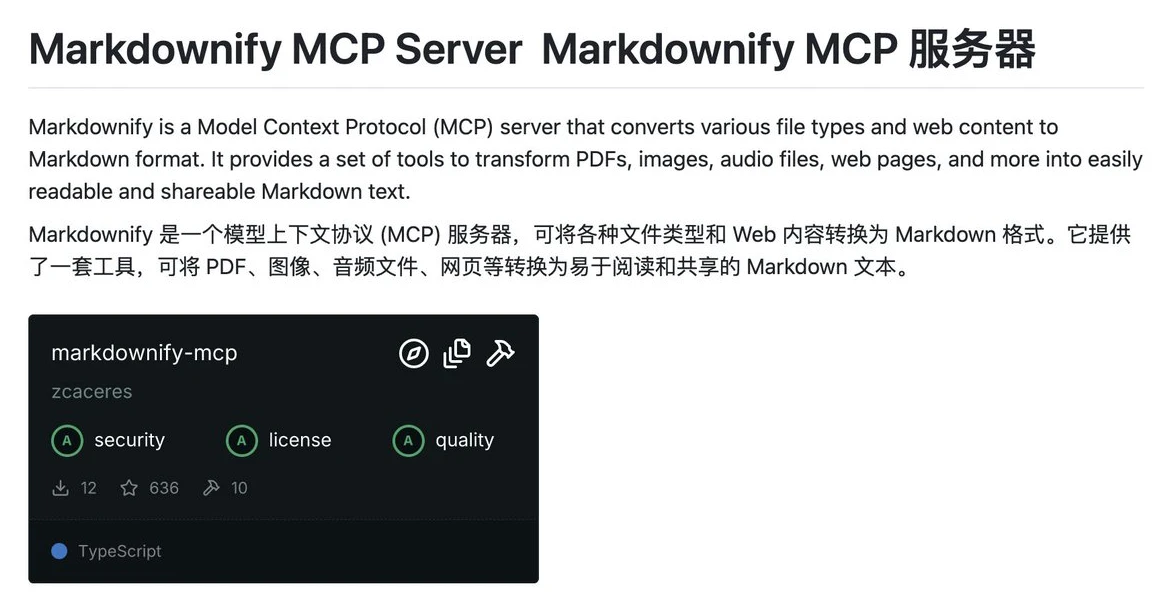
Markdownify-MCP is a server tool based on the Model Context Protocol (MCP) that can convert multiple file types and web content into Markdown format. It provides a set of tools that support converting file formats such as PDF, images, audio files, DOCX, XLSX, pptx into Markdown. It can also convert YouTube video subtitles, Bing search results, and regular web pages into Markdown text.
Features of Markdownify-MCP
Supports multiple file type conversions:
PDF
Images
Audio (including text transcription)
DOCX, XLSX, PPTX
Web content (such as YouTube video subtitles, Bing search results, and general web pages)
Retrieve existing Markdown files.
Batch processing: Supports batch file processing via command-line operations.
How to Use Markdownify-MCP
1. Clone the repository:
git clone https://github.com/zcaceres/markdownify-mcp.git
2. Install dependencies:
pnpm install
Note: This operation will also install uv and related Python dependencies.
3. Build the project:
pnpm run build
4. Start the server:
pnpm start
Use Cases for Markdownify-MCP
Content migration: Convert academic papers, web content, etc. into Markdown.
Documentation writing: Generate technical documentation, README files, etc.
Knowledge base construction: Archive web content in Markdown format.
GitHub repository address:https://github.com/zcaceres/markdownify-mcp









