
 Script Planner Assistant▸
 AI Apps
 AI News
GitPodcast: Turn GitHub Repositories into Podcasts
小编 ·

GitPodcast: Turn GitHub Repositories into Podcasts
What is GitPodcast?
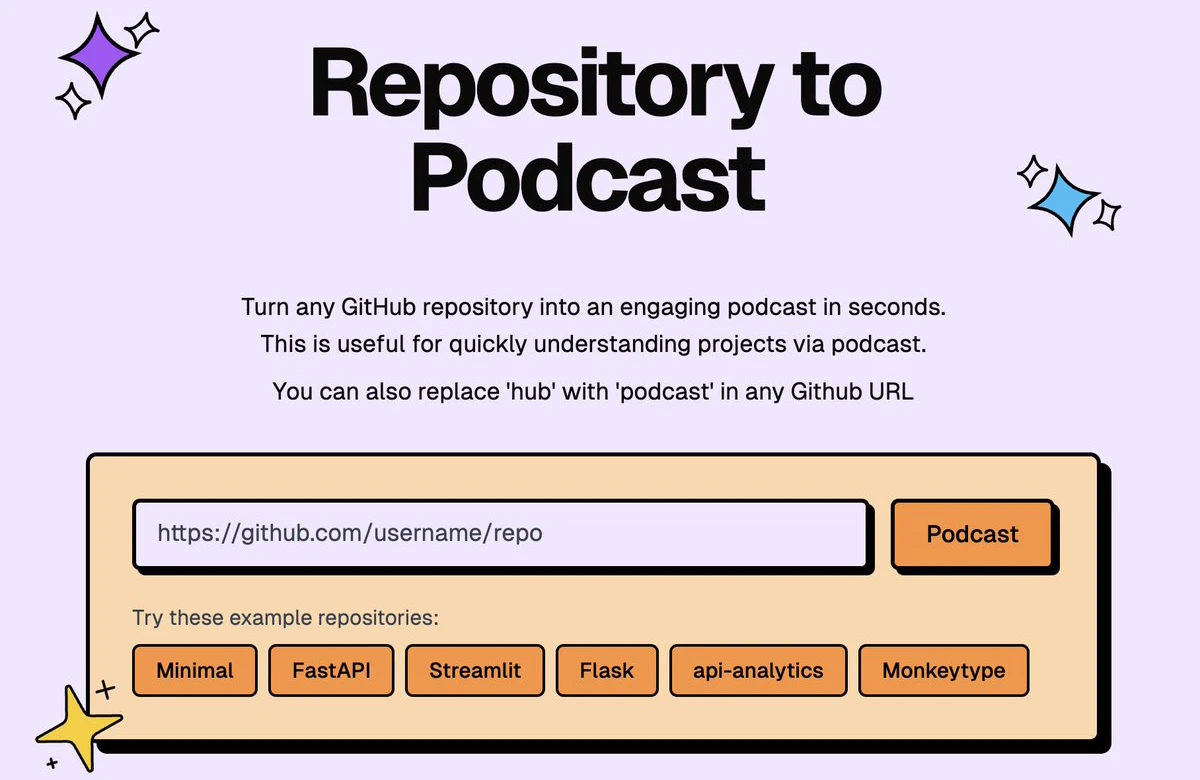
GitPodcast is a tool that converts GitHub repository structures into podcast content. With a simple operation, users can turn the contents of a code repository into an audio podcast. As a result, developers can learn and understand code and documentation by listening during their commute or while resting, making it convenient to learn and share in different scenarios.
GitPodcast Features
Instant audio conversion: In a GitHub URL, replace "hub" with "podcast" and any GitHub repository can be turned into a podcast format in seconds.
Repository content processing: Capable of processing various repository contents such as README files, documentation, issues, and discussions into voice audio.
Customization: Future versions will support selecting different voices.
Fast generation: Efficiently generated with the help of Openai and Azure Speech SDK.
API interface: Provides a public API interface for easy integration, though it is still under development.
Cost-effective: Currently free, achieved through Gemini Flash and Azure Speech SDK.
GitPodcast Tech Stack
Frontend: Uses Next.js, TypeScript, Tailwind CSS, ShadCN.
Backend: Uses FastAPI, Python, Server Actions.
Database: Uses PostgreSQL (with Drizzle ORM).
AI: Relies on OpenAI, Azure Speech.
Deployment: Frontend uses Vercel, backend uses EC2.
Continuous Integration/Continuous Deployment: Implemented through GitHub Actions.
Data analysis: Leverages PostHog, Api-Analytics.
GitPodcast Use Cases
Developer learning: Developers can listen to repository documentation and code explanations while commuting or doing other things.
Project onboarding: New team members can quickly get familiar with the project by listening to repository content in audio format.
Accessibility: Allows developers with visual impairments or users who prefer audio to access repository content.
GitPodcast Advantages
Enables quick and easy "reading" of repository content with no installation or setup required, making repository content more accessible.
GitPodcast Disadvantages
Audio quality varies depending on the structure of the content, and complex code sections may be difficult to understand in audio form.
How to Deploy and Use GitPodcast
Clone the repository: git clone https://github.com/BandarLabs/gitpodcast.git
Install dependencies: pnpm i
Configure environment variables: Copy .env.example to .env and fill in the OpenAI and Azure Speech API keys.
Start the backend: docker-compose up --build -d
Start the frontend: pnpm dev
Visit localhost:3000 and you're ready to go.
GitHub repository:https://github.com/BandarLabs/gitpodcast
GitPodcast official demo:https://www.gitpodcast.com/









