
 Script Planner Assistant▸
 AI Apps
 AI News
Siri Ultra: An Open-Source Project with Web Access, Multi-Turn Dialogue, and DeepSeek Model Support
小编 ·

Siri Ultra: An Open-Source Project with Web Access, Multi-Turn Dialogue, and DeepSeek Model Support
What is Siri Ultra
Siri Ultra is an open-source project based on Apple Shortcuts, designed to enhance Siri's capabilities by integrating Large Language Models (LLMs).
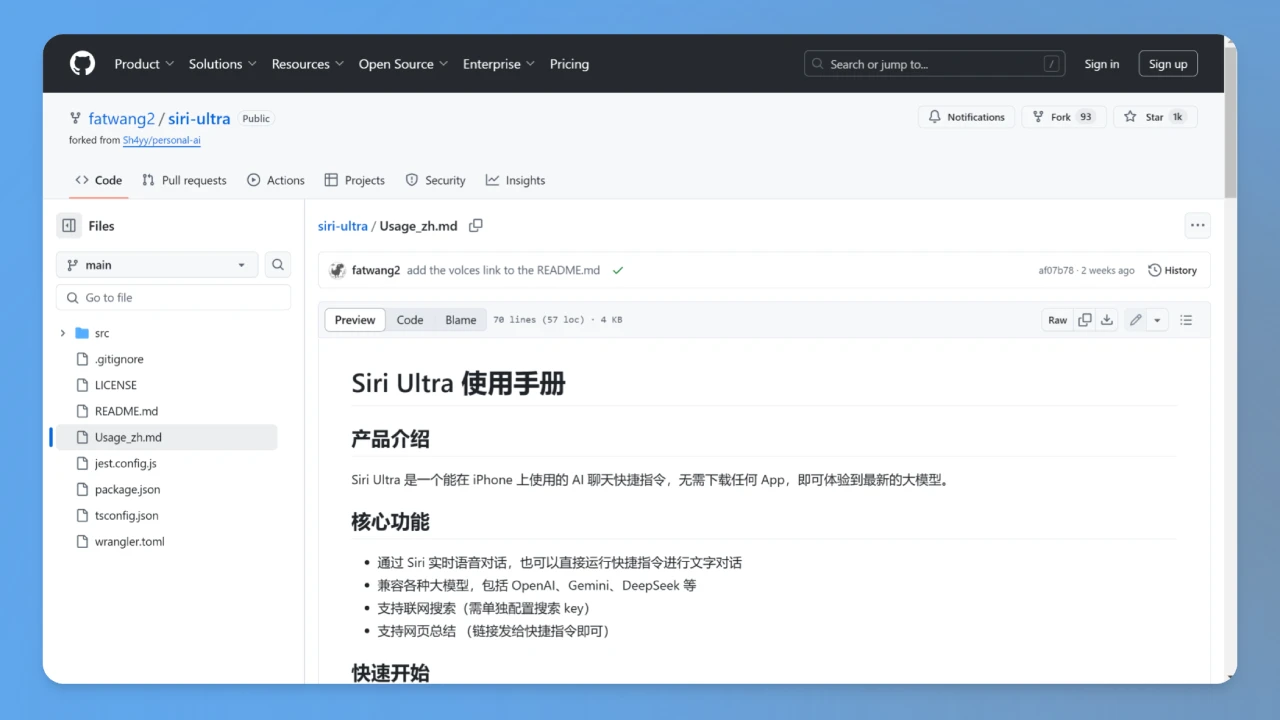
Siri Ultra Features
Real-time conversation and voice interaction: Users can engage in real-time voice conversations through Siri.
Web search and page summarization: Supports web search functionality and can summarize web page content.
Multimodal interaction: Supports interaction with images and videos, providing a richer interactive experience.
Compatibility with multiple language models: Can connect to various language models such as DeepSeek, Openai, and Gemini.
Personalized configuration: Users can adjust system prompts, model parameters, and more according to their needs.
How to Use Siri Ultra
Install the shortcut: Install the Siri Ultra shortcut via the provided link.
Configure the API Key: Fill in the corresponding API Key and other necessary parameters based on the selected language model.
Launch and use: Activate Siri Ultra with the voice command "Hey Siri" and speak your instruction or question.
Technical Architecture
Siri Ultra runs on Cloudflare Workers and supports compatibility with any Large Language Model (LLMs). Its cloud-native design enables low-latency conversational responses.
Siri Ultra Advantages
No additional hardware required: No need to install any extra apps; it can be used directly through iPhone Shortcuts.
Highly customizable: Users can choose their preferred language model and configure it to their needs.
Strong extensibility: Supports multiple language models and feature extensions.
Siri Ultra FAQ
1. Issue: The shortcut cannot be downloaded.
Solution: Please make sure you have upgraded to the latest iOS version. Older iOS versions are not currently supported, but may be adapted in the future.
2. Issue: How do I get an API Key?
Solution: API Keys need to be applied for on the websites of major model providers. If you want to use DeepSeek, Search1API is recommended, as it supports web access, is fast, requires no VPN, and offers 100 free credits upon registration.
3. Issue: Why can't it access the internet?
Solution:
If you choose Search1API's DeepSeek model, the API natively supports web access.
Alternatively, you can choose other models that support tool calls (currently, for DeepSeek R1, only Groq supports this).
Configure a search key (set in option 5), for example using Search1API (register to receive 100 free credits).
4. Issue: Why is there no sound?
Solution:
Default conversation mode:
After activating via Siri, engage in direct voice conversation. If Siri itself produces no sound, please check Siri's voice response settings to ensure it is set to automatic or preferred voice response.
Tap to run the shortcut directly for text conversation.
If you want to enable voice when running directly:
Set option 6 to "no".
Select the corresponding language in the Dictate Text and Speak Text nodes.
5. Issue: Why can't I see the reasoning process?
Solution: The reasoning process text is quite lengthy and is not suitable for display in shortcuts, so it has been hidden. However, the model still performs reasoning, which will not affect the results.
GitHub Repository:https://github.com/fatwang2/siri-ultra/blob/main/Usage_zh.md









