
 Script Planner Assistant▸
 AI Apps
 AI News
MultiWeChatManager: A Manager for Multiple WeChat Accounts
小编 ·

MultiWeChatManager: A Manager for Multiple WeChat Accounts
What is MultiWeChatManager?
MultiWeChatManager, an automation tool designed specifically for running multiple WeChat instances, is a desktop application for managing multiple WeChat accounts. Its core feature is saving and loading account configurations to enable quick switching and automatic login of selected WeChat accounts. It supports one-click login for multiple accounts, global multi-instance, auto-start login, message recall prevention, and more—a worry-free tool for you!
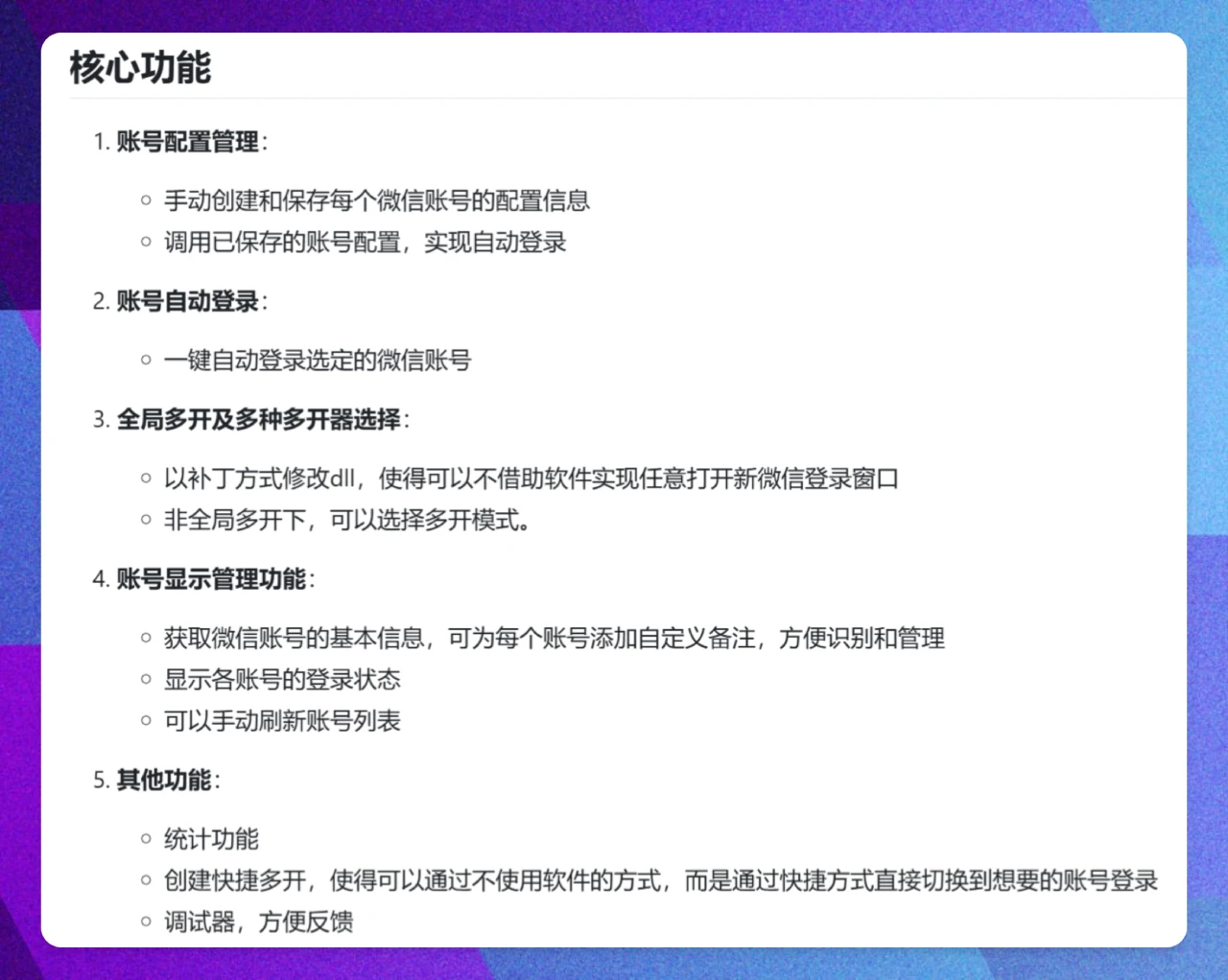
Features of MultiWeChatManager
Account Configuration Management: Manually create and save configuration information for each WeChat account, then load these configurations to enable automatic login.
Automatic Account Login: Log in to selected WeChat accounts with one click. Note, however, that automatic login is subject to WeChat's login rules—for example, if you haven't logged in for three days, confirmation on your phone is required; if it's been seven days, you'll need to scan the QR code again.
Global Multi-Instance and Multi-Opener Selection: Modifies DLL files via a patch so that new WeChat login windows can be opened directly without additional software, and offers multiple multi-instance modes to choose from.
Account Display Management: Retrieves basic information such as avatar, nickname, and WeChat ID for each account, and allows adding custom notes. It also displays the login status of each account and supports manually refreshing the list.
Statistics Features: Compare the performance of different multi-openers; create quick multi-opening shortcuts that allow you to switch accounts quickly; and a built-in debugger is included for easier issue reporting.
Use Cases for MultiWeChatManager
Multi-Account Management: Ideal for customer service staff, social media operators, or micro-business users who need to manage multiple WeChat accounts simultaneously.
Improved Efficiency: Supports one-click login and quick account switching, saving time spent on repeated QR code scanning.
Privacy Protection: Except when fetching new versions, it does not connect to the network at other times and does not collect user private information.
Multi-Instance Needs: Supports global multi-instance, allowing users to run multiple WeChat instances on the same device simultaneously.
How to Use MultiWeChatManager
Installation and Configuration
After downloading and extracting the software, run "点我创建快捷方式.bat" to create a shortcut on your desktop. On first launch, the software will automatically try to detect the WeChat installation path; if it fails, you'll need to set it manually.
Account Configuration
On your first login, manually scan the QR code to log in, then click "重新配置" (Reconfigure) to save the account configuration. For subsequent logins, you can simply click "自动登录" (Auto Login).
Multi-Instance and Switching
Use the global multi-instance mode to quickly log in to multiple accounts, or use shortcuts to switch directly to a specified account.
Account Management
Retrieve the account's avatar, nickname, and other information, and add notes for easier identification and management. You can also manually refresh the account list to update statuses.
GitHub Repository:https://github.com/wfql1024/MultiWeChatManager









