
 Script Planner Assistant▸
 AI Apps
 AI News
Ai-Trend-Publish: An AI-Based Trend Discovery and Content Publishing System
小编 ·

Ai-Trend-Publish: An AI-Based Trend Discovery and Content Publishing System
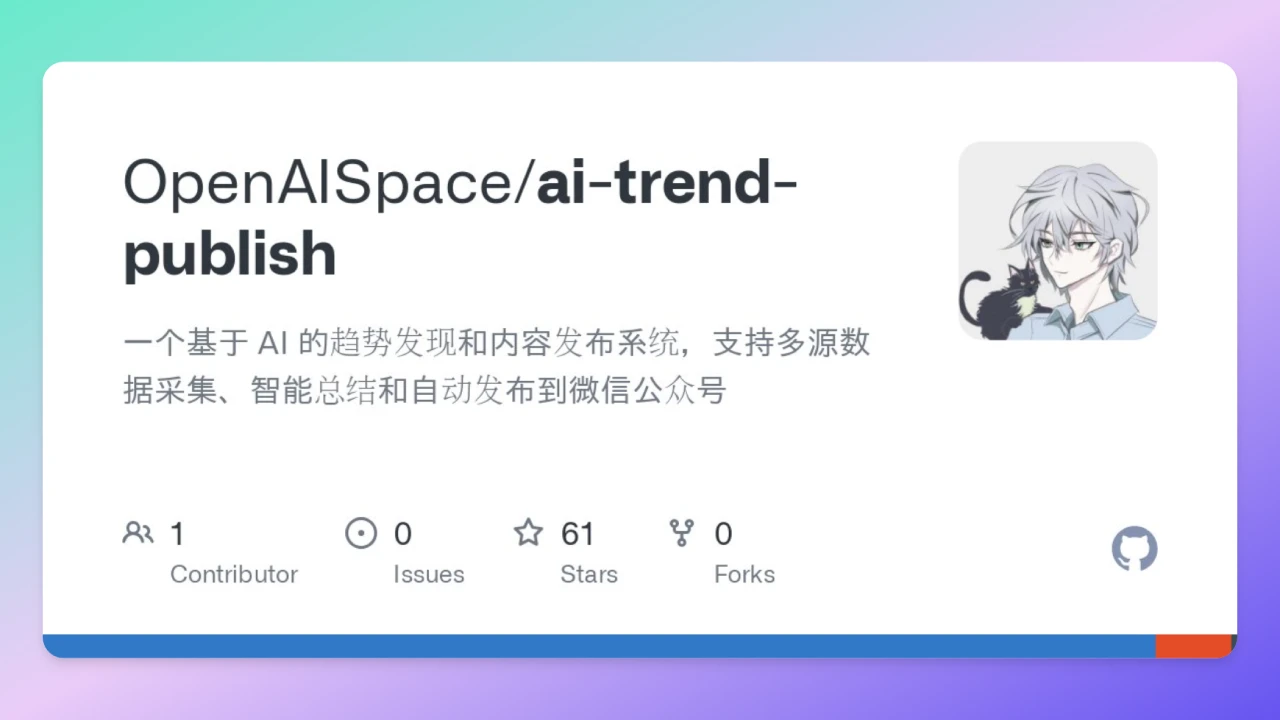
ai-Trend-Publish: What is it?
Ai-Trend-Publish is an AI-based trend discovery and content publishing system. Its main features include multi-source data collection, intelligent summarization, and automatic publishing to WeChat Official Accounts.
Feature Overview
Multi-source Data Collection:
Twitter/X Content Scraping: Supports scraping content from Twitter and other platforms.
Website Content Scraping: Scrapes website content based on the FireCrawl tool, and supports custom data source configuration.
AI Intelligent Processing:
Content Summarization: Uses AI services such as DeepseekAI, Together, Qianwen, Wanxiang, and iFlytek for content summarization.
Key Information Extraction: Extracts key information from the scraped content.
Intelligent Title Generation: Automatically generates article titles.
Automatic Publishing:
WeChat Official Account Article Publishing: Automatically publishes processed content to WeChat Official Accounts.
Custom Article Templates: Supports custom article templates.
Scheduled Publishing Tasks: Allows setting up scheduled publishing tasks.
Notification System:
Bark Notification Integration: Integrates with the Bark notification system to provide task execution status notifications and error alerts.
Tech Stack
Runtime Environment: Node.js + TypeScript
AI Services: DeepseekAI, Together, Qianwen, Wanxiang, iFlytek
Data Sources: Twitter/X API, FireCrawl
Scheduled Tasks: node-cron
Template Engine: EJS
Development Tool: nodemon (hot reload)
Getting Started
Environment Requirements: Node.js (v22+), npm, TypeScript
Installation Steps:
Clone the project: git clone https://github.com/OpenAISpace/ai-trend-publish.
Install dependencies.
Configure environment variables: Copy .env.example to .env and fill in the necessary configurations such as API keys.
Start the project: npm run start.
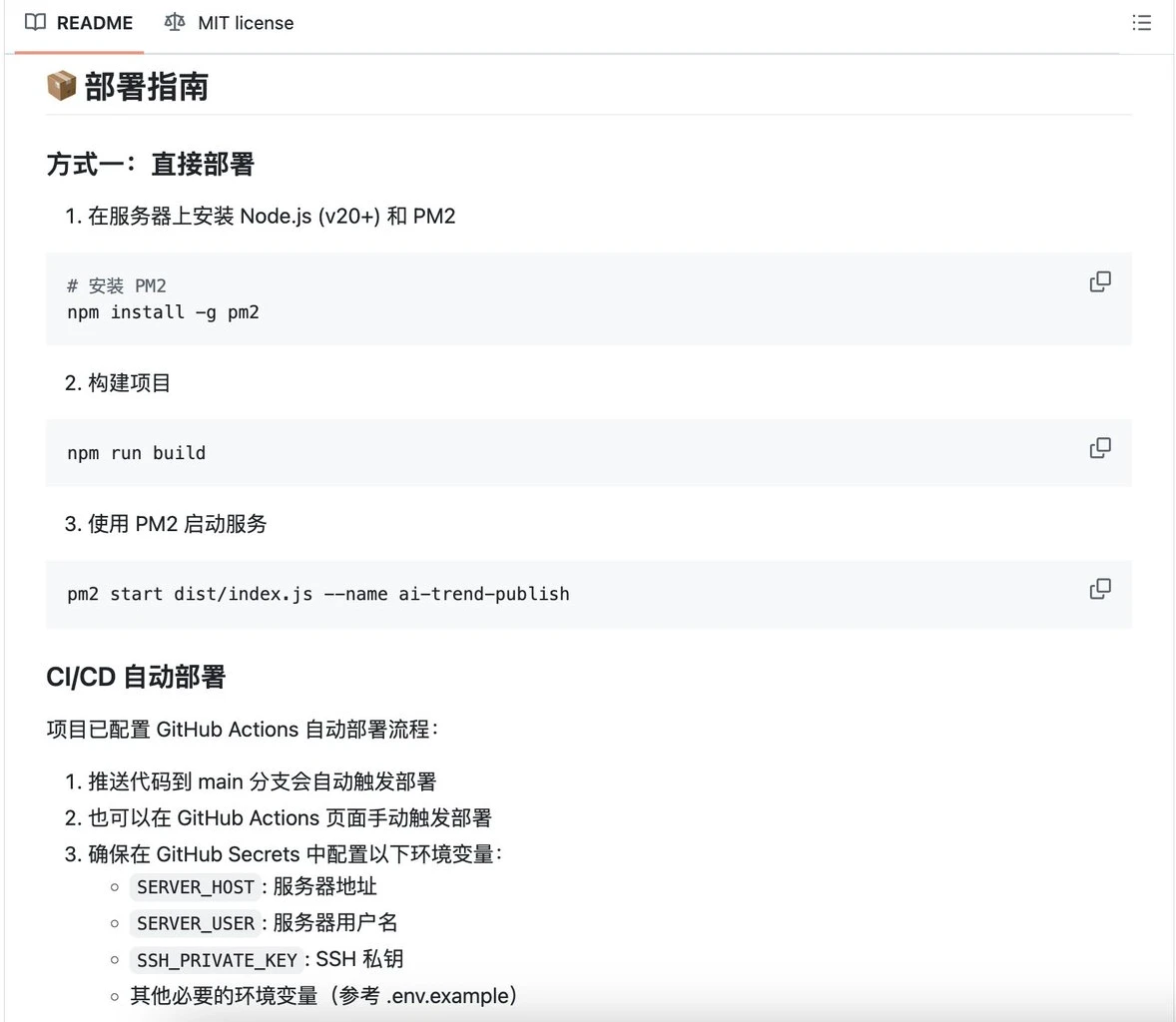
Deployment Guide
Method 1: Direct Deployment: Install Node.js (v20+) and PM2 on the server, build the project, and use PM2 to start the service.
CI/CD Automatic Deployment: The project has been configured with GitHub Actions for automatic deployment. Pushing code to the main branch will automatically trigger deployment.
GitHub Repository: https://github.com/OpenAISpace/ai-trend-publish









