
 Script Planner Assistant▸
 AI Apps
 AI News
4 Hidden DeepSeek Prompt Templates That Make Your PPT Boss-Approved
小编 ·

4 Hidden DeepSeek Prompt Templates That Make Your PPT Boss-Approved
Making a PPT copy the traditional way might take a day or two, or even a week. With DeepSeek, you only need to enter 4 commands and you'll be done in just 3 minutes! These 4 commands will instantly double your efficiency.
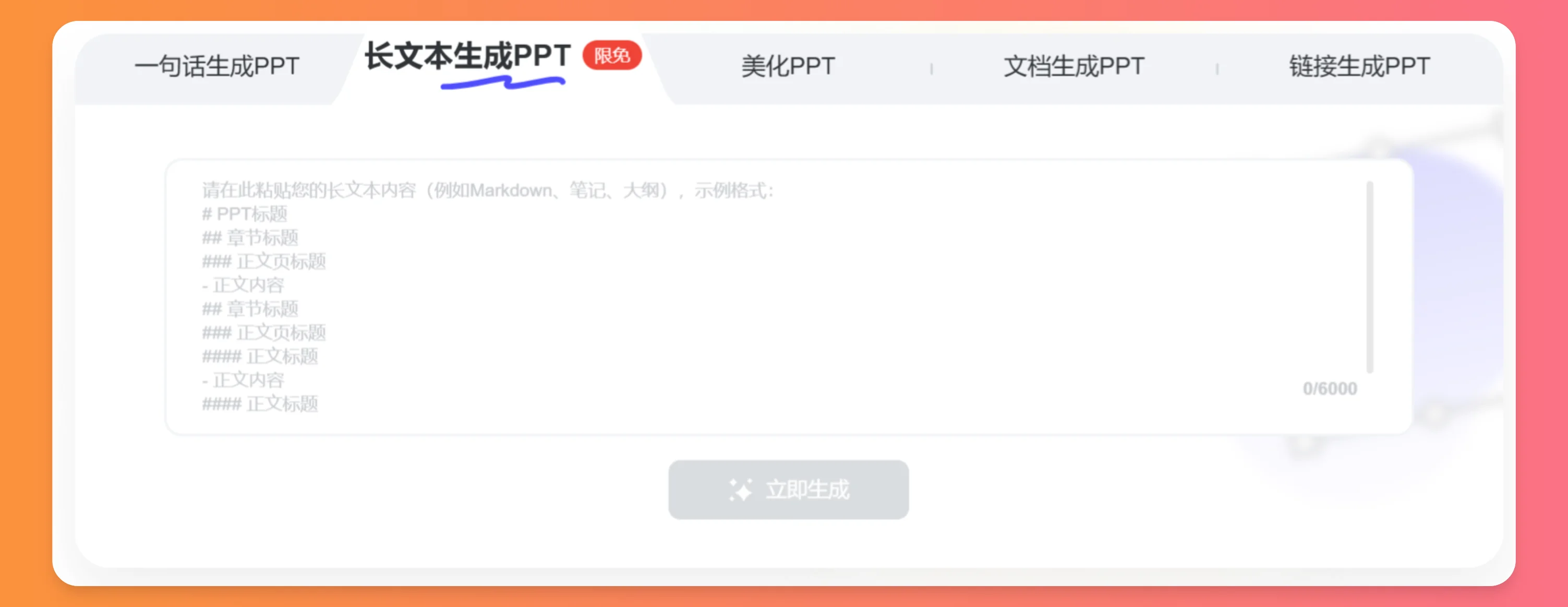
1. Basic Command:
Please generate a PPT outline for me on the theme "The Influence of Zen Style on Environmental Art Design", with the output format in Markdown.
The outline should cover the basic concepts of Zen style, its influence on different aspects of environmental art design (such as spatial layout, color application, material selection, etc.), as well as practical case analyses.
2. Advanced Command:
Tell DeepSeek your needs to greatly enhance the professionalism of the content, clearly defining the four core elements: theme positioning, target audience, content focus, and format requirements. The command:
I need to create a PPT about [2025 Technology Trends in the New Energy Industry], aimed at [Board Members],
which must highlight [Hydrogen Commercialization Pathways and Cost Optimization Plans], requiring the outline to include a technology roadmap, market competition analysis, and financial forecasting modules,
output in Markdown format
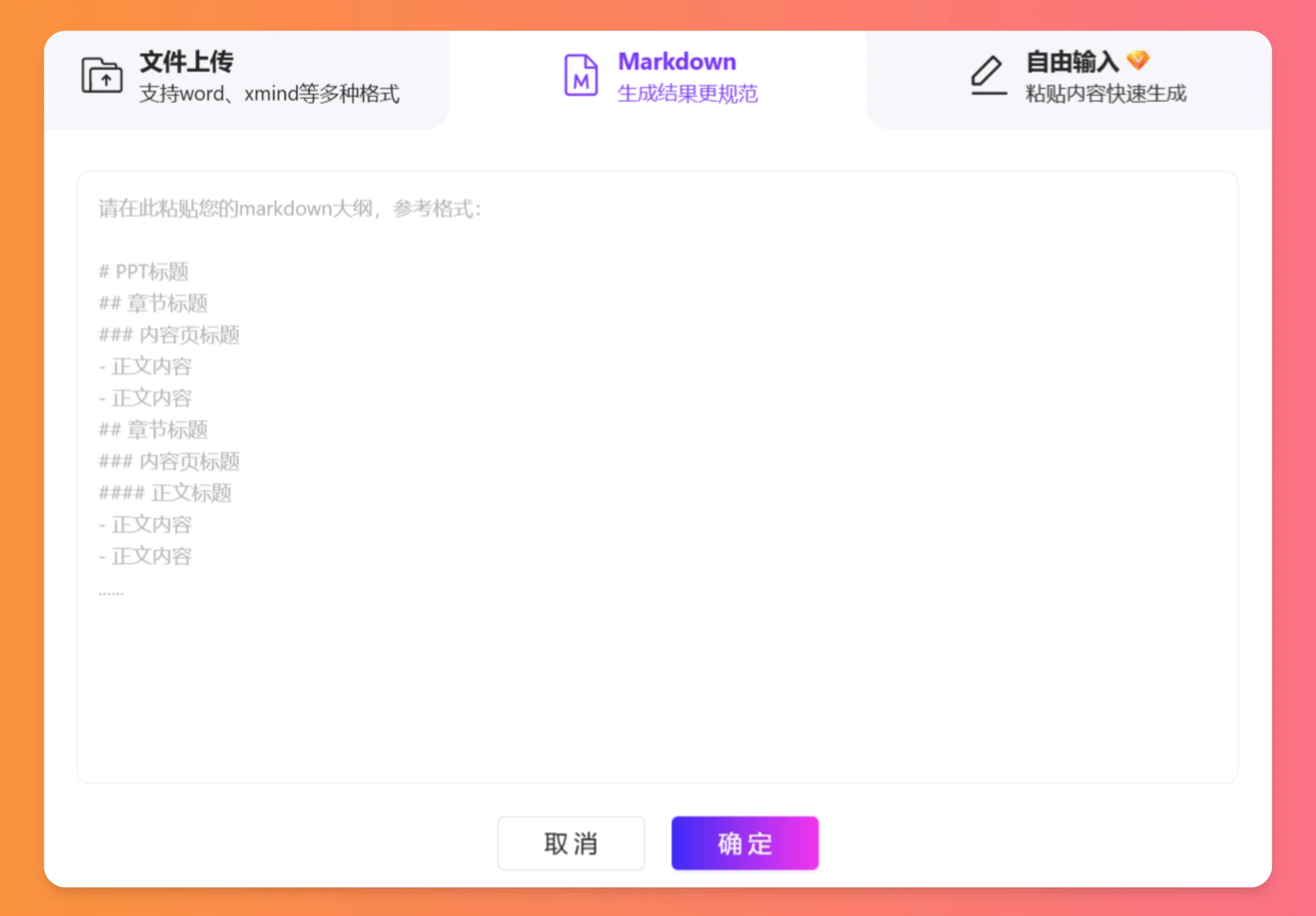
3. Role Setting to Enhance Professionalism
Enhance output quality by assigning DeepSeek a specific role:
Acting as a strategic analyst with 10 years of experience at an international consulting firm, please construct the PPT framework according to McKinsey methodology, and output in Markdown format.
This method activates the model's professional knowledge base, generating content that conforms to industry standards.
4. Structured Content Constraints, Clearly Defining Hierarchical Requirements
1. Title: Must include a main title and subtitle (e.g., "Breaking Through in Hydrogen: 2025 Technology Leap and Commercial Implementation")
2. Table of Contents: 5-7 chapters reflecting logical progression (e.g., Industry Status → Technical Bottlenecks → Solutions → Financial Model → Implementation Plan)
3. Chapter Key Points: Each chapter should have 3-4 data-supported points (e.g., "Hydrogen storage and transportation cost analysis needs to include 2024 LCOH comparison data")
4. Output format in Markdown
All the above commands must end by specifying the output format as Markdown, which is a common format used by many AI tools for generating PPTs. After outputting the outline via commands, you can directly paste it into related AI PPT generation tools, such as AIPPT, Meijian AI Creative PPT, Kimi Intelligent Assistant,









