
 Script Planner Assistant▸
 AI Apps
 AI News
Create Viral WeChat Articles with DeepSeek: A Hands-On Guide
小编 ·

Create Viral WeChat Articles with DeepSeek: A Hands-On Guide
In this era of information explosion and content being king, whoever can create viral articles seems to hold the key to traffic. Have you ever dreamed that the articles you write could spread like a virus, racking up tons of likes, comments, and shares? Today, I'm going to share with you an incredibly powerful hands-on guide — how to use DeepSeek to create viral articles for your WeChat Official Account.
1. Register a WeChat Official Account
First, you need a WeChat Official Account. If you don't have one yet, head over to the official platform and register one right away. A Personal Subscription Account will do — the registration process is very simple, just follow the prompts. Don't worry, registration is completely free!
2. Find Viral Articles
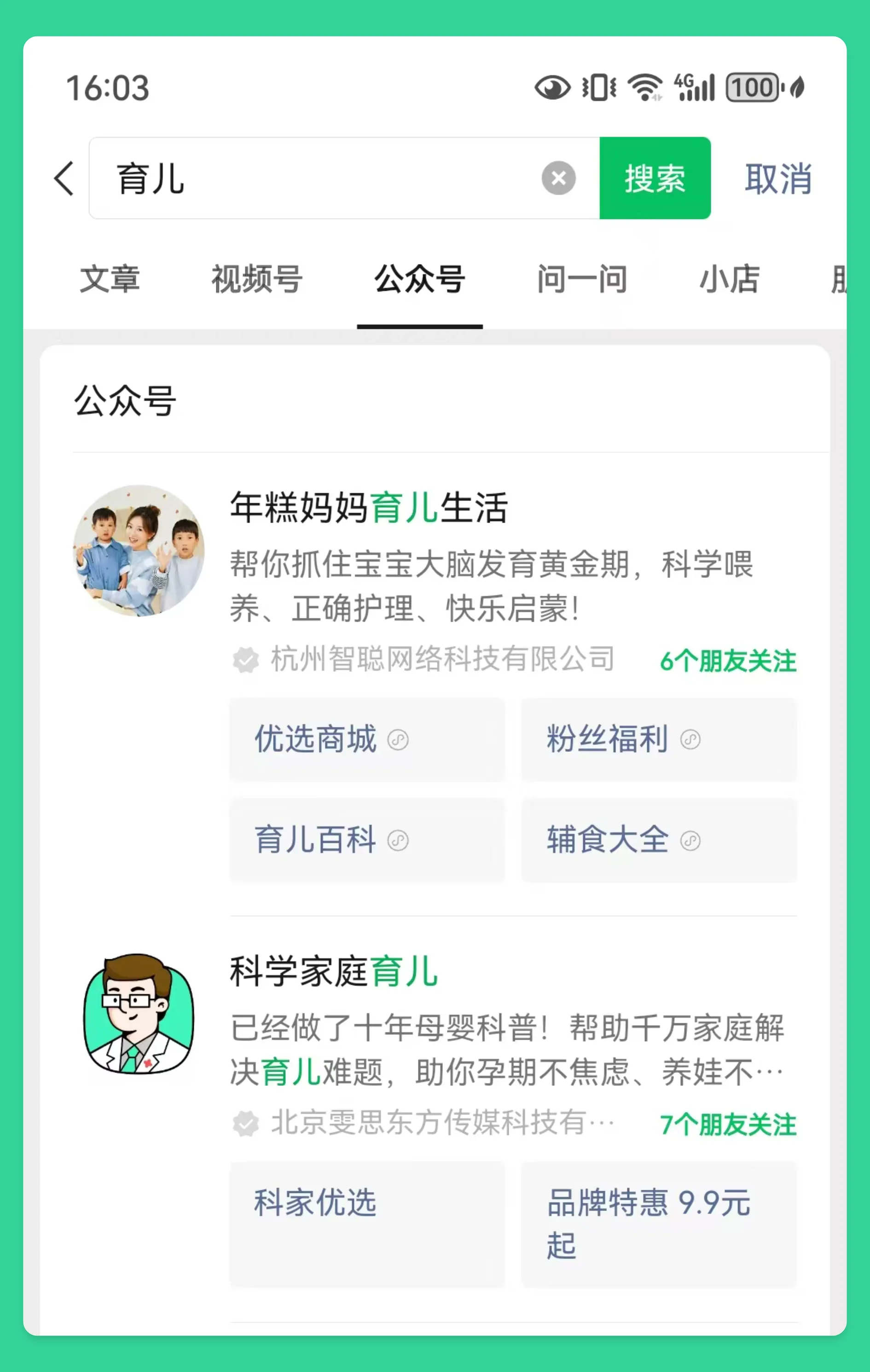
Find benchmark accounts: Within your niche, find some accounts with a large following and high readership — these are your benchmark accounts. For example, if you want to write about parenting, you can search for some well-known parenting WeChat Official Accounts, and then use keyword search, homepage recommendation, and topic search methods to find viral articles.
Analyze viral articles: Carefully study the viral articles from your benchmark accounts, analyzing their titles, content, layout, and other aspects. See how they attract readers and what techniques they use.
For example:
What trending topics did they use?
How did they resonate with readers?
Is the layout clear and easy to read?
DeepSeek prompt:
Analyze the title, content, and layout characteristics of the following article: [Paste article link]
3. Borrow Ideas, Imitate and Innovate to Create Viral Articles
Once you've found viral articles, you can start imitating. Note that imitation is not plagiarism! It's about borrowing ideas and adding your own innovation.
Determine the topic: Based on the topic of the viral article, decide on your own article topic. Choose a field you're familiar with and interested in, so you can write articles with more depth and appeal!
Outline the structure: Refer to the framework of the viral article and build your own article structure. A clear structure makes your article's logic clearer and easier for readers to understand.
Fill in the content: Use your own language and perspective to fill in the article content.
DeepSeek prompt:
Based on the topic and structure of the following article, generate a new article: [Paste article link]. The topic of the new article is: [Your article topic]
4. Optimize Titles to Catch the Eye & Boost Click-through Rate
The title is the face of an article — a good title can catch users' attention and boost the article's click-through rate!
Extract keywords: Extract keywords from the article content for title creation. Keywords should be precise and summarize the core content of the article.
Use numbers and symbols: Numbers and symbols can enhance the appeal of a title
Create suspense: Use interrogative or rhetorical sentences to create suspense
DeepSeek prompt:
Please generate 5 attractive titles based on the following article content: [Paste article content]
5. Layout Optimization to Improve Reading Experience
Layout is also an important factor affecting the reading experience of an article!
Use subheadings: Divide the article into multiple short paragraphs and use subheadings to summarize each section. This makes the article structure clearer and easier for readers to read.
Combine text and images: Insert images, emojis, etc., to make the article more vivid and interesting. Images should be high-definition and relevant to the article content.
Whitespace: Add appropriate whitespace to avoid the article being too dense, which can affect reading. Reasonable whitespace can make the article look more comfortable.
If you want to monetize through WeChat Official Account traffic, you can now enable the Traffic Monetization feature. Traffic Monetization is the key to making money with your WeChat Official Account — it allows you to insert ads in your articles, and you earn revenue when users click on those ads.









