
 Script Planner Assistant▸
 AI Apps
 AI News
How to Build 3D Models with DeepSeek: A Beginner's Tutorial
小编 ·

How to Build 3D Models with DeepSeek: A Beginner's Tutorial
Today I'll teach you how to use three awesome domestic AI tools—Tencent Hunyuan 3D, Jimeng AI, and DeepSeek—so that even with zero experience you can create stunning 3D models. Tencent Hunyuan 3D serves as the main modeling tool, Jimeng AI handles artistic refinement, and DeepSeek comes up with creative ideas. This beginner-friendly tutorial will get you started in 10 minutes!"
1. Generate Drawing Prompts Using DeepSeek
1. Open DeepSeek: Visit DeepSeek's website. If you encounter server congestion, use the full-power version of the third-party Wenxiaobai directly.
2. Enter a Description: Type in the description of the 3D model you want to generate, for example: "Design a cute cartoon bear IP character, on a solid color background, with 3D rendering quality, and generate the prompt in Chinese for AI drawing." (Here's a tip: you can ask DeepSeek to generate, say, 3 IP characters in different styles.)
3. Copy the Prompt: DeepSeek will generate a prompt—copy it, as you'll need it later.
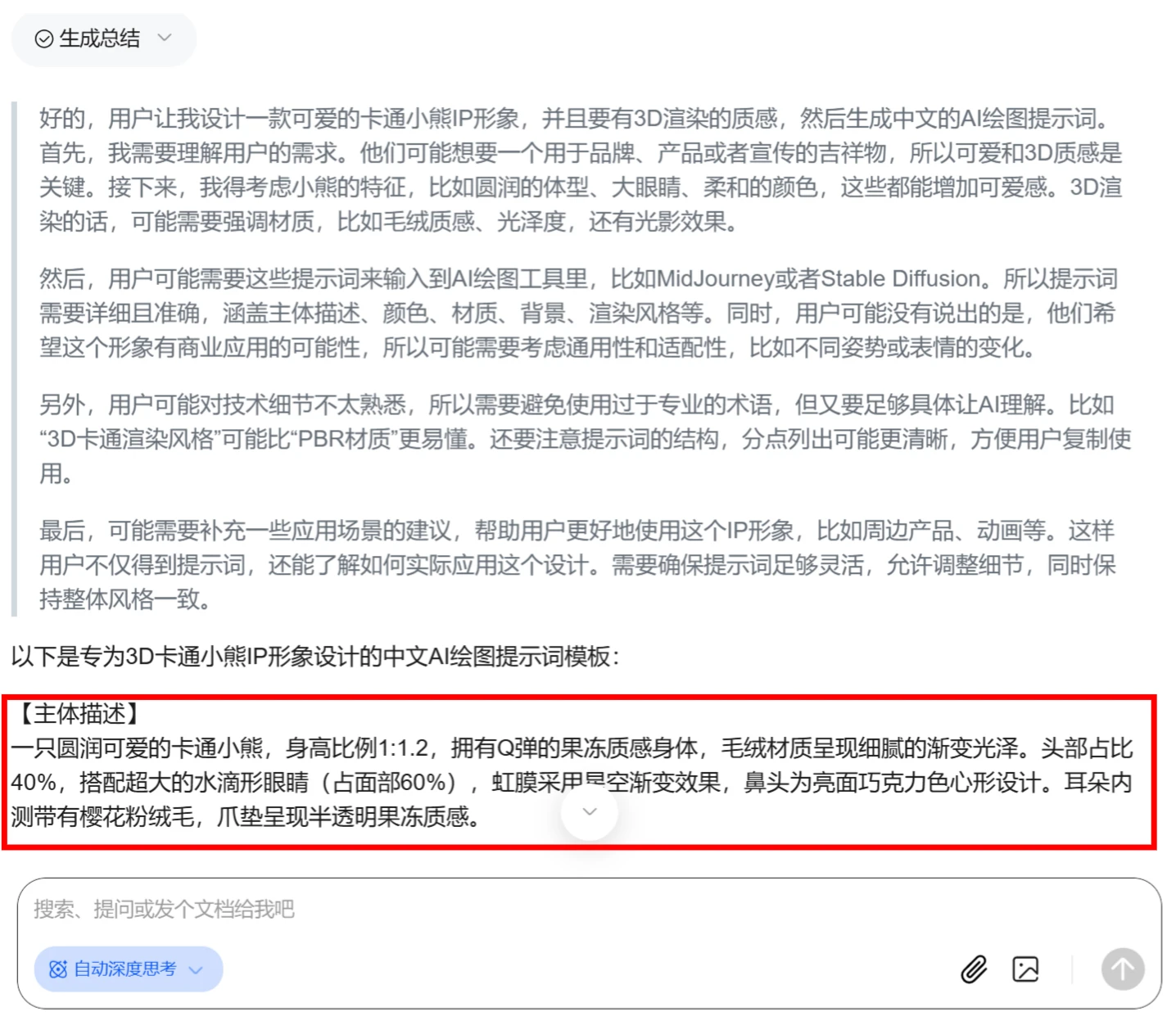
2. Generate Images Using Jimeng AI
1. Open Jimeng AI: Visit Jimeng AI's website.
2. Click [Image Generation]
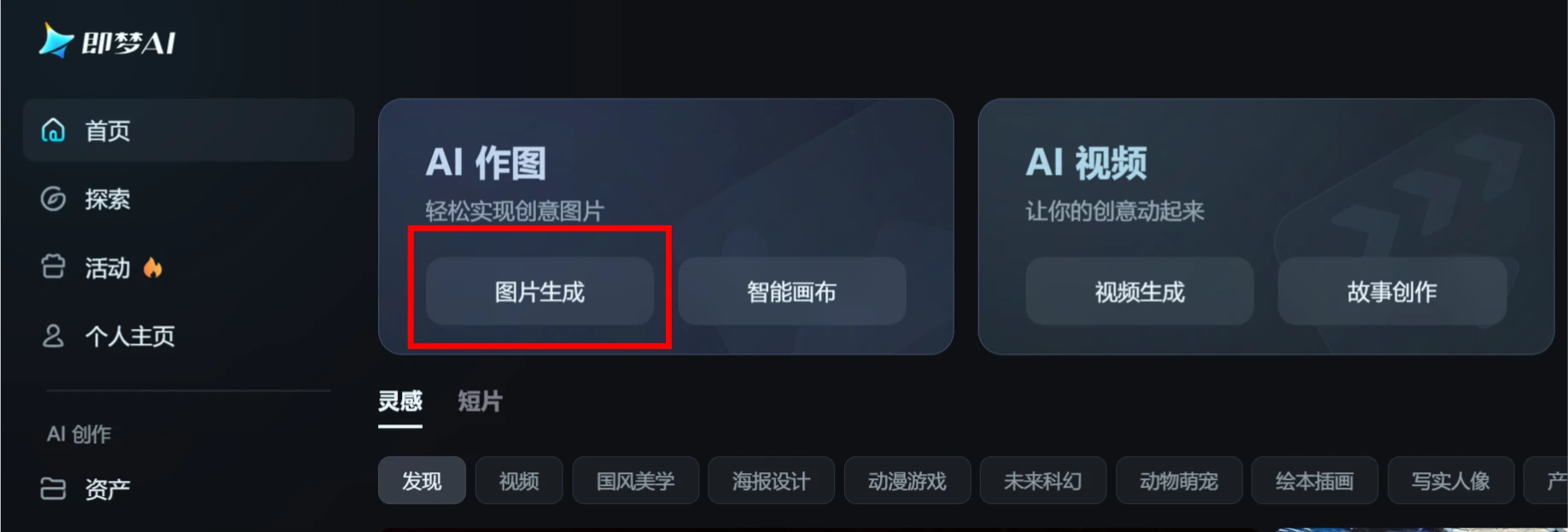
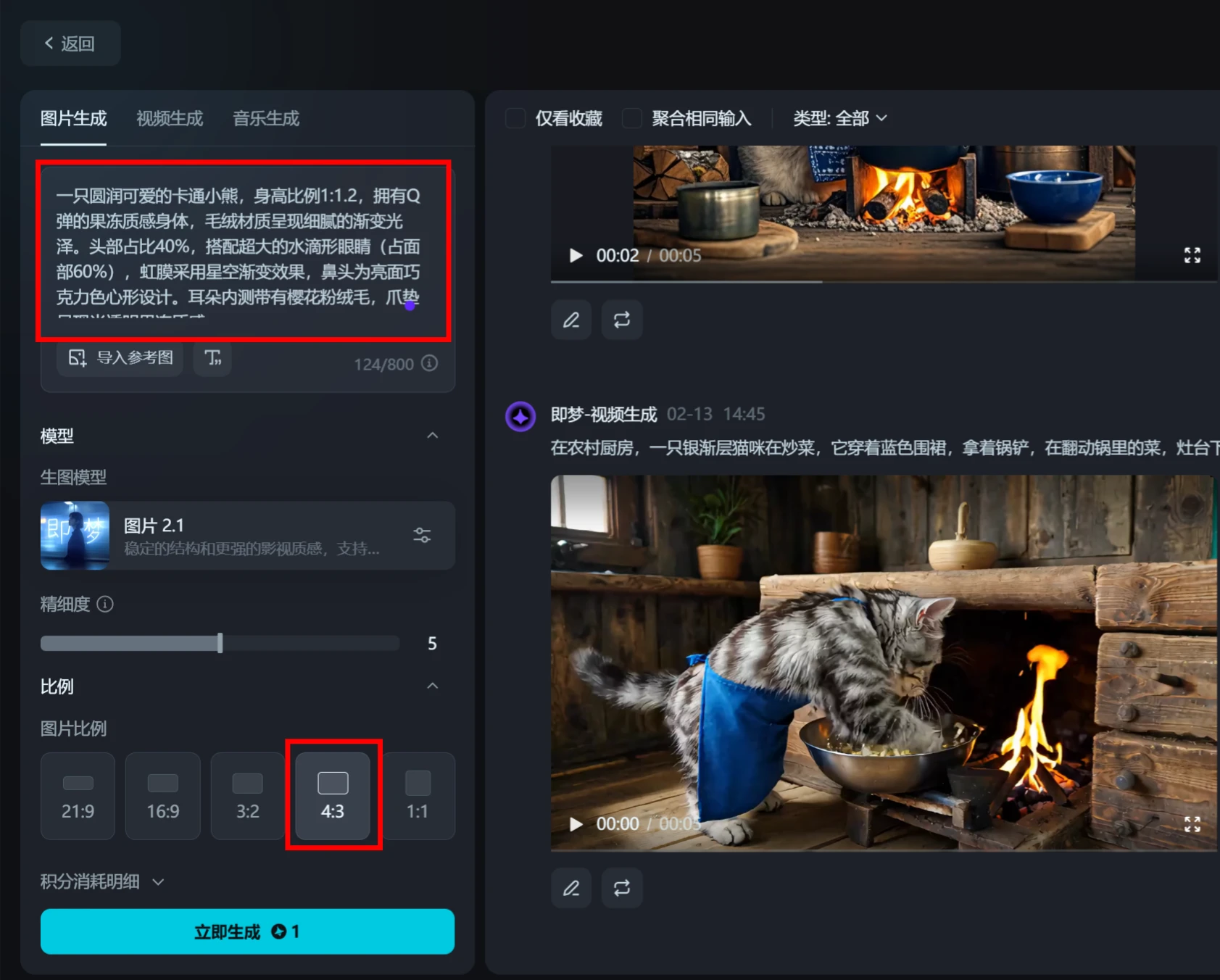
3. Paste the Prompt: Paste the prompt generated by DeepSeek into Jimeng AI's [Text Input Box].
4. Adjust Parameters: Set the image generation parameters, such as quality, aspect ratio, and model, then click [Generate Now].
Wait about 2 minutes, and 4 cute cartoon bears will appear.
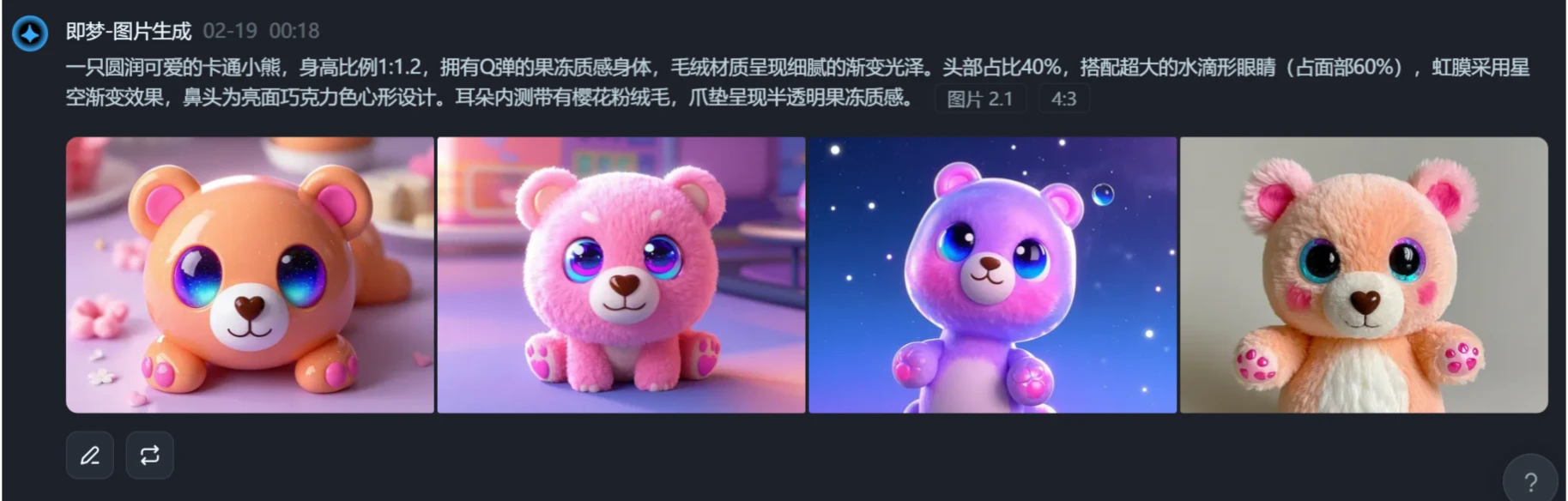
5. Select an Image: Choose the image that best fits your needs from the 4 generated images, and download it.
3. Create a 3D Model Using Tencent Hunyuan 3D
1. Open Tencent Hunyuan 3D: Tencent Hunyuan 3D website.
2. Upload the Image: In Hunyuan 3D, select the [Image-to-3D] option and upload the image you just downloaded from Jimeng AI.
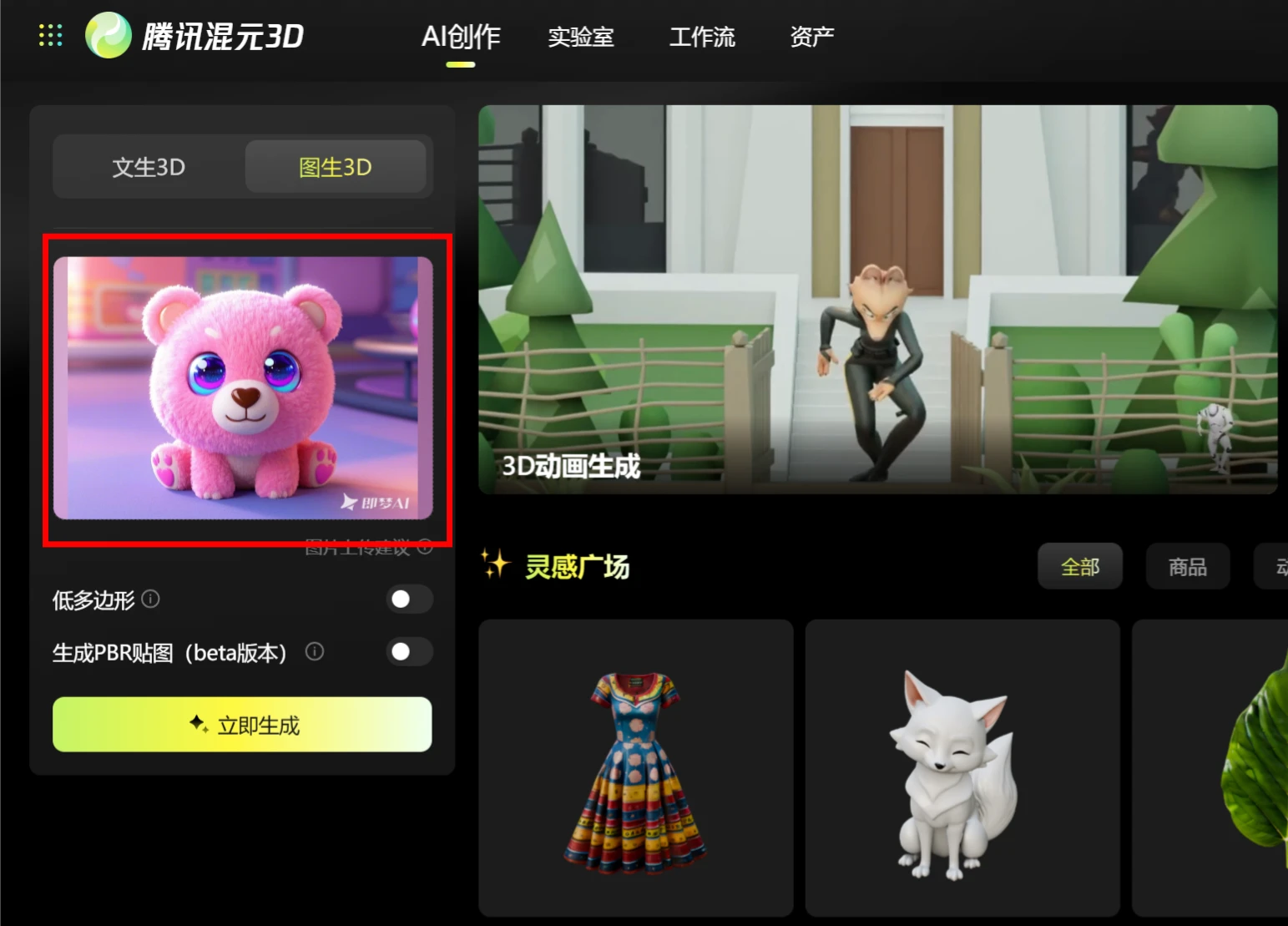
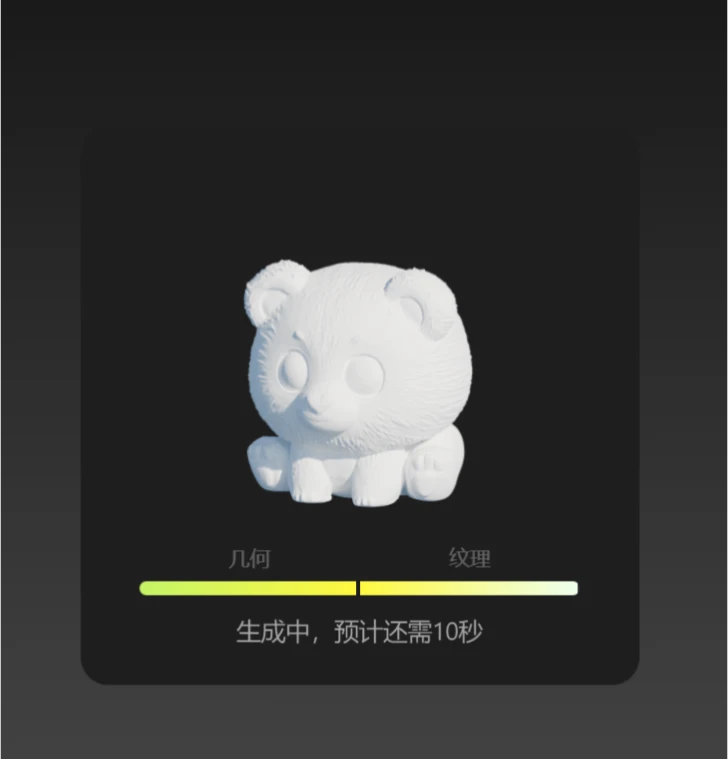
3. Generate the Model: Click [Generate Now] and wait for the system to generate the 3D model.
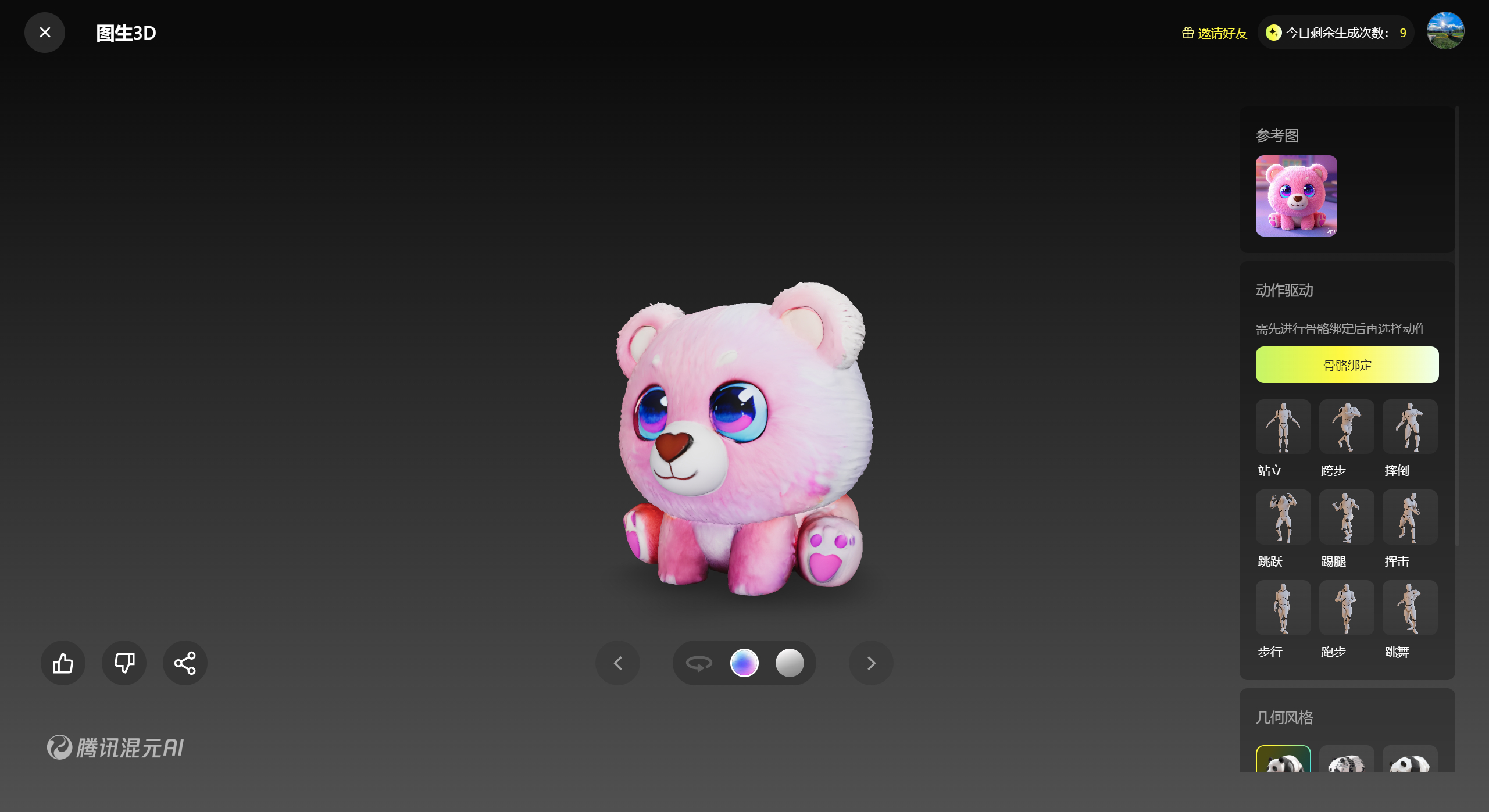
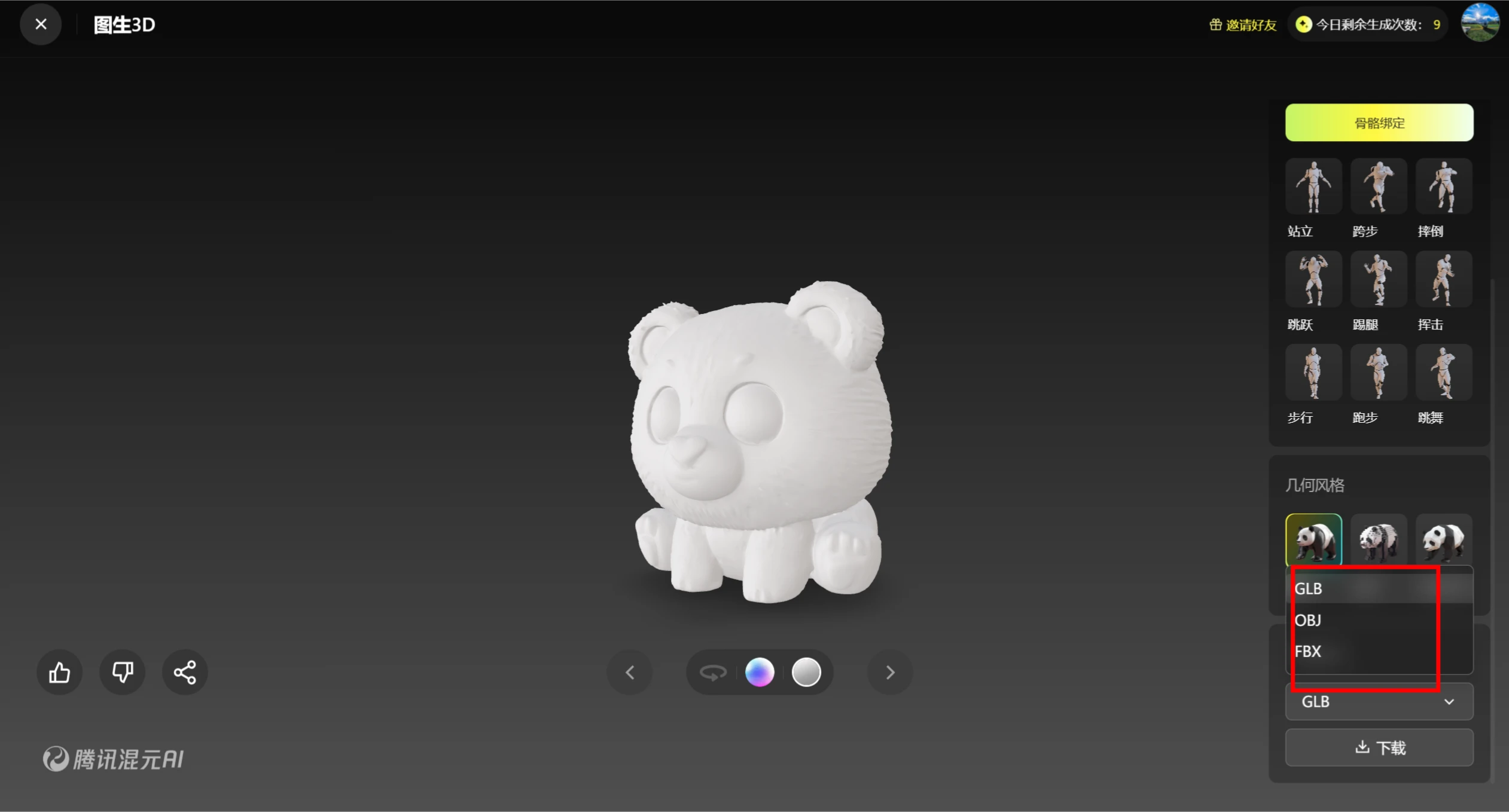
4. Export the Model: Once the model is generated, you can export it in common 3D model formats, such as OBJ or STL, for subsequent use.
Additionally, some of you may already be wondering—why not use Hunyuan 3D's Text-to-3D feature directly to generate the model, without going through Jimeng AI? Let's give it a try by pasting the prompt generated by DeepSeek above directly.
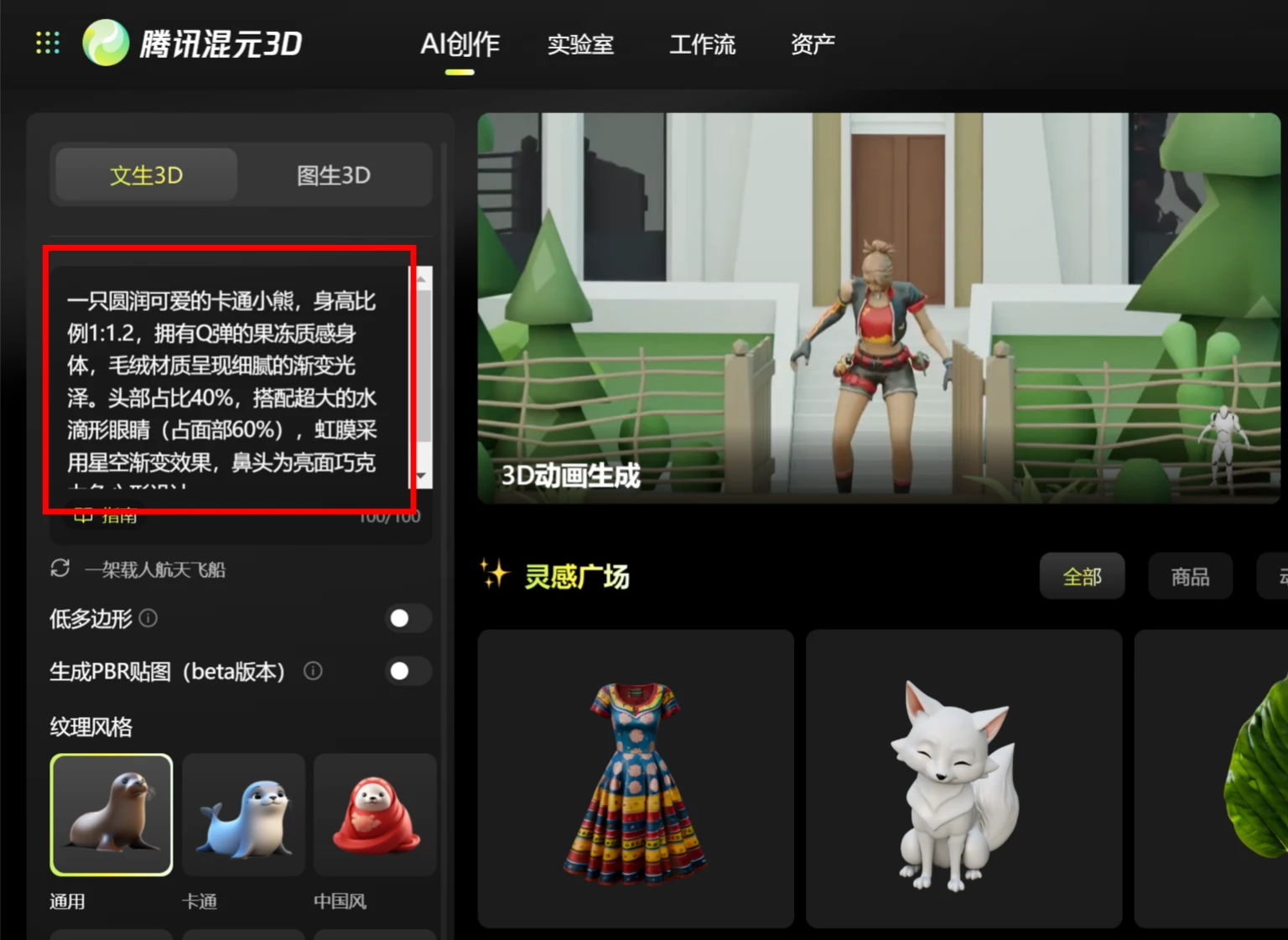
The generated result is as follows:
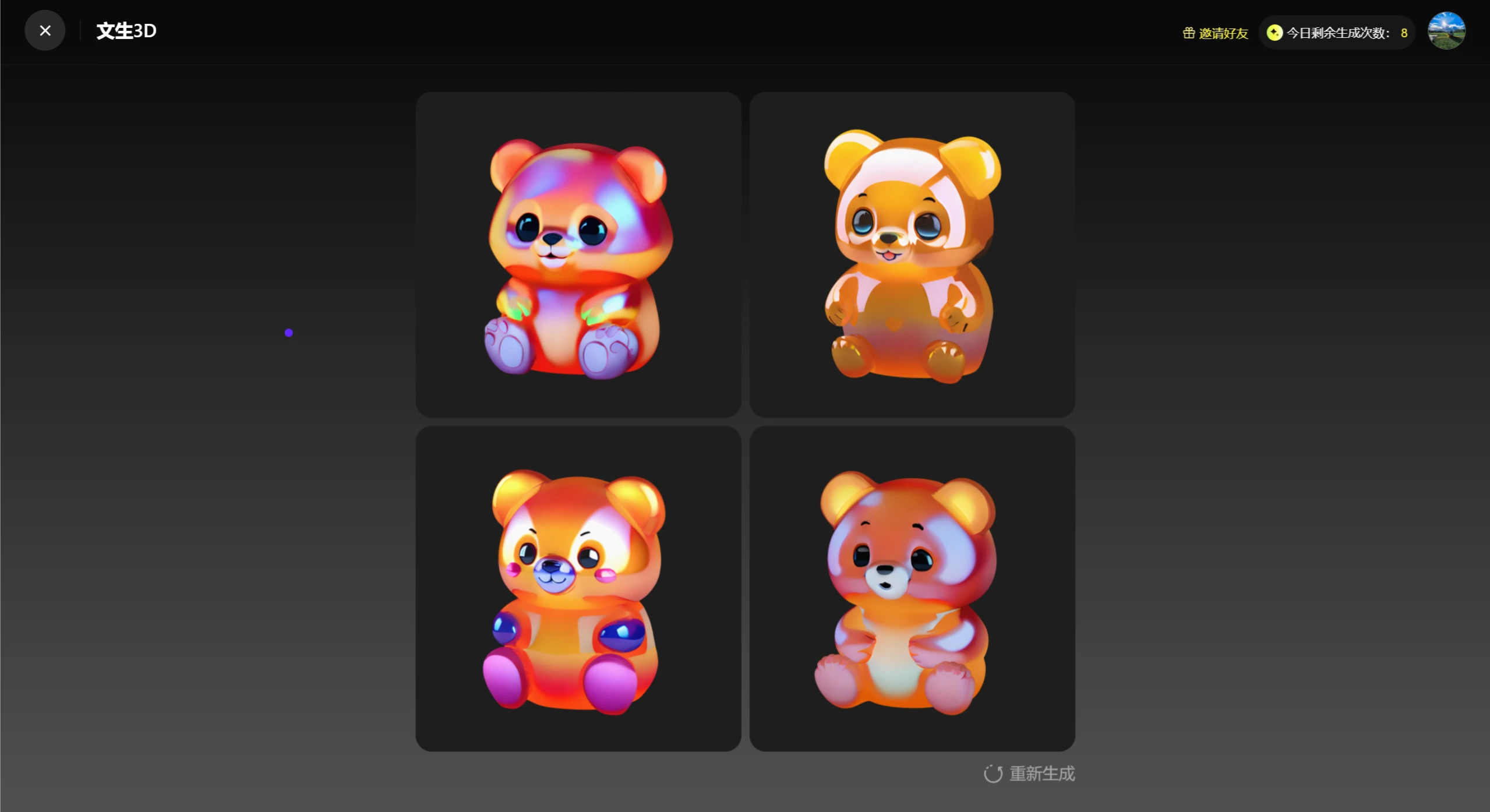
It's quite obvious that the poses and styles are rather limited; with Jimeng AI, we benefit from the greater diversity it produces.
Through this tutorial on creating 3D models with DeepSeek, you've likely unlocked the hidden skills of these three powerful tools! Whether you want to design game characters, decorate a virtual room, or simply have a go at cutting-edge tech, this golden combo makes your creativity effortless—give it a try yourself!









