
 Script Planner Assistant▸
 AI Apps
 AI News
ByteDance's AI Coding Tool Trae Launches on Windows
小编 ·

ByteDance's AI Coding Tool Trae Launches on Windows
ByteDance has launched the Windows version of its AI programming tool Trae, following the macOS version released in January. The latest version is V1.0.2. The new V1.0.2 release brings a number of optimizations and new features: Trae has improved the experience of invoking the Builder tool and enhanced compatibility with the Windows terminal. Users can now drag and drop files into the AI input box, greatly facilitating file management and operations. In addition, Trae offers AI Q&A and code auto-completion features, supporting developers in achieving efficient programming. Trae not only supports AI Q&A and code auto-completion but also provides powerful AI capabilities such as Claude 3.5 and GPT-4o to help developers boost development efficiency.
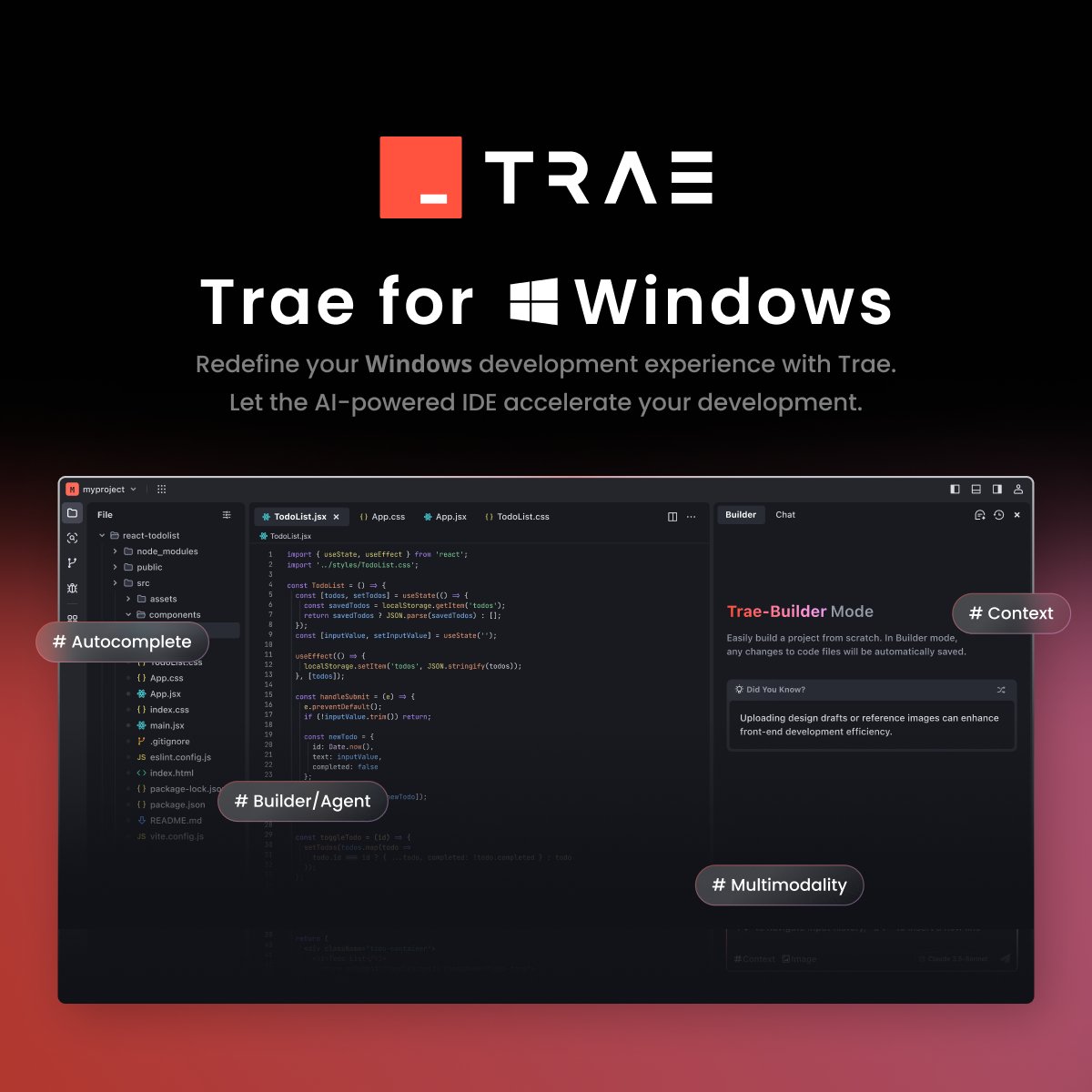
Main Optimizations and Features of the Windows Version of Trae:
Builder Tool Experience Optimization: Smoother invocation experience, with stronger compatibility with the Windows terminal.
Convenient File Management: Supports dragging and dropping files into the AI input box, simplifying file operations.
Enhanced AI Capabilities: In addition to AI Q&A and code auto-completion, it also offers advanced features such as Claude 3.5 and GPT-4o.
Builder Mode Explained:
Intuitive interface, selectable from the upper-right corner.
Create new projects directly; simply type code to receive AI-powered suggestions.
Provided free of charge on an ongoing basis.
Changelog (February 17, 2025, V1.0.2):
Added Windows x64 support.
Optimized Builder tool invocation and interaction.
Added file tree drag-and-drop functionality.
Fixed reported issues to improve user experience.
Download and Installation:
Visit the Trae official website to download the Windows installer.
Double-click the installation file and follow the instructions.
Core Highlights of Trae:
Fully Chinese Interface: Tailored for domestic users, beginner-friendly for programming.
Cross-Platform Support: Compatible with both Windows and MacOS.
Built-in Top-Tier AI Models: Free, unlimited use of Claude 3.5 and GPT-4o.
Zero-Barrier Intelligent Development: Generate code through Chinese conversations, with automatic error correction to simplify development.
To learn more, visit [Trae official website](https://www.trae.ai/).









