
 Script Planner Assistant▸
 AI Apps
 AI News
node-DeepResearch: Jina AI's DeepSearch Tool for Complex Questions
小编 ·

node-DeepResearch: Jina AI's DeepSearch Tool for Complex Questions
Jina AI recently launched a DeepSearch tool: node-DeepResearch. node-DeepResearch is an open-source automated research tool that can search, read web pages, and reason until it finds the answer to a question. It is suitable for automated information retrieval and intelligent Q&A tasks, combining search engines and large language models (LLMs) to improve research efficiency.

I. Main Features:
Automatic Search and Reasoning: Uses a search engine to find relevant web pages, and reasons through a large model (such as Gemini) to generate the final answer.
Intelligent Web Page Reading: Combined with Jina Reader, it can extract key content from web pages, improving the accuracy of information retrieval.
Configurable API: Users can configure their own Gemini API and Jina Reader API to optimize query results.
II. Application Scenarios:
Literature Review: Helps researchers quickly find and organize literature in related fields, generating literature review reports.
Market Research: Quickly collects and analyzes market data, understanding competitor dynamics and industry trends.
News Reporting: Quickly gathers and organizes background information and related reports on news events, helping journalists write news articles quickly.
Learning Assistance: Helps students answer complex academic questions, providing learning materials and reference answers.
Policy Research: Helps policymakers collect and analyze background information and implementation effects of relevant policies.
III. Main Objectives:
Automated Information Retrieval: Finds relevant information through search engines.
Multi-step Reasoning: Handles complex multi-step problems, breaking them down and solving them step by step.
Real-time Progress Feedback: Provides real-time progress updates, allowing users to track the progress of their queries.
Flexibility: Supports various types of queries, from simple factual questions to complex open-ended questions.
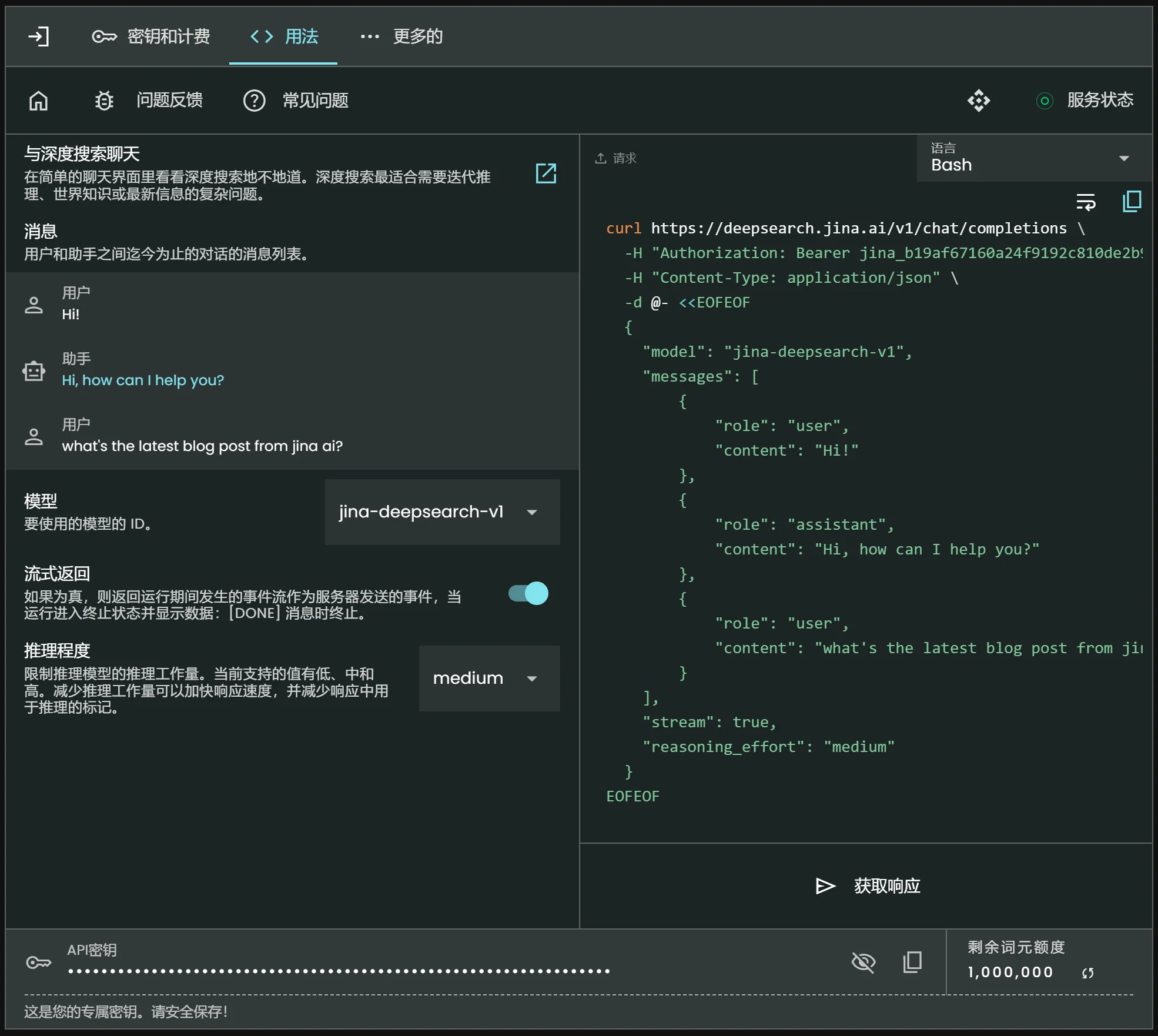
IV. Key Features
Continuous Search and Reading:
Based on search engines (such as Brave or DuckDuckGo) to find relevant information.
Reads web page content until the answer to the question is found or a predetermined token budget limit is reached.
Multi-step Reasoning:
Breaks down complex questions into multiple steps and solves each step one by one.
Supports long-duration task processing, ensuring accurate results.
Real-time Progress Feedback:
Provides real-time progress updates through the Web Server API, allowing users to obtain query status via HTTP requests.
Flexible Query Methods:
Supports various types of query needs, including simple questions and complex open-ended questions.
V. Technical Principles
Language Model:
Uses Gemini as the core language model, responsible for generating answers and reasoning logic.
Gemini is a powerful general-purpose language model capable of handling a variety of natural language tasks.
Web Page Content Processing:
Utilizes Jina Reader to convert web page content into plain text format suitable for language model processing.
Jina Reader is an open-source tool specifically designed for processing HTML web page content.
Search and Information Extraction:
Combines search engines to obtain relevant information.
Automatically extracts useful web page content for further analysis and reasoning.
Multi-step Reasoning Process:
Initialization: Set initial context and variables.
Budget Check: Check at each step whether the token budget has been exceeded.
Prompt Generation: Generate input prompts for the language model based on the current question.
Model Generation: Call Gemini to generate an answer or the next action.
Action Processing: Execute corresponding operations based on the generated action.
Result Evaluation: Evaluate whether the generated answer meets the question requirements; if not, continue reasoning.
Loop and Termination: If the answer is found within the budget, end the query; otherwise, enter "Beast Mode" to generate the final answer.
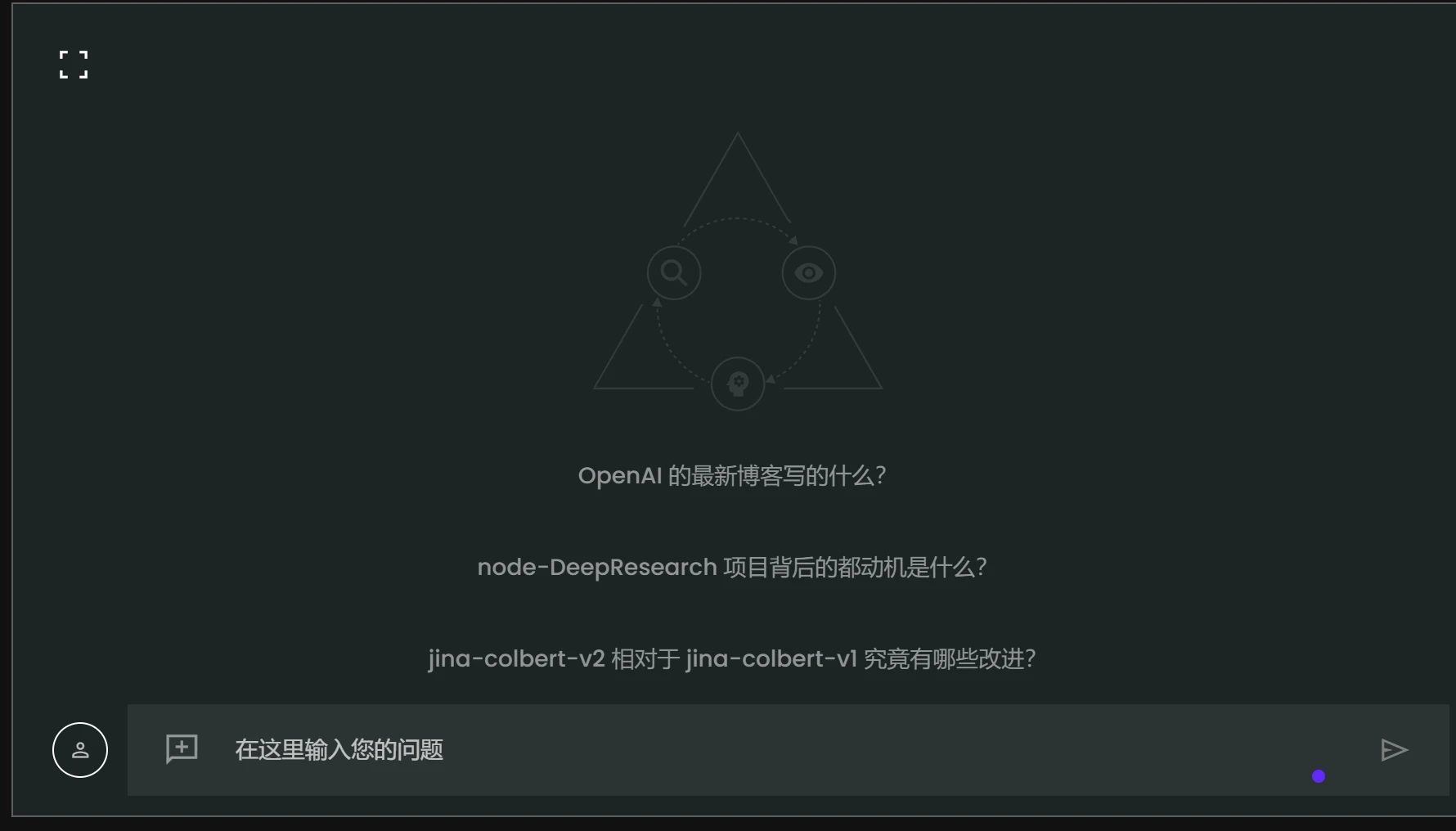
VI. How to Deploy node-DeepResearch?
1. Install Dependencies
# 设置必要的环境变量
export GEMINI_API_KEY=export JINA_API_KEY=jina_ # 从 https://jina.ai/reader 获取免费的 Jina API 密钥

# 克隆仓库并安装依赖
git clone https://github.com/jina-ai/node-DeepResearch.git
cd node-DeepResearch
npm install
2. Run Using the Command Line
# 提交查询请求
npm run dev # 示例
npm run dev "what is the capital of France?"
npm run dev "who will be the biggest competitor of Jina AI"
3. Call the API
# 启动 Web Server
npm run serve

# 访问地址
http://localhost:3000

# 提交查询请求 (示例)
curl -X POST http://localhost:3000/api/v1/query \
-H "Content-Type: application/json" \
-d '{"query": "What is the capital of France?"}'
GitHub repository: https://github.com/jina-ai/node-DeepResearch









