
 Script Planner Assistant▸
 AI Apps
 AI News
Jimeng AI Tutorial: Create Cat Cooking & Chores Videos in 3 Minutes
小编 ·

Jimeng AI Tutorial: Create Cat Cooking & Chores Videos in 3 Minutes
Just use Jimeng ai, and you can easily create a cat cooking and doing housework video in 3 minutes. Here is a nanny-level tutorial to share:
Tutorial 1: Text-to-Image, Then Image-to-Video
1. Open Jimeng AI
2. Click on [Image Generation] under AI Image.
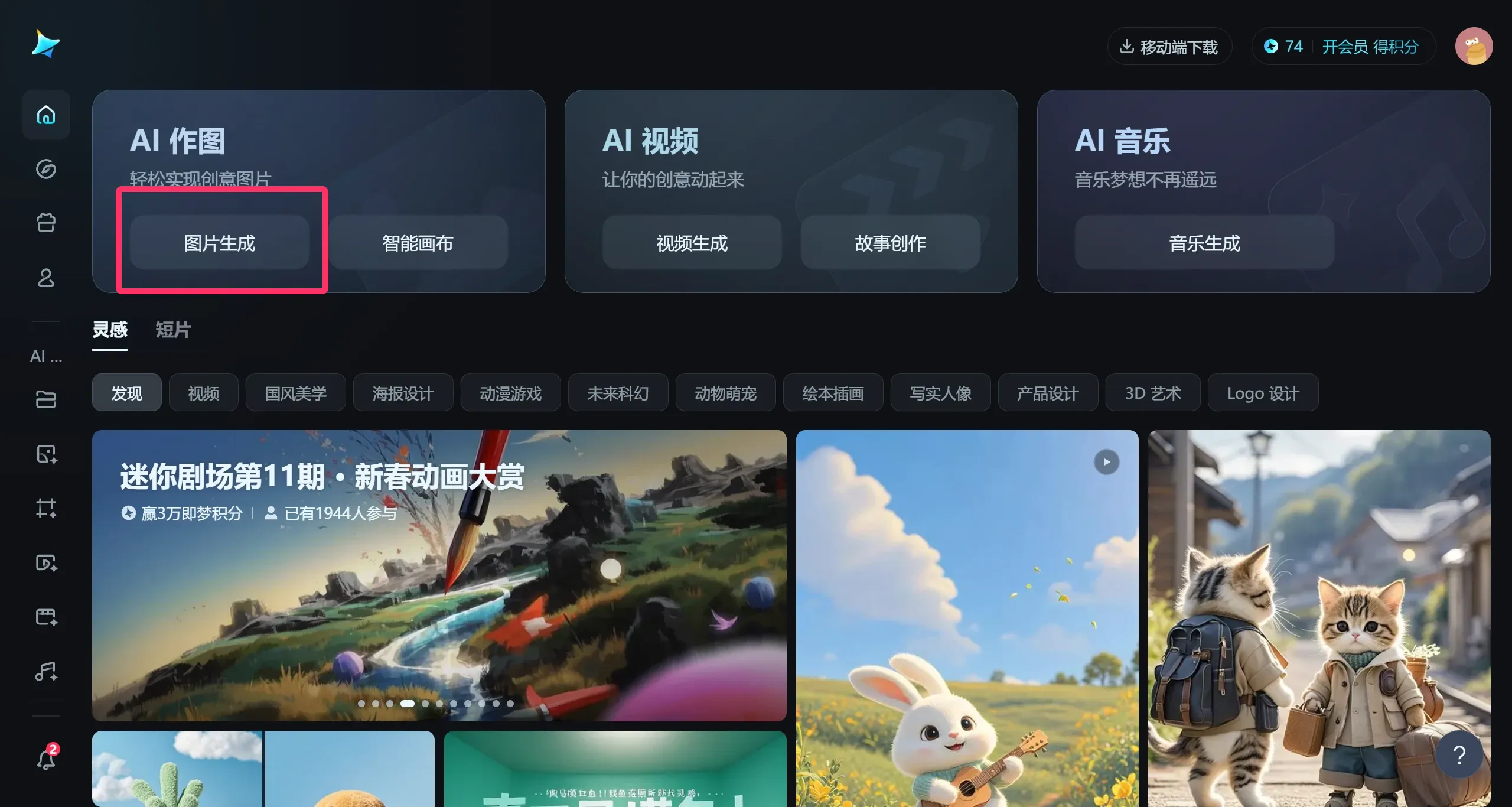
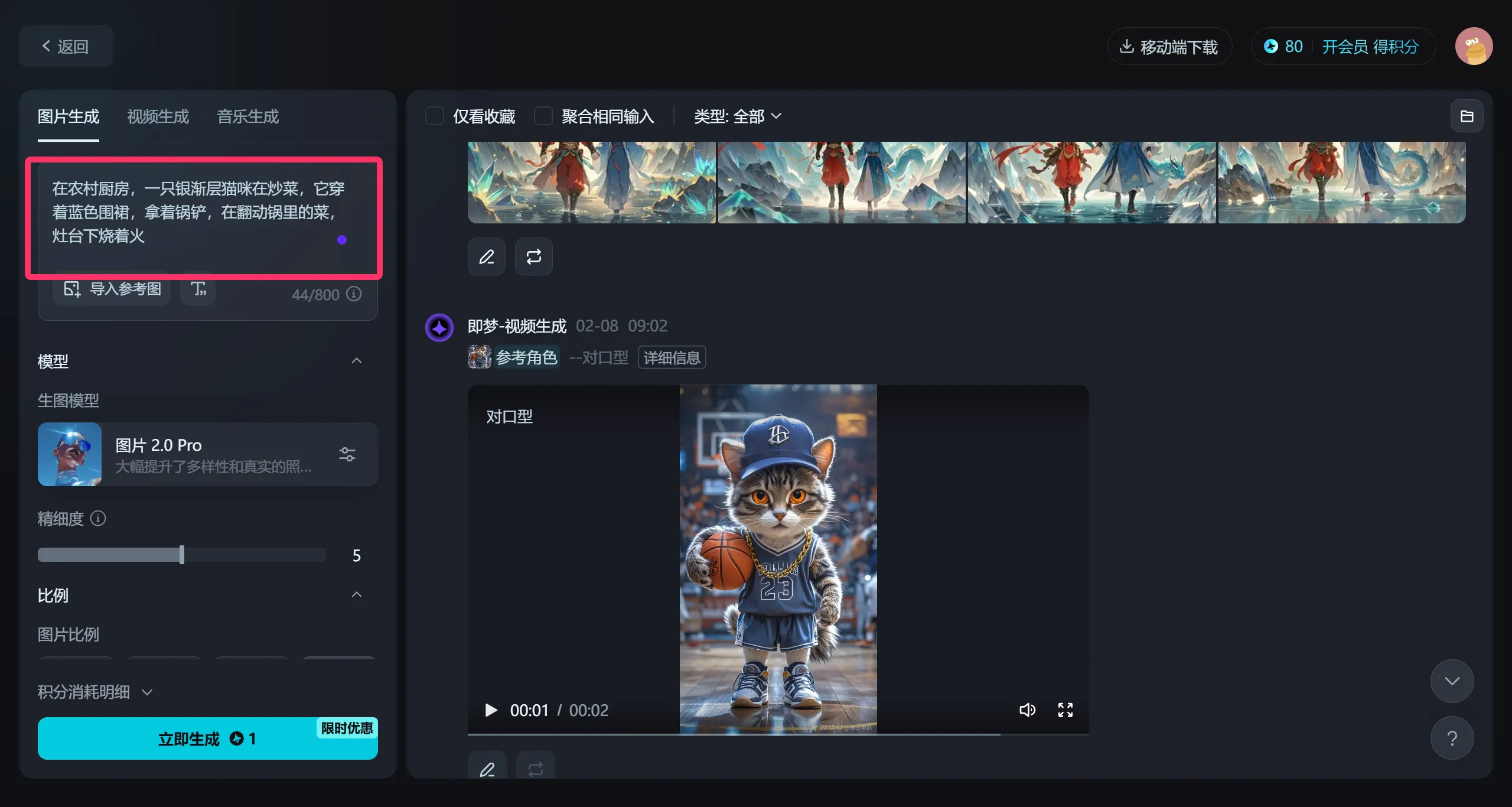
3. Enter the prompt:
在一农村厨房,一只银渐层猫咪在炒菜,它穿着蓝色围裙,拿着锅铲,在翻动锅里的菜,灶台下烧着火
You can also add some other descriptive words, such as a yellow cat, etc. Scroll down to choose the aspect ratio—I selected 4:3 here—and then click [Generate Now].
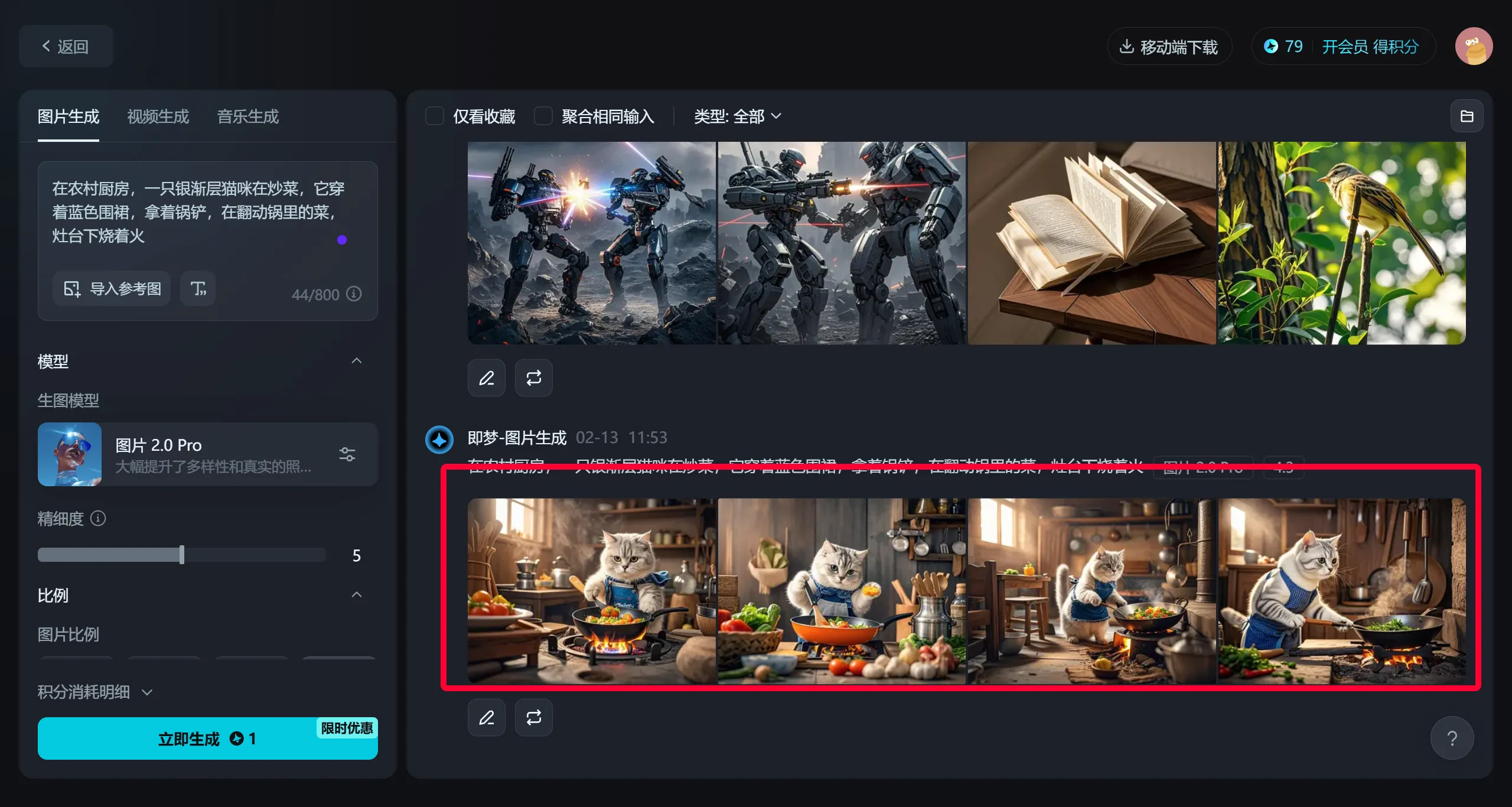
4. Wait about one or two minutes, and a set of 4 images will be generated. Choose one you are satisfied with.
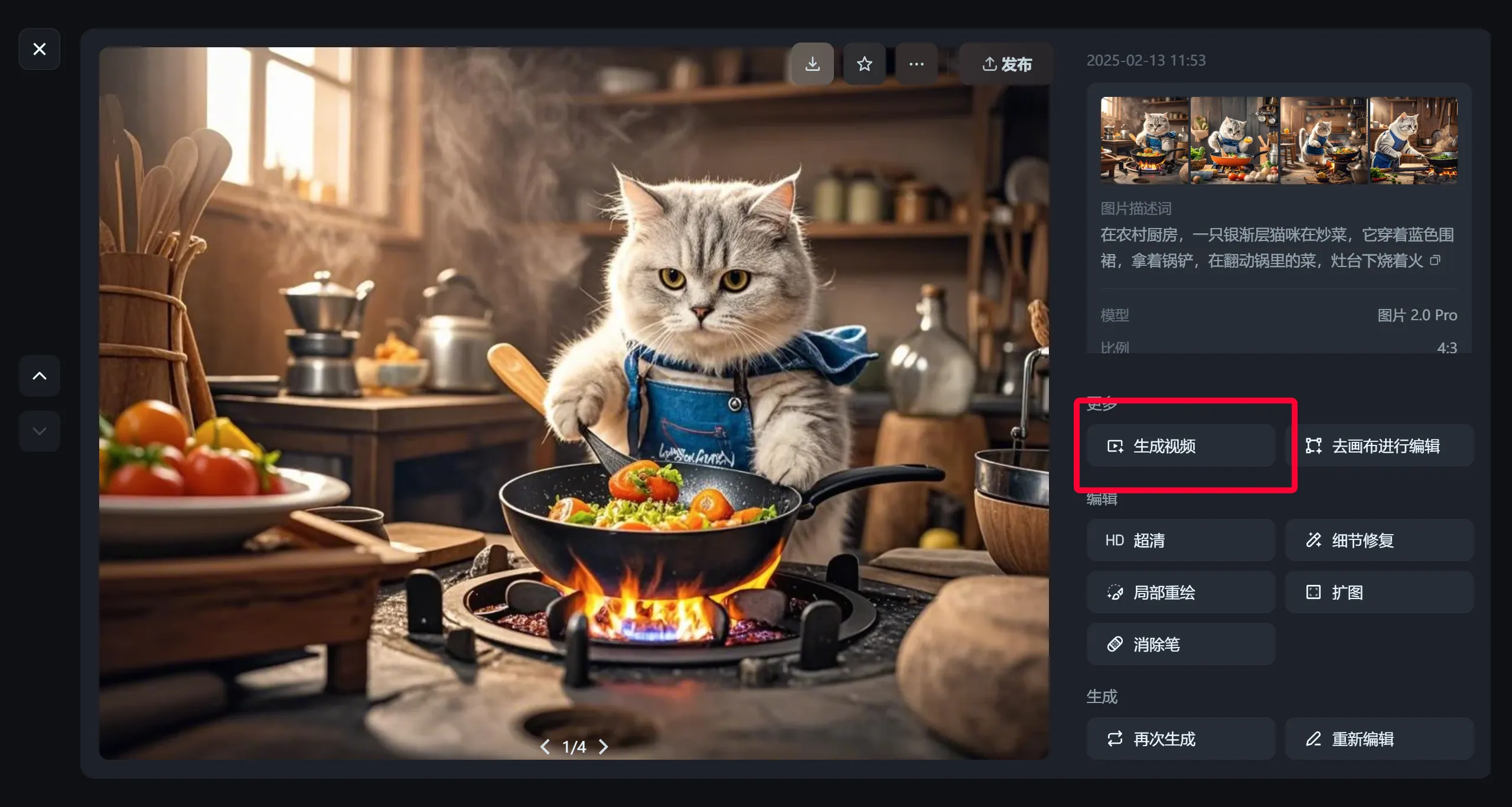
5. Click [Generate Video] on the left column
6. On the left side parameters, select the video model: S2.0
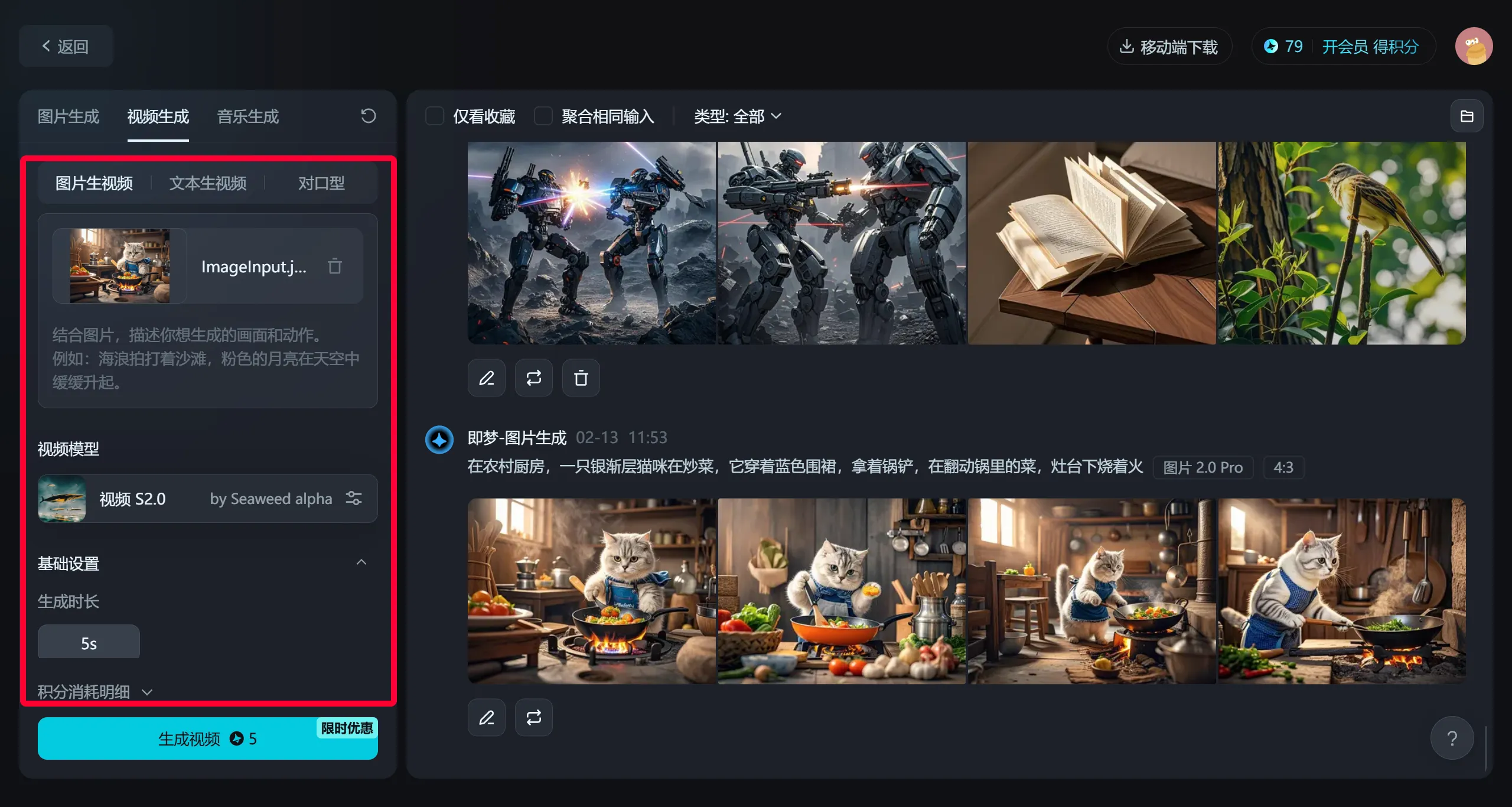
7. Click Generate Video, wait about 2 minutes, and the entire video will be generated.
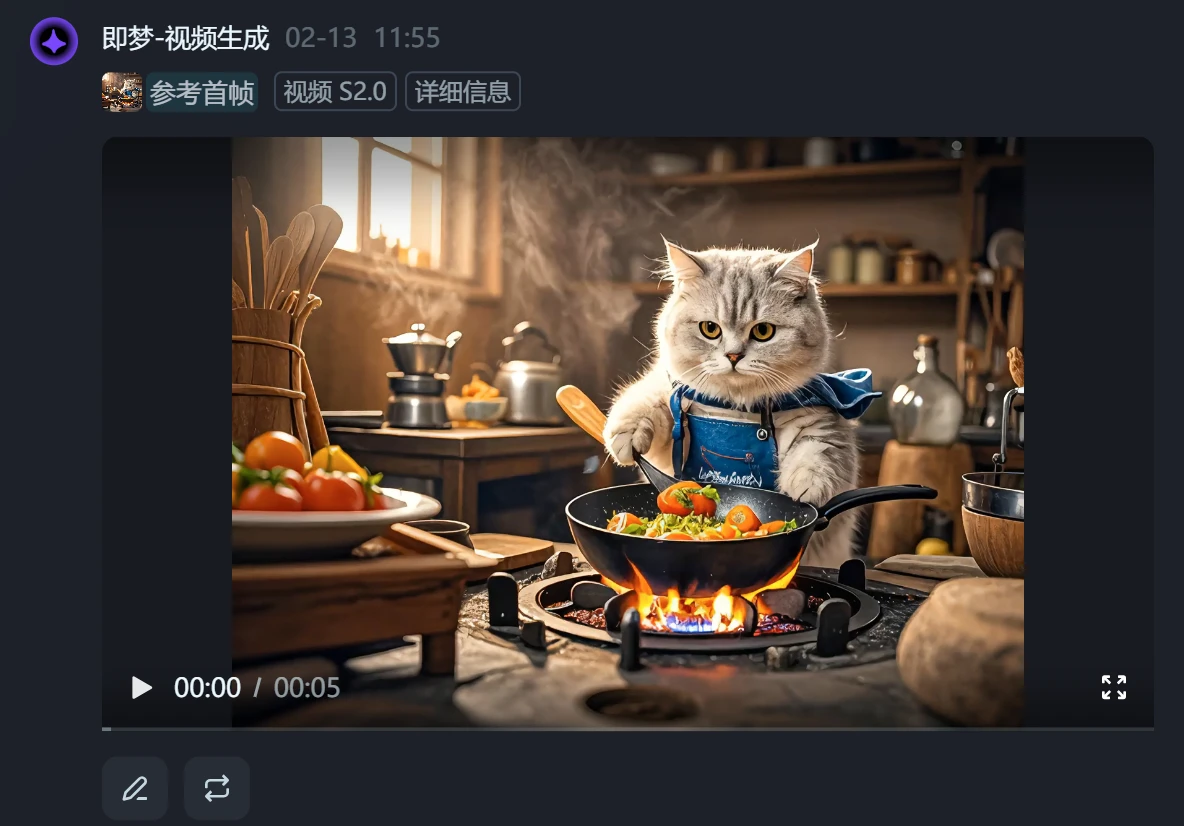
Tutorial 2: Text-to-Video
[Video Generation] - [Text-to-Video]
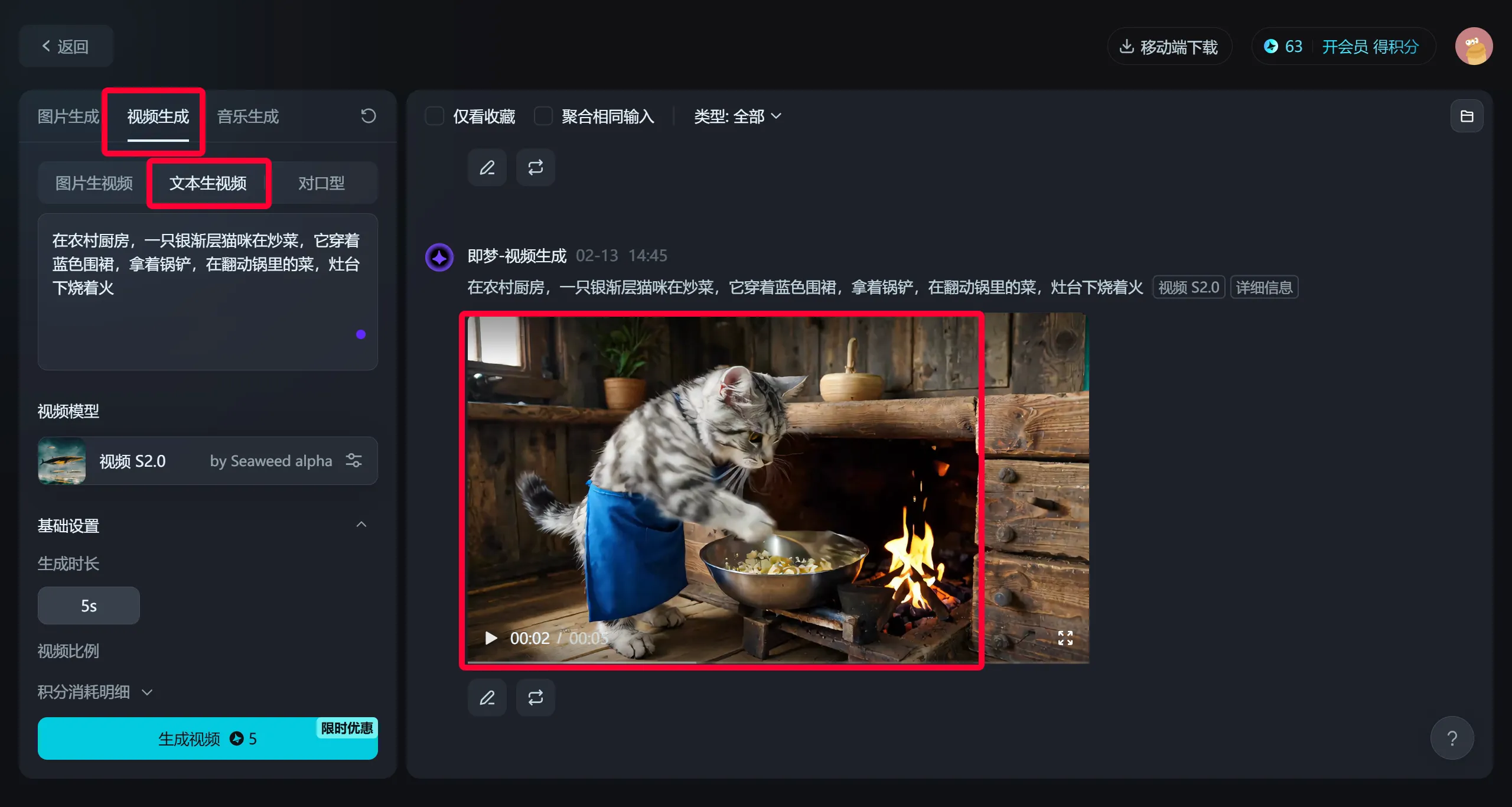
The difference between these two tutorials is that with image generation you can choose from 4 characters and environments, while directly generating video from text feels like leaving it to chance. After the video is generated, you can also add voiceover and lip-sync, with no need to import it into Jianying for editing. Isn't it easy?









