
 Script Planner Assistant▸
 AI Apps
 AI News
WeChat Red Packet Cover Customization Is Live — Here's How to Use It

WeChat Red Packet Cover Customization Is Live — Here's How to Use It
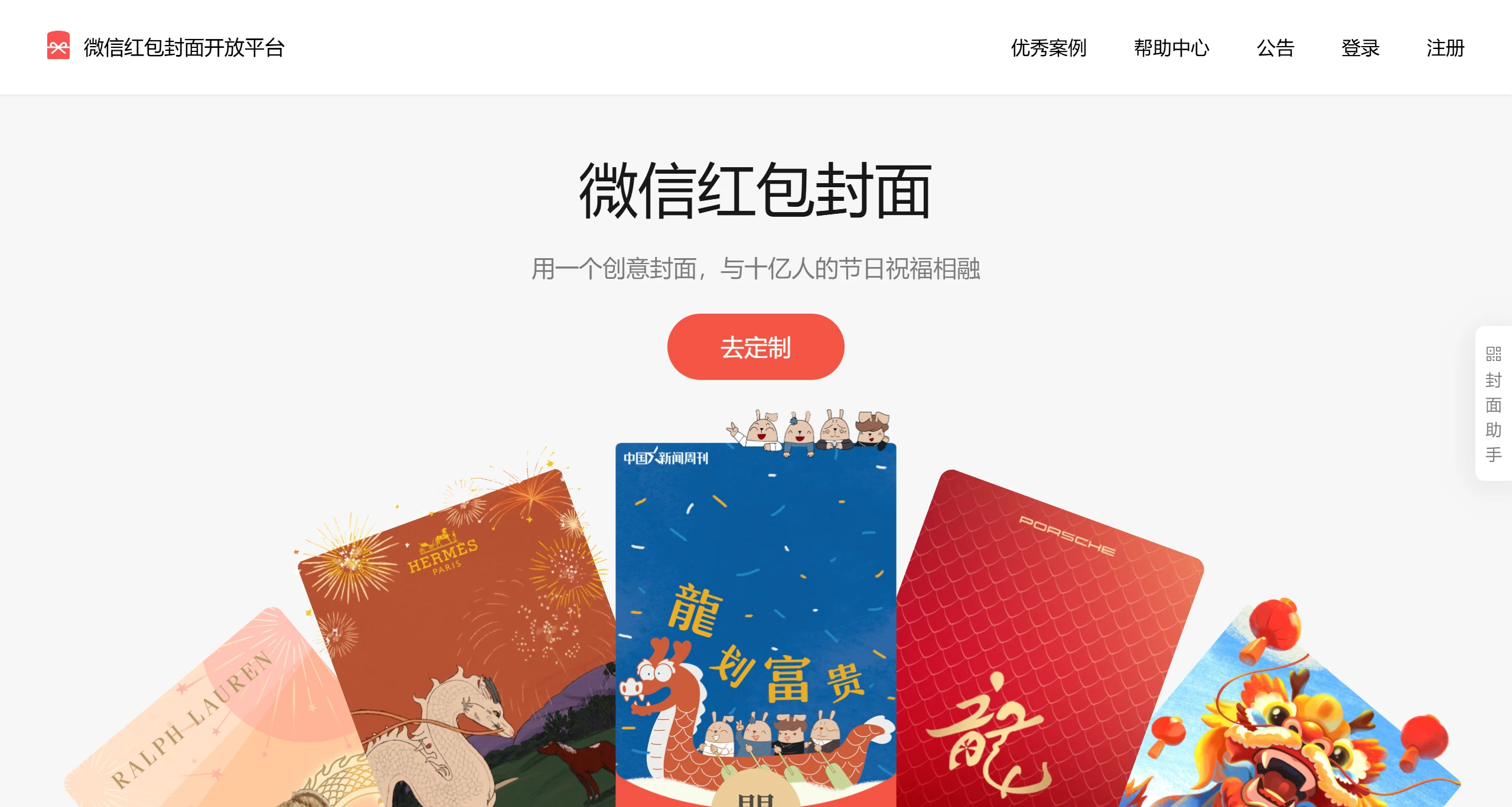
WeChat Red Packet Cover custom feature was officially launched on January 23, 2025. Users can upload their own static images when selecting a red packet cover, and both the cover and the claim interface can be customized. Currently, the custom red packet cover feature only supports static images and does not yet support Live Photo, GIF dynamic images, or video content. Users only need to tap "Change" on the red packet sending interface to enter the custom red packet cover page and easily create a personalized red packet cover.
Steps for WeChat Red Packet Cover Custom Feature:
Update WeChat: Make sure your WeChat app is updated to the latest version, usually version 8.0.56 or higher.
Enter the Red Packet Interface: Open WeChat, go to any chat conversation, tap the "+" icon at the bottom, and select "Red Packet".
Select Red Packet Cover: In the red packet settings interface, tap the "Red Packet Cover" option, then select "Change".
Customize Cover: On the custom red packet cover page, users can select "Create My Cover" and then upload their favorite static image from the album. Please note that currently only static images are supported; Live Photo, GIF dynamic images, or video content are not yet supported.
Complete Setup: After uploading the image, follow the prompts to complete the other settings, and finally confirm and send the red packet.
WeChat Red Packet Cover Custom Feature:
Custom Red Packet Cover: Users can select the "Custom Cover" option when sending a red packet and upload their favorite photo as the red packet cover. This feature provides users with more personalized choices, making red packets not just a way to transfer money, but also a way to express personality and emotions.
Cover and Claim Interface Customization: Users can not only customize the red packet cover but also customize the red packet claim interface according to personal preferences, further enhancing its personalized features.
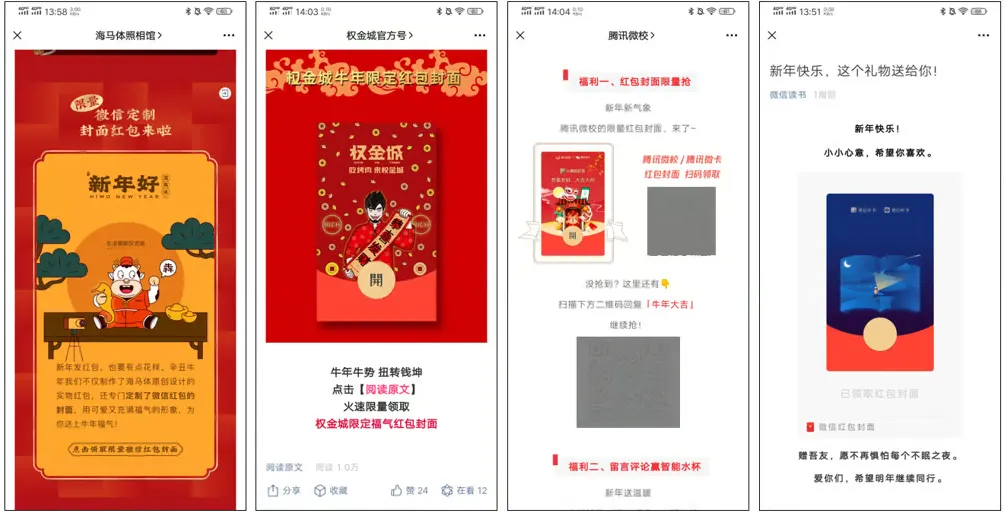
Early on, the WeChat red packet cover customization feature was mainly aimed at enterprises, requiring certified enterprises, governments, media, and other organizations to customize, and there were certain costs and thresholds. Individual users could initially only obtain customized covers by participating in activities or receiving specific invitations.
Over time, WeChat gradually lowered the threshold for individual users to participate, such as creating a Video Account and meeting certain conditions (such as getting a certain number of likes) to customize personal red packet covers. In addition, a personal version of the customization service has been launched, allowing users to create and gift a limited number of red packet covers to friends.
The latest changes show that iOS WeChat began a grayscale test in version 8.0.55, introducing the feature of customizing covers when sending personal red packets. This update means that users are no longer limited to covers provided by official or specific enterprises, but can upload their own images, including the cover and claim interface, to add a personalized touch to red packets.









