
 Script Planner Assistant▸
 AI Apps
 AI News
Where Is the "One-Click Translate" Feature on Xiaohongshu?
小编 ·

Where Is the "One-Click Translate" Feature on Xiaohongshu?
Xiaohongshu officially launched the "One-click Translation" feature on January 19, 2025. By clicking the "Translate" button next to a note or comment, users can view the translated content. The purpose is to enhance the communication experience for users on the platform. The one-click translation feature allows users to easily translate foreign language content into Chinese while browsing notes and comments, particularly addressing the need for translating English content.
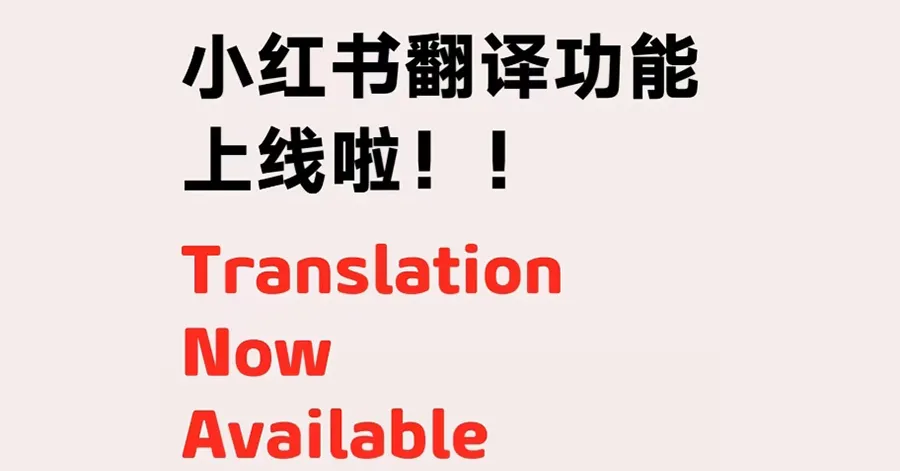
Highlights of Xiaohongshu's "One-click Translation" Feature:
One-click Translation: Users only need to click the "Translate" button next to a note or comment to instantly translate the content, making it much easier to understand foreign language content.
Multi-language Support: In addition to English, the feature also supports translation of multiple languages such as Japanese, Korean, French, and German, meeting the needs of different users.
View Original: After translation, users can select the "View Original" button to conveniently review the original content, ensuring the accuracy of the information.
User-friendly: The feature is designed to reduce the trouble of switching between different languages for users and enhance the overall experience.
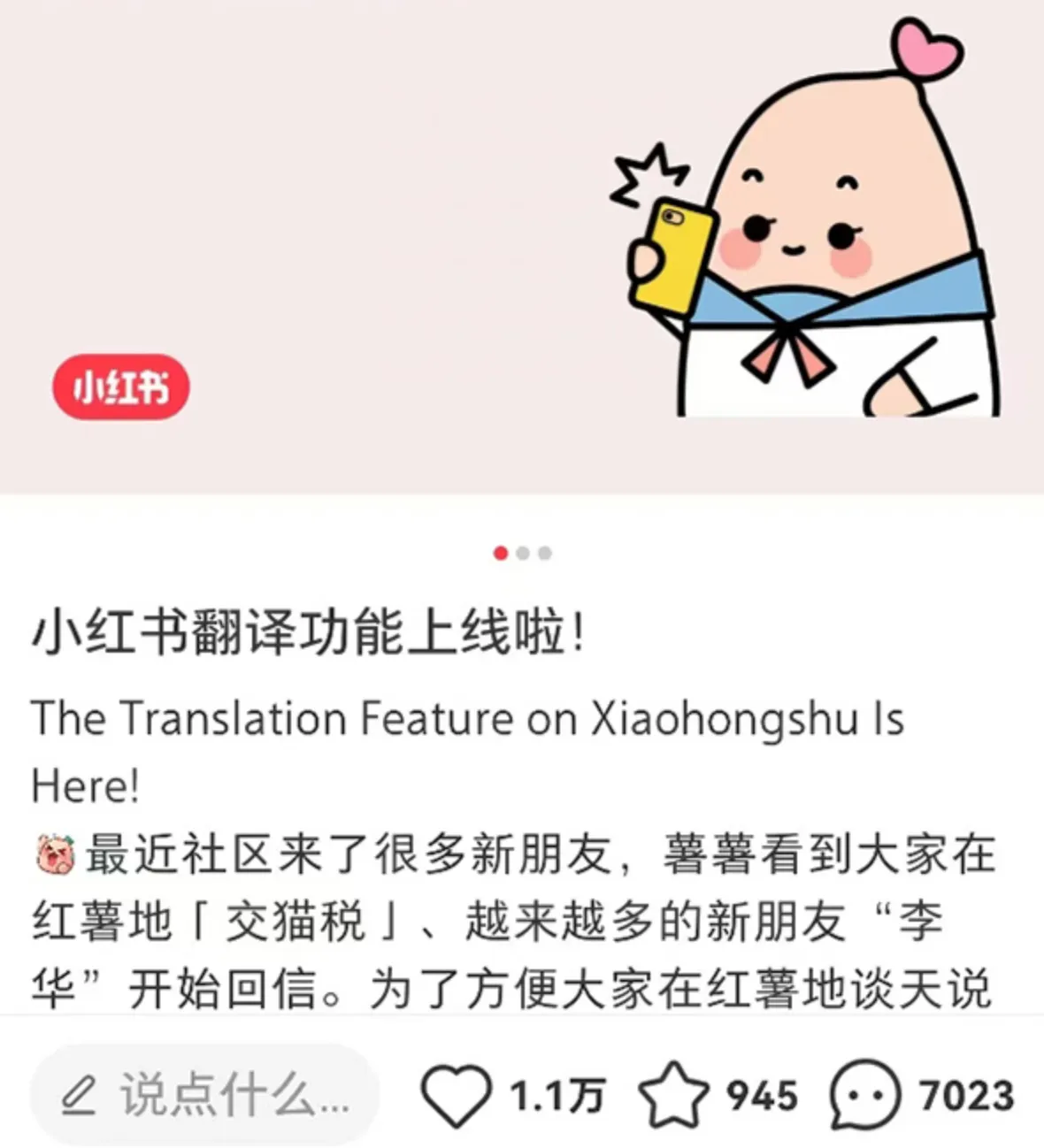
Where is Xiaohongshu's "One-click Translation" Feature and How to Use It?
Update the App: Make sure your Xiaohongshu app is updated to the latest version (8.69.1).
Browse Content: While browsing notes or comments, you will notice a "Translate" button appearing next to each piece of content.
Click Translate: After clicking the "Translate" button, the system will automatically translate the foreign language content into Chinese, and users can immediately see the translation result.
View Original: If you need to view the original content, simply click the "View Original" button.
Important Notes
If a comment contains both Chinese and English, the translation option may not appear.
As a large number of American users who call themselves "TikTok refugees" have migrated to Xiaohongshu due to the potential risk of TikTok being banned in the United States, the interaction between Chinese and foreign users on the Xiaohongshu platform has significantly increased. The one-click translation feature was first implemented in the iOS version, allowing users to easily translate English comments into Chinese automatically, greatly facilitating communication between users from different language backgrounds.
Xiaohongshu's "One-click Translation" feature is currently available on the iOS version of Xiaohongshu, and the translation feature for Android is also under development and is expected to be launched soon.









