
 Script Planner Assistant▸
 AI Apps
 AI News
Recommended Webpage Screenshot Beautification Tools
小编 ·

Recommended Webpage Screenshot Beautification Tools
In the internet era, webpage screenshots have become an indispensable part of our daily work and life. Whether it's saving important information, creating tutorials, or sharing interesting content, the screenshot function is particularly important. Here are some recommended useful webpage screenshot beautification tools:
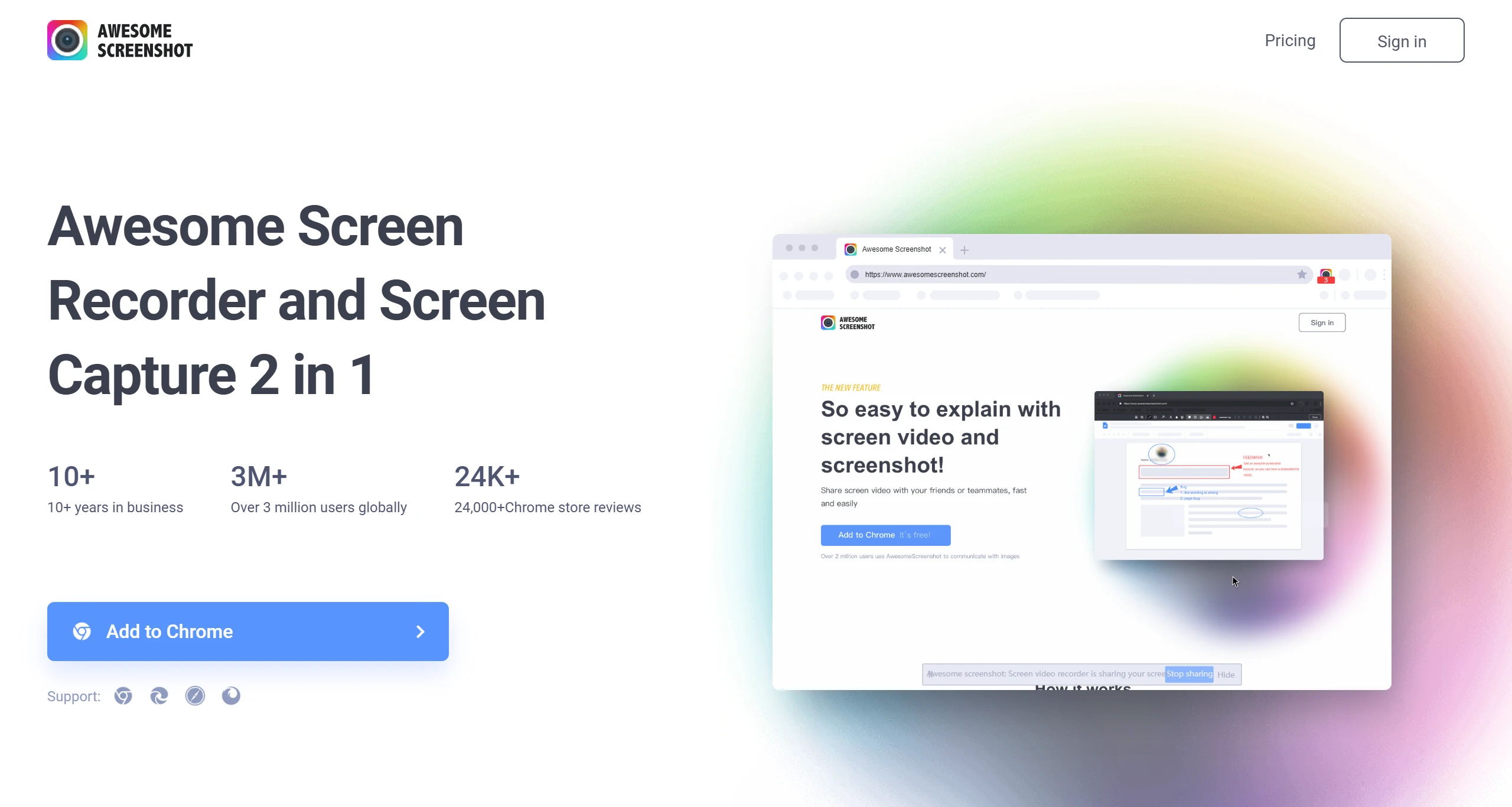
Awesome Screenshot is a browser extension that integrates screen recording, screenshots, and editing. It supports screen recording, full-page screenshots, and region screenshots, and provides basic editing features. Users can easily annotate and share their screenshots, making it ideal for those who need to take frequent screenshots.
2. FireShot
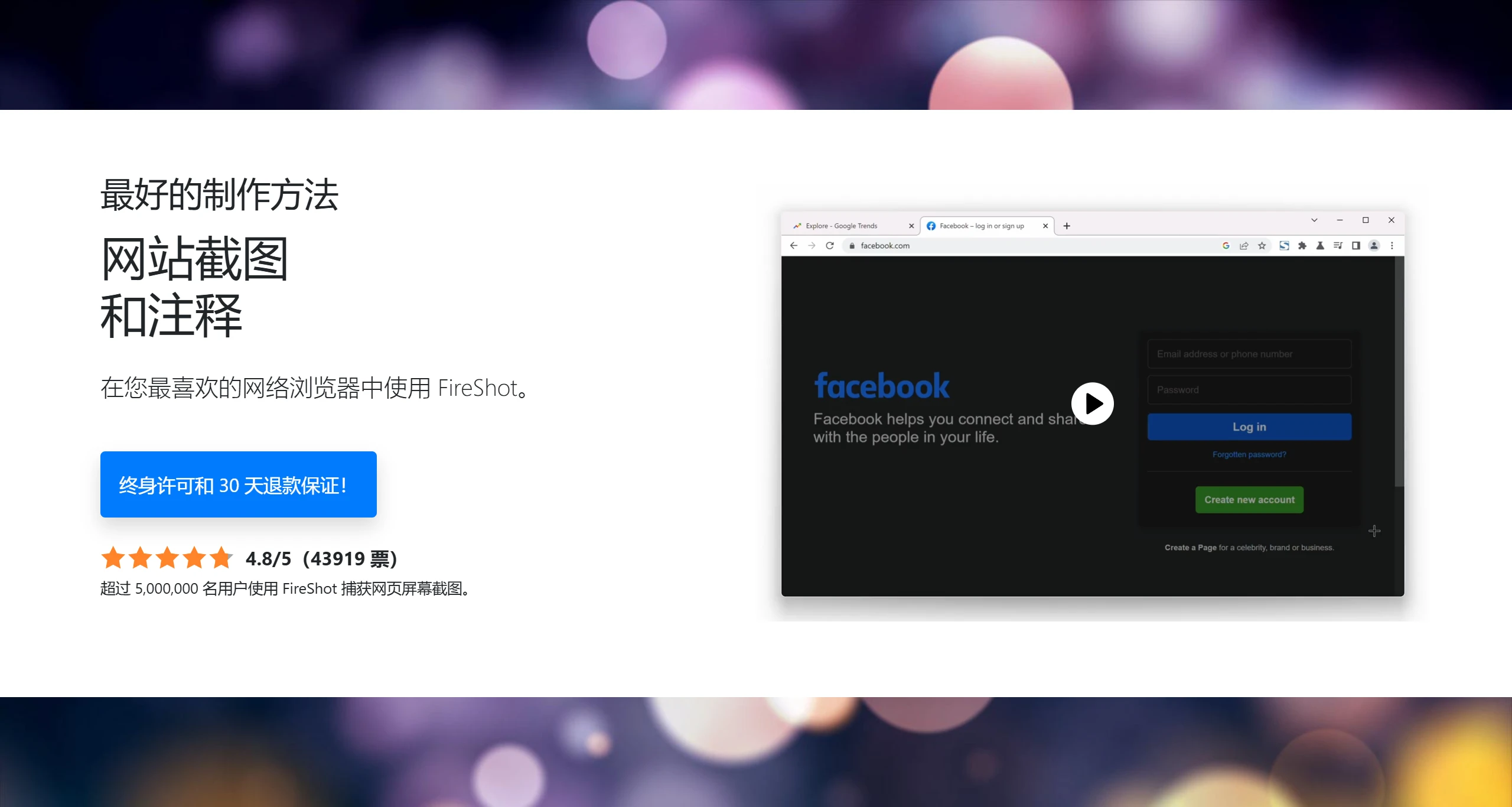
FireShot is a widely popular webpage screenshot tool that supports saving webpage screenshots in multiple formats, such as PDF, JPEG, GIF, PNG, and BMP. It allows users to edit screenshots and upload or print them directly, making it perfect for users who need high-quality screenshots.
3. GoFullPage
GoFullPage is a browser extension focused on full-page screenshots. Users can capture the entire webpage with just one click, making it simple to operate and suitable for users who need to quickly obtain webpage content.
4. Lightshot
Lightshot is a lightweight screenshot tool that supports quick screenshots and editing. Users can select a specific area to capture and upload it to the server for easy sharing.
5. Nimbus Capture
Nimbus Capture offers rich screenshot and screen recording features. Users can capture entire webpages or specific areas, and perform editing and annotations. Its versatility makes it a very practical tool.
6. Snagit
Snagit is a professional screenshot and screen recording software that provides powerful editing features, suitable for users who need detailed annotations and sharing. Although it is paid software, its features are very comprehensive.
7. ShareX
ShareX is a free, open-source screenshot tool with powerful features, compatible with the Windows operating system. It not only supports screenshots but also provides screen recording, image editing, and sharing functions. Users can capture the screen in multiple ways, including full screen, specific regions, and windows, and it supports scrolling screenshots. ShareX also allows users to customize workflows, making it suitable for users who need efficient screenshots and sharing.
8. Monosnap
Monosnap is a cross-platform screenshot and screen recording tool for Windows and macOS. It allows users to capture screen screenshots, record videos, and provides annotation and markup features, particularly suitable for team collaboration and cloud storage. Users can upload screenshots directly to the cloud for easy sharing and storage.
9. Droplr
Droplr is a screenshot and screen recording tool designed specifically for macOS, supporting quick capture of full screen, specific regions, or window screenshots. It provides cloud storage functionality, allowing users to easily share screenshots and recorded content, making it suitable for users who need frequent sharing.
10. FastStone Capture
FastStone Capture is a comprehensive screenshot and recording tool that supports multiple screenshot methods, including full screen, specific regions, and scrolling screenshots. It also provides rich editing tools, suitable for users who need detailed annotations and sharing. Although it is paid software, a trial version is available for users to experience.
Each of the webpage screenshot tools mentioned above has its own unique features, and you can choose the right one based on your needs.









