
 Script Planner Assistant▸
 AI Apps
 AI News
Best Free Watermark Removal Tools
小编 ·

Best Free Watermark Removal Tools
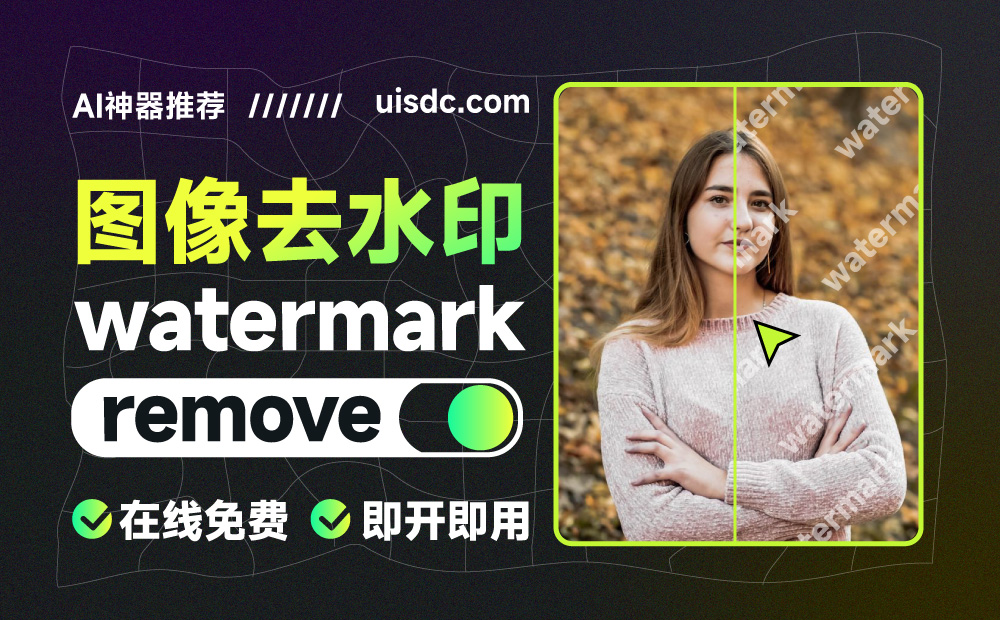
There are many free watermark removal tools available, suitable for different scenarios and needs. Below are some commonly used watermark removal tools, including online websites and applications:
Online Watermark Removal Tools
Quququ (quququ.cn): Offers free use, limited to 5 times per day. Non-member downloaded images will be compressed in resolution, but flexible paid options are available.
Watermark Doctor (Online Free Watermark Remover): An online tool suitable for quickly removing watermarks.
Clutter (clutter.cc): Free and ad-free, suitable for simple watermark removal needs.
Watermarkremover: Supports PNG, JPG, WebP formats with automatic watermark removal. The free version is limited to 50 images.
Apowersoft: Processes images and videos, supports multiple formats. The free version limits file size to under 5M.
Inpaint: Manually brush away watermarks. Free version limited to 4 images.
Aiseesoft: Supports multiple image formats, manual operation, completely free.
DeWatermark: Currently completely free with no usage or download limits, suitable for full-screen watermarks.
WatermarkRemove.io: Provides a Chinese interface, just upload an image to remove the watermark. Free with no explicit usage limits.
Watermark Remover: This is an artificial intelligence-based online tool that can automatically remove semi-transparent watermarks from images in seconds. It supports multiple image formats including PNG, JPEG, JPG, WebP, and HEIC. Users can complete background removal in just a few simple steps, and the basic functions are free.
Aiseesoft Free Watermark Remover Online: This tool allows users to easily erase any watermark from images, including text, camera date stamps, and graphic logos. It features a user-friendly interface, supports multiple image formats (such as JPG, JPEG, PNG, BMP, TIFF, etc.), and provides real-time preview of the removal effect.
Apowersoft Online Watermark Manager: This tool supports quickly removing watermarks from images and videos, requiring no software installation. It allows selecting multiple watermarks for removal simultaneously while maintaining the original file quality and format.
MyEdit: Provides a free online watermark removal tool powered by advanced AI technology that can accurately and quickly remove watermarks from photos and images, suitable for eliminating text or full-page watermarks.
Application Programs
Meitu Xiuxiu: In addition to watermark removal, it also offers image beautification features. The eraser tool can be used for watermark removal. Free but may contain ads, with comprehensive features.
Quark Browser: The magic eraser feature can remove image watermarks while enhancing image quality, with simple operation. Not a dedicated watermark removal software, but has powerful built-in features.
Watermark Master: This is a mobile application that supports video editing features, including watermark processing, video cropping, and video editing. Although mainly focused on videos, it also provides some watermark removal features.
The above tools each have their own characteristics. Some are suitable for quickly processing a small number of images, while others offer more professional editing options. When using the free versions, be aware of potential limitations such as file size, processing count, or resolution compression. For temporary or lightweight needs, these free tools should meet the requirements of most users.









