
 Script Planner Assistant▸
 AI Apps
 AI News
Flux vs Midjourney: Which One Is Better?

Flux vs Midjourney: Which One Is Better?
Flux is an AI image generator released in recent weeks by AI startup Black Forest Labs, and it has quickly become one of the most powerful and popular tools of its kind, even able to compete with market leader Midjourney. Which is better, Flux or Midjourney?
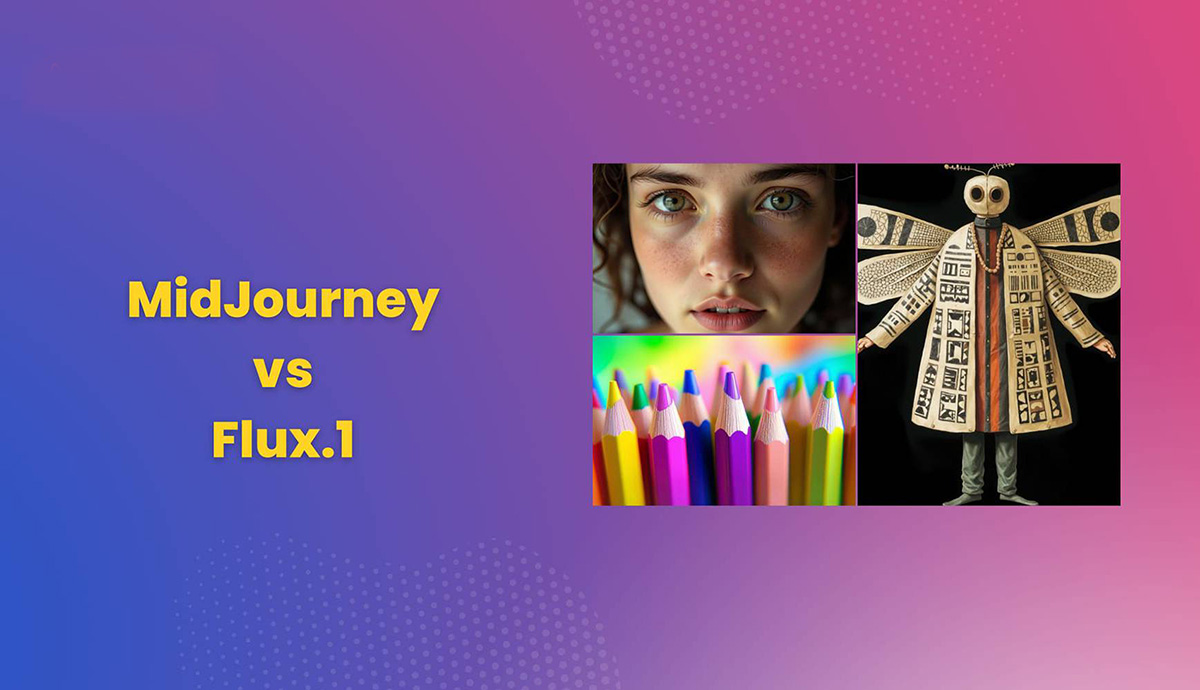
Unlike Midjourney, Flux is an open-source model that can be downloaded and run locally or on a range of platforms such as Freepik, NightCafe, and Hugging Face.
FLUX.1 and MidJourney are two models that have received a great deal of attention in the field of AI image generation. The following will compare their differences in main features, user experience, and interface design, as well as their respective advantages, disadvantages, and application scenarios, to see which is better.
Main Features:
FLUX.1: Developed by Black Forest Labs, it comes in three variants: Pro, Dev, and Schnell. FLUX.1 employs a hybrid architecture that combines multimodal and parallel diffusion transformer blocks, supports large-scale parameters (1.2 billion parameters), and excels in detail handling, lighting effects, and color performance.
MidJourney: Known for its artistic talent and ability to create images with unique aesthetic appeal. MidJourney's new version, V6.1, performs more balanced and harmonious compositions and element arrangements in complex scenes.
User Experience:
FLUX.1: High open-source flexibility; users can use it for professional and enterprise purposes via API, or for local development and personal use through platforms like Hugging Face. FLUX.1 excels at generating portraits, landscapes, and conceptual images, particularly in detail handling.
MidJourney: A user-friendly interface integrated with Discord makes it easy to use for creative professionals of all skill levels. MidJourney offers an unlimited Relax mode, and at the $30/month standard plan, each image costs only $0.01, offering greater pricing flexibility.
Interface Design:
FLUX.1: Due to its open-source nature, the interface design may rely on tools developed by users themselves or provided by third-party platforms. Its flexibility allows users to customize it according to their needs4.
MidJourney: Integrated with Discord, it provides an intuitive and easy-to-use interface, making it convenient for users to generate and share images.
Pros and Cons:
FLUX.1
Pros:
High open-source flexibility, suitable for a variety of application scenarios
Excels in detail handling, lighting effects, and color performance
Supports large-scale parameters, producing high-quality generated images
Cons:
Requires significant computing resources, placing certain demands on computer specifications.
MidJourney
Pros:
User-friendly interface integrated with Discord, easy to use
Flexible pricing, offers unlimited Relax mode
Performs balanced compositions and element arrangements in complex scenes
Cons:
Sometimes produces unexpected results due to freely unleashing creativity.
Application Scenarios:
FLUX.1: Suitable for professional creation that requires high detail handling and realistic rendering, such as portraits, landscape paintings, and concept art. Its open-source nature also makes it well-suited for developers to perform secondary development and customized applications.
MidJourney: Suitable for users who need to quickly generate high-quality artistic images, such as graphic designers, illustrators, and advertising creatives. Its user-friendly interface makes it ideal for creative professionals without a technical background.
In summary, FLUX.1 and MidJourney each have their own advantages, and the choice of model depends on your specific needs and application scenarios.









