
 Script Planner Assistant▸
 AI Apps
 AI News
Old Photo to Video Tools & Tutorial

Old Photo to Video Tools & Tutorial
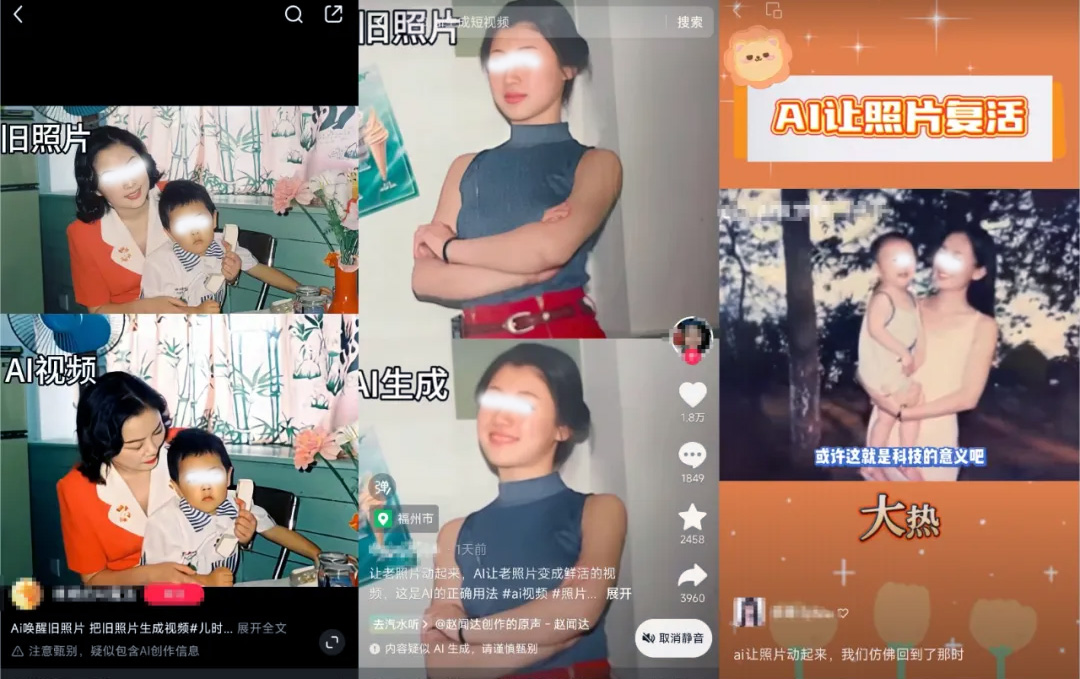
You can use a flexible combination of tools such as Meitu Xiuxiu, palette.fm, and Kuaishou Kling to create a tutorial on turning old photos into videos and animating old photos with AI.
Old Photo to Video Tools:
Luma prompt enhancement: provides enhanced prompts for generating different styles of video models.
Old Photo to Video Tool Steps:
There are three steps required to use AI to bring old photos to life: use Meitu Xiuxiu to upscale black-and-white old photos, use palette.fm to colorize black-and-white old photos, and use Kuaishou Kling to animate old photos.
Step 1: Upscale the Black-and-White Old Photo
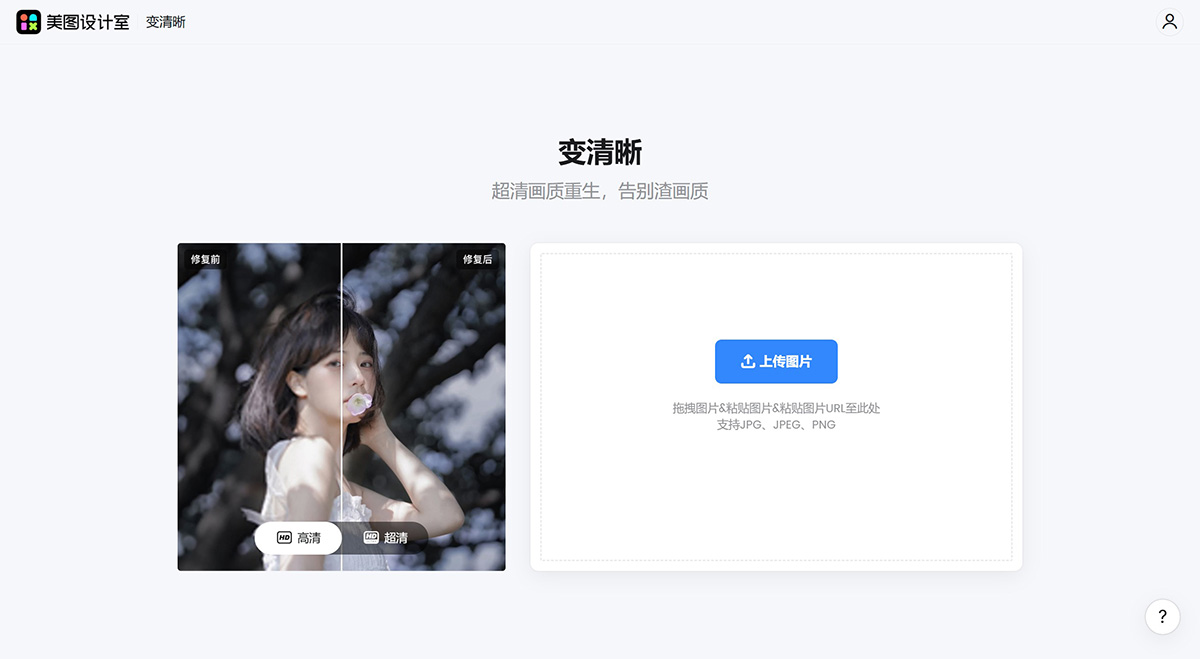
Go to Meitu Design Studio: https://www.designkit.com/quality/?from=home&matrix_channel=mtxx_web, upload the image, use Meitu Xiuxiu's image quality restoration feature, select the HD or AI Ultra HD option, and download the image for later use.
Step 2: Colorize the Black-and-White Photo
There are many tools available for colorizing black-and-white photos, including palette.fm, Imagecolorizer, DDColor, and Zuotang. Below we use palette.fm as an example.
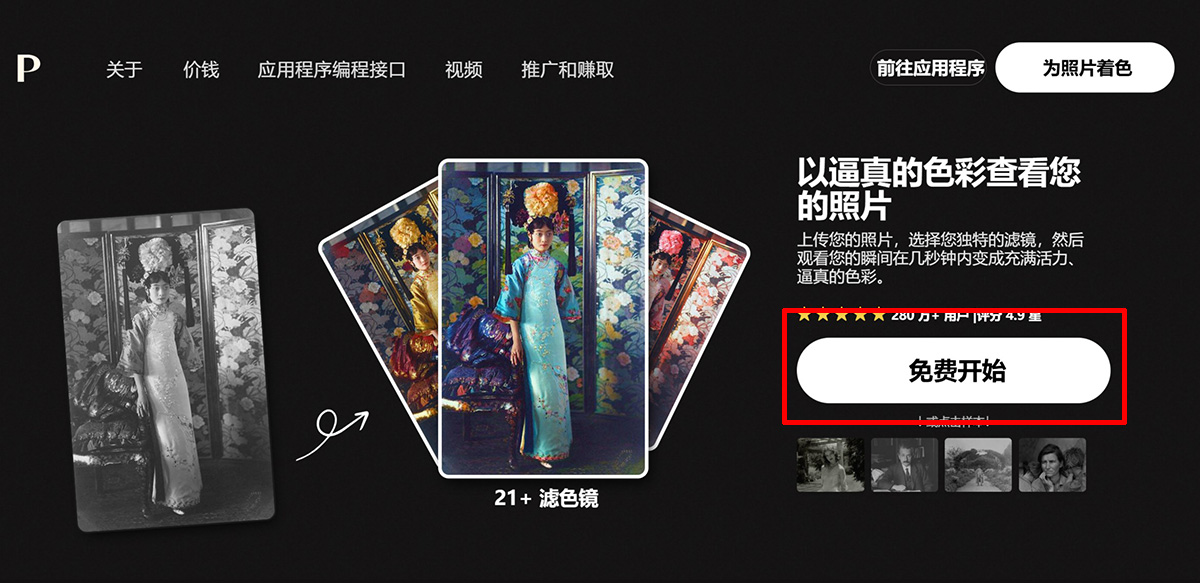
Go to the palette.fm official website and click "Free Start".
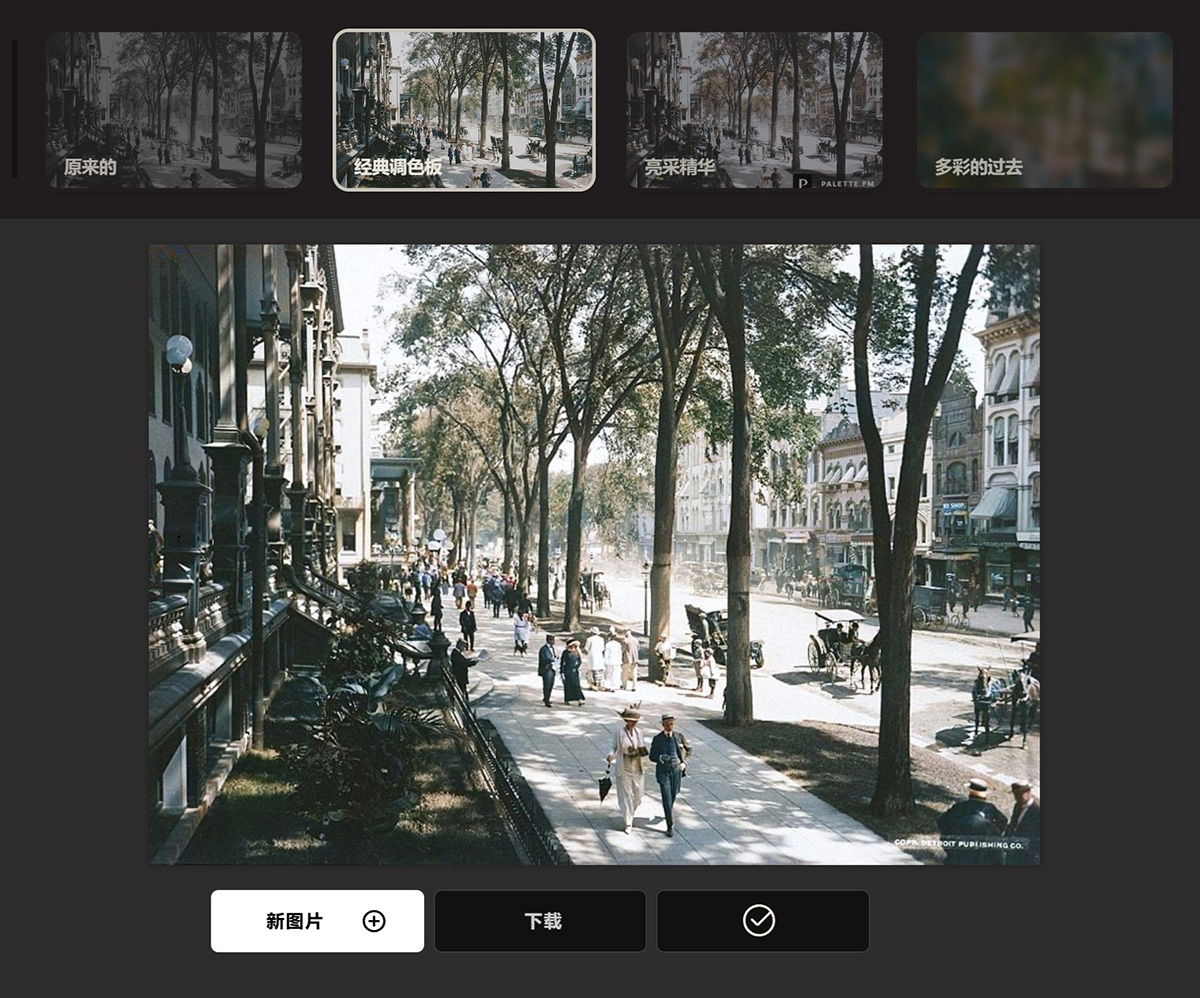
Upload the upscaled image from Step 1, then select your preferred colorization style. After colorization, click download. However, the downloaded image will have a logo. Newly registered accounts can download the HD logo-free version for free, but since registration requires a Google account, it can be somewhat inconvenient for domestic users. You can use tools such as Imagecolorizer, DDColor, or Zuotang instead. Compared to palette.fm, they simply offer fewer style options.
Step 3: Bring the Photo to Life
Use Kuaishou Kling to turn photos into videos. Kling is a large text-to-video and image-to-video model independently developed by Kuaishou, featuring powerful AI image and video capabilities that allow users to easily and efficiently complete artistic video creation. It is also very simple to use: upload the colorized image from Step 2, then select an appropriate video prompt to generate a dynamic video.
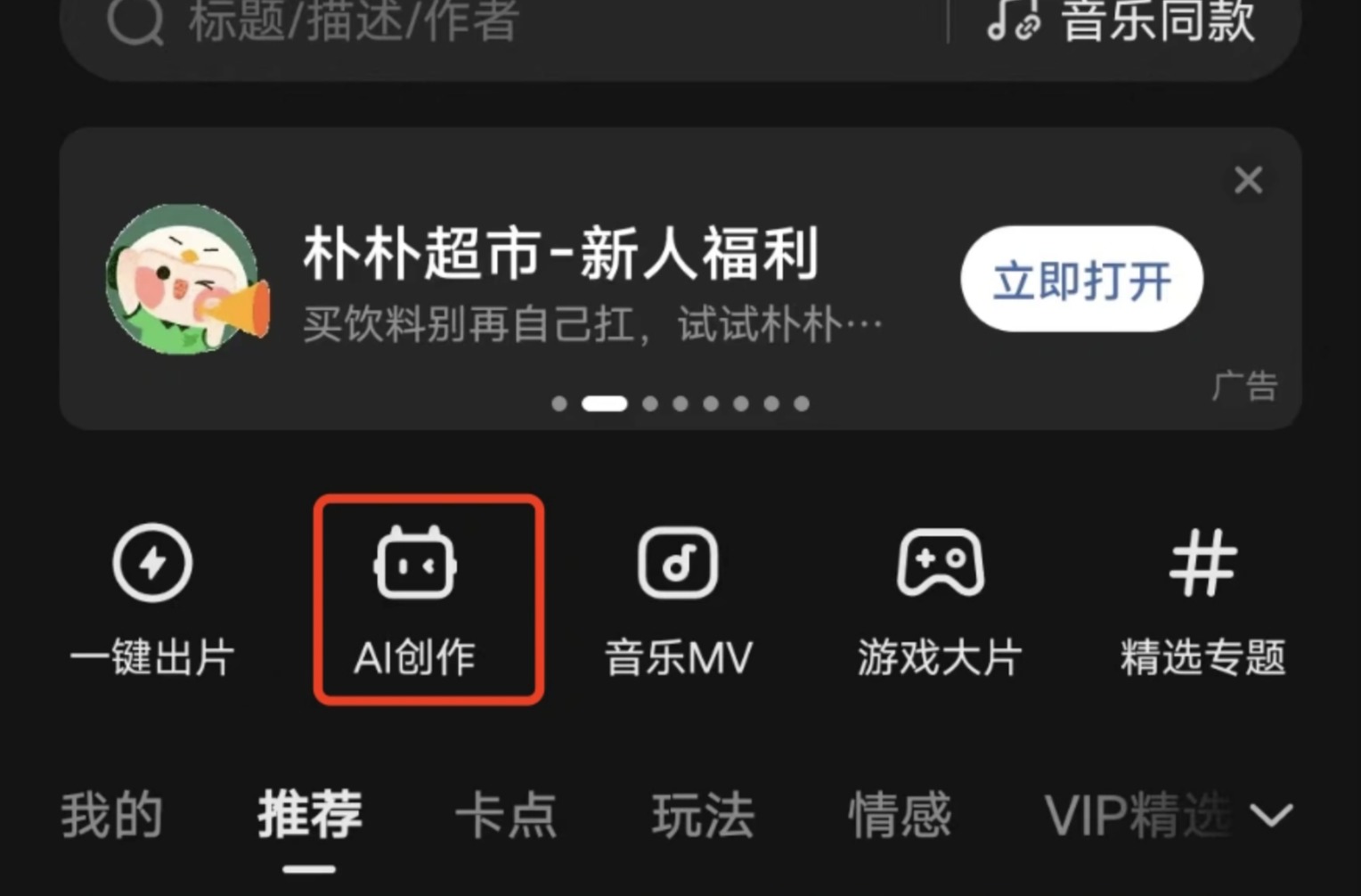
How to operate: Open the Kuaiying APP, click [AI Creation] [AI Image-to-Video], and then upload the image and enter the corresponding prompt in sequence.
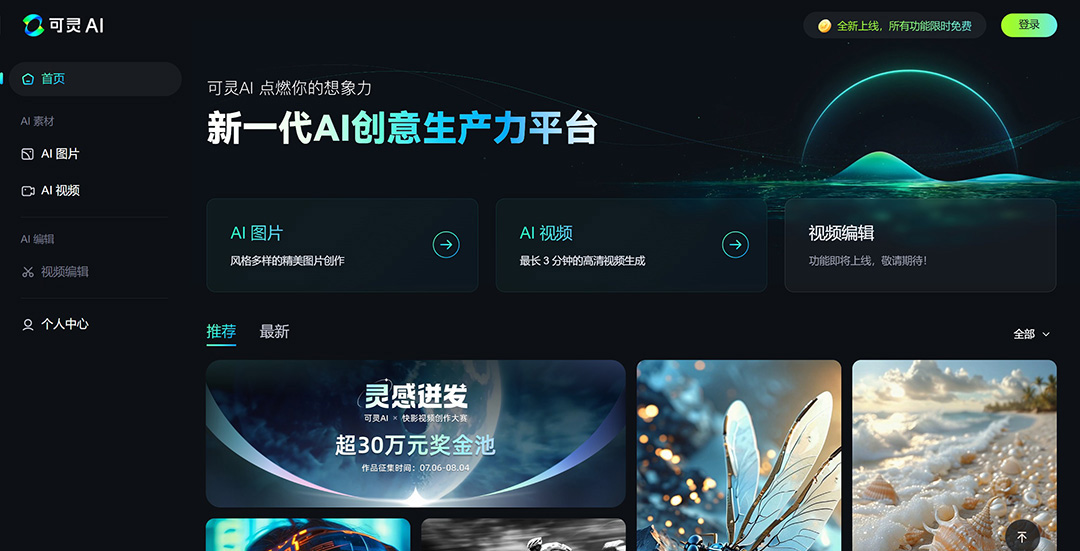
You can also operate through Kling's web version. Kling AI Web Version Official Website and New Features Launched! Kling AI Web Version Official Website: https://klingai.kuaishou.com/
In the prompts for Kling video generation, you can use Luma prompts to enhance the effect.
The above are the tools and tutorial needed to turn old photos into videos. After generating the video from old photos, you can put it into Jianying (CapCut) for editing, add your favorite music, and that's it. Isn't it simple? Give it a try.









