
 Script Planner Assistant▸
 AI Apps
 AI News
10 Excellent AI-Powered PDF Reader and Analyzer Tools

10 Excellent AI-Powered PDF Reader and Analyzer Tools
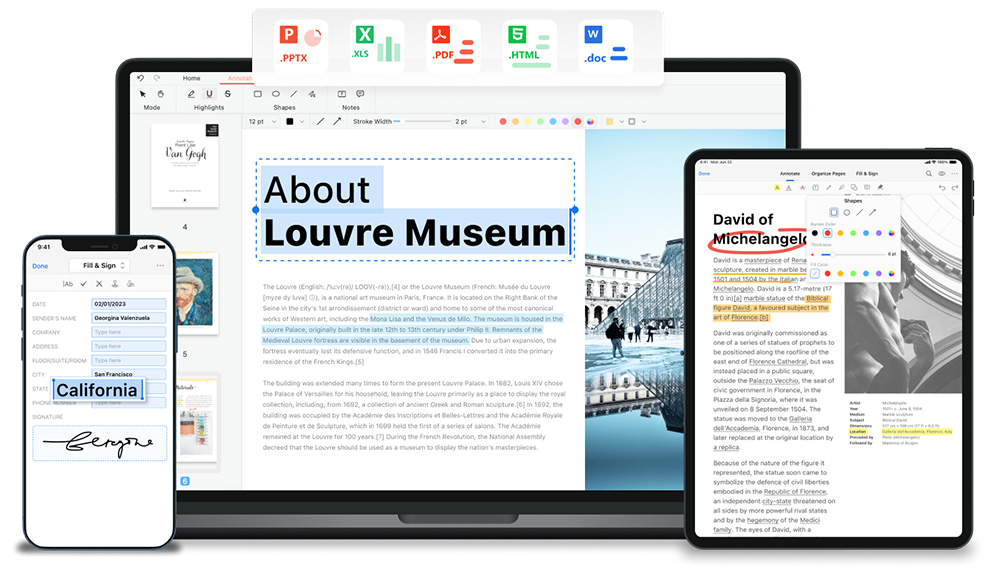
PDF files are widely used in modern society. Having a good PDF parsing reader is essential for opening and reading PDF files. Here are 10 excellent artificial intelligence PDF parsing tools recommended for you:
1. Doc2x
Doc2x can convert PDF files to Markdown, LaTeX, DOCX, and can parse layouts, mathematical formulas, tables, images, charts, etc. It handles documents containing tables and formulas well. Many domestic AI large language model vendors are using it, and it performs better than Mathpix on both Chinese and English documents.
Trial URL: https://doc2x.noedgeai.com
2. GptPDF (Open Source)
With only 293 lines of code, it almost perfectly parses layouts, mathematical formulas, tables, images, charts, etc. The upper limit is the capability of gpt-4o, and further iterations are anticipated.
Method: Use the PyMuPDF library to parse out all non-text areas from the PDF and label them, then use a vision large model (such as GPT-4o) to parse and generate a markdown file.
github: https://github.com/CosmosShadow/gptpdf
3. RAGFlow (Open Source)
RAGFlow is an open-source RAG (Retrieval-Augmented Generation) engine based on deep document understanding. To address hallucination issues, the project team innovated in the document parsing module by adopting a self-developed deep document understanding method.
It supports parsing of complex unstructured data including Word, slides, Excel, txt, images, scanned files, structured data, web pages, etc., and includes various scenario templates such as invoices, resumes, financial reports, etc.
github: https://github.com/infiniflow/ragflow
4. Mathpix (It is said that Claude's strong math capability comes from using Mathpix)
Mathpix can parse text, mathematics, chemistry, handwriting recognition, tables, foreign languages, and complete PDF documents, outputting formats such as LaTeX, Markdown, Word, etc. It also supports a Google-like search function.
Trial URL: https://mathpix.com
5. Paoding PDFlux
Mathpix can extract tables and text from PDFs/images, and AI intelligently generates summaries/search/rewriting/translation.
Trial URL: https://pdflux.com
6. Pix2text (Open Source)
Pix2text supports multiple languages and can recognize layout, tables, images, text, mathematical formulas, etc. in images, outputting in Markdown format. Pix2text can also convert entire PDF files (PDFs can be scanned images or any other format) to Markdown.
Trial URL: https://huggingface.co/spaces/breezedeus/Pix2Text-Demo
github: https://github.com/breezedeus/Pix2Text
7. TextIn
TextIn can recognize text information in documents or images and restore it in common reading order. TextIn supports standard documents such as annual reports, legal documents, letters, contracts, etc., and is compatible with scanned documents and electronic PDF files.
Trial URL: https://textin.com/experience/pdf_to_markdown
8. Tencent Cloud Document Recognition
It can convert images or PDF files into Markdown format files, including tables, formulas, images, and text, and arrange them in reading order, converting document content into a readable format.
Trial URL: https://ocrdemo.cloud.tencent.com
9. Marker (Open Source)
Marker supports multiple languages and document types, and is optimized for books and scientific papers.
github: https://github.com/VikParuchuri/marker
10. Paddle
Paddle's universal table recognition is an end-to-end table recognition system characteristic of PaddlePaddle, which can accurately predict the positions and contents of tables in documents such as papers and reports.
Trial URL: https://aistudio.baidu.com/community/app/91661/webUI









