
 Script Planner Assistant▸
 AI Apps
 AI News
How to Use Leonardo AI: Registration and Getting Started Guide

How to Use Leonardo AI: Registration and Getting Started Guide
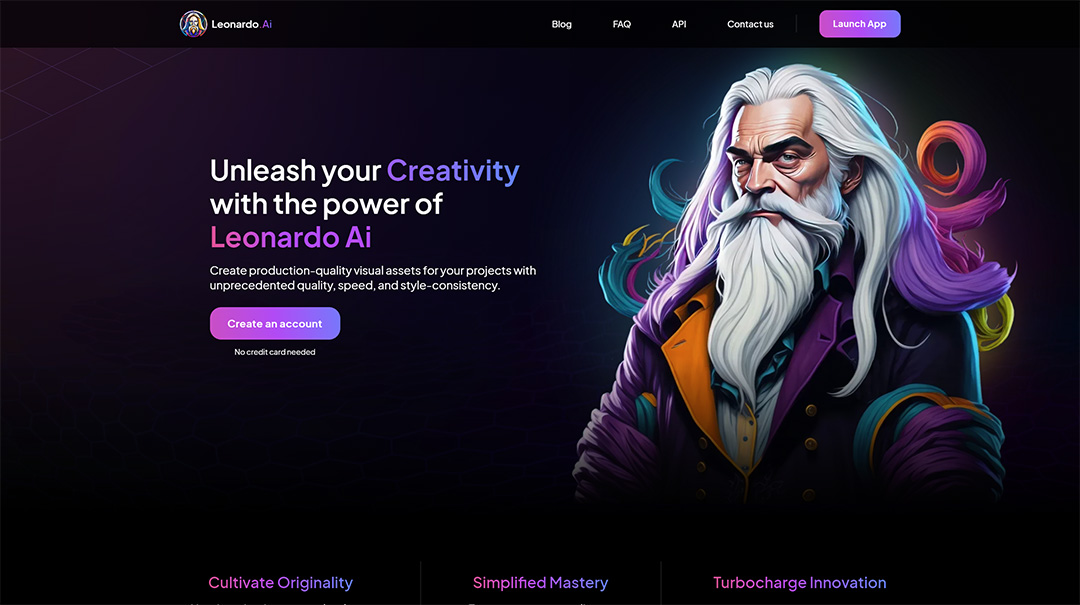
Although Midjourney has already dominated the field of AI text-to-image and image-to-image art, Leonardo ai, as a rapidly rising Midjourney alternative, is something you cannot miss.
What is Leonardo AI?
Leonardo AI is a full-featured generative artificial intelligence tool used to create AI art. Although Leonardo's AI image generator is well known for creating image assets for computer games, it can create stunning image assets for almost any project you can think of. It is a freemium service that allows users to produce images worth 150 credits per day.
How to register for Leonardo AI?
First, browse to the Leonardo website and click the button to create an account. Choose whether you want to sign in with an Apple account, Google account, Microsoft account, or an email account. Sign in with your new account; you can also create your new account as follows:
1. Visit the Leonardo AI login page.
2. Click "Sign Up" below the login form to display the registration form.
3. Provide a whitelisted email and a preferred password.
4. Check your email for the account verification email. Follow the instructions to verify your account.
5. After verifying your account, return to the login page and sign in to your Leonardo AI account.
How to use Leonardo AI?
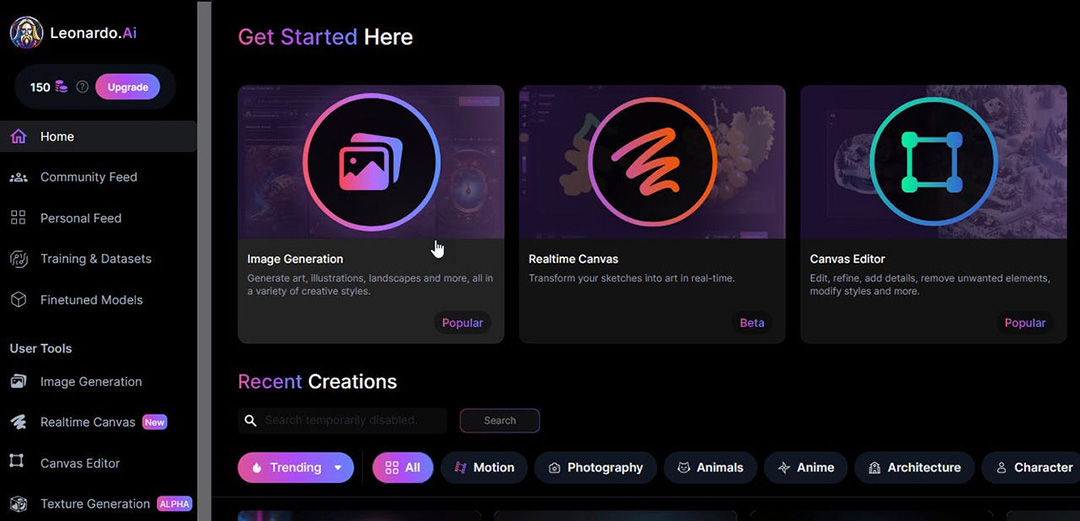
After signing in to your Leonardo AI account, you will see the main screen designed by Leonardo, and at first the navigation on the left may seem a bit intimidating. There are many features available, and once you get used to the platform, you can try them all out.
To create your first image:
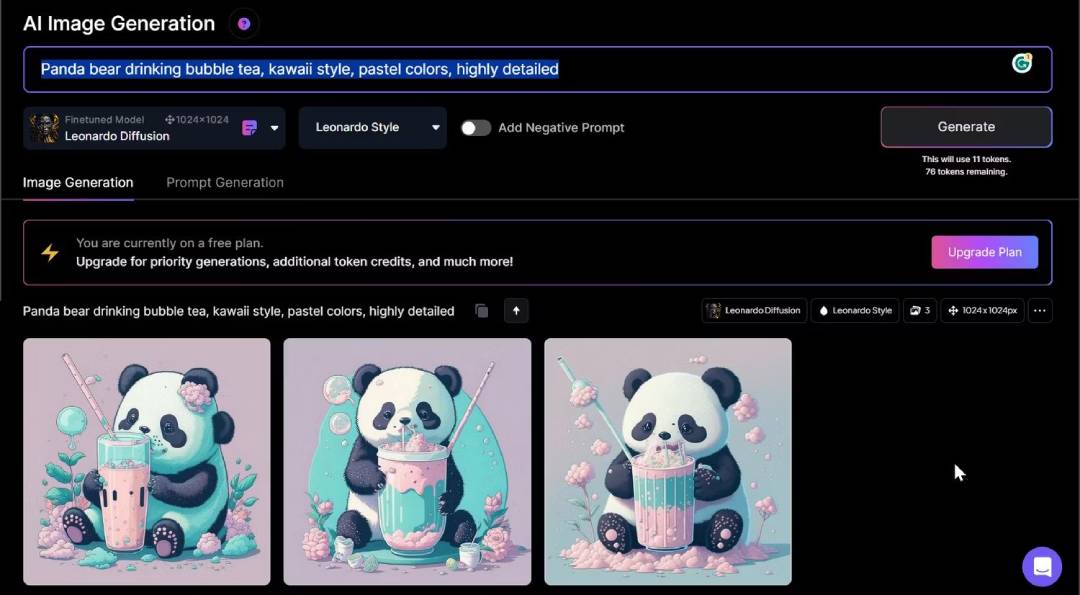
1. On Leonardo's main screen, click the "Image Generation" entry in the left pane, the icon in the middle, or the "Create New Image" button in the upper right corner.
2. Please enter a description of the desired image in the prompt at the top. In addition to entering the description, you can also specify the style of the artwork. Click the dropdown menu for Leonardo Diffusion XL and change it to a different style. Some style names are self-descriptive, such as 3D Animation Style and Anime Pastel Dream.
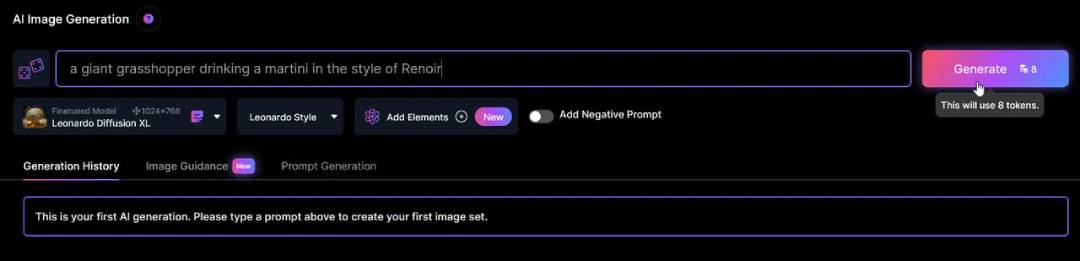
3. Below the prompt input field, you will find the "Add Negative Prompt" option; turn it on to display the negative prompt input box. The negative prompt box is used to specify what you do not want to see in the image — for example, perhaps you are requesting an image of a grasshopper drinking a martini, but you don't want it to have wings. Then enter the word "wings" in the negative prompt.
4. Below the regular prompt and negative prompt input fields, you will find the model selection dropdown. Use it to select your preferred image generation model.
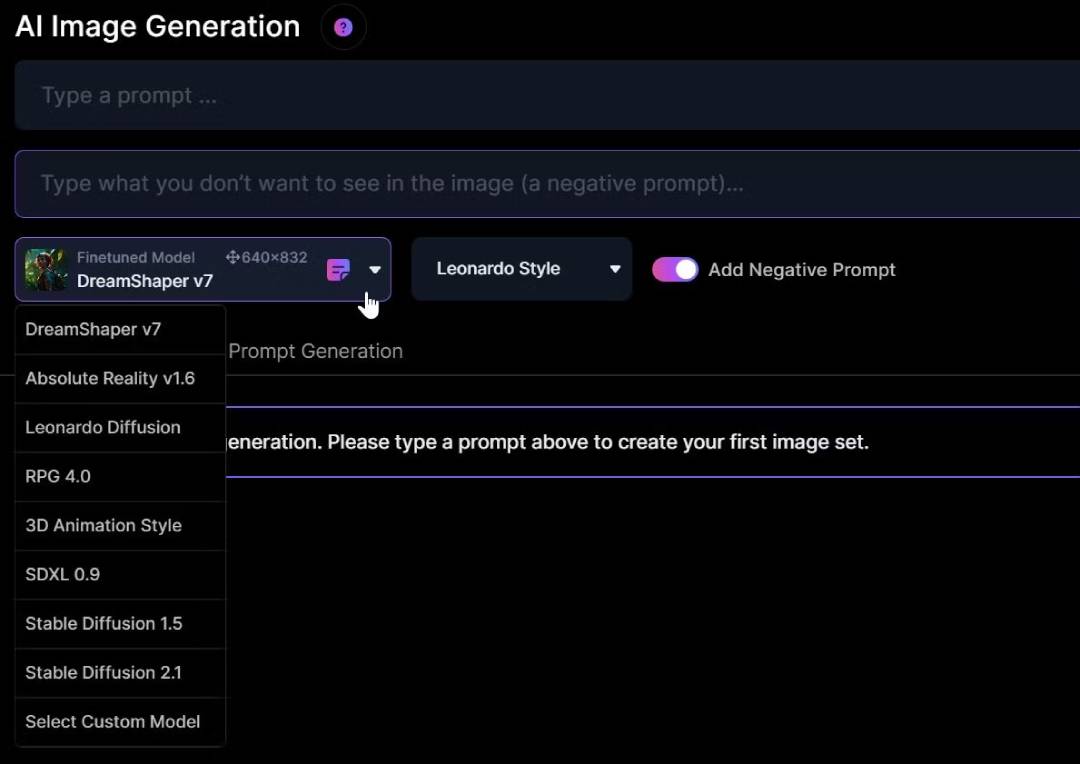
5. After providing the prompt and selecting the image generation model, then specify the number of images, whether to produce photorealistic images, set the dimensions, etc., and finally click the "Generate" button to generate the image. Hovering over the button will tell you how many credits this prompt will consume if you are using the free version.
Although Leonardo AI is primarily an AI image generator, it includes a variety of AI-powered image processing tools that you will find useful. With Leonardo AI, you can perform AI image editing tasks. It also features a cutout tool that you can use to precisely remove objects from an image without damaging the main subject of the picture.
For beginners venturing into AI painting and professionals who want to use it for their projects, Leonardo AI meets all the requirements of a user-friendly yet full-featured AI image generator. With a generous free plan and premium features that offer good value, it provides a viable alternative for those frustrated by high-cost tools like Midjourney. Leonardo AI makes it easy for all users to generate AI images and reap the rewards.









