
 Script Planner Assistant▸
 AI Apps
 AI News
What Is FlowGPT and How to Use It

What Is FlowGPT and How to Use It
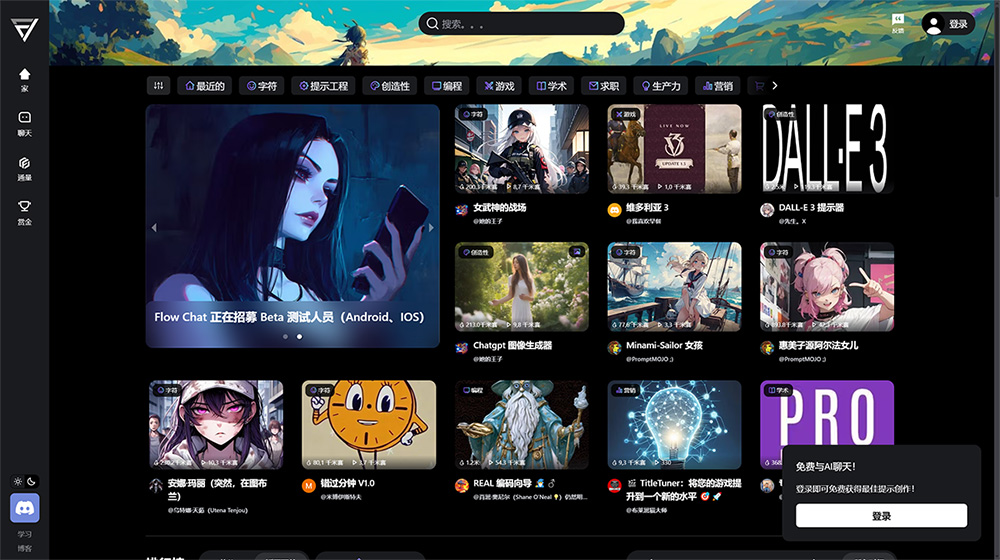
What is FlowGPT?
FlowGPT is an ai-powered app store platform similar to gpts that allows users to share and discover AI prompts. AI prompts give instructions to AI models like ChatGPT to generate text, translate languages, write different types of creative content, or answer your questions in an informative way.
When a user shares an AI prompt on FlowGPT, the prompt is added to the platform's prompt library. Other users can then find and use this prompt to generate text, translate languages, write different types of creative content, or answer their questions.
Users can also create their own artificial intelligence prompts. To do this, they simply enter the instructions they want to give to the AI model in the prompt creation form. After the prompt is created, it can be shared with other users on FlowGPT.
How to use FlowGPT?
Step 1 - Sign Up
Click the "Login" button at the top right of the page. Choose your preferred login method: Google, Discord, LinkedIn, or Twitter.
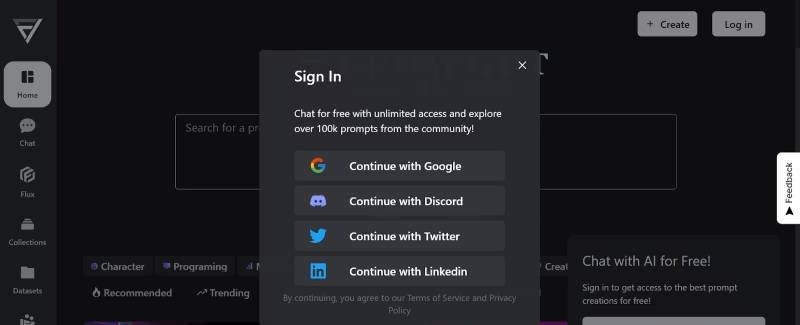
Step 2 - Search for AI Prompts
After signing up, you can begin exploring the platform by checking out the best new prompts in the search bar or chatting with AI.
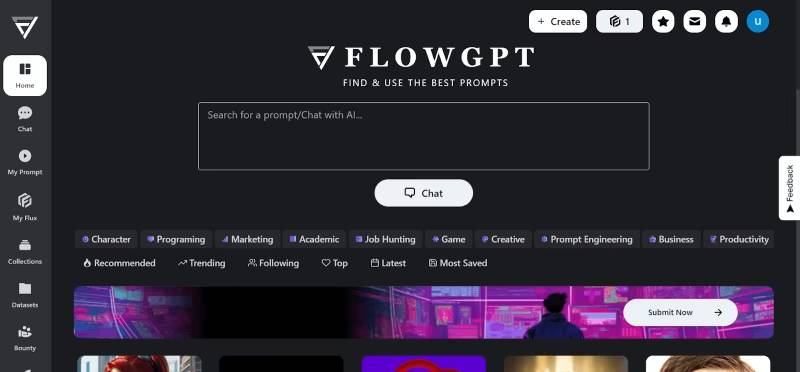
Step 3 - Choose Your Tool
Select the tool that best suits your desired outcome.
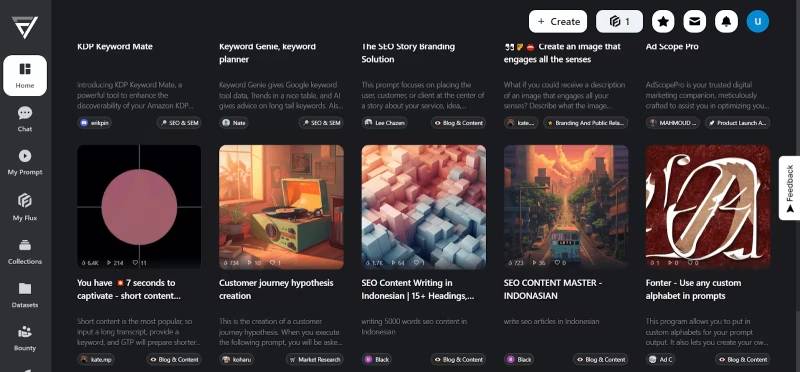
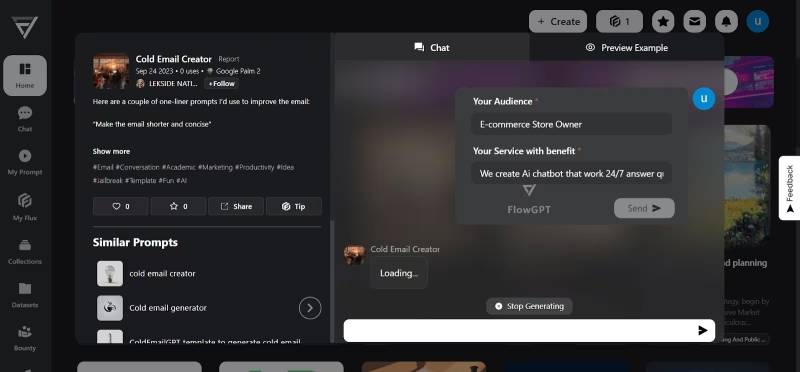
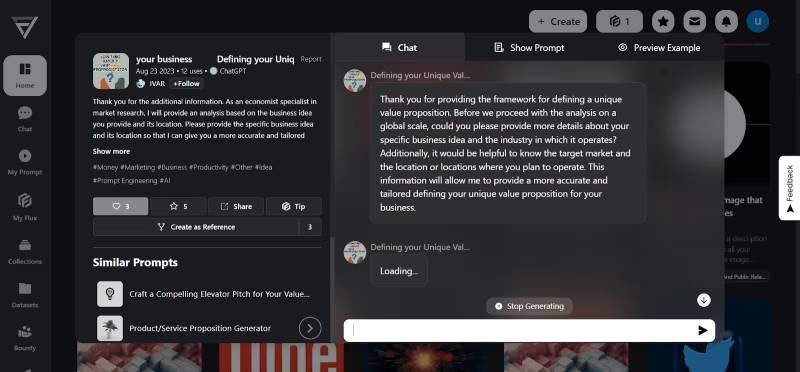
Step 4 - Start Chatting with AI
Start chatting with AI to generate your prompts.
Step 5 - Save Prompts
Save prompts for future use.
FlowGPT is a versatile platform that enables users to harness the power of artificial intelligence through a rich AI prompt library, collaborative prompt creation, and an engaged community of AI enthusiasts. It provides a user-friendly visual interface for ChatGPT, supports multi-threaded conversations, and ensures instant document access. With features like simple conversation management and flexible pricing, FlowGPT empowers users to explore the limitless possibilities of AI, enhance communication, and foster creativity.
If you are interested in using AI models to generate text, translate languages, write different types of creative content, or answer your questions in an informative way, then FlowGPT is a great place to start.









