Script Planner Assistant▸
 AI Apps
 AI News
How to Swap Faces with AI Using Face Swapper

How to Swap Faces with AI Using Face Swapper

Face Swapper is an AI face swap tool that detects faces in photos and replaces them with other faces of your choice. As for the photo to use for replacement, you can use your own photo or choose one from the Face Swapper gallery.
Face Swapper can swap faces (up to 1024x1024 pixels) and bodies. It then returns an image with the same size and quality as the source image. Supported formats: JPG, PNG, and WEBP up to 5MB.
For better results, please use high-quality photos of people facing directly toward the camera. Slight rotation should also work.
Face Swapper Official Website:https://igoutu.cn/swapper
How to Use Face Swapper:
1. Simply upload the first photo to get started.
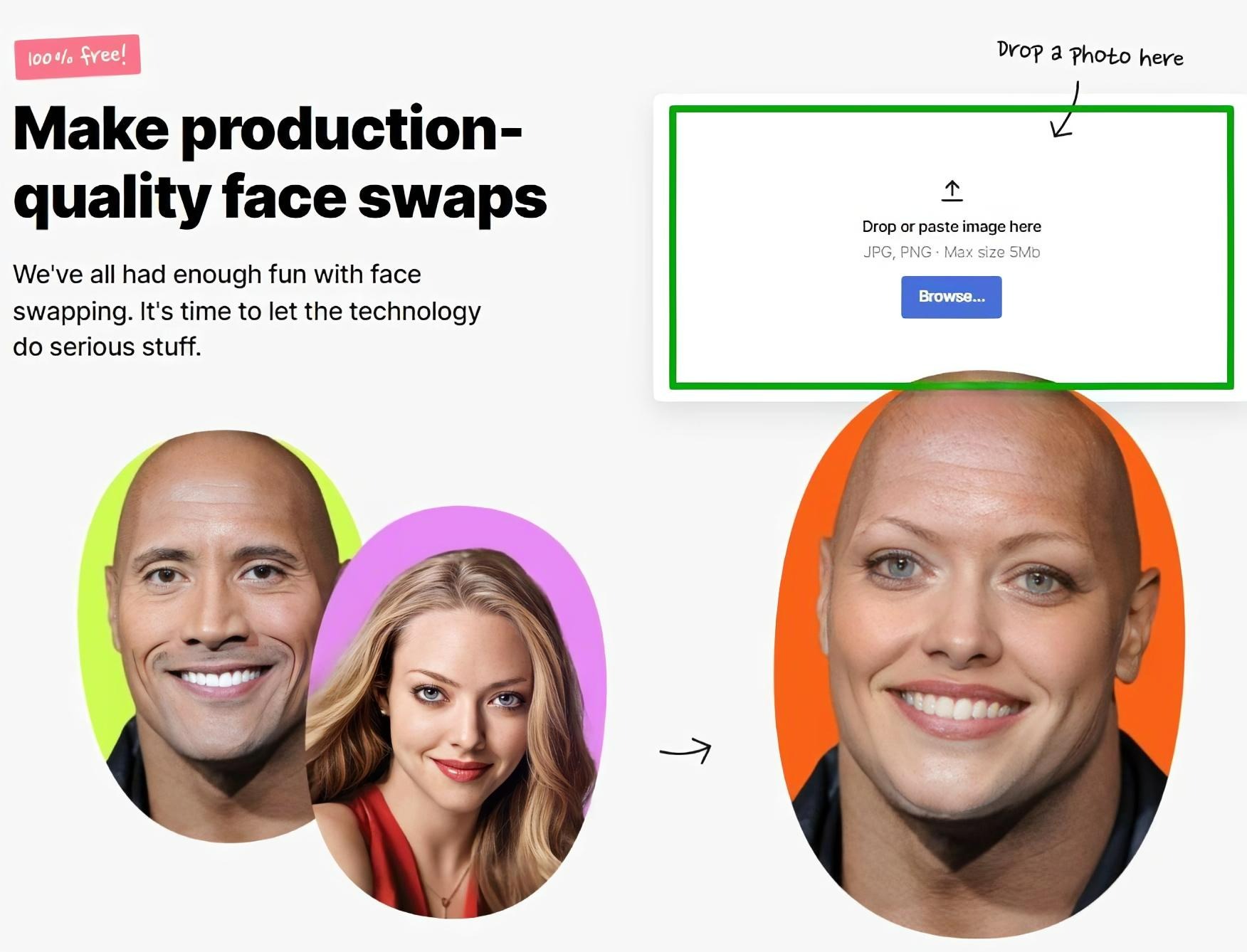
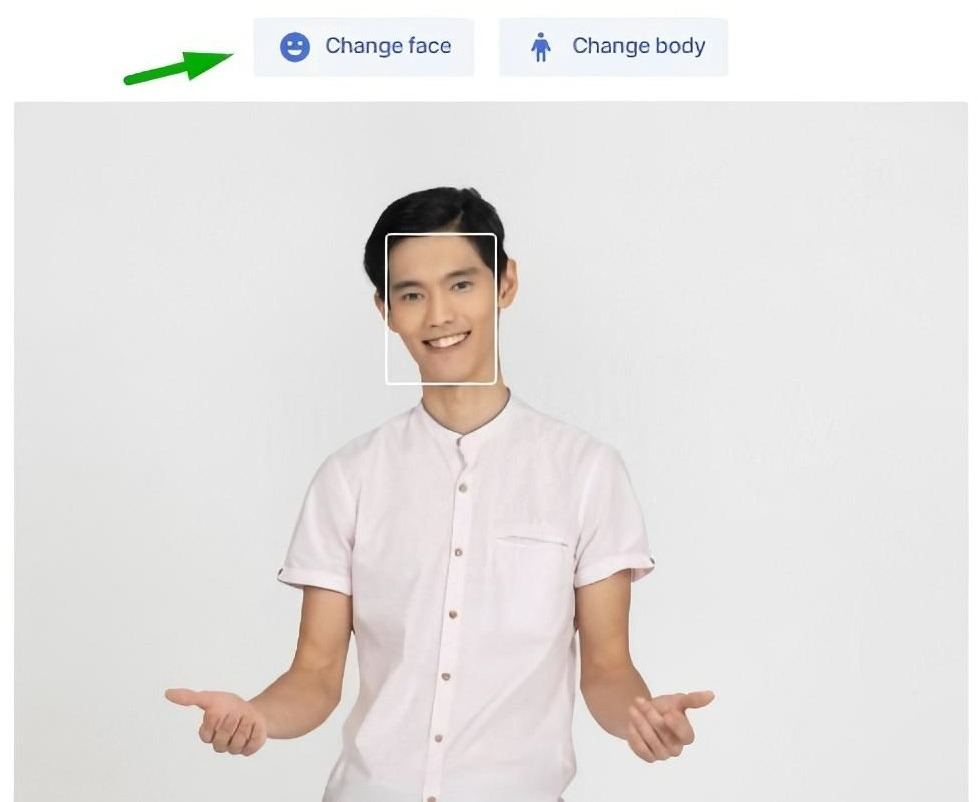
2. Click the "Swap Face" or "Swap Body" button above the photo to select what to swap.
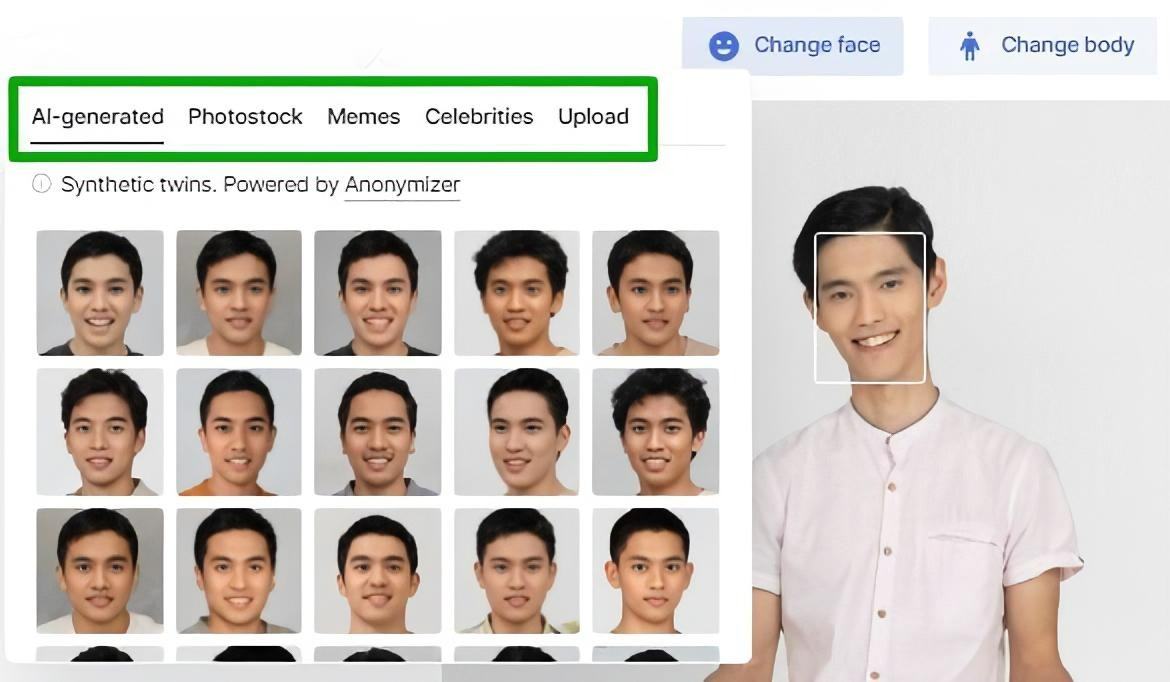
3. Then upload your photo or choose one from the gallery. It includes images from Icons8 Photostock, AI-generated faces, memes, and celebrity photos.
4. If the photo contains multiple faces, swap them one by one: upload an image, and the system will prompt you to swap the detected faces. Simply check each face individually.
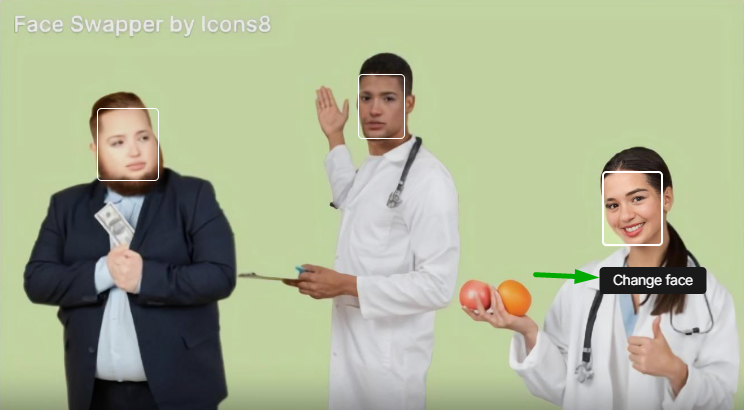
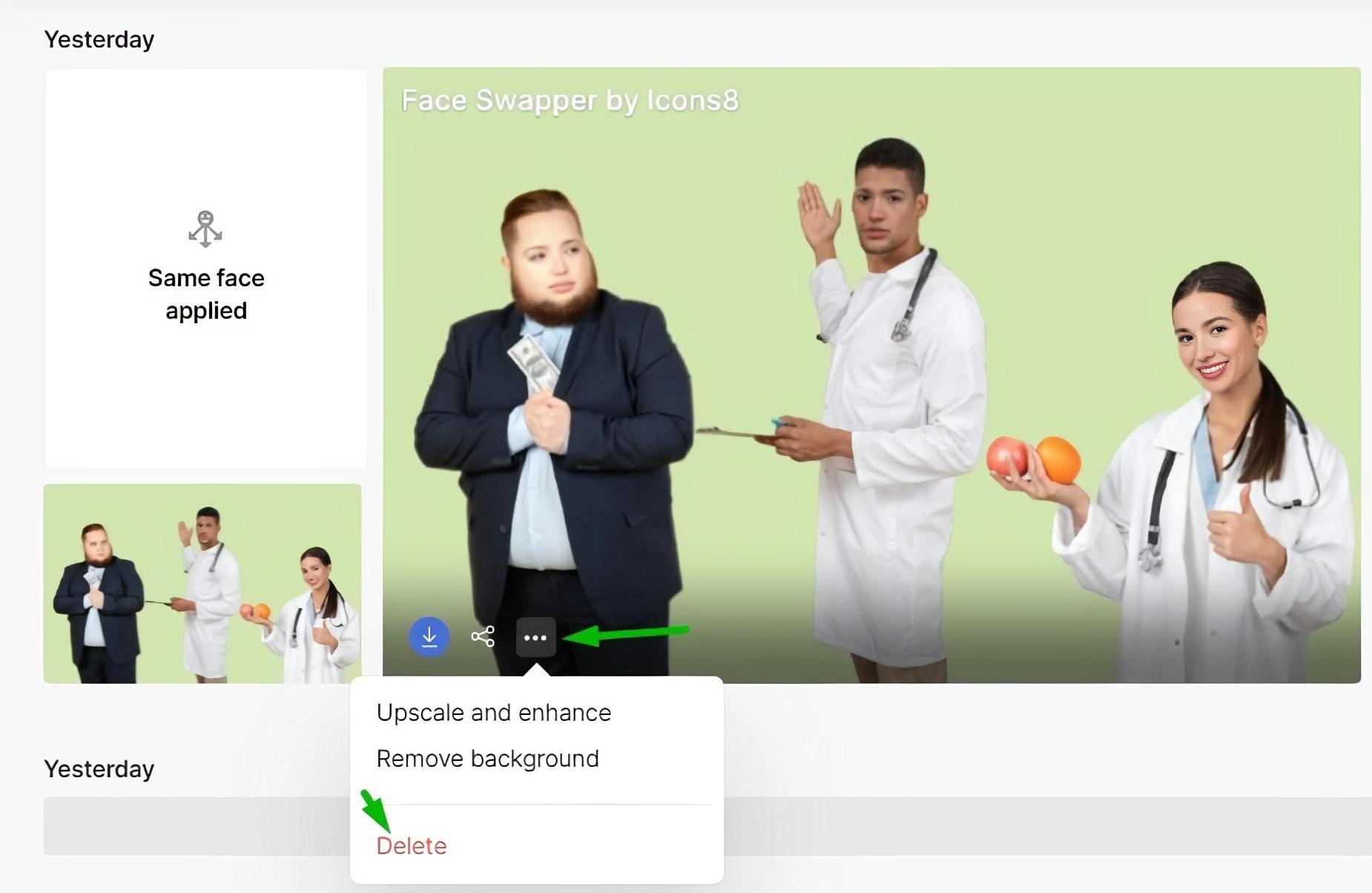
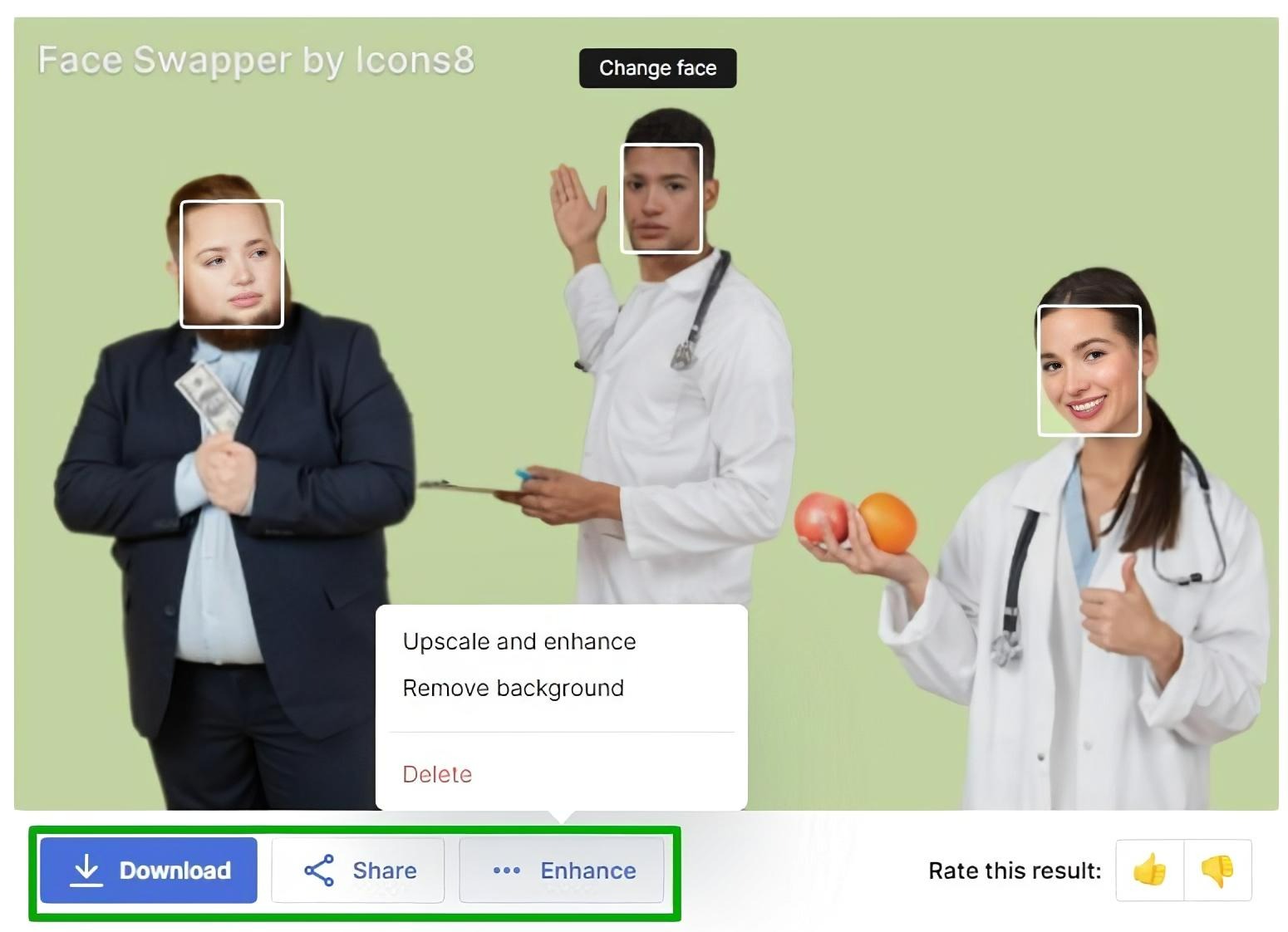
5. You can enhance, download, and share the final result. We would appreciate it if you could rate the result. It will help us improve the app.
Face Swapper Pricing:
You can choose unlimited monthly and yearly subscription plans.
The annual subscription includes a 3-day free trial. If the product does not meet your needs, please remember to cancel your subscription before the trial period ends. Otherwise, you will be charged for the annual plan, and there is no refund option.
We securely store images for 30 days so you can view your history and re-download swapped photos. You can manually delete images from your account at any time: