
 Script Planner Assistant▸
 AI Apps
 AI News
How to Use DomoAI: Beginner-Friendly Guide to Get Started

How to Use DomoAI: Beginner-Friendly Guide to Get Started
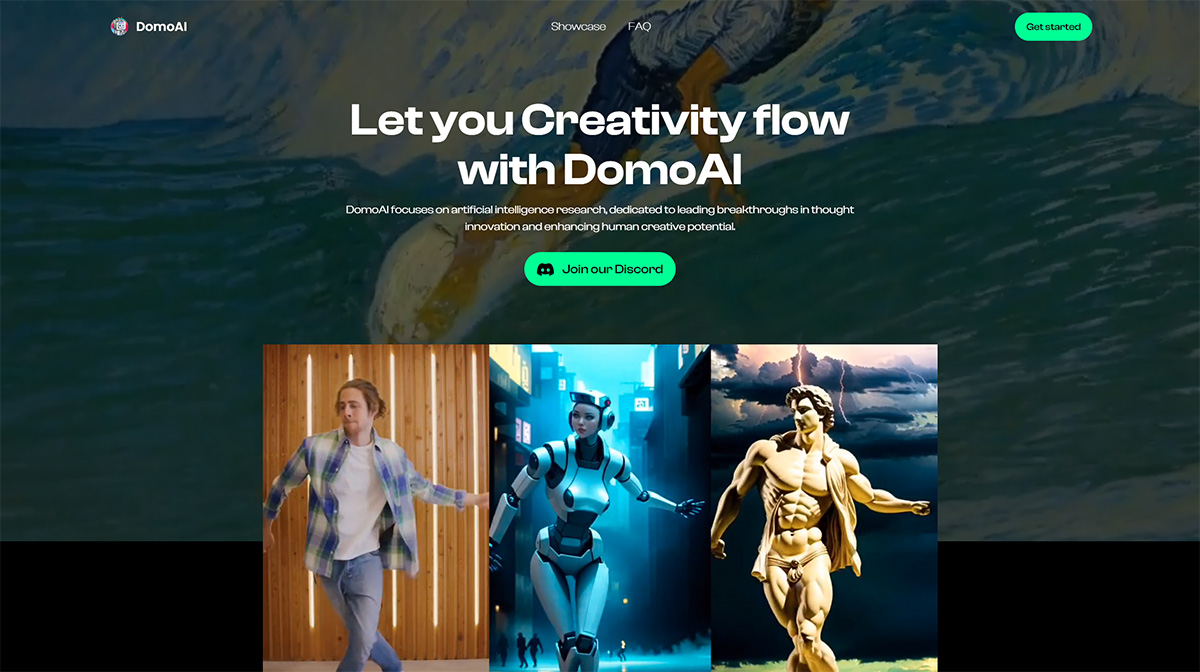
What is DomoAI?
DomoAI is an AI tool launched by Yinke Technology. Its main features include AI text-to-image generation, image-to-video anime stylization, and anime-to-realistic image conversion. It not only supports converting videos into various styles, but also offers a range of functions such as text-to-image and anime-to-realistic photo conversion.
In addition, DomoAI supports video-to-video conversion, enabling transitions between scenes and enhancing video quality through improved visual effects and clarity. This makes DomoAI not limited to anime stylization—it can also be used to convert real-life videos into anime style, offering users more creative possibilities.
DomoAI is primarily used through Discord channels. Users can experience its features by joining its Discord channel.
How to Use DomoAI:
1. Visit the official website and join Discord: First, visit DomoAI's official website (domoai.app/).
2. After registration is complete, click on DomoAI's Discord link to join the Discord community. Discord community link: https://discord.gg/domoai. This link points directly to the entry point for DomoAI in the Discord community, making it easy for users to join quickly.
3. Select a command: In Discord, select the DomoAI bot, enter its channel, type the "/gen" command, choose the current command, then enter a prompt or upload the image you want to generate. This is a text-to-image command that also supports image-to-image functionality. After the command, users can select the desired image style, such as anime style, realistic style, or illustration style.
4. Upload video or image: If you want to convert a video to video, you need to upload the video file. If an image is uploaded, DomoAI will intelligently generate a video based on the image content.
5. Adjust generation strength: For video generation, users can also select the intensity of the video generation—the higher the intensity, the more realistic the character's movements and expressions in the video will be.
6. Share your work: DomoAI supports sharing generated artwork with other users on the Discord server, and you can also view other amazing examples in the Reddit community.
7. Register and add the application: If you are using DomoAI for the first time, you need to register a DomoAI account, then add the DomoAI application to your server. Search for and select "domoAI" to add it to your own server.
By following these steps, users can easily use DomoAI to create unique and high-quality visual effects, whether for video or image processing and conversion.









