
 Script Planner Assistant▸
 AI Apps
 AI News
Gamma PPT: Features Overview and How to Use It
小编 ·

Gamma PPT: Features Overview and How to Use It
Gamma is a powerful AI-based PPT generation tool that simplifies content creation and presentations. Powered by artificial intelligence, Gamma effortlessly transforms your ideas into engaging PPT presentations—without the hassle of design work. Let's dive into Gamma's features, usage steps, and benefits.
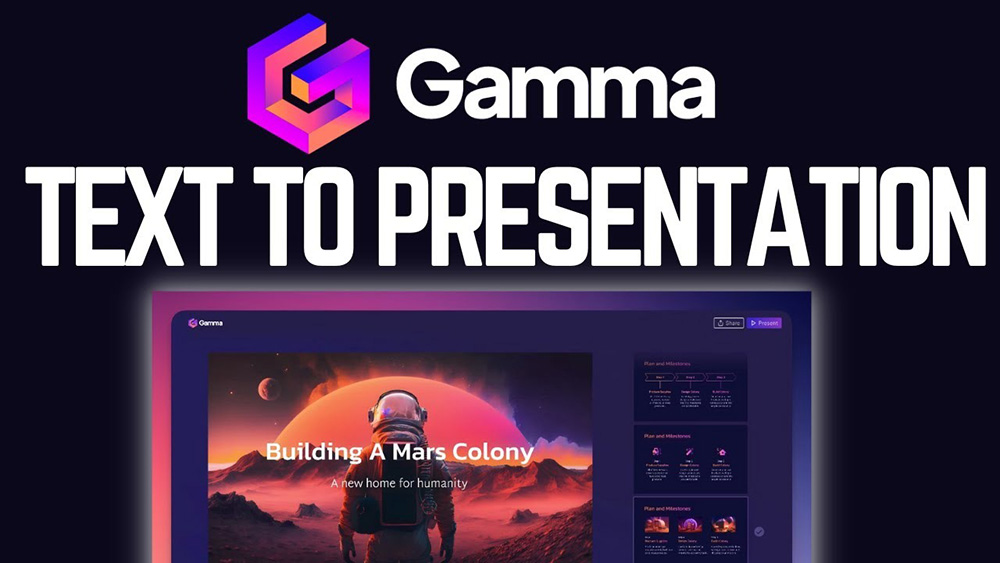
Gamma.app Main Features:
AI-driven content generation: Leverages AI algorithms to generate high-quality content, reducing the need for manual design work.
Versatile output formats: Allows users to generate various outputs, such as documents, presentations, and web pages, to meet diverse communication needs.
Customizable templates: Offers professionally oriented templates, such as company briefs, sales PPT presentations, and deal reviews, ensuring content aligns with the intended purpose and style.
Interactive elements: Enhances PPT presentations with interactive elements like videos, GIFs, charts, and web pages, making content more dynamic and engaging.
Collaboration tools: Facilitates collaboration on group projects and brainstorming sessions, which is especially useful for students and teachers working together.
How to Use Gamma Tutorial?
1. Log in / Create an account: Visit the Gamma.app website. If you are new to the platform, click "Sign Up" to create a new account. If you already have an account, enter your credentials to log in.
2. New AI and guided mode features: Select the "New AI" option, then choose guided mode to take advantage of Gamma's intuitive features.
3. Choose a presentation and enter your topic: Select the presentation format and enter your topic. Gamma's AI features will generate ideas related to your topic, enhancing your presentation.
4. Choose a theme: Customize the visual appeal of your presentation by selecting a theme from the available options. Keep the theme consistent with the style and tone of your content.
5. Editing options: Gamma offers a range of editing features to further enhance your presentation. Utilize AI card editing, choose from different card templates, adjust text formatting, and explore layout and visual templates.
6. Add images, videos, and web pages: Make your presentation visually appealing by incorporating images from various sources. Additionally, Gamma allows you to seamlessly embed videos and web pages.
7. Theme and background updates: Easily update your theme or choose a different background for your presentation within Gamma's user-friendly interface.
8. Preview and fine-tune: Before sharing, use Gamma's "Present" option to preview your presentation. Take this opportunity to fine-tune elements, ensuring a seamless and engaging experience.
9. Share and export: Use Gamma's "Share" option to share your presentation with the world. You can publish it publicly or export it as a PDF file.
Gamma is a powerful tool that simplifies content creation and presentations, thanks to its AI-driven capabilities. By leveraging Gamma, you can unleash your creative potential and effortlessly transform your ideas into engaging presentations. This makes Gamma.app a valuable tool for professionals who want to effectively communicate their ideas through visually appealing and concise media.









