
 Script Planner Assistant▸
 AI Apps
 AI News
How to Use Sora: A Detailed Beginner's Guide

How to Use Sora: A Detailed Beginner's Guide
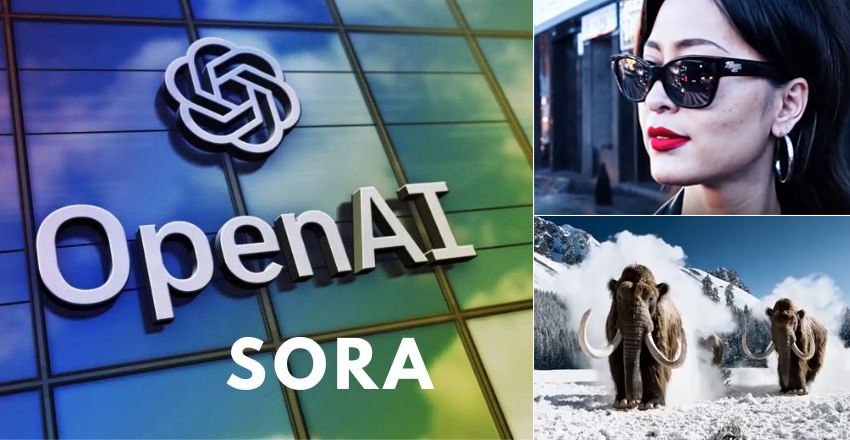
To maintain a competitive edge over industry rivals, Openai launched its breakthrough text-to-video model Sora on February 15, 2024. This innovative tool uses AI to convert your written descriptions into engaging videos up to one minute long. This move marks OpenAI's commitment to maintaining a competitive edge in the rapidly evolving field of artificial intelligence, as text-to-video tools become increasingly prominent. This article will provide you with the latest detailed tutorial on how to use Sora.
What is Sora?
Sora means "sky" in Japanese. It is a text-to-video diffusion model. Sora is very similar to DALL-E, which uses text prompts to create images; Sora uses text prompts to create short videos. With simple prompts, Sora can produce videos up to one minute in length. "Sora is capable of generating videos up to one minute in length while maintaining visual quality and adhering to the user's prompt. The model is able to take an existing still image and generate a video from it, animating the image's content with accuracy and attention to small details."
How does Sora work?
Imagine starting from the static, noisy picture on a TV and gradually clearing away the blur until you see a clear, moving video. That's essentially what Sora does. It's a special program that uses a "transformer architecture" to gradually remove noise and create videos.
It can generate an entire video at once, rather than frame by frame. By providing the model with text descriptions, users can guide the content of the video—for example, ensuring that a person remains visible even after briefly leaving the screen.
Think of the GPT models that generate text based on words. Sora does something similar, but with images and video. It breaks video down into smaller pieces called patches.
"Sora is built on DALL·E and GPT models. It uses DALL·E 3, which involves generating highly descriptive captions for the visual training data. As a result, the model is able to follow users' text instructions in the generated videos more faithfully."
Applications of Sora:
The applications of Sora are very wide-ranging. From education and teaching, product demonstrations to content marketing, high-quality video content creation can all be accomplished through Sora. OpenAI has published several examples of Sora's work on its blog posts and the social media platform X.
How to use Sora AI?
Before you begin, make sure you have already registered for an OpenAI account and have a Plus account to gain access to Sora.
Sora Usage Step 1: Write a clear and concise description of what you want to appear in the video. Specify the scene, characters, actions, and overall tone. The more details you provide, the better Sora can understand your vision.
Sora Usage Step 2: After completing the text description and settings, click the "Generate Video" button. Sora will begin processing your request, which may take a few minutes. Once completed, you can preview the generated video.
Sora Usage Step 3: Users have the flexibility to edit and modify the generated scenes.
Frequently Asked Questions about Using Sora
FAQ about Sora, A Text-to-Video Model by OpenAI
1. When will OpenAI release Sora to the public?
Answer: As of now, OpenAI has not announced a specific release date for Sora to the public.
The model is currently in the testing phase, undergoing safety testing and feedback collection. Please stay tuned for updates on its release.
2. Can users control the generated scenes with Sora?
Answer: Yes, users can control the generated scenes with Sora.
The process involves inputting a written prompt to describe the desired scene, and Sora will generate the scene based on the information provided.
Users can then edit and modify as needed.
3. What safety measures has Sora taken to prevent misuse?
Answer: OpenAI is actively addressing the potential misuse of Sora by implementing safety measures.
It should be noted that OpenAI's Sora is not yet available to the public. It is still developing an early access program for a limited group of individuals. Access is granted at OpenAI's discretion, primarily to artists, designers, and researchers.









