
 Script Planner Assistant▸
 AI Apps
 AI News
The 8 Best AI Video Generation Tools in 2024
小编 ·

The 8 Best AI Video Generation Tools in 2024
In 2024, video content has become an indispensable part of our daily lives. It is everywhere, used for everything from entertainment to education. What makes video so special is its unique power to capture our attention and convey information in ways that no other medium can compete with.
With the use of artificial intelligence, video creation has undergone a significant transformation, becoming faster, easier, and more accessible than ever before.
This article explores the top AI video generation tools available on the market, providing a comprehensive overview of their features and capabilities.
1. Pictory.ai
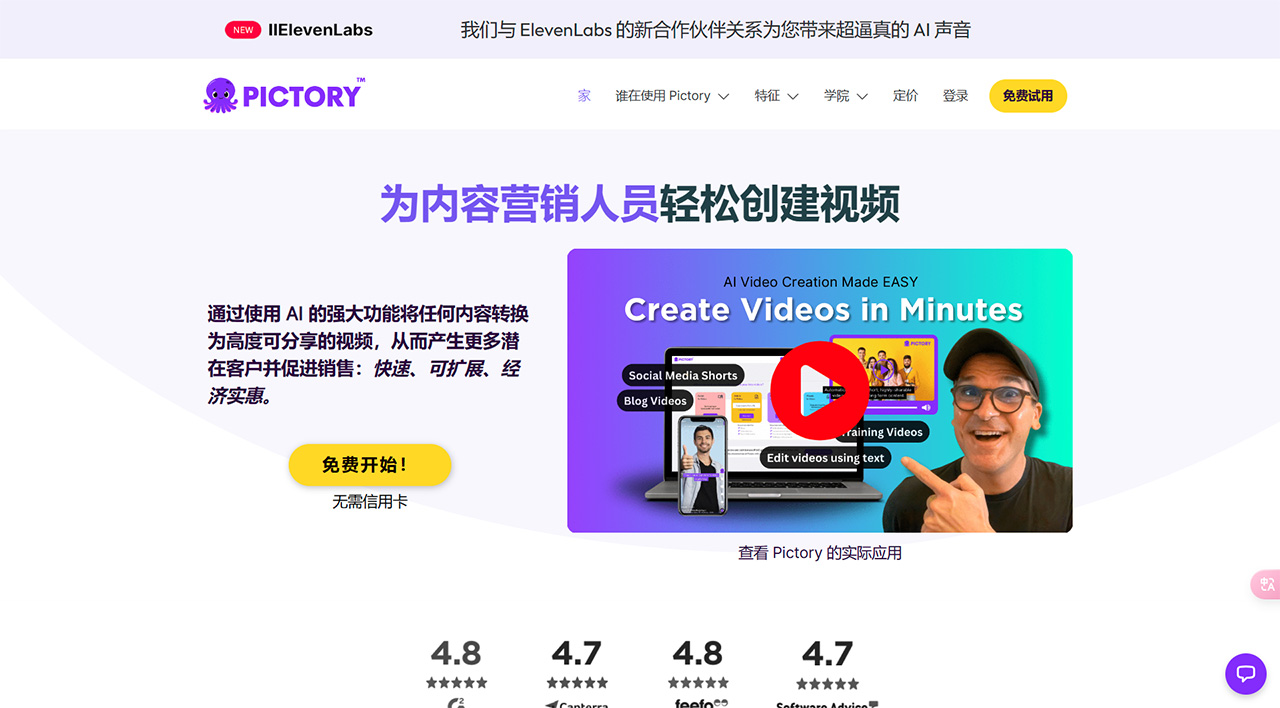
Pictory is an outstanding text-to-video software that quickly converts text into engaging videos within minutes. Its advanced AI technology helps extract video highlights from webinars and captions, transforming lengthy text content into concise summary videos.
The tool offers unique features that generate videos from articles, scripts, and visuals. Notably, it allows seamless editing through text-based voice-merge, enabling users to personalize videos using logos, colors, and fonts.
In addition, Pictory streamlines the video editing process by automatically adding subtitles or captions, and supports more than 20 languages, facilitating global audience engagement. Access to an extensive library of over 8 million licensed stock images and videos is available.
Pros:
Efficient text-to-video conversion: Quickly converts text into engaging videos.
Highlight extraction: Extracts video highlights from webinars, captions, and long-form text.
Free stock resources: Provides free asset resources for video creation.
Customization options: Allows customization of videos with logos, colors, and fonts.
Multi-language support: Supports more than 20 different languages to expand audience reach.
Cons:
Limited free plan: The free plan only allows the creation of up to 3 videos, limiting exploration for new users.
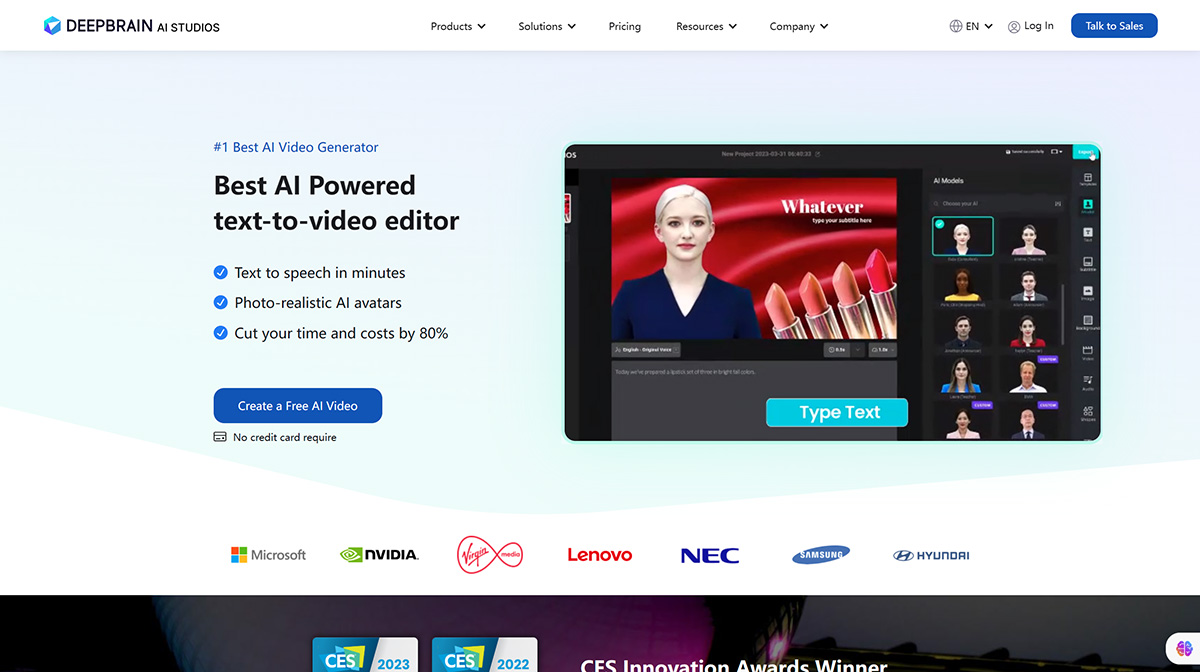
DeepBrain AI is a revolutionary platform specializing in using AI technology to generate lifelike human avatars. With more than 100 customizable avatars spanning different ethnicities and professions, DeepBrain AI stands out in the video generator market.
AI video generator tool
What sets this platform apart is its ability to create AI avatars that mimic human speech and gestures, producing realistic and natural-looking presentations. The platform leverages deep learning technology to record and process data—including voice, accent, facial expressions, and body gestures—to generate high-quality AI human video content.
With extensive customization options and pre-built video templates, DeepBrain AI caters to a variety of video types, including training, marketing, explainer videos, and social media content.
Pros:
Lifelike AI avatars: Offers more than 100 customizable avatars that mimic human speech and gestures.
Customization options: Allows modification of avatar appearance and speech patterns.
Versatility: Can create videos in multiple languages, suitable for global market targeting.
Diverse templates: Provides pre-built video templates for various video types.
Cons:
Potentially expensive: For small businesses, the starting price of $30 per month may be steep.
Complexity: Advanced customization may be complex for some users.
3.InVideo
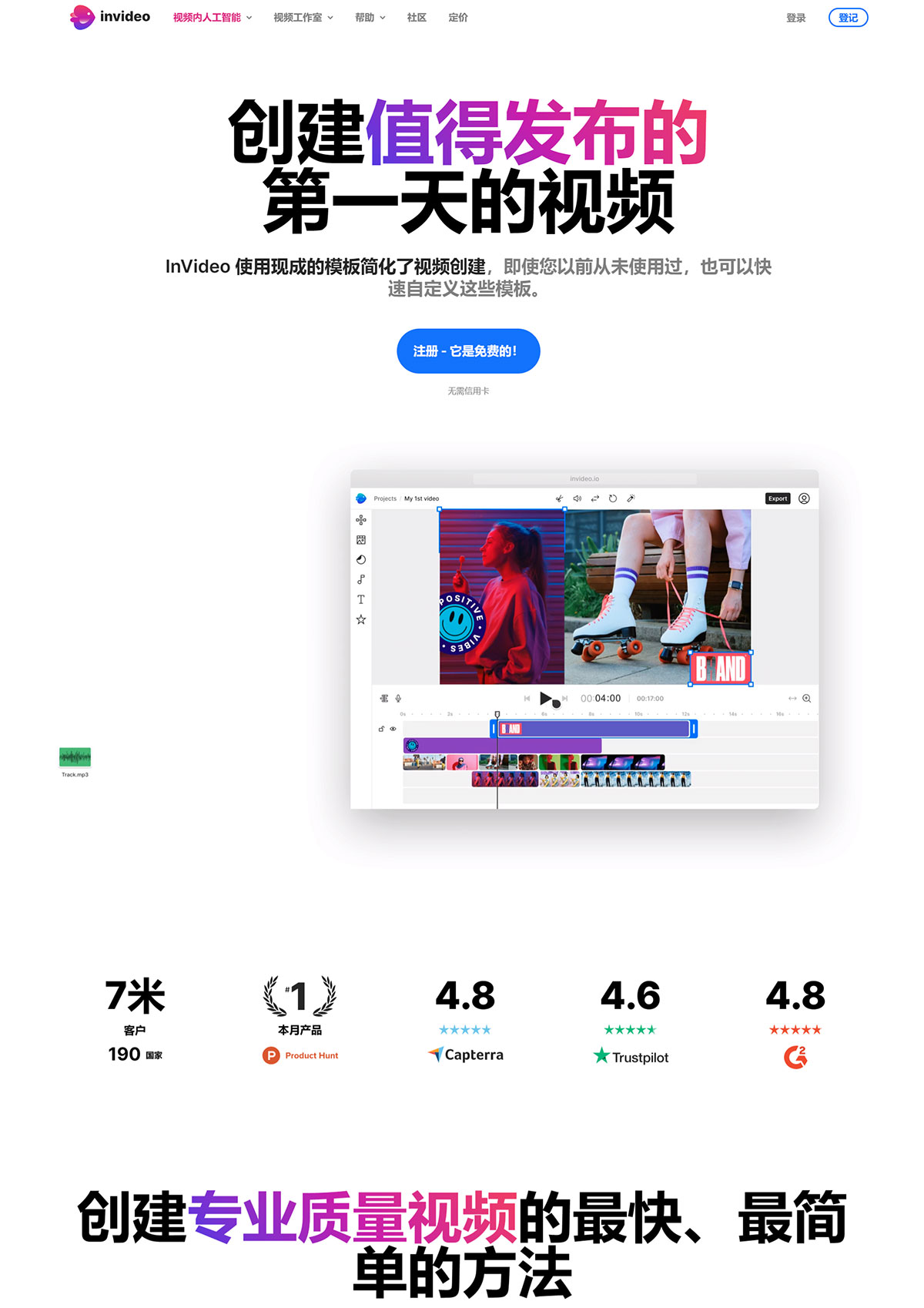
InVideo positions itself as an online video editing tool that meets the business needs of different industries. With advanced editing features, pre-built templates, and a vast content library from repositories such as Storyblocks and Shutterstock, InVideo enables users to create tailored videos for marketing, events, promotions, and brand representation.
The platform offers versatile editing options, including images, stickers, text boxes, transitions, and voiceovers, complemented by an automated text-to-speech feature.
InVideo's analytics provide valuable insights into video performance metrics, helping businesses measure social reach and impressions. In addition, its mobile application extends accessibility, allowing users to conveniently create videos on smartphones with exclusive filters, effects, and music options.
Pros:
Pre-built templates: Offers a library of over 5,000 pre-built templates to meet various business needs.
User-friendly interface: An intuitive platform for easy video creation.
Automation features: Provides automated text-to-speech functionality and detailed analytics.
Cons:
Limited free features: Some advanced features may be restricted in the free version.
Mobile app limitations: The mobile app may not be as fully featured as the desktop version.
4.Wisecut
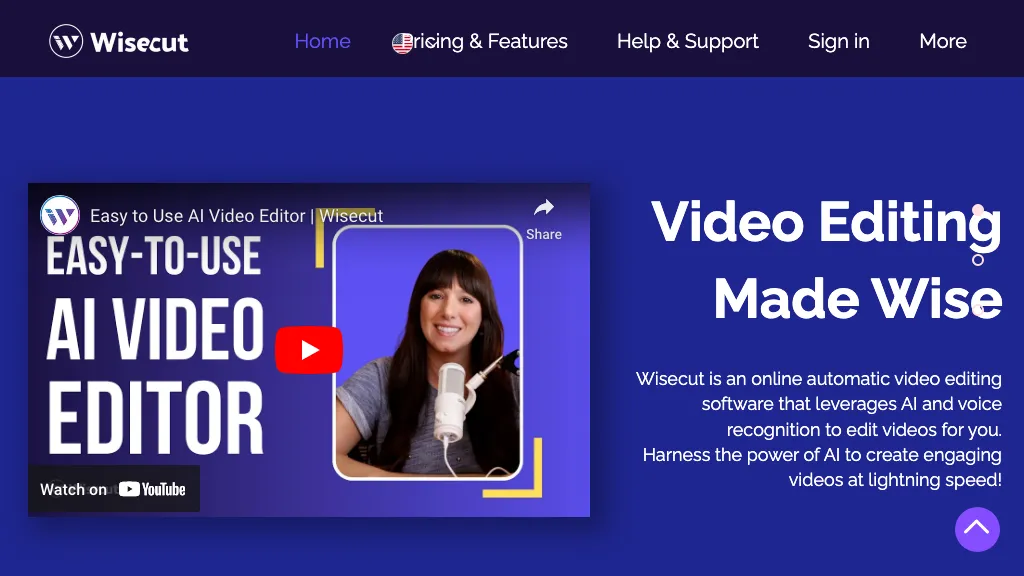
Wisecut introduces an innovative video editing tool that uses artificial intelligence and speech recognition to automatically edit long videos into impactful short clips. Wisecut is ideal for platforms such as YouTube Shorts, TikTok, and Instagram Reels, streamlining the creation of engaging content by eliminating long pauses and using AI-based facial recognition for organic editing.
The tool helps automatically select captions, translate, and pick background music based on video content. In addition, its audio ducking feature dynamically balances audio levels to ensure optimal clarity during speech segments.
Wisecut's intuitive interface generates a transcribed storyboard based on speech, simplifying editing for users without extensive video editing skills.
Pros:
Time-saving automation: Helps efficiently create short, impactful video clips from long-form content.
Automatic features: Automatic silence cutting, auto-captioning, and smart background music enhance video quality.
Cons:
Complexity for beginners: Due to advanced features, it may be challenging for beginners.
Pricing may be a barrier.
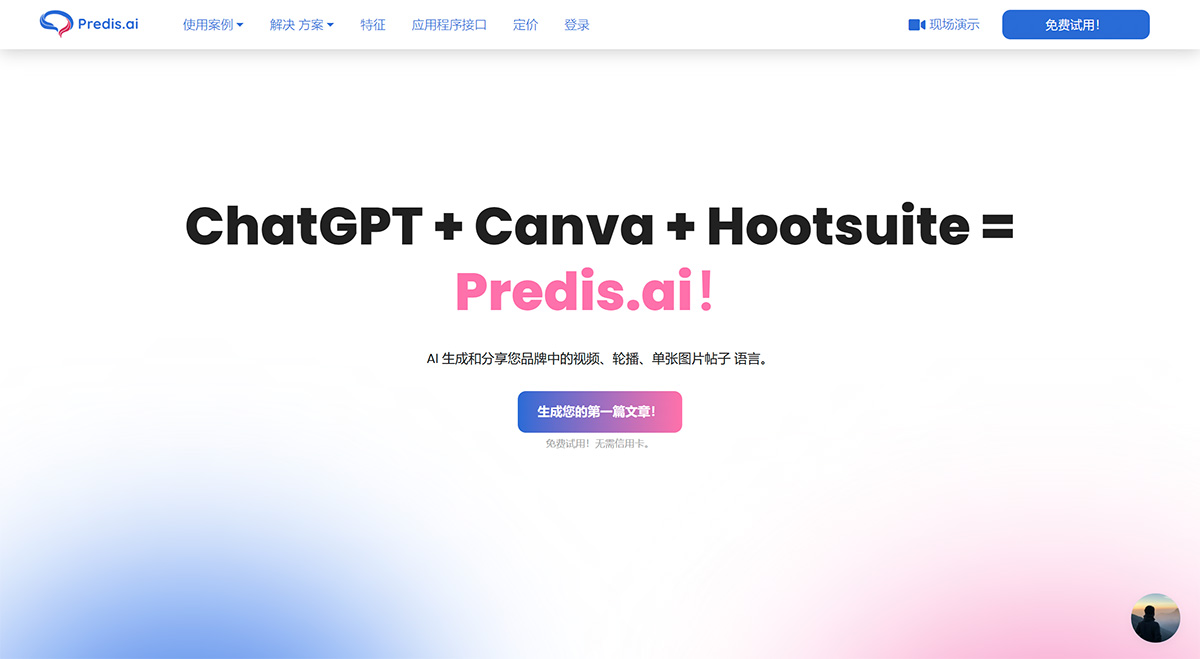
Predis.ai is an AI-powered social media creation platform that simplifies content creation for businesses. By providing basic business information, Predis.ai generates ready-to-publish social media posts complete with captions, hashtags, and branded creatives.
Its integration with Shopify and WooCommerce facilitates product-centric video creation, leveraging over 5,000 multimedia options and an easy-to-use creative editor for quick modifications.
The platform streamlines social media management by enabling seamless scheduling and publishing of content through its social media scheduler.
Pros:
Automated Content Repurposing: Streamlines the process of repurposing videos across multiple platforms.
Multiple Content Formats: Allows conversion into over 20 different types of content for various social media platforms.
User-Friendly Dashboard: Offers a clean and intuitive dashboard for easy setup and management.
Cons:
Limited Free Trial: The free trial offers limited video publishing capabilities.
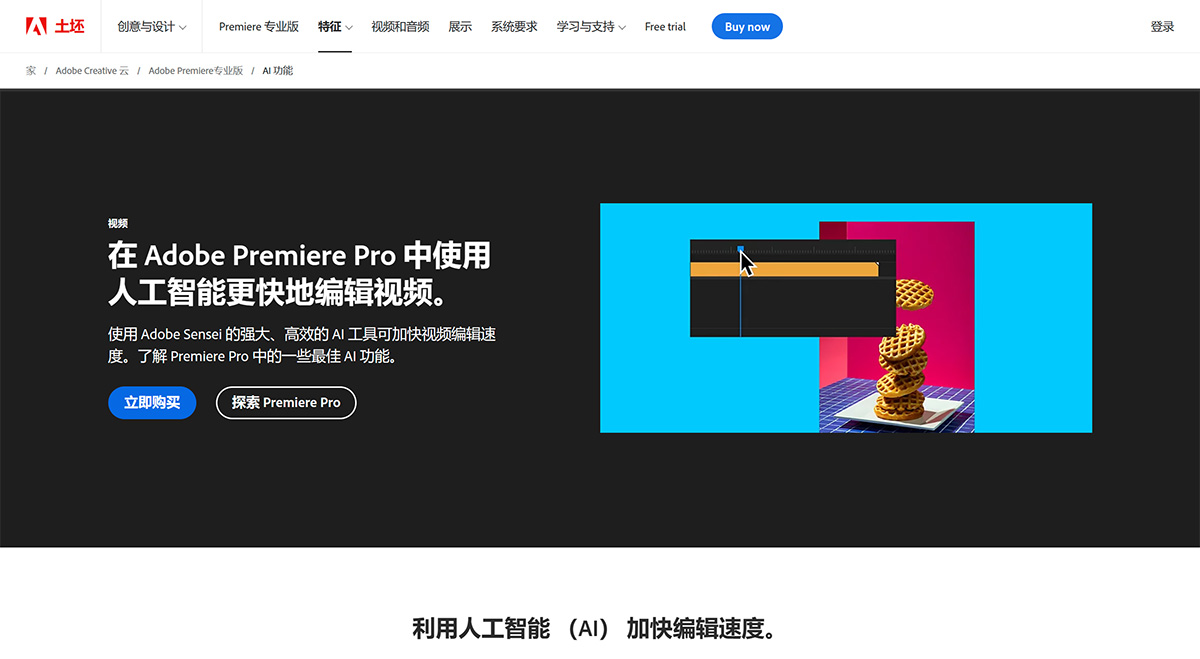
Adobe Premiere Pro is a leading video editing and production software tailored for professionals and enthusiasts alike. As part of the Adobe Creative Cloud suite, Premiere Pro offers a robust set of editing tools for multi-cam editing, precision trimming, color correction, and audio processing.
Its compatibility with various video formats, integration with other Adobe applications, and advanced color grading tools make it an industry-standard choice for filmmakers and video professionals.
Premiere Pro's collaborative features and customizable motion graphics templates enhance its usefulness further in producing outstanding video projects.
Pros:
Comprehensive Video Editing Tools: Offers multi-cam editing, precision trimming, and advanced color correction.
Seamless Integration: Integrates smoothly with other Adobe Creative Cloud applications for a unified workflow.
Professional-Grade Features: Advanced color grading, motion graphics templates, and collaboration capabilities.
Cons:
High Subscription Cost: Professional features can be costly for small businesses or individual creators.









