Script Planner Assistant▸
 AI Apps
 AI News
MindShow Tutorial

MindShow Tutorial
1. MindShow Official Website Registration
Go to MindShow, click "Get Started Now", enter your phone number or scan the QR code with WeChat to follow the official account to register an account. New users who successfully register will receive bonus credits.
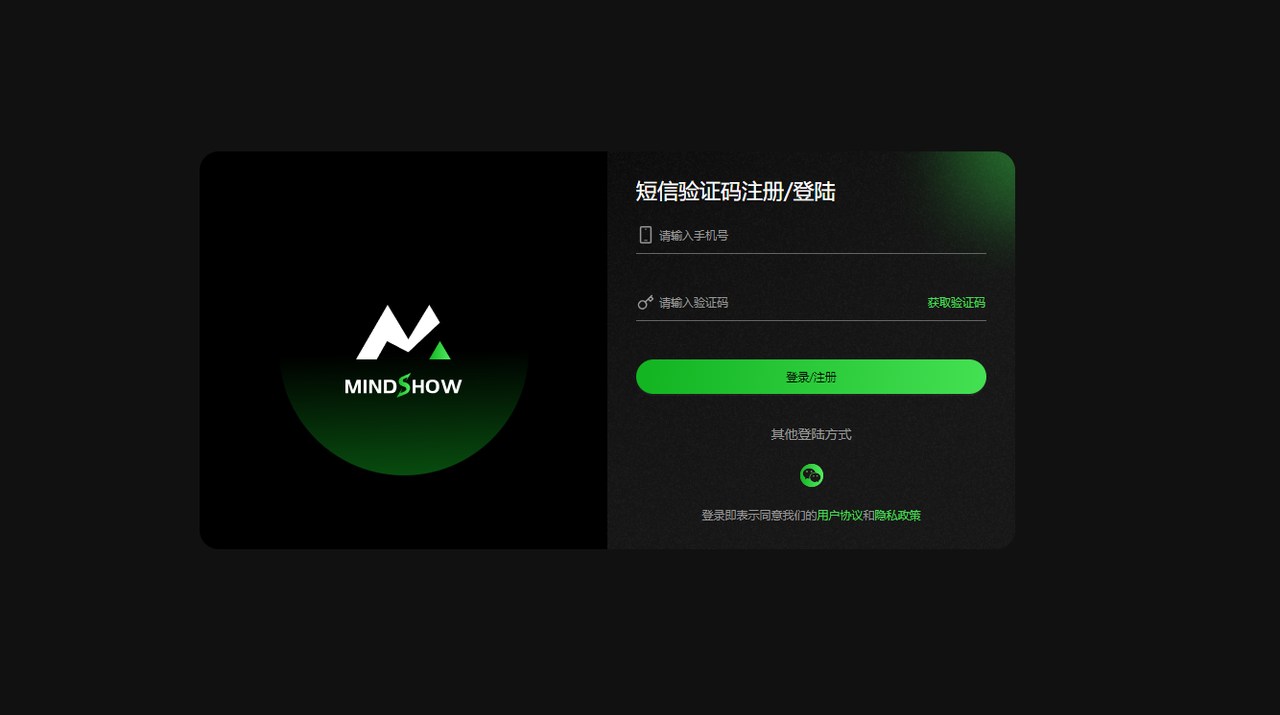
- Follow the official account login process
First-time login prompt
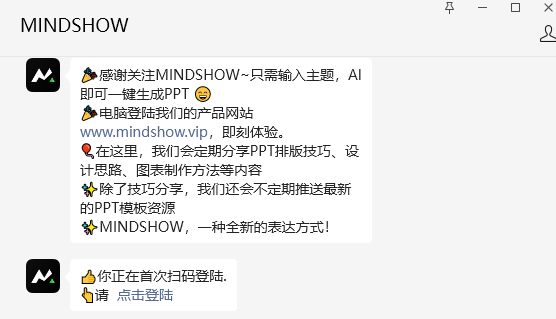
Click the [Click to Login] button to jump to the login success page
2. MindShow Feature Usage Instructions
1. Quickly Generate PPT
- MINDSHOW leverages advanced artificial intelligence technology to automatically generate high-quality PPTs that conform to specifications and standards based on a sentence entered by the user. Users only need to simply enter some keywords and descriptions to easily create professional-level presentations.
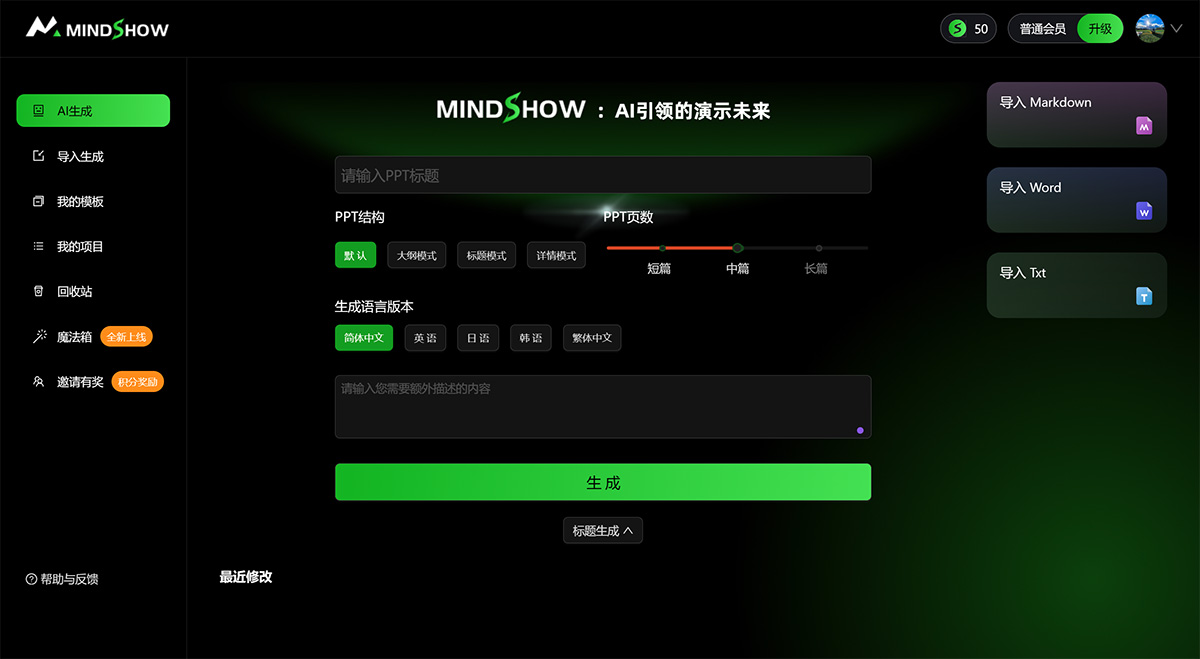
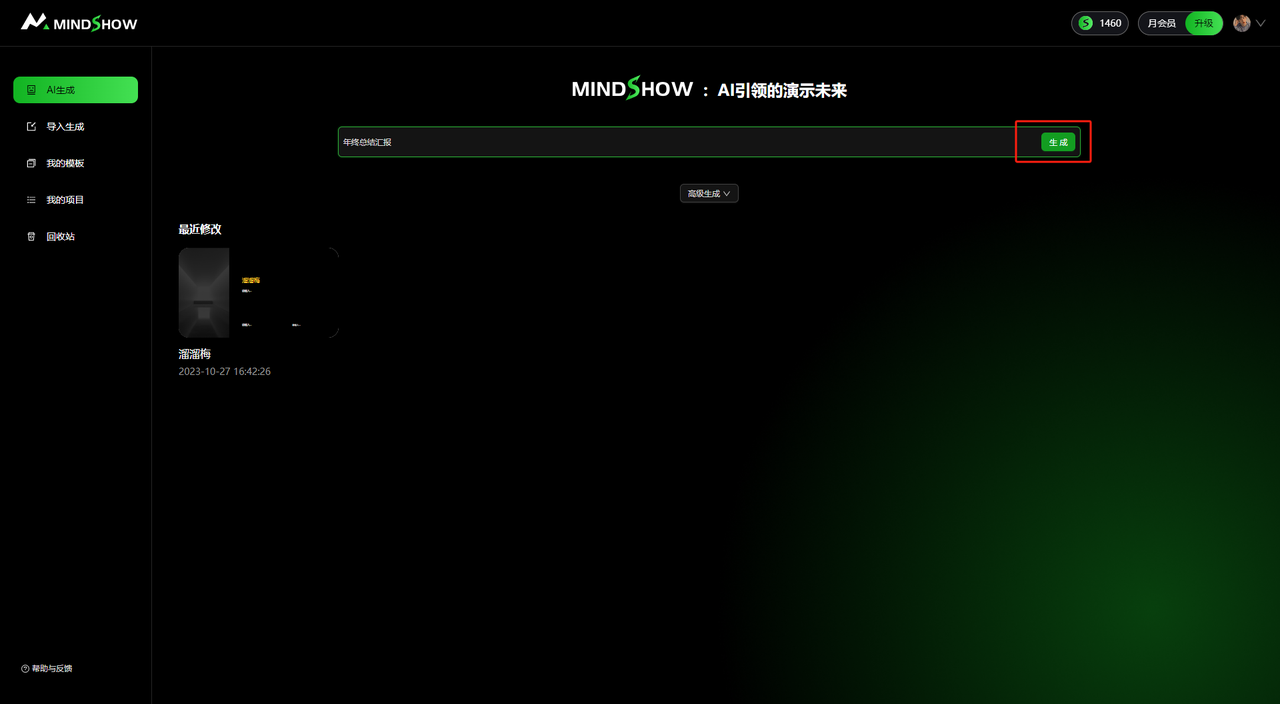
Enter the PPT topic keywords and click the [Generate] button to enter the AI-powered PPT generation process
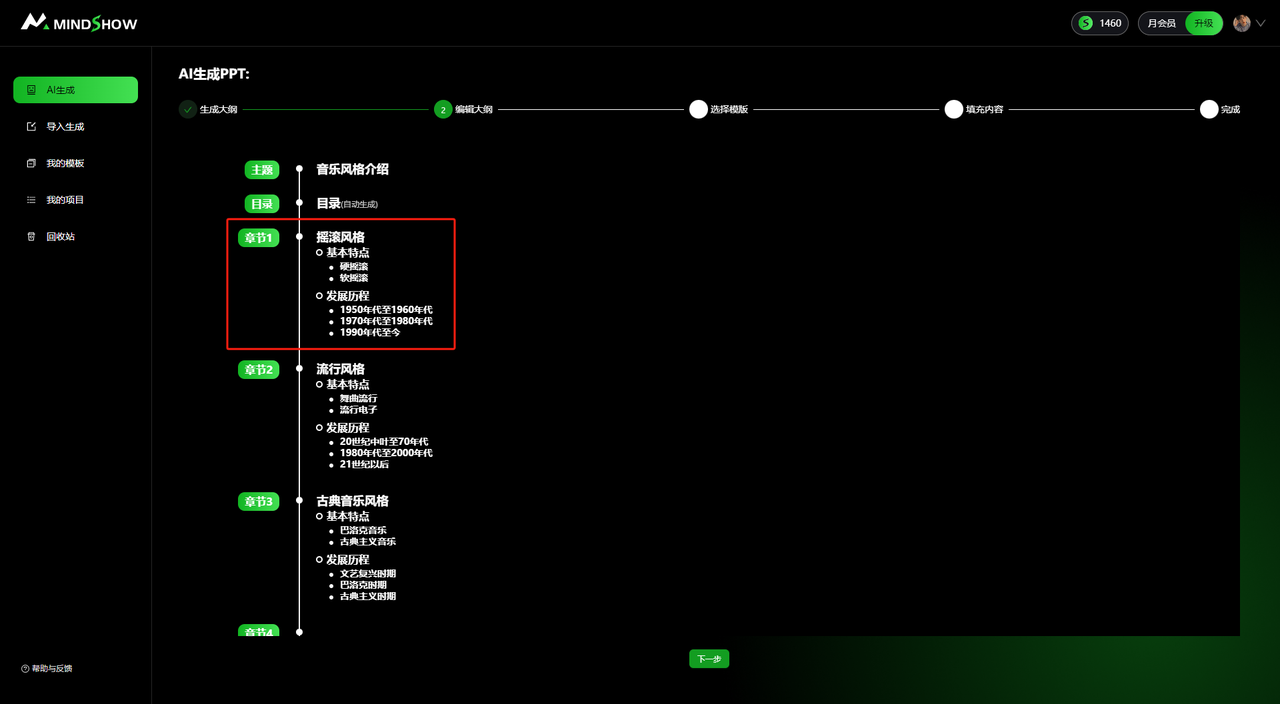
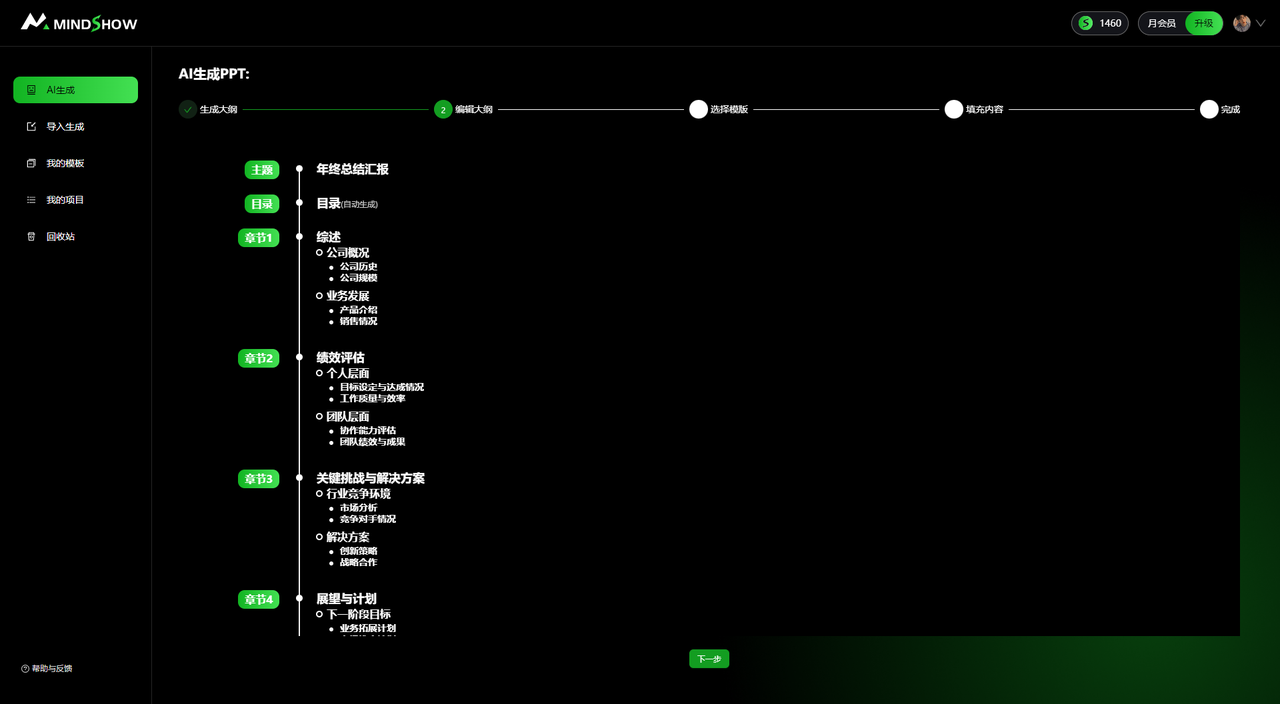
Generate PPT Outline - Can automatically generate a PPT outline with clear logic and complete structure based on the provided information and content
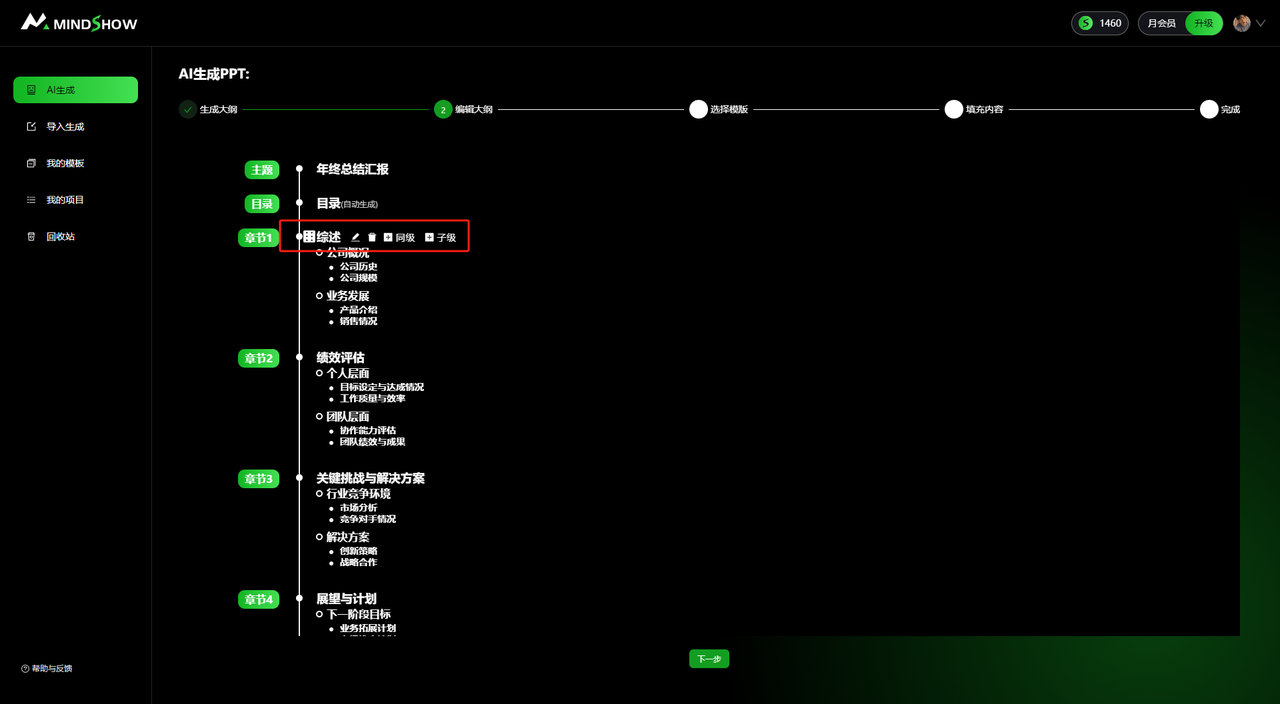
The generated outline can be dragged to reorder and the text can be edited
A variety of template options, including business, education, technology, art and other styles. Choose the template that suits your needs and preferences
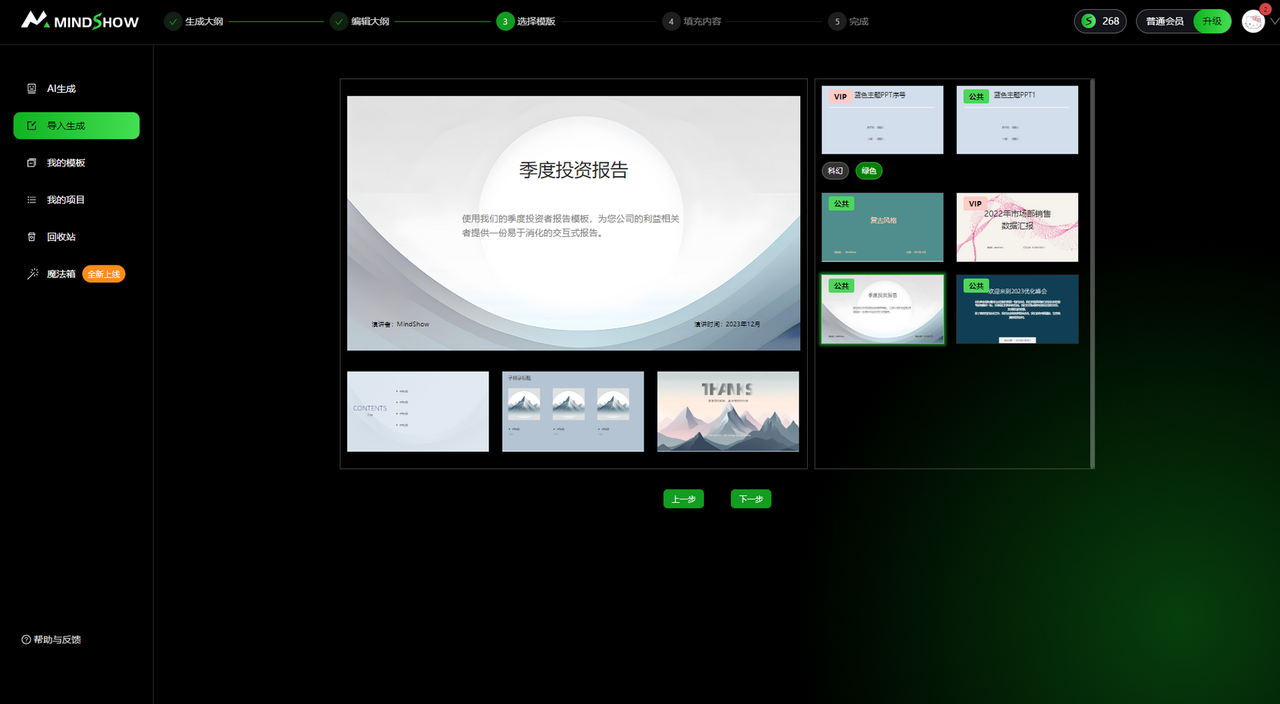
Real-time display of the PPT generation process
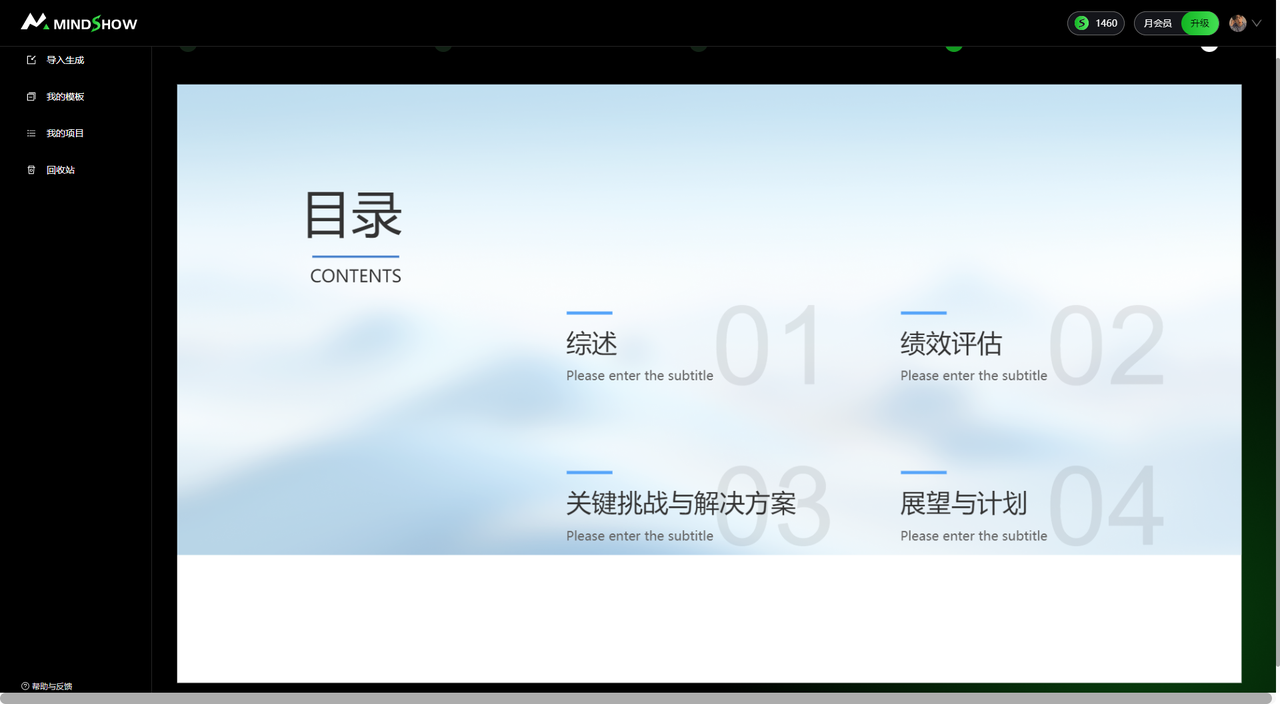
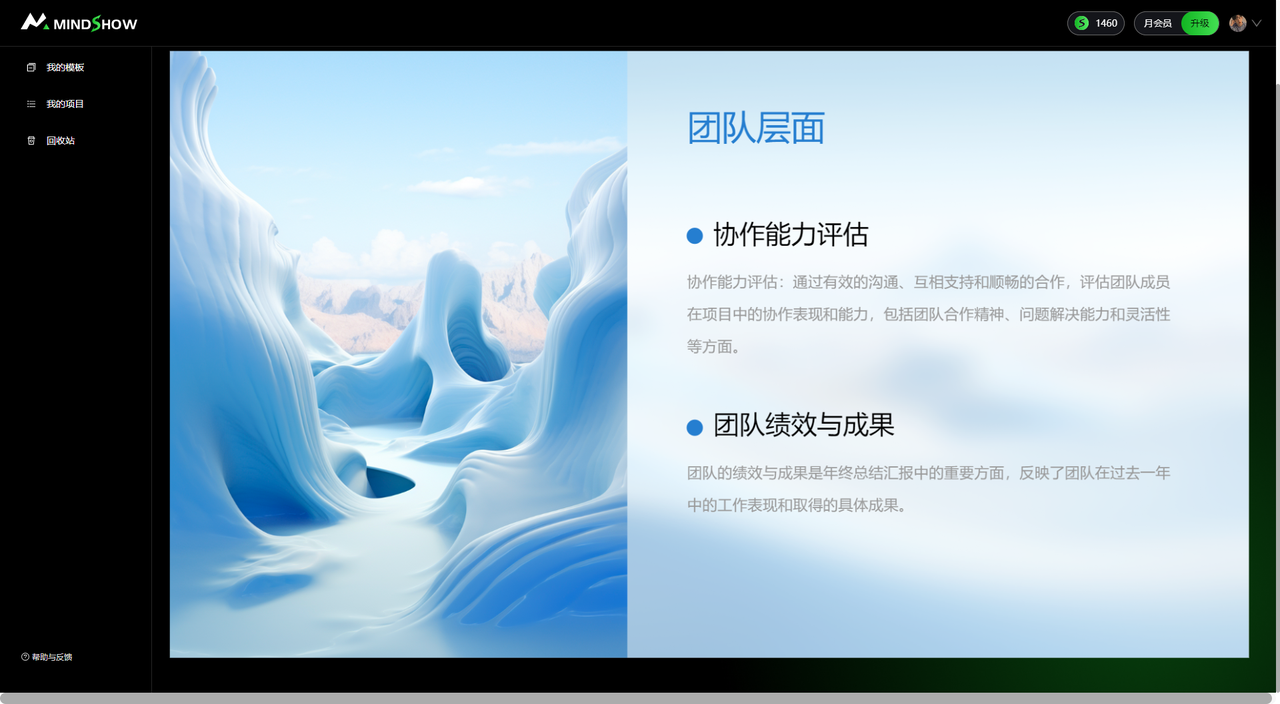
PPT creation is complete, you can view/edit
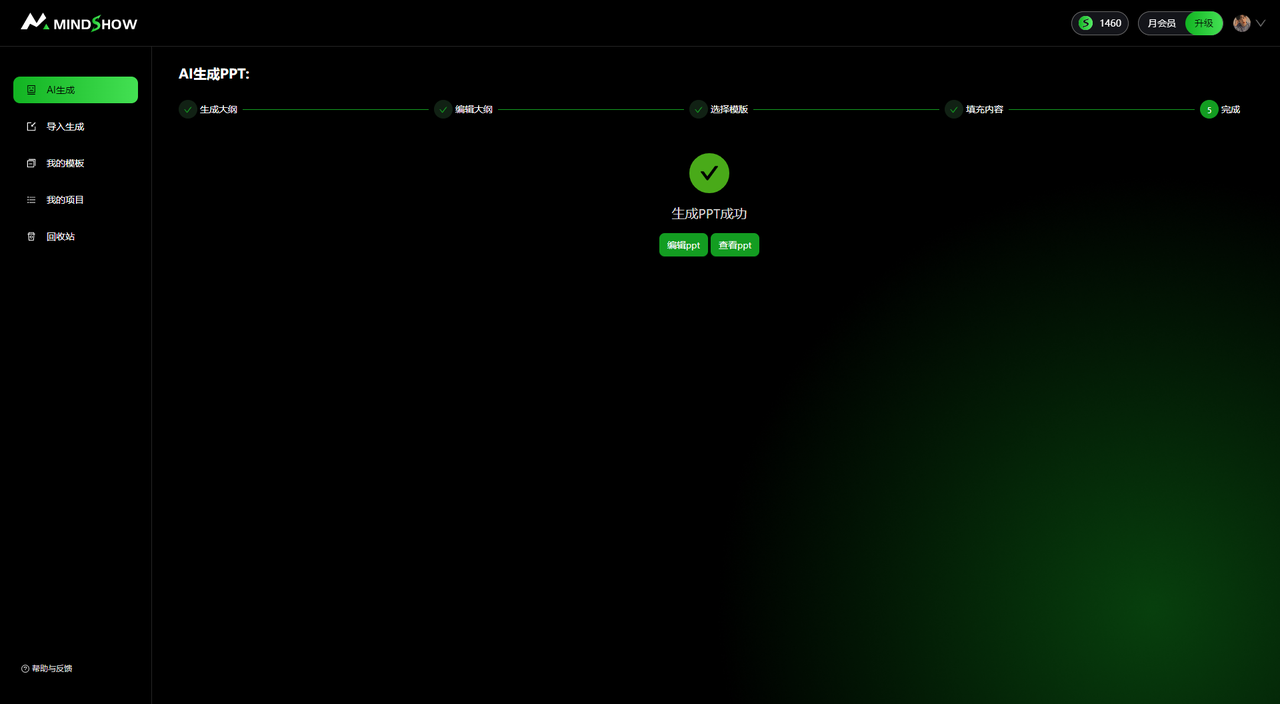
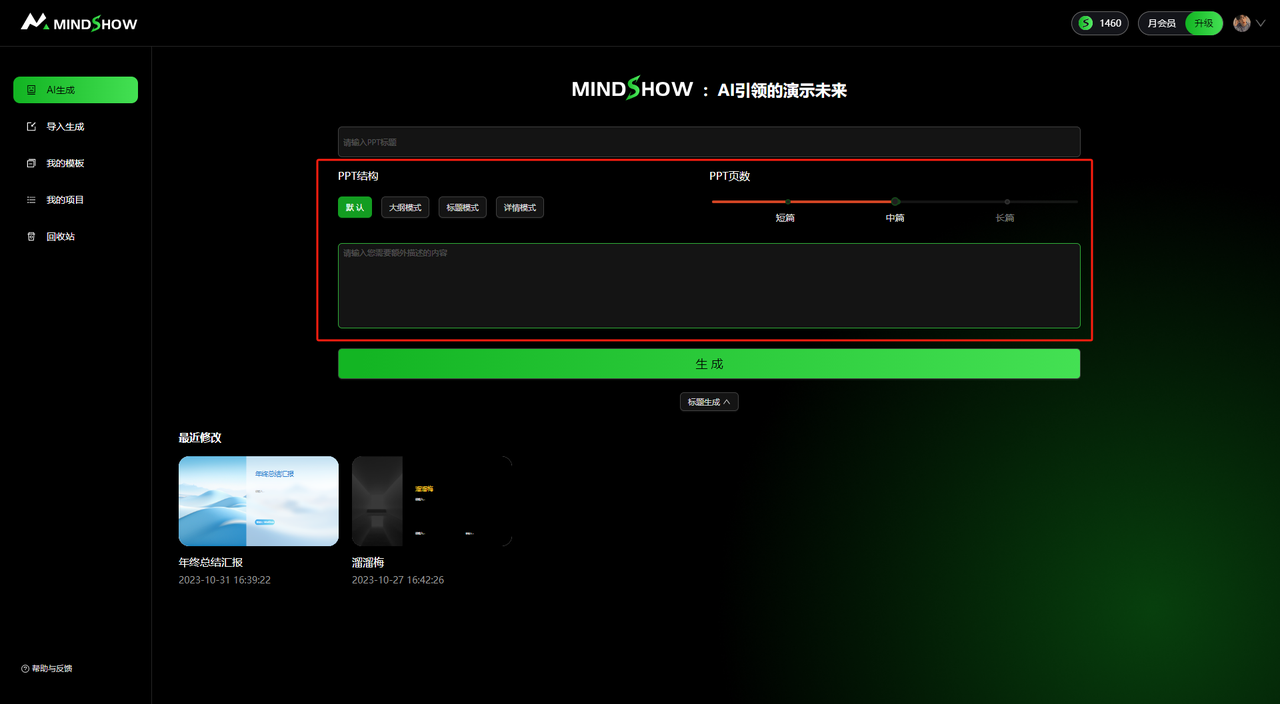
2. Advanced PPT Generation
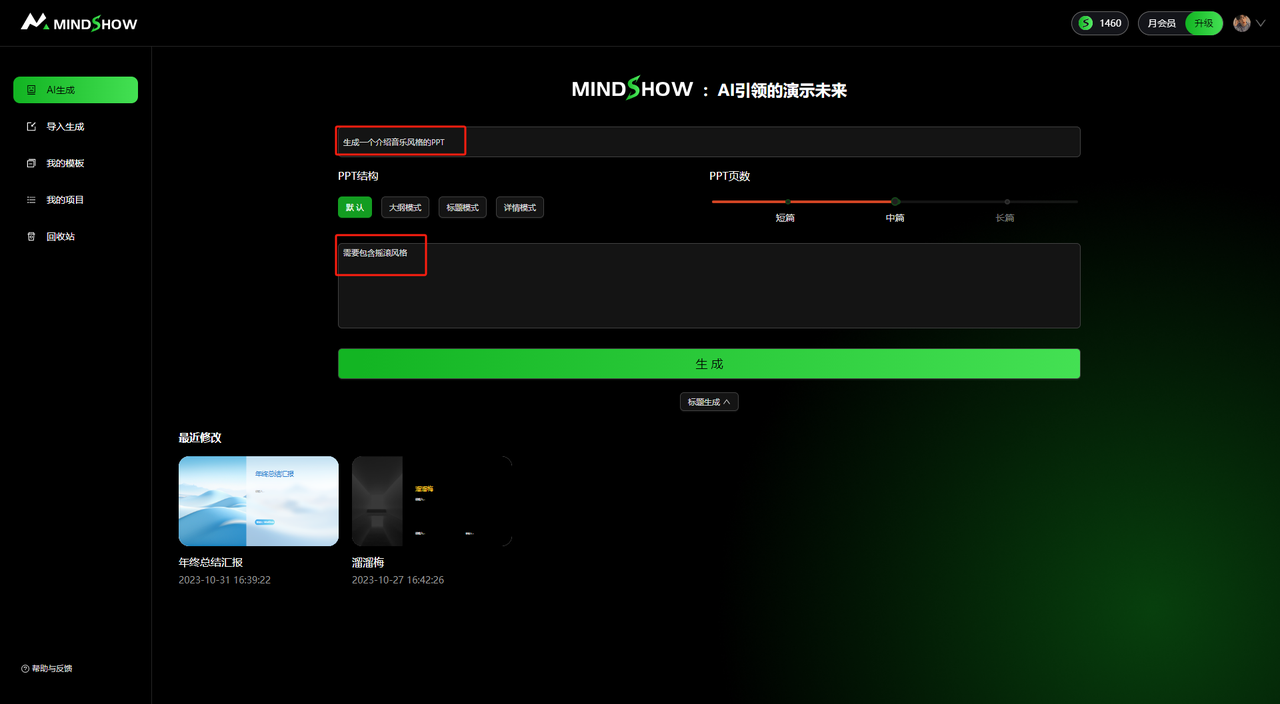
Generate PPTs more efficiently and accurately based on PPT structure, PPT length, and specified requirements
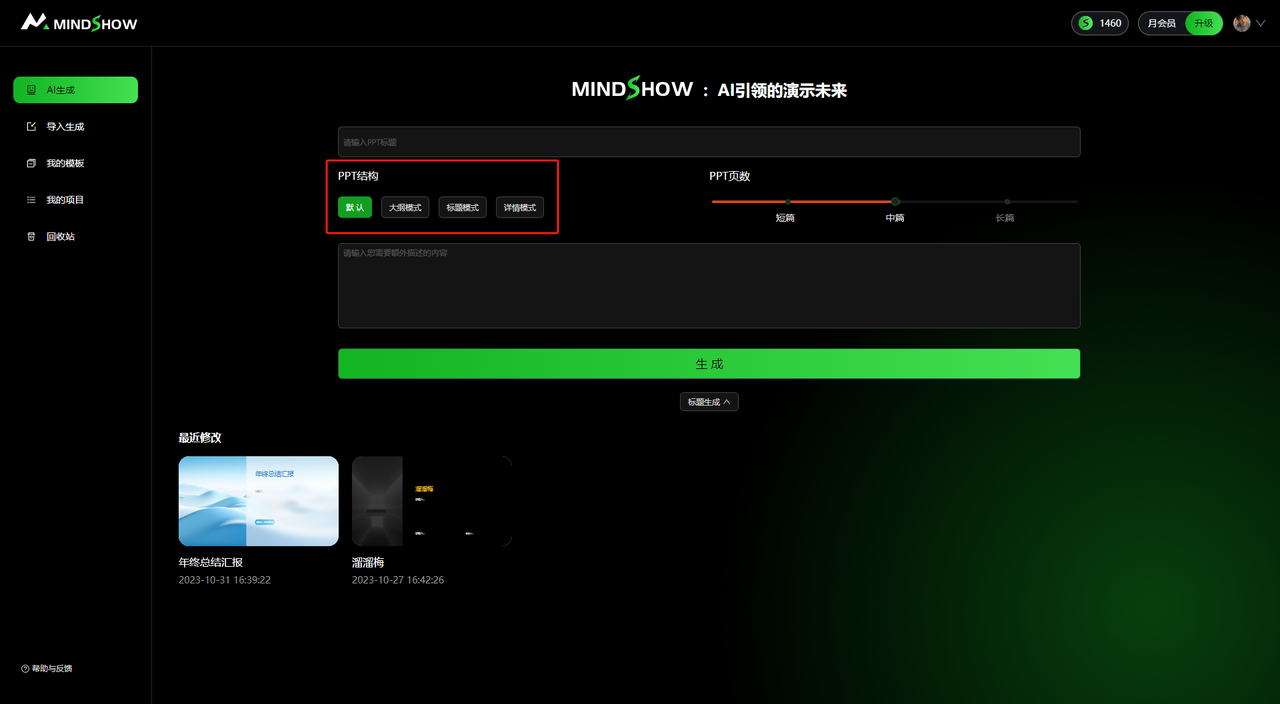
- PPT Structure Selection
You can choose outline mode, title mode, or detail mode. After selecting a structure, the corresponding PPT file will be generated
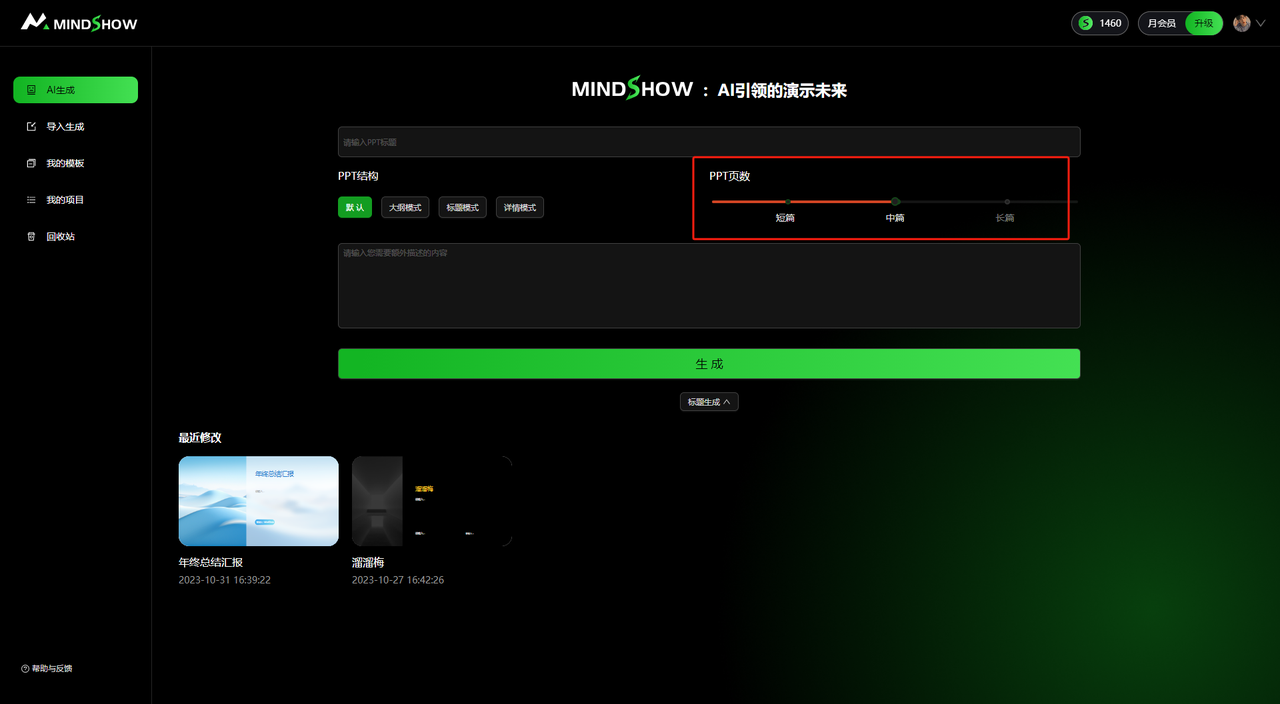
- PPT Length Selection
You can choose short, medium, or long. After selecting the length, the corresponding PPT file will be generated
- Detailed PPT Topic/Content Requirements
Add requirements for the PPT file's topic, outline, etc., and generate a PPT file that meets the requirements