
 Script Planner Assistant▸
 AI Apps
 AI News
Xiaoyu AI Writing: Auto-Rewrite Restricted Words & Detect Sensitive Terms
小编 ·

Xiaoyu AI Writing: Auto-Rewrite Restricted Words & Detect Sensitive Terms
Usually before publishing articles on this platform, we need to use a sensitive word detection tool to check for sensitive words in the article. Since the sensitive words vary across different platforms, detecting and modifying them is time-consuming and laborious, and sometimes requires multiple rounds of checking and editing. In such cases, one would think how nice it would be to have a tool that automatically rewrites sensitive words.
Image of the previous sensitive word detection tool
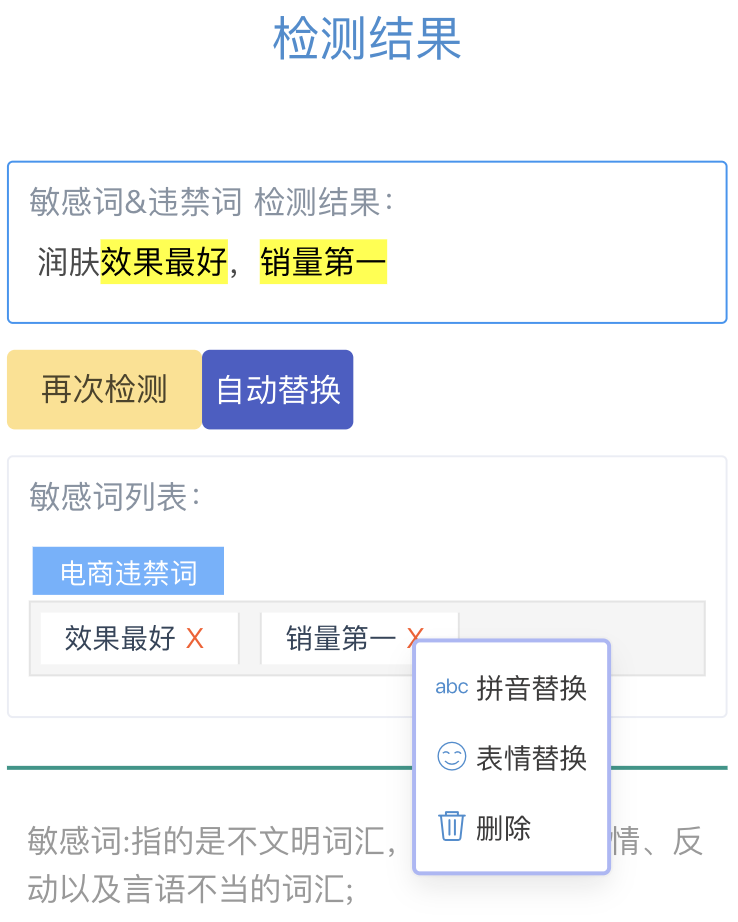
Today, the editor would like to introduce a new feature from Xiaoyu AI Writing called [AI Rewrite Prohibited Words]. This feature can automatically identify and replace prohibited words in the text, making the content safer and more fluent.
The [AI Rewrite Prohibited Words] feature is simple and easy to use, requiring only 2 steps:
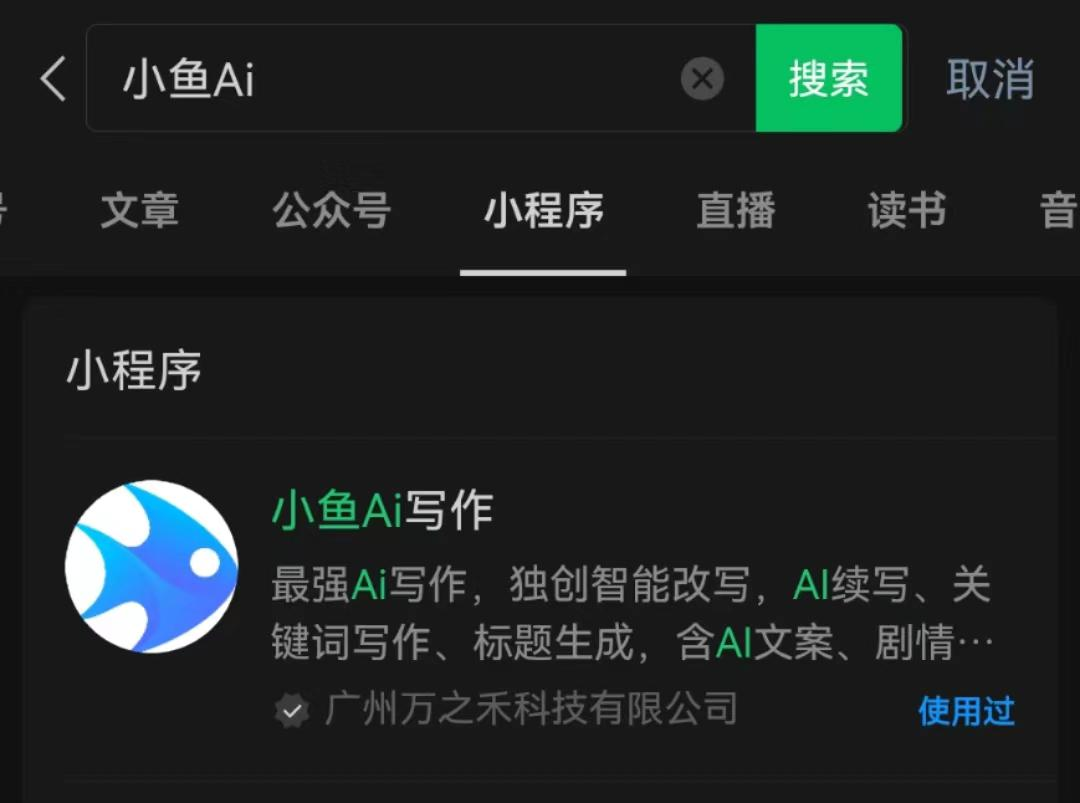
Step 1: Enter the Xiaoyu AI Writing mini-program
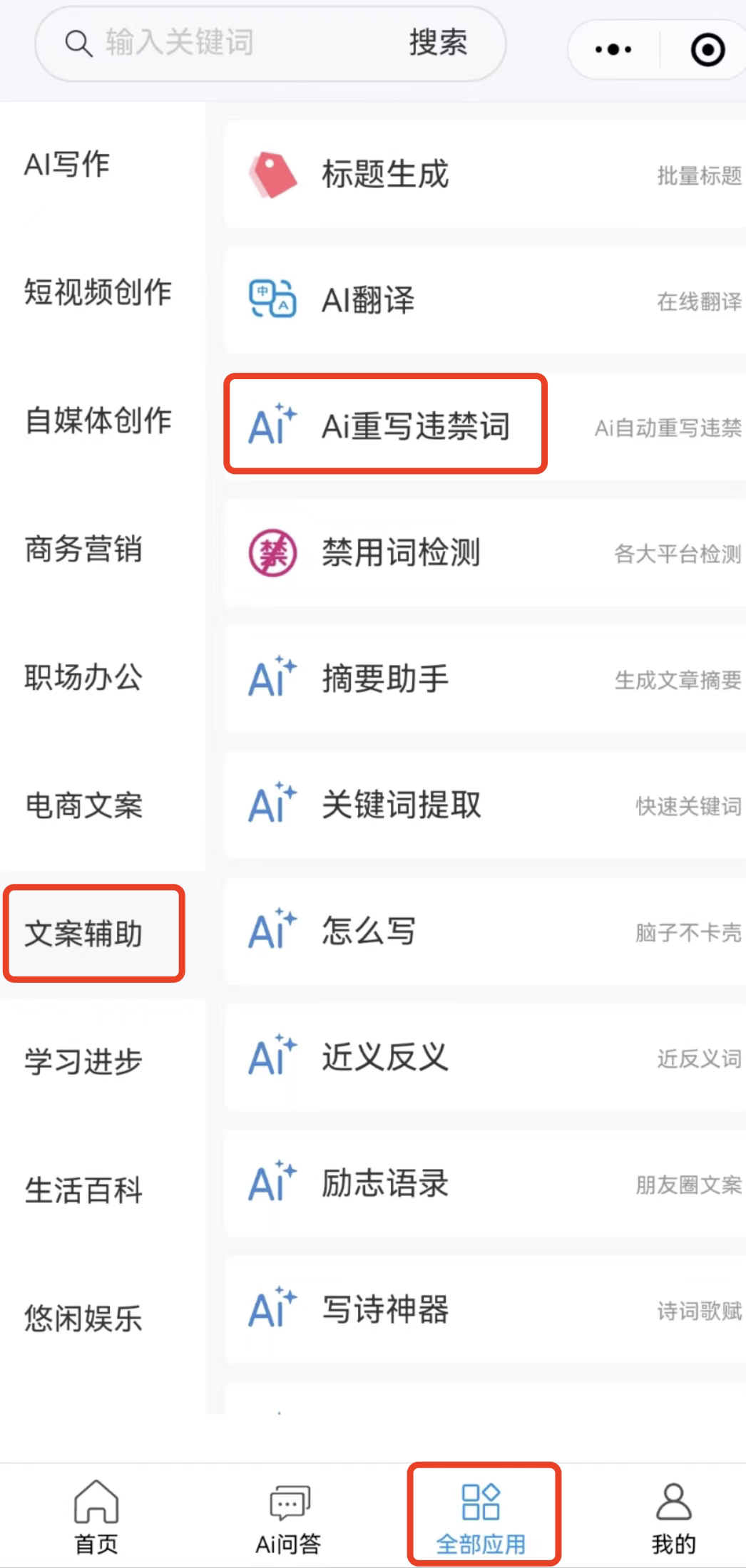
Step 2: Enter the text and click the AI Generate button, and you're done.
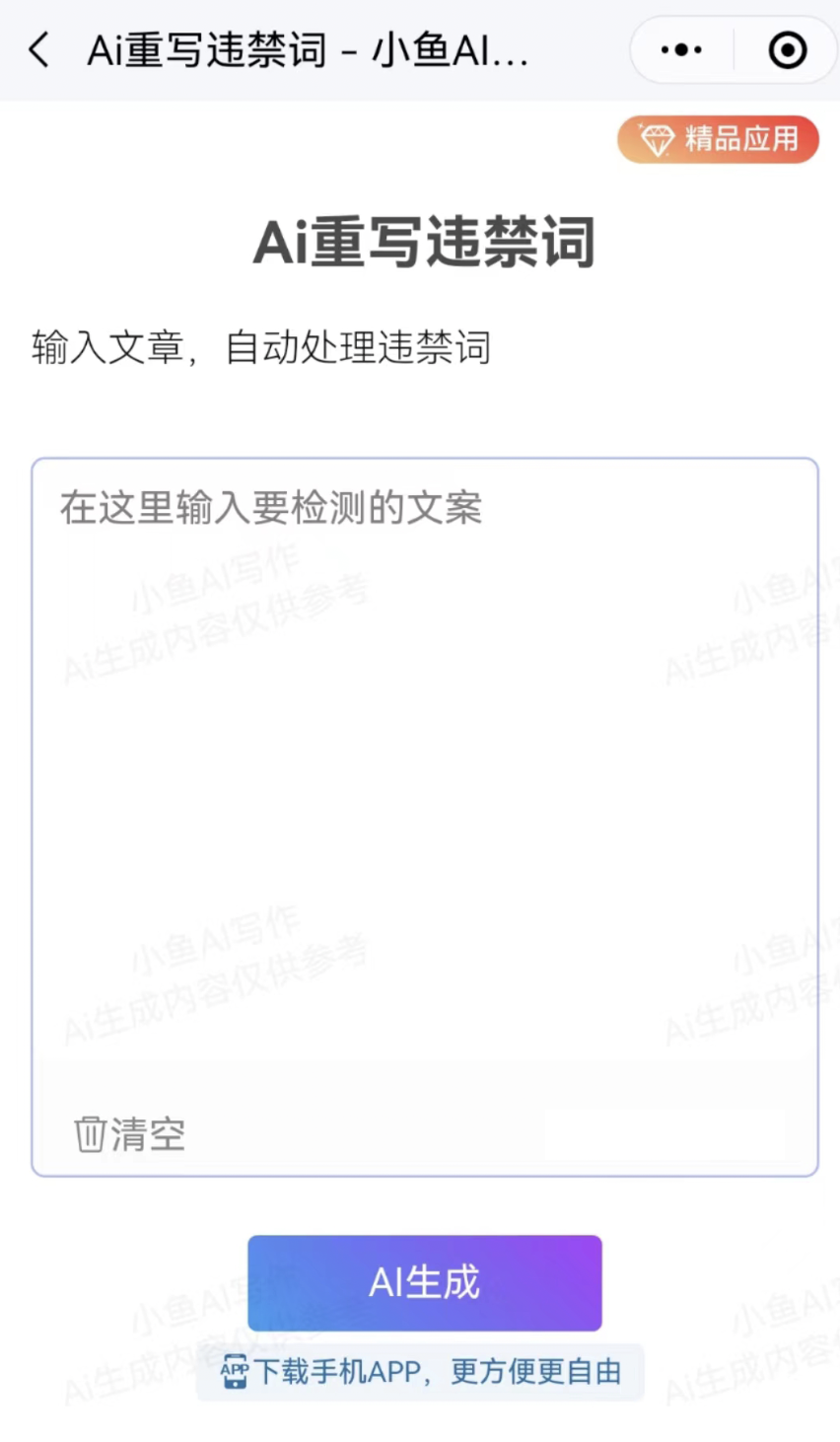
When you encounter vocabulary that you're unsure whether it contains prohibited words, or you don't know how to rewrite these prohibited words, the above operations can easily solve the problem of sensitive words.
In addition, Xiaoyu AI Writing also has many practical features, with free trial opportunities available every day, allowing you to easily experience the unique charm of AI. Come and try it out!









