
 Script Planner Assistant▸
 AI Apps
 AI News
New on 触手AI! Generate Images Instantly — No More Waiting!

New on 触手AI! Generate Images Instantly — No More Waiting!
Brand New Release: 【Sampler Mode】—【Turbo Mode (LCM)】
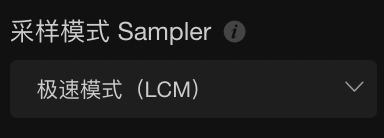
What on earth is this amazing feature?! How can it generate images in an instant?!
【Turbo Mode (LCM)】 User Guide
1. Getting started: Enter your prompt and select a base model
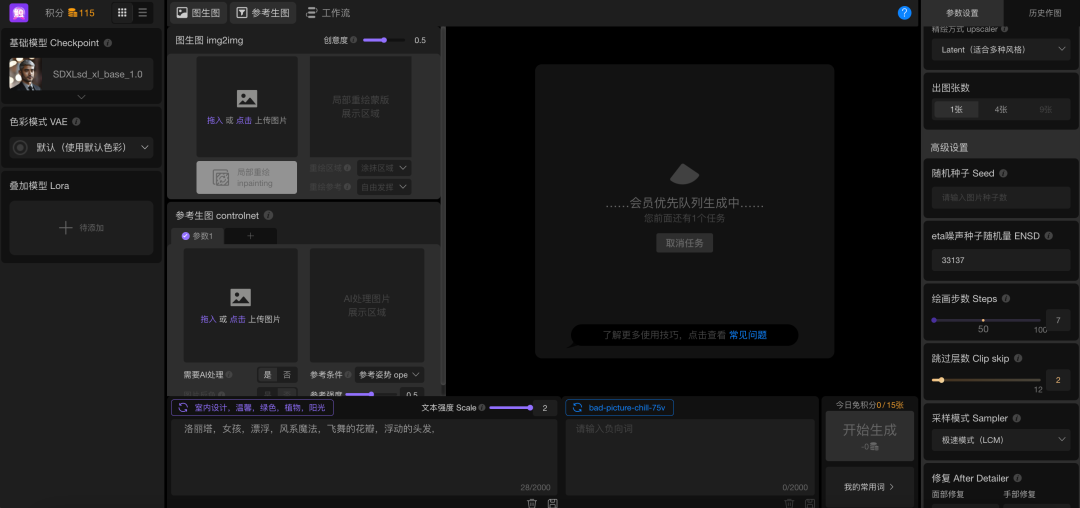
2. Sampler Mode: Select 【Turbo Mode (LCM)】
Location on PC:
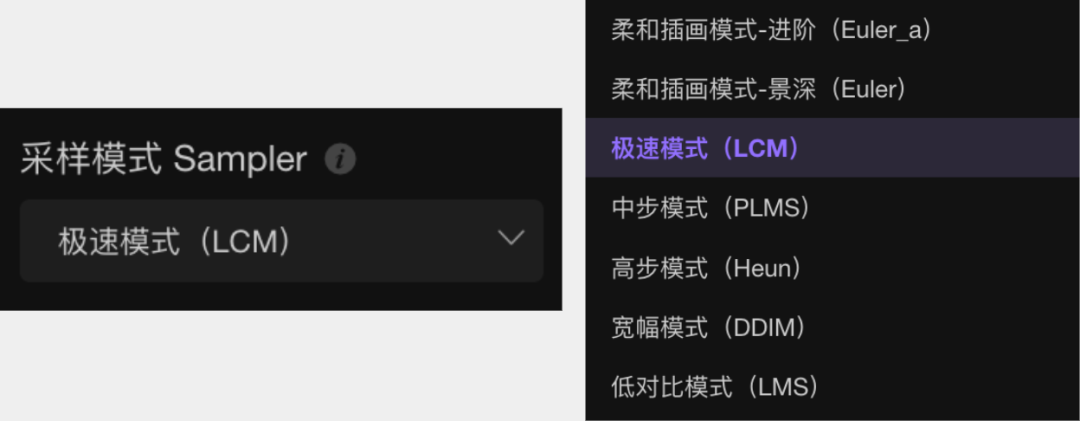
Location on Mobile:
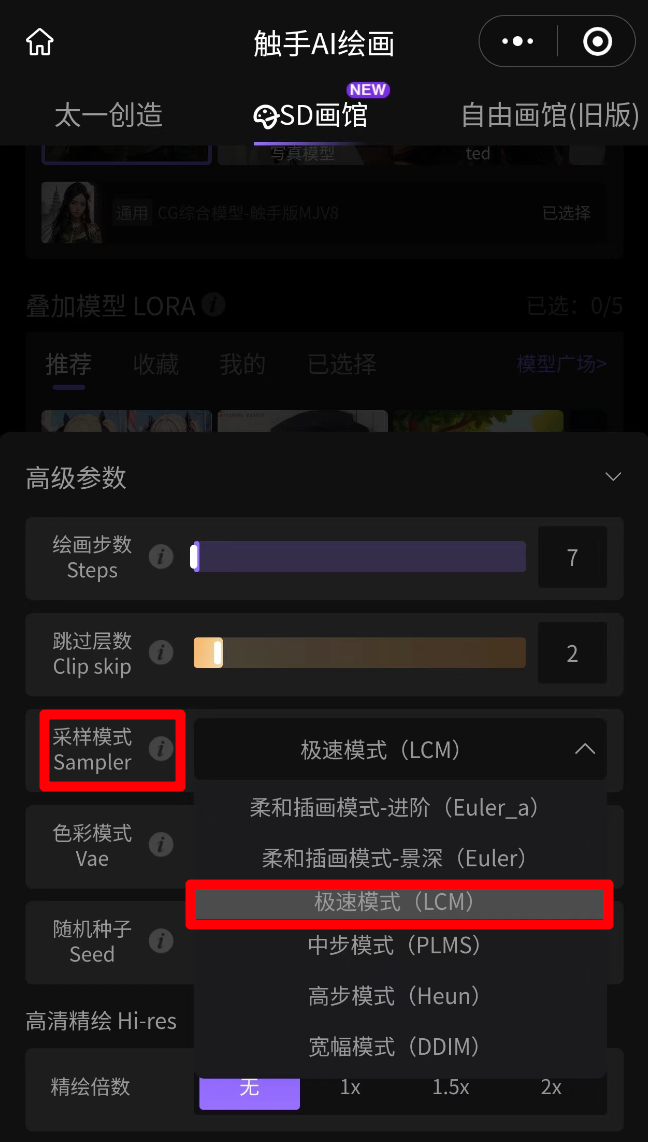
Note: When using 【Turbo Mode (LCM)】
The recommended range for 【Steps】 is 【5–10】, which allows images to be generated in an instant without compromising quality! The higher the number of steps, the longer the generation time (but the richer the details)
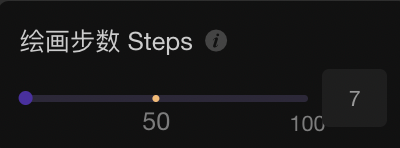
The adjustable range for 【Scale】 is 【1–2】

3. Click Generate! Get your image right away!
The feeling of not having to wait is amazing! Give it a try now!









