Script Planner Assistant▸
 AI Apps
 AI News
Yunjie AI Beginner's Guide | Master AI Text-to-Image in Just 4 Easy Steps!

Yunjie AI Beginner's Guide | Master AI Text-to-Image in Just 4 Easy Steps!
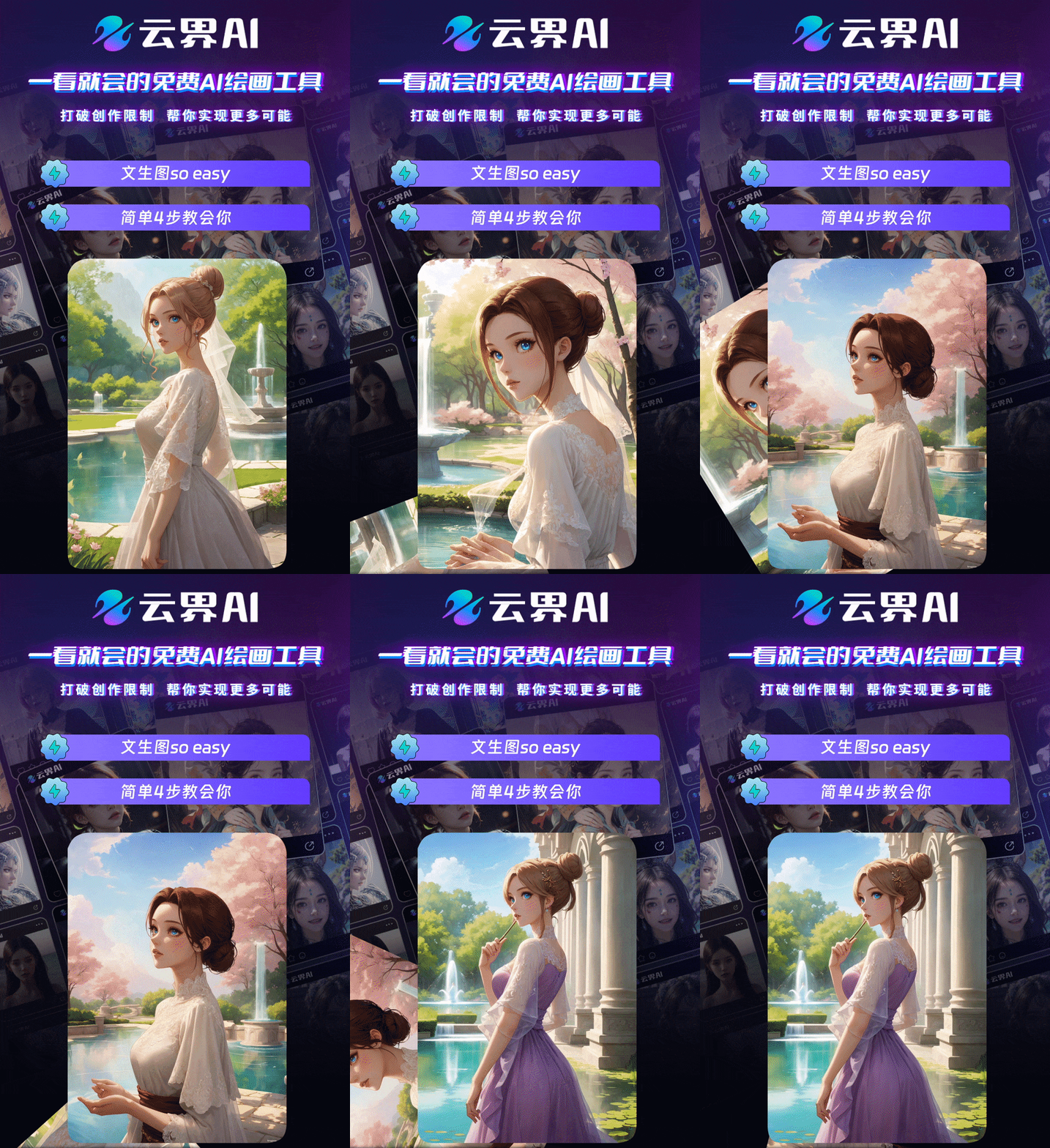
Go to Cloud AI, click to enter the "Quick Creation" mode:
step1:
Enter the keywords or sentences for the image you want to create in the "Description" box in the upper left corner of the page;
Tip: You can also use "Description Recommendations" and "AI Writing Assistant" to help you generate descriptions!
step2:
In the "Painting Style" selection box, choose your favorite style and click "Use";
step3:
In the "Image Ratio" selection box, choose the image size you need to output, and in the "Number of Images" selection box, enter the number of images to generate each time;
step4:
Finally, click the "Start Generating" button in the lower left corner and wait for the image to be generated.