
 Script Planner Assistant▸
 AI Apps
 AI News
Have You Tried These Super Useful AiPPT Features?

Have You Tried These Super Useful AiPPT Features?
As a loyal user of aippt, you must already be well versed in the basic operations of AiPPT.
But did you know that AiPPT also has some cool hidden features that can make your PPT creation more efficient and professional?
Import Local Outline to Generate
In addition to Word documents, AiPPT also supports importing Xmind, Freemind (Mubu), and Markdown files for free, allowing you to quickly and easily convert them into PPT outlines with one click.
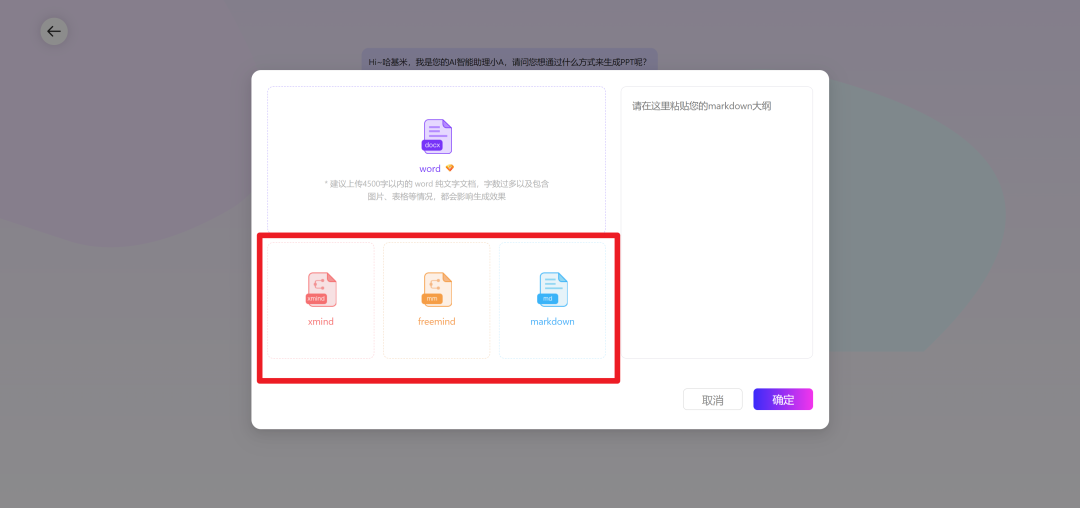
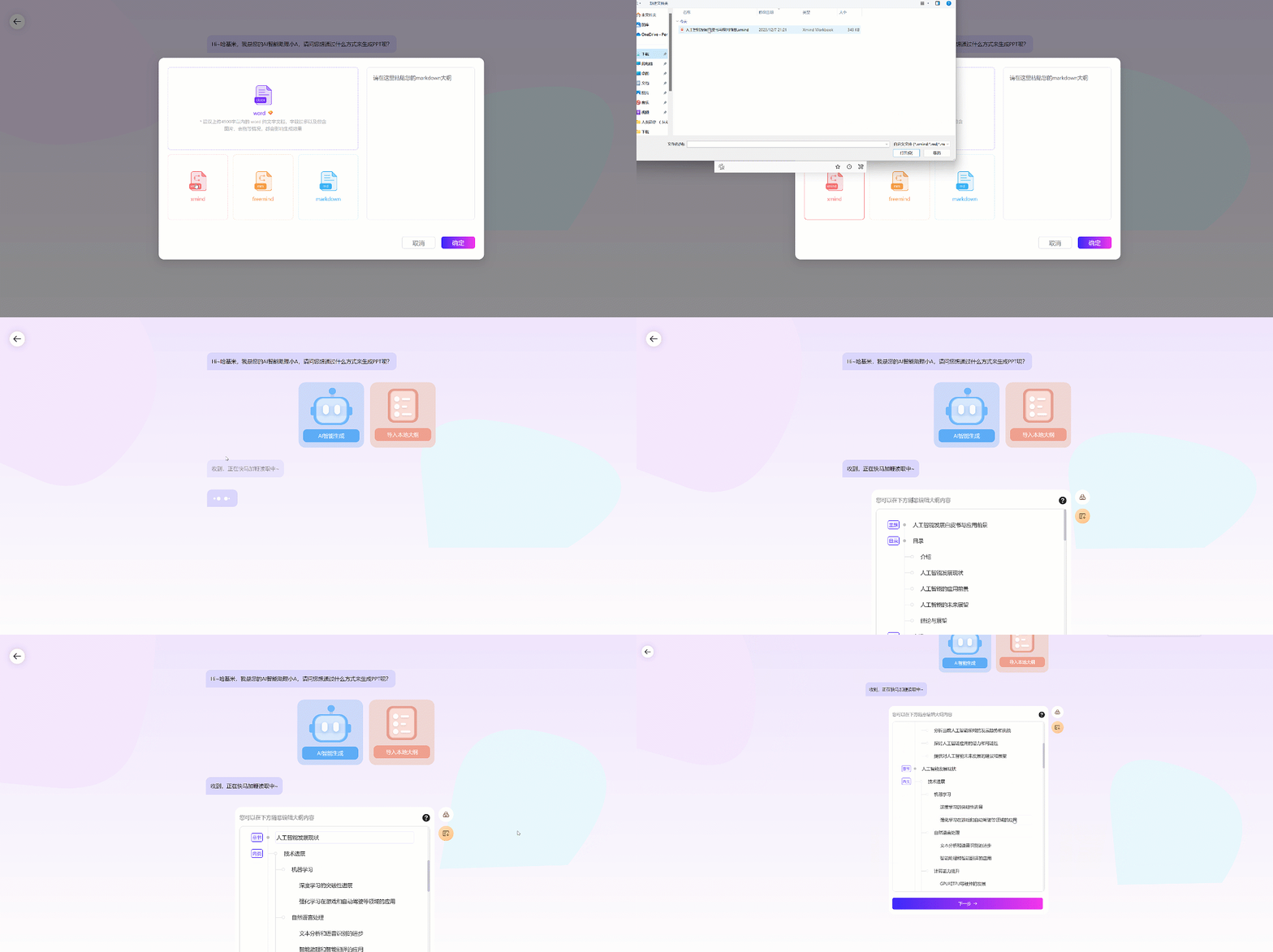
For example, if you now have an Xmind file that you want to turn into a PPT, you just need to directly throw the file in, and AiPPT.cn will automatically read and extract the content. After you select your favorite template, it will generate the PPT.
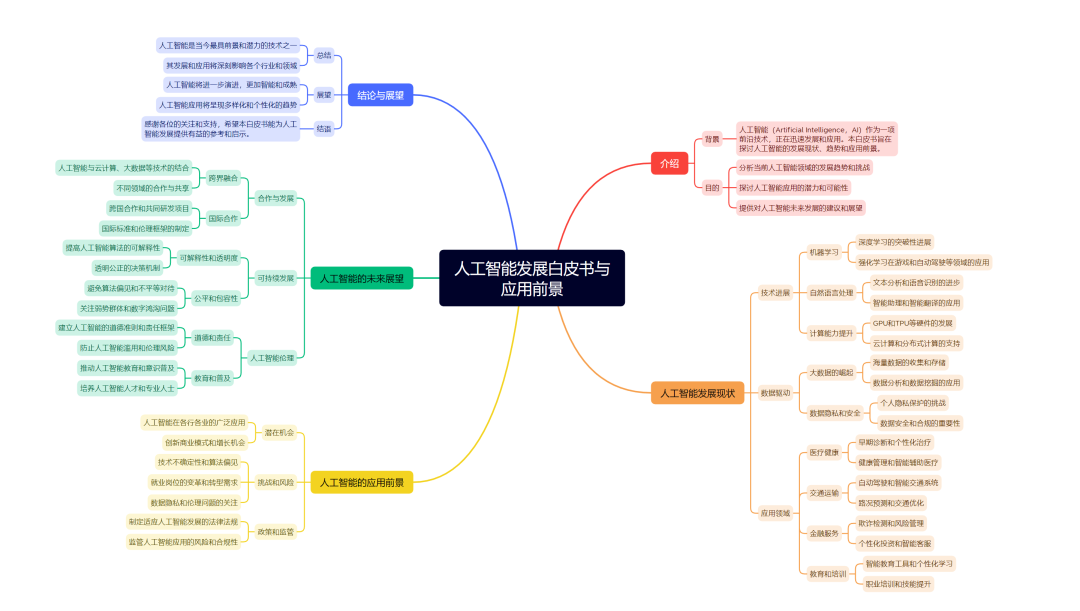
Please note that currently only the first five levels of content can be read.
Outline Editing/Modification
After generating the copy content, we support secondary adjustments. You can quickly edit in the outline view to add, delete, or rearrange content.
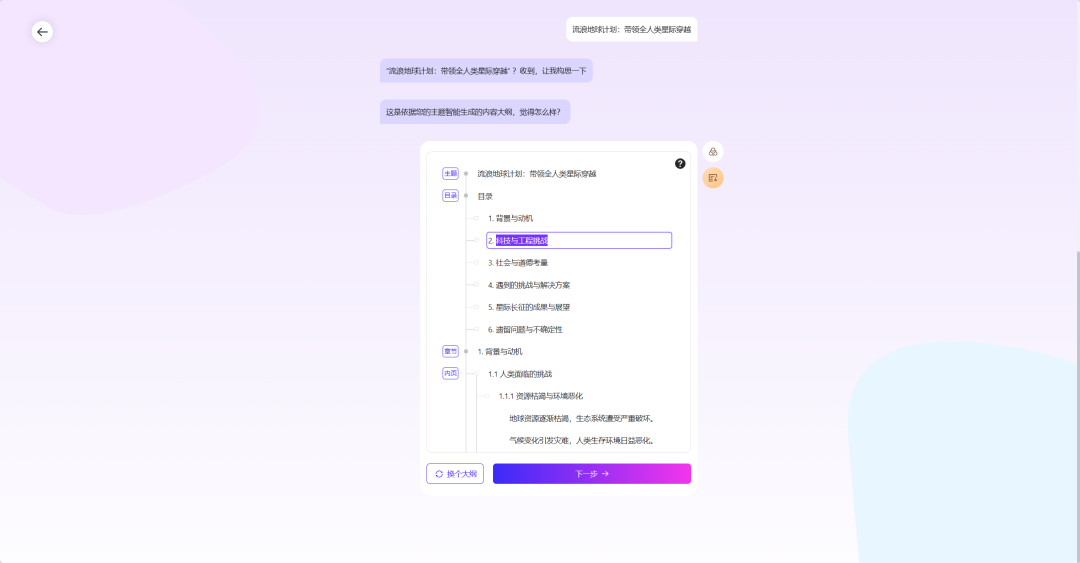
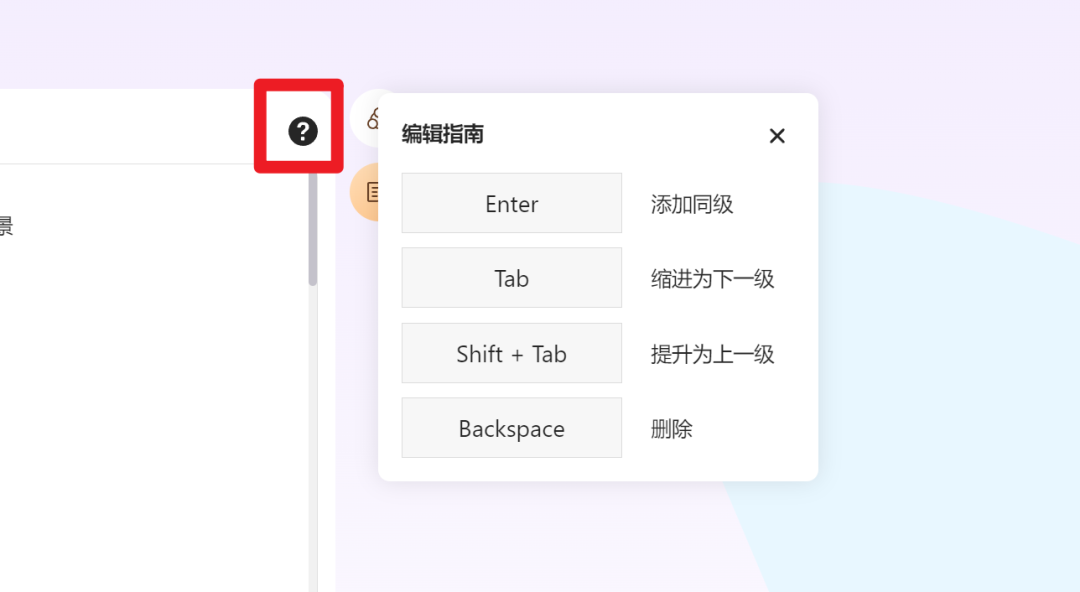
Hover your mouse over the "?" button to unlock various keyboard shortcuts.
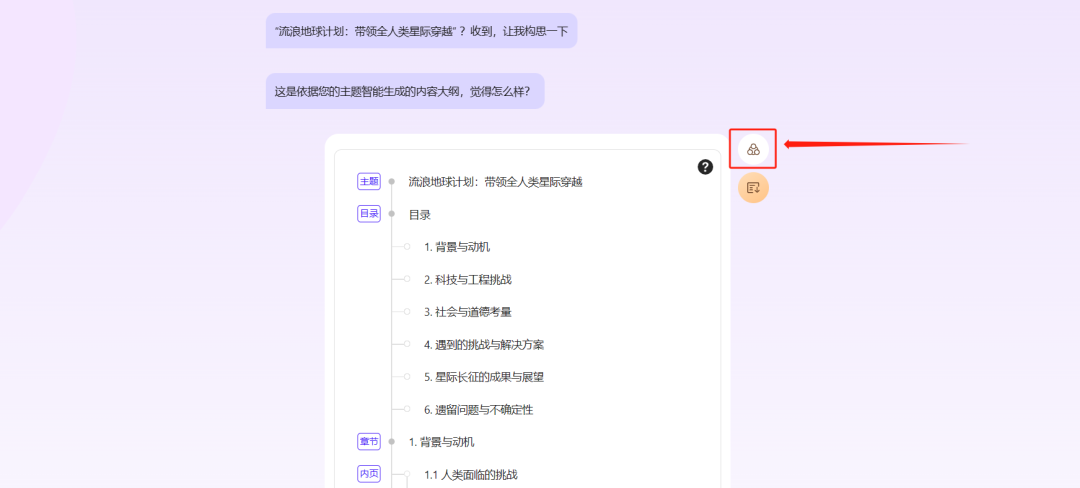
Click the Mind Map Edit button in the upper right corner to enter mind map editing mode.
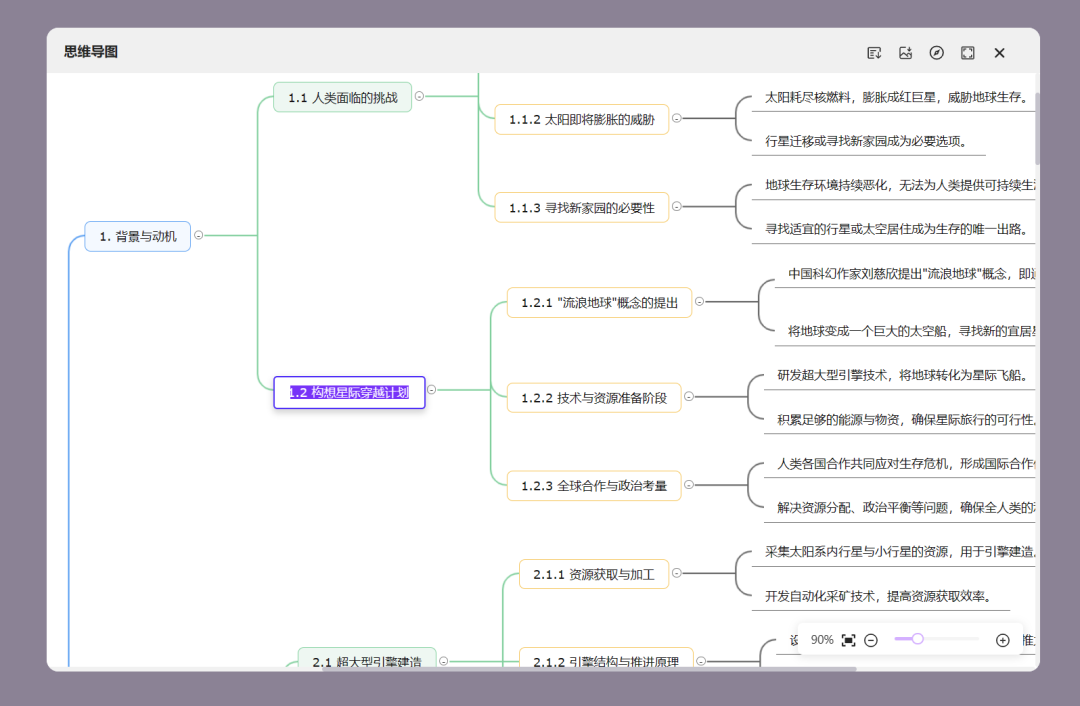
The operation is the same as that of traditional mind map software, and it supports features such as directly downloading the outline and exporting images.
One-Click Layout Change
If you want to change the template style, in traditional PPT, you'd have to go through the trouble of manually adjusting and modifying it.
But in our AiPPT editor, you just need to open [Template Replacement] on the left, select a template, and apply it. Your PPT will keep the content unchanged while getting a brand new look.
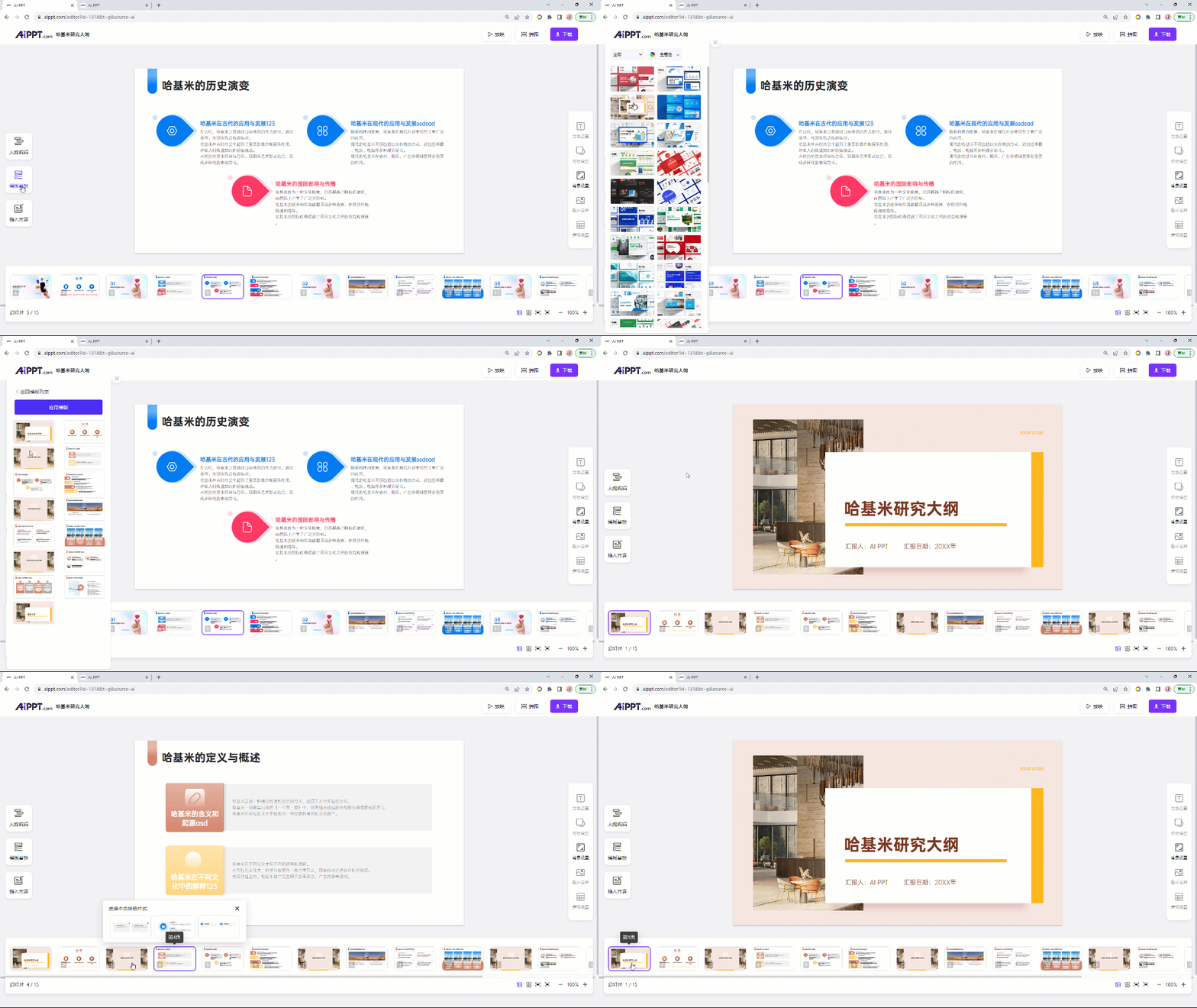
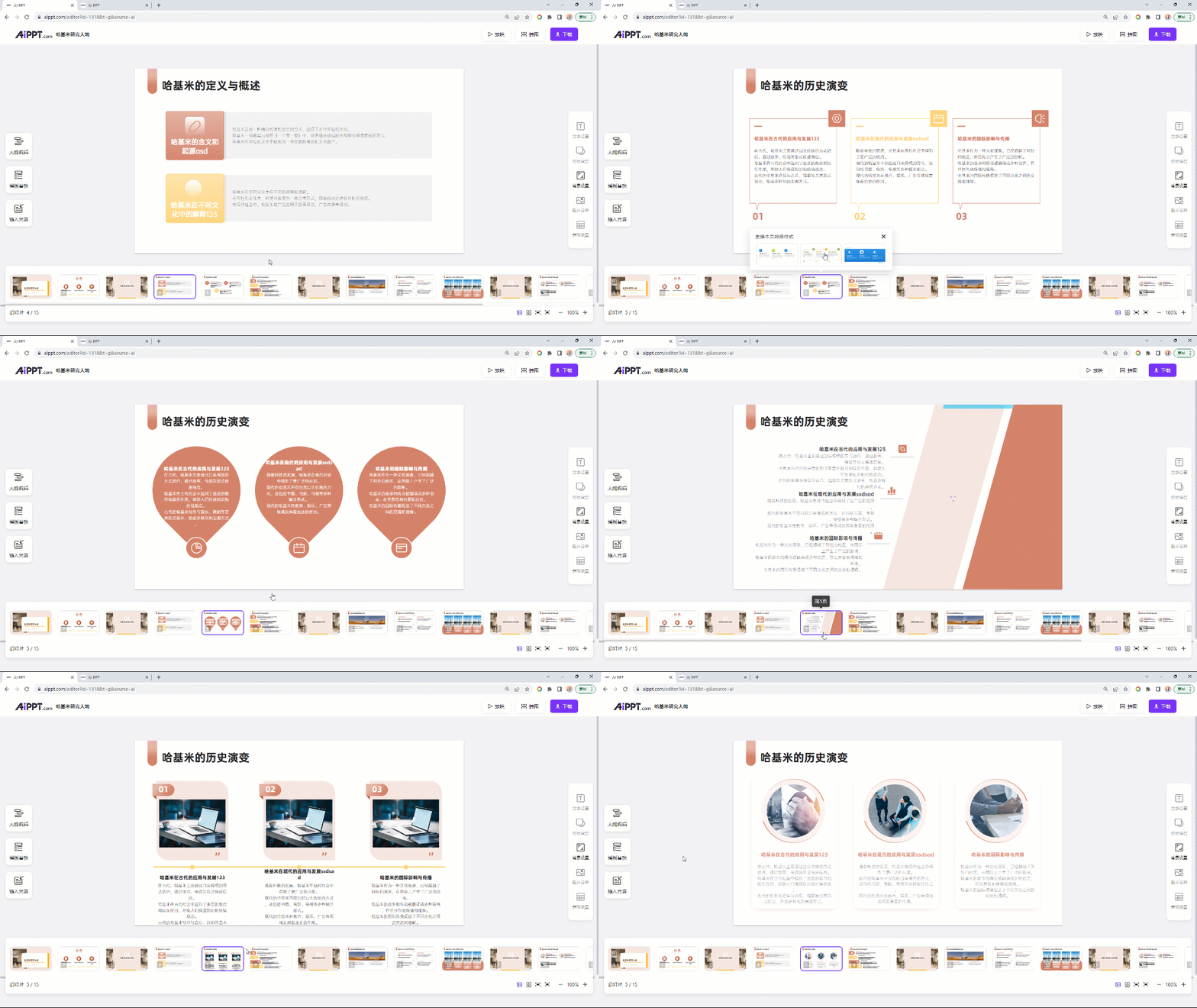
In addition to templates, each individual page also supports one-click smart replacement. Just select the layout above the preview, and that PPT page will be replaced with one click. Isn't that amazing!
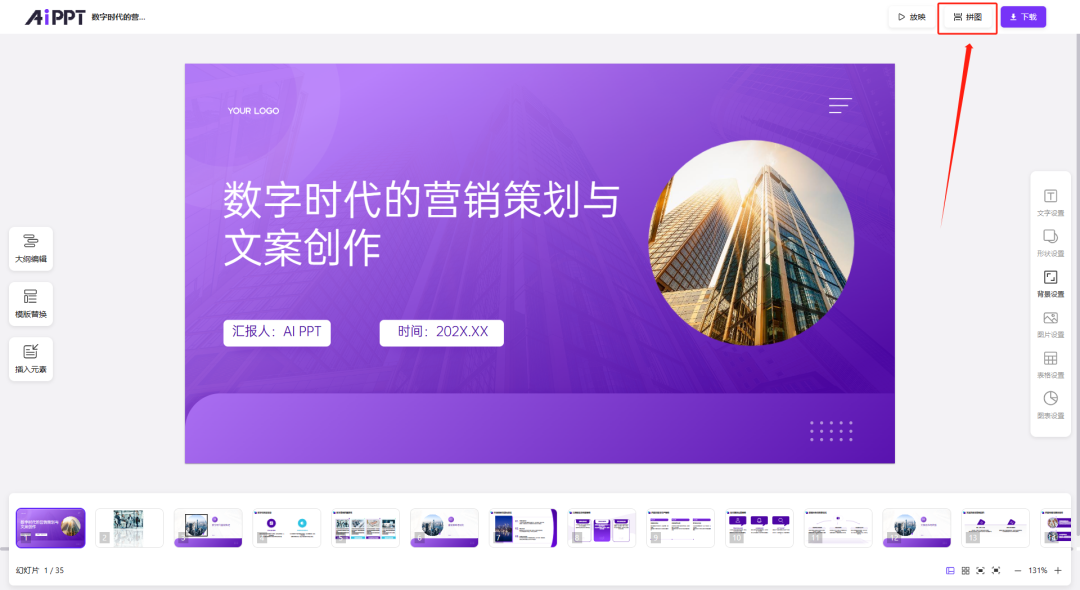
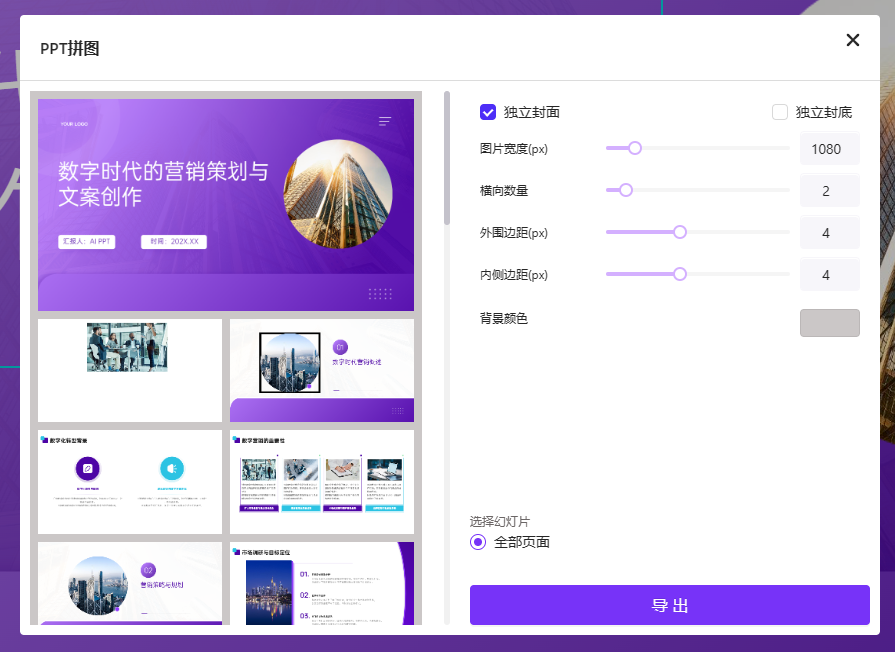
PPT One-Click Image Stitching
AiPPT provides an image stitching feature that allows you to freely combine all PPT pages into one image for download.
Sightseeing is no match for hands-on experience. Open the product website on the right now, and experience the intelligent PPT creation journey.









