
 Script Planner Assistant▸
 AI Apps
 AI News
Wancai AI: New AI Feature — Make Your Photos Speak!

Wancai AI: New AI Feature — Make Your Photos Speak!

Shocking!!!
These days, even photos can talk!
But you're definitely not dreaming!
It's the powerful new release of Wancai AI 2.0!
Now all you need is one photo,
and with one click you can generate a talking digital human video.
There are also new AI short video features waiting for you to explore,
let's check them out together~
NO.1 Photo Digital Human Feature Upgrade
Wancai AI version 2.0,
makes your photos talk with one click,
with accurate lip-sync and natural, realistic results;
it can blink, turn its head, and display vivid speaking gestures,
highly recreating the posture of a real person when talking.
So, how do you make a photo talk?
It's actually very simple!
First, scan the QR code below
to enter the website and log in to Wancai AI;
Long press to scan the code and enter the Wancai AI official website
or copy the following URL into your browser:
https://ai.kezhan365.com/digital/
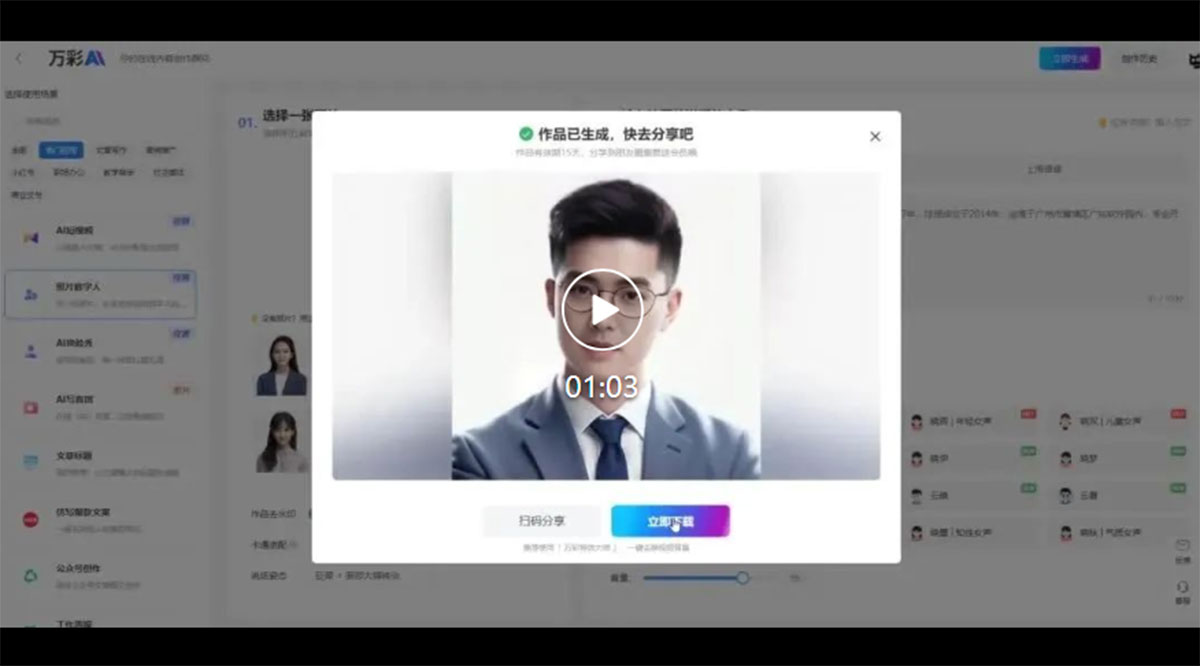
Then pick or upload a photo,
set the speaking posture, watermark, and other parameters,
enter the script and select a voice character,
and click [Generate Now].
For specific operations, see the video below:
With the Photo Digital Human feature,
you can unlock the following uses:
Have a cross-time conversation with old photos
Replace real people on camera and quickly create talking-head short videos
Generate micro-course short videos with one click
......
Here's the key point (knock on the blackboard)!!!
The Photo Digital Human feature is free to try online!
Come experience it and unlock all kinds of fun uses~
NO.2 AI Short Video Feature Upgrade
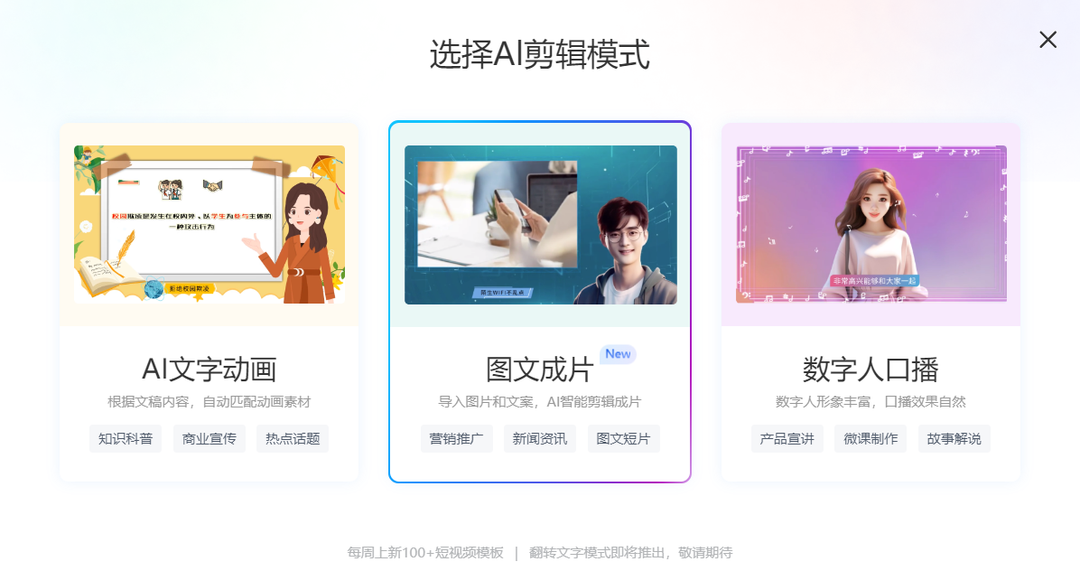
Major upgrade to the AI short video feature,
AI text animation, image-to-video, and digital human talking-head,
three AI editing modes to choose from with ease;
more video parameter settings are now open,
allowing users to customize more parameter details;
over 100 new short video templates added every week,
with diverse styles for you to pick from!









