Script Planner Assistant▸
 AI Apps
 AI News
iThinkScene Feature Overview & Usage Guide

iThinkScene Feature Overview & Usage Guide
The iThinkai website includes 4 major features: iThinkScene scenario writing, iThinkChat, AI painting, and the iThinkAi-tools tool directory site. It supports both desktop and mobile use, and the pages are optimized for mobile devices.
iThinkScene Features:
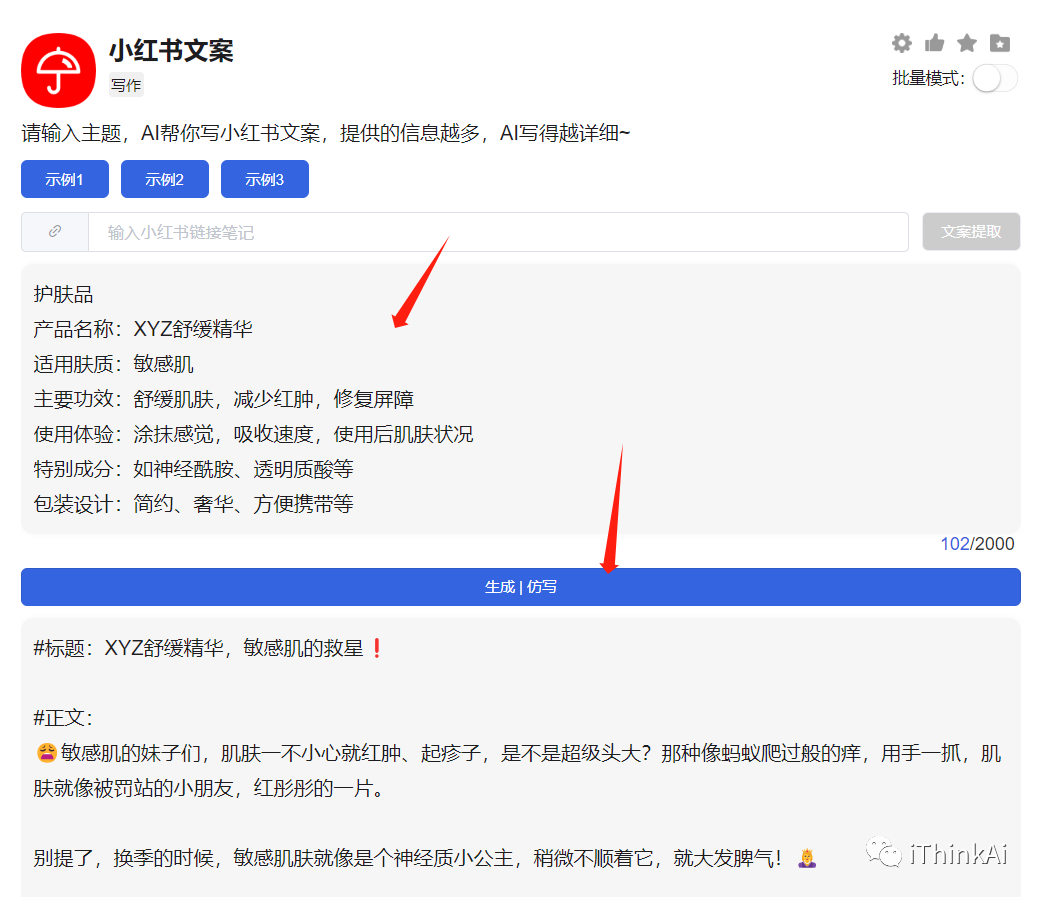
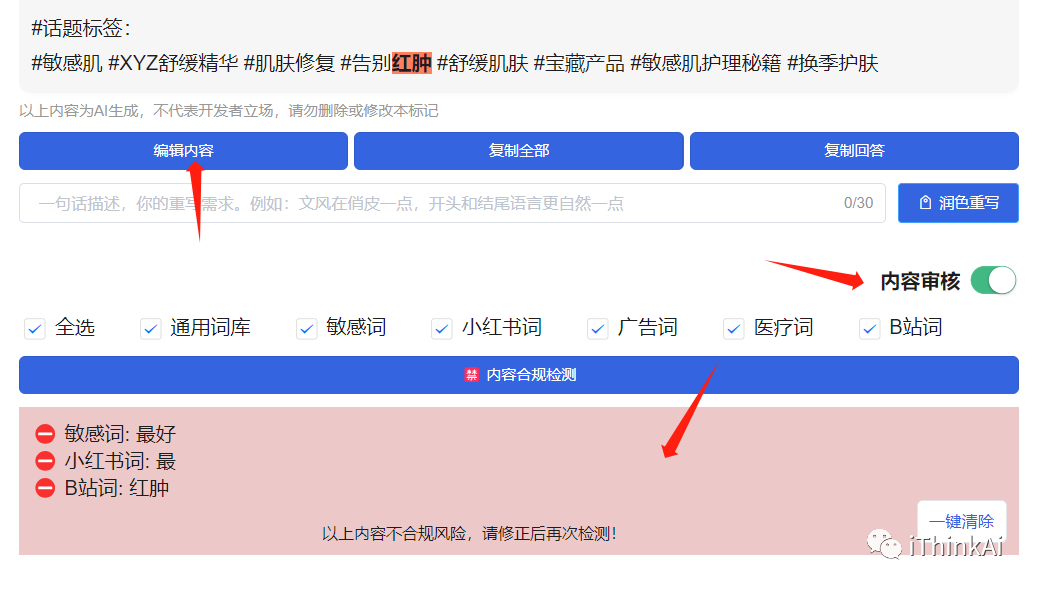
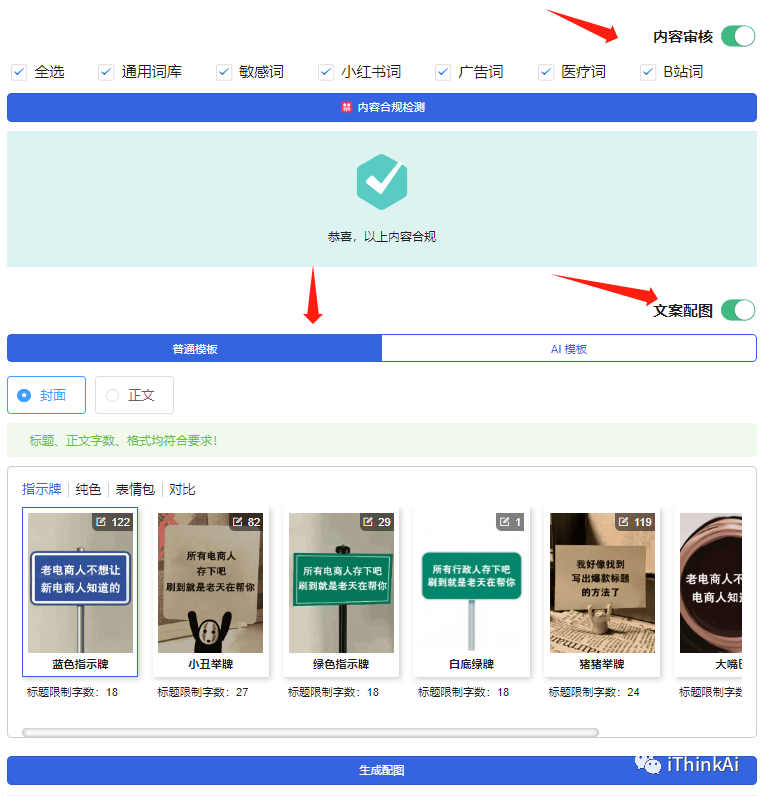
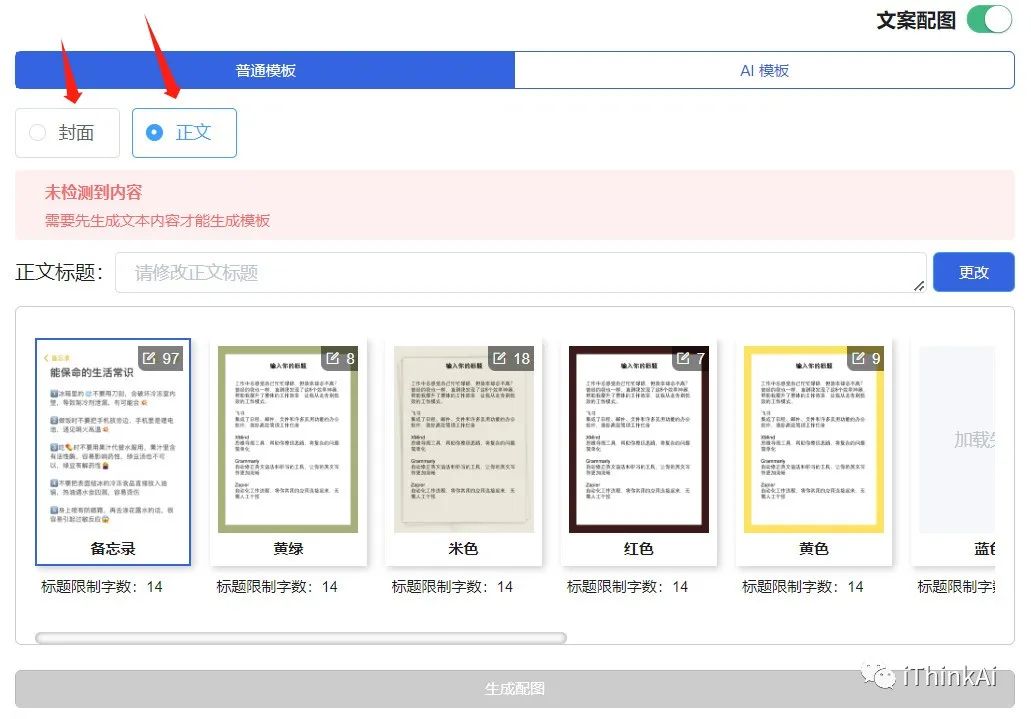
Automatically generate Xiaohongshu (Little Red Book) graphics and text — generate copy with a single sentence, plus content compliance detection, viral cover images, and body images. It supports inputting a note link to extract copy, provides viral templates for images, and supports AI text-to-image generation.
Automatically generate self-media copy across platforms like Xiaohongshu, Douyin, and Zhihu. Graphics and text, short video scripts, livestream talking points, and more can all be generated with one click.
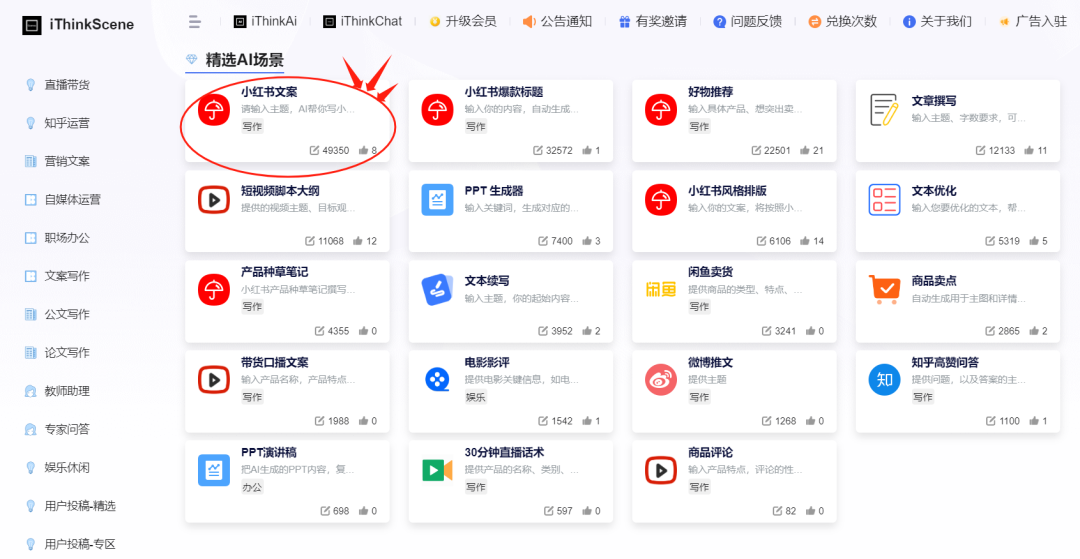
Over 300 writing scenarios for e-commerce, official document writing, entertainment, and more, broken down into 13 major categories such as Xiaohongshu copy, Douyin copy, livestream talking points, and official document writing, meeting the writing needs of various fields. It also supports creating your own AI writing scenarios.
Integrated with the 3.5 and 4.0 models to adapt to writing tasks of varying difficulty.
Freely adjust the temperature setting to control the degree of AI's creative divergence and improve content output quality.
Supports batch generation, producing multiple articles at once to boost efficiency.
Supports history saving, allowing you to view and modify previous content at any time.
iThinkScene User Guide:
① Select any writing scenario:
② Set the model, temperature, batch mode, etc.:
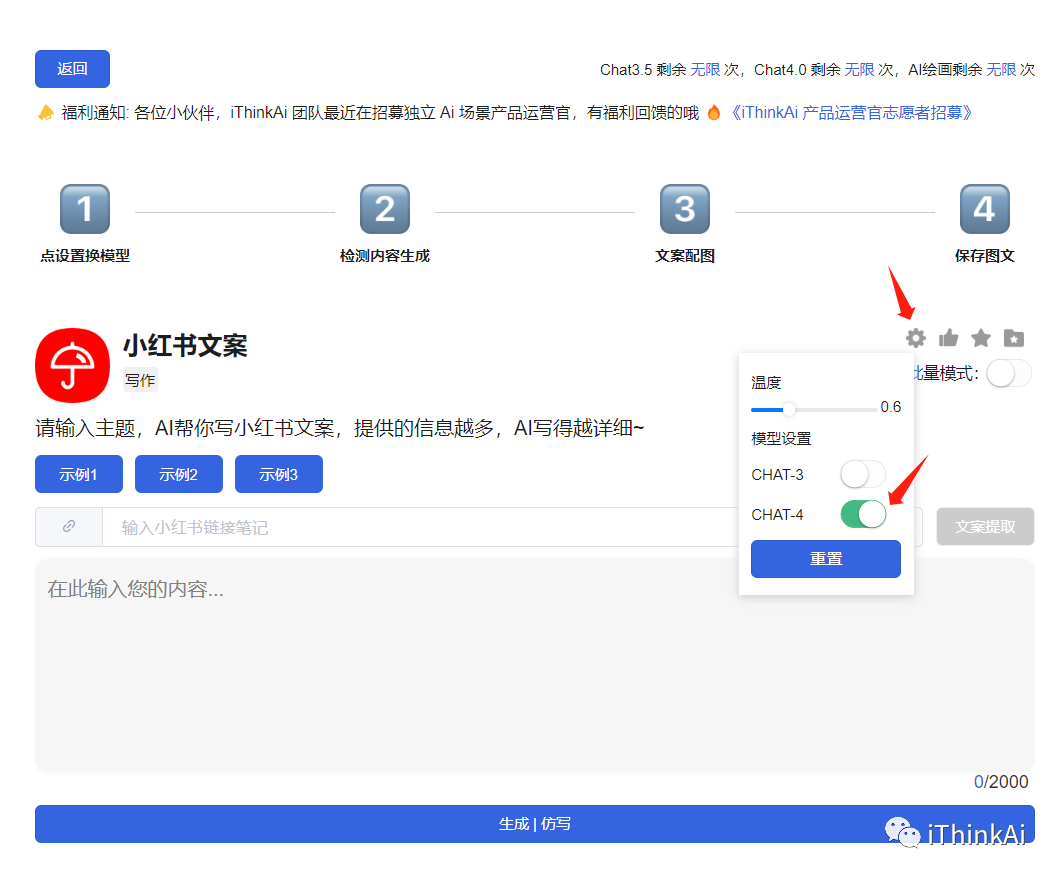
③ Enter a note link to extract the copy and click Generate/Rewrite; or directly enter a topic and click Generate:
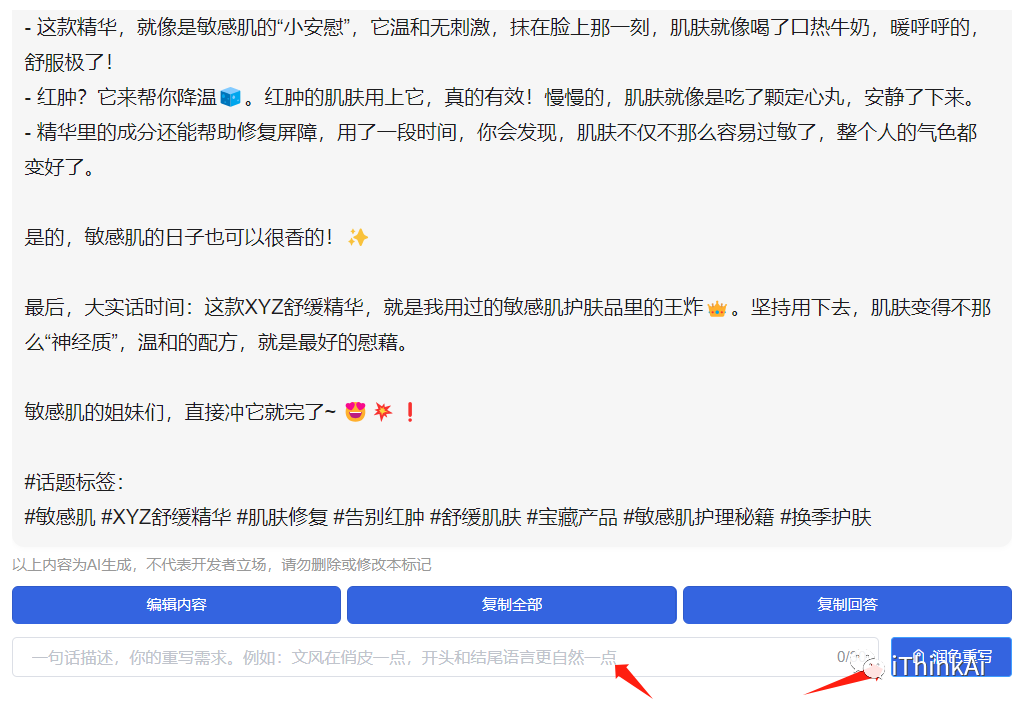
④ Content polishing:
⑤ Content violation word detection:
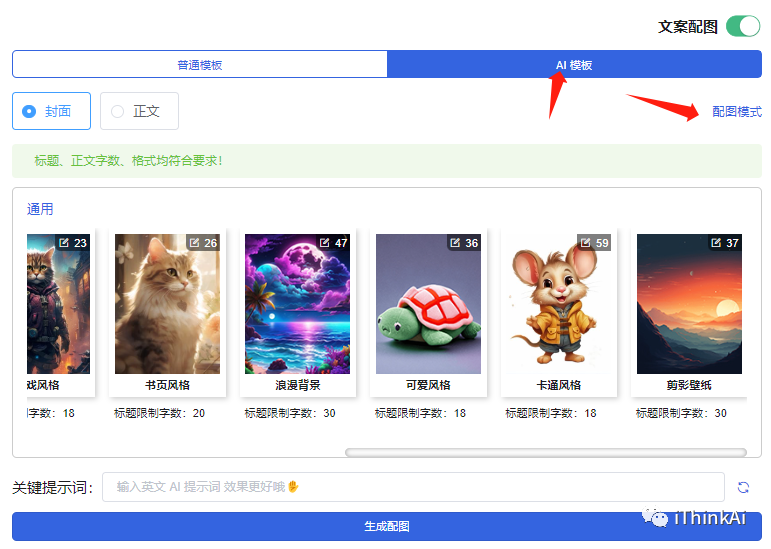
⑥ Template image matching (cover + body):
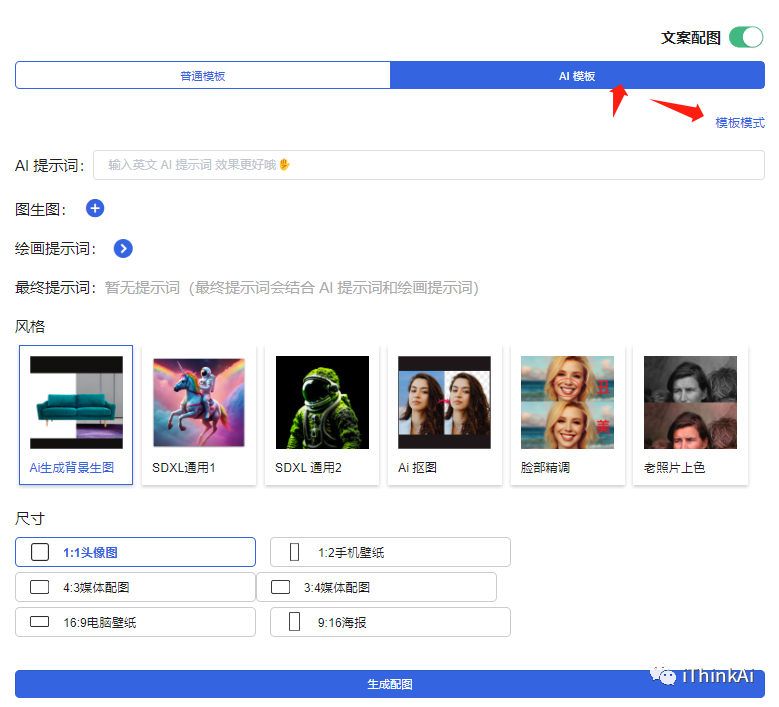
⑦ AI-generated images: