
 Script Planner Assistant▸
 AI Apps
 AI News
Endless Inspiration: Meet StartAI, the PS Plugin Designers Love

Endless Inspiration: Meet StartAI, the PS Plugin Designers Love
Inspiration has always been a crucial part of design work. To earn the favor of the muse, a significant portion of design time is devoted to searching for reference images and browsing through various resources. The emergence of START AI perfectly solves this trouble that bothers many designers. Its text-to-image feature allows designers to simply write down keywords and generate related visuals, eliminating the need to painstakingly search for usable reference images!
The text-to-image feature is a branch of the AI functions within START AI. Designers only need to describe their creative ideas as text—whether in sentences or scattered keywords—translate them into English, and START AI can recognize them. Then, by entering these keywords or sentences into the prompt, images that match the designer's vision and are highly creative can be generated.
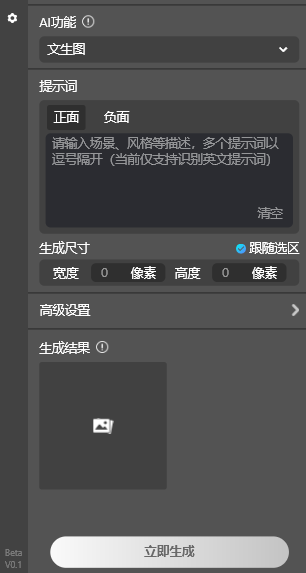
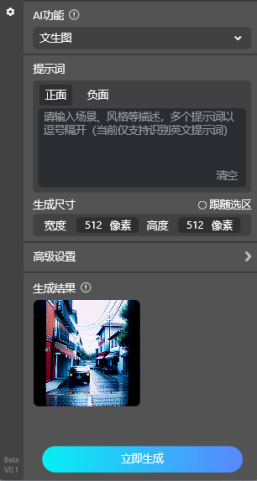
If no prompt is entered, START AI will randomly generate an image. As shown in the figure, it automatically generated a landscape image:
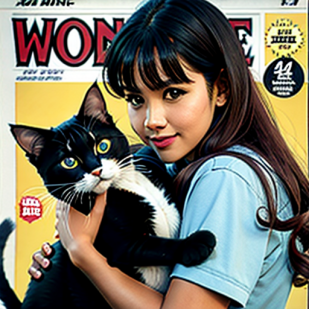
Want a little girl holding a cat? Just enter the keywords and a corresponding image will appear, with a very European magazine style~
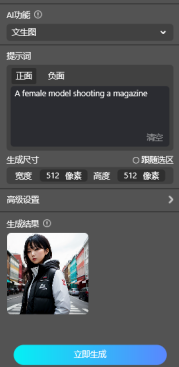
You can also enter a coherent long sentence, and it will generate an image based on that sentence.
The above is an introduction to the text-to-image feature of the START AI PS plugin. Hopefully, it can help all designers make good use of it and reduce your workload!









