
 Script Planner Assistant▸
 AI Apps
 AI News
Biaozhike: Add a Highlight to Your LOGO and Make Your Brand Stand Out

Biaozhike: Add a Highlight to Your LOGO and Make Your Brand Stand Out
Recently, the technical team at Biaozhike made a small tweak, but this tweak has brought a significant impact on logo generation! Without further ado, let's take a direct look at the effects!
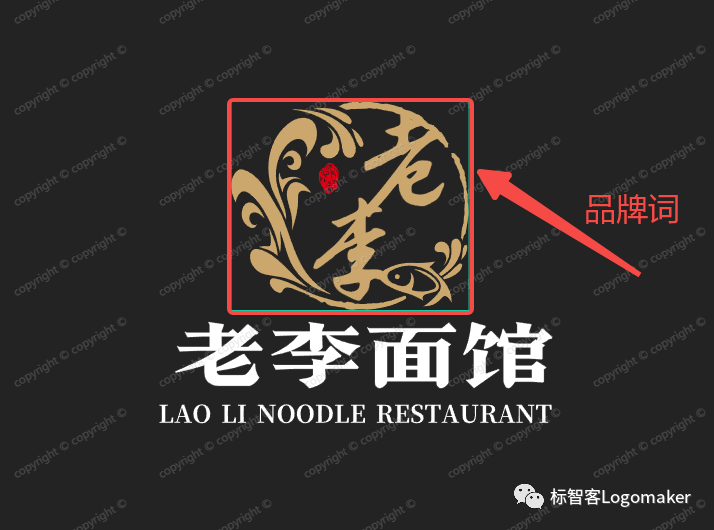
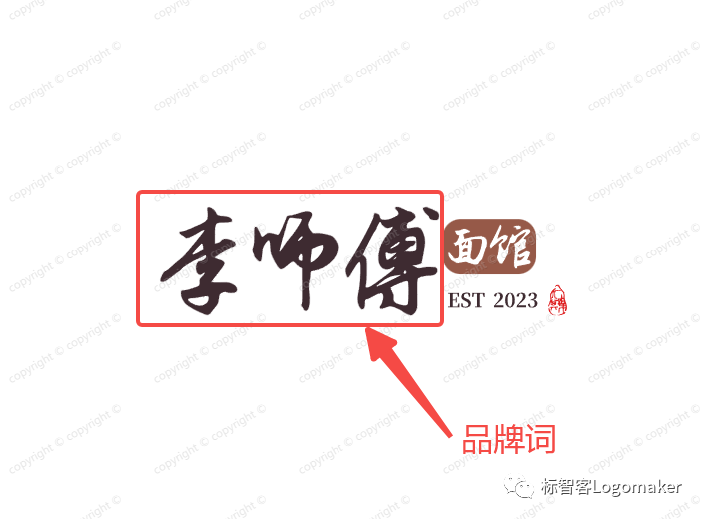
As you can see, whether you are "Lao Li Tou Er Lamian" or "Li Shifu Noodle House", Biaozhike can highlight your "brand name"—Lao Li Tou or Li Shifu—making your LOGO more recognizable!
If you don't want to highlight the "brand words", Biaozhike also offers a Plan B, which is to highlight the brand's keywords!
Let's take a look at the effects first:
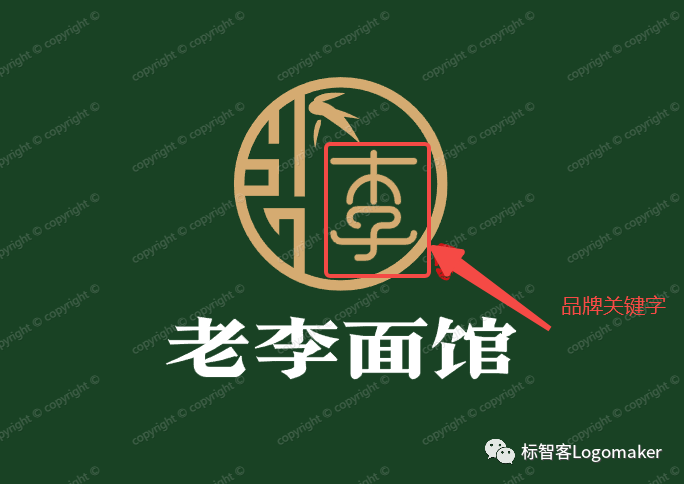
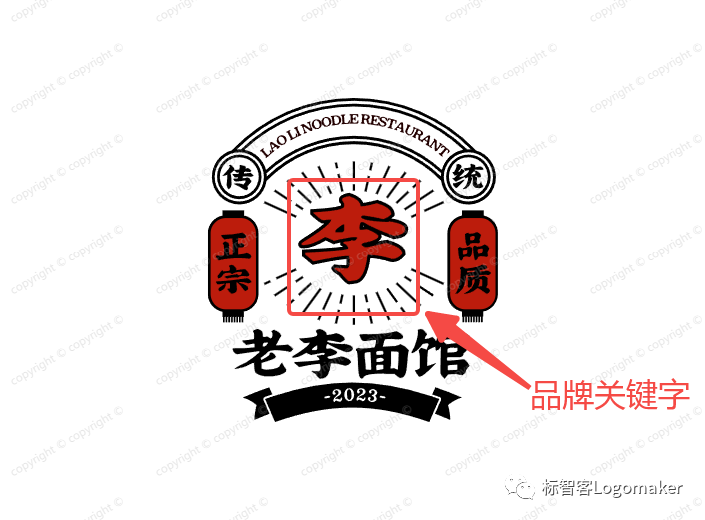
With the brand displayed, your customers can easily recognize at a glance that it is the unique signature of the "Li" family, making your brand more recognizable—which is also the key to a great brand!
This update not only saves you a lot of time and money when generating a LOGO, but more importantly, it provides you with a new way to showcase your brand! Can we treat our tech guy to a chicken leg now! Image
Everyone, hurry up and click on the Biaozhike mini-program to add a "highlight" to your brand when generating your LOGO!









