
 Script Planner Assistant▸
 AI Apps
 AI News
AiPPT Hidden Trick: One-Click Theme Switching

AiPPT Hidden Trick: One-Click Theme Switching
When you use aippt to create presentations, do you ever find it tedious to re-adjust each slide every time?
Don't worry, today I'm going to share some quick tips to help you easily optimize your PPT!
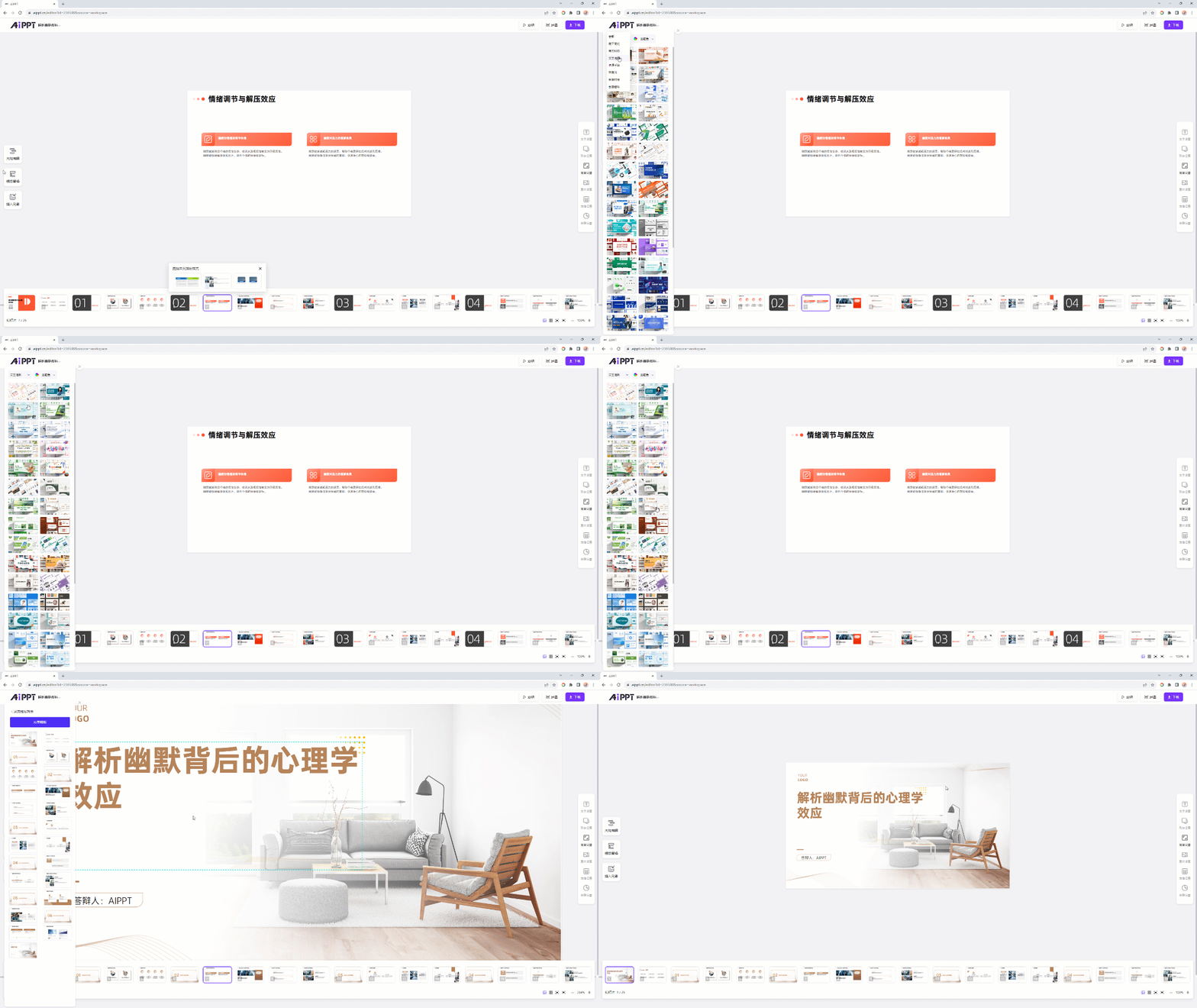
One-Click Template Replacement
One powerful feature of AiPPT is the ability to easily replace the entire PPT template with a single click.
No more manually adjusting styles page by page. With just one click, your entire presentation can be completely re-skinned, looking fresh and new!
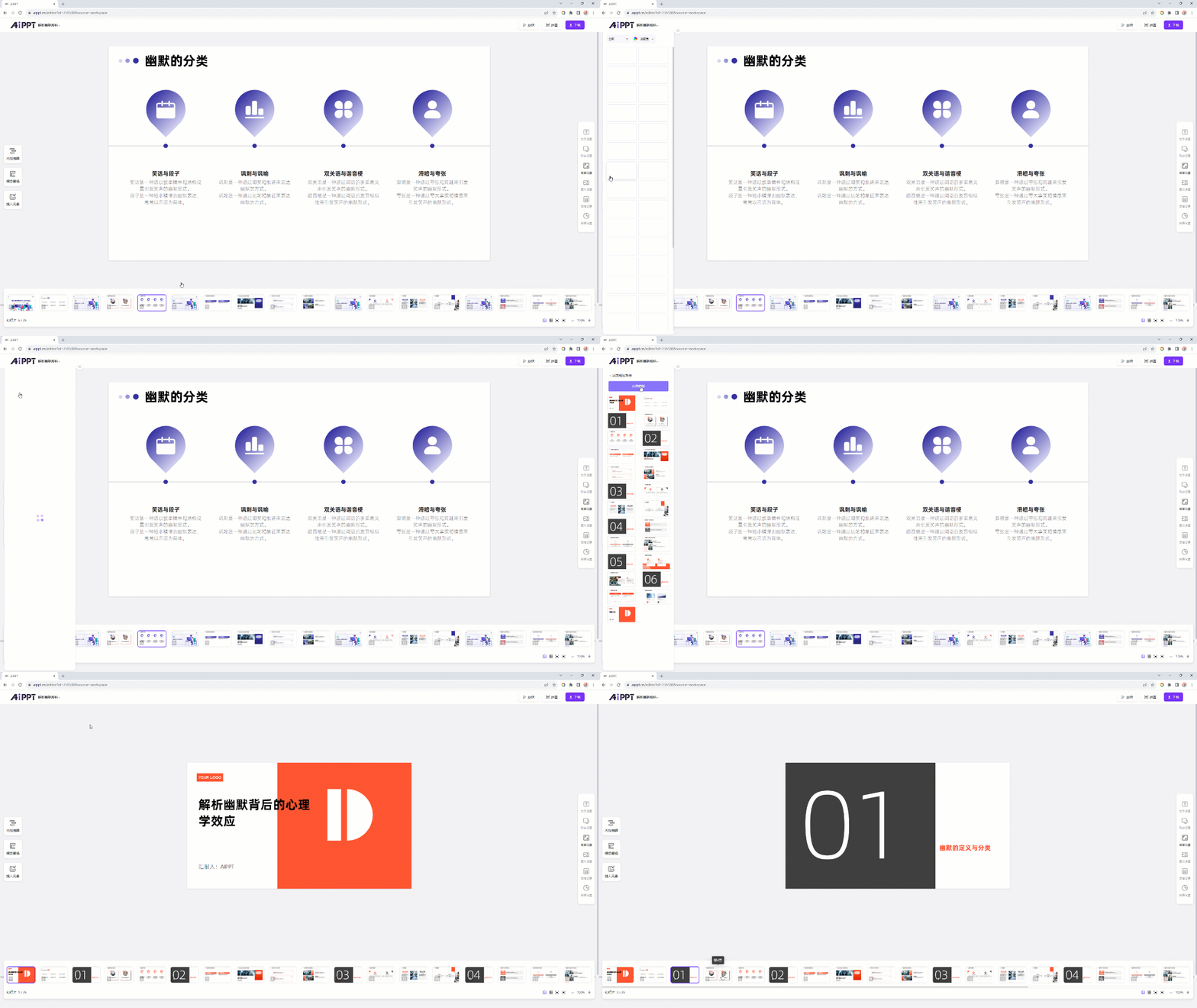
It can handle various design styles with ease.
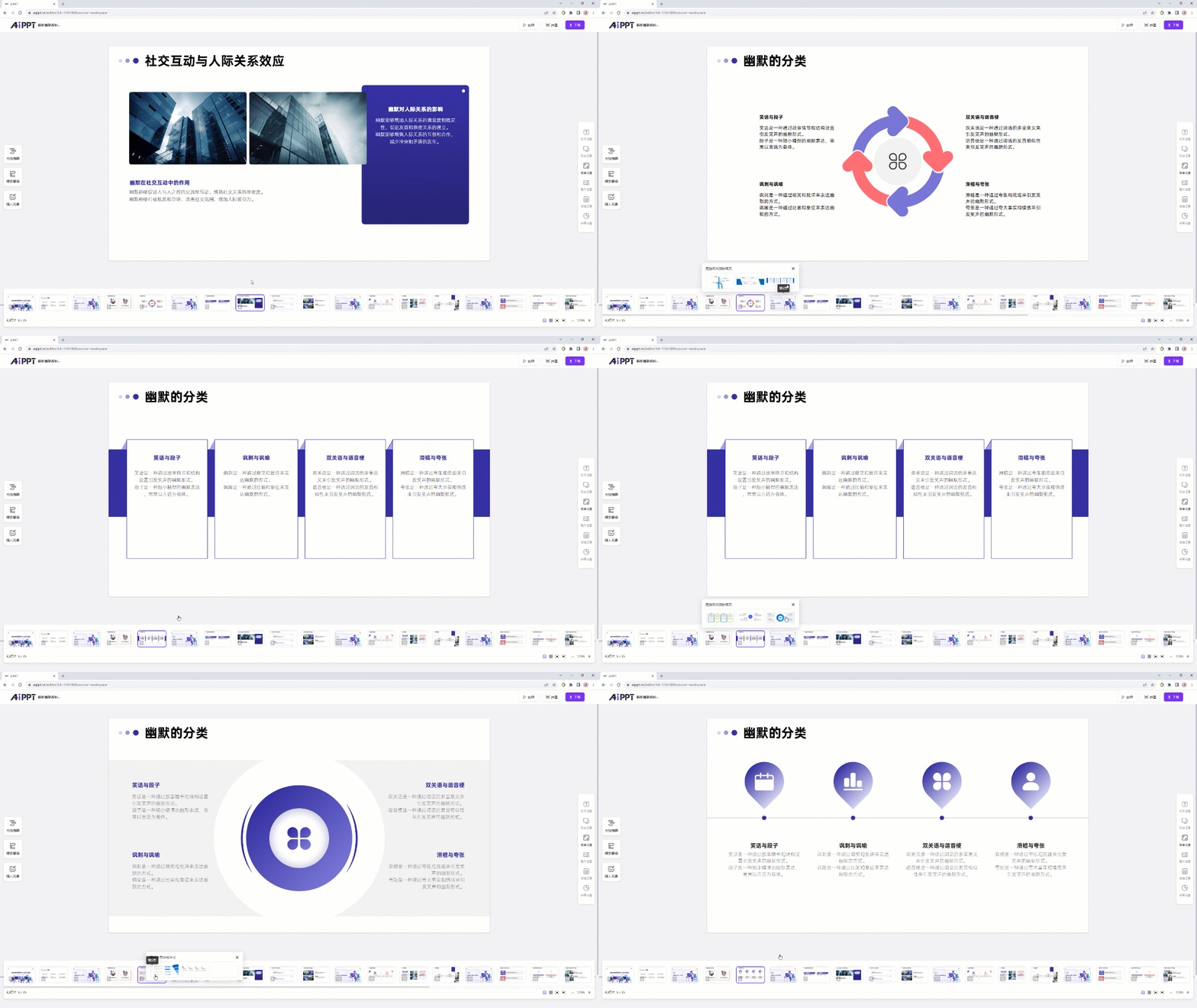
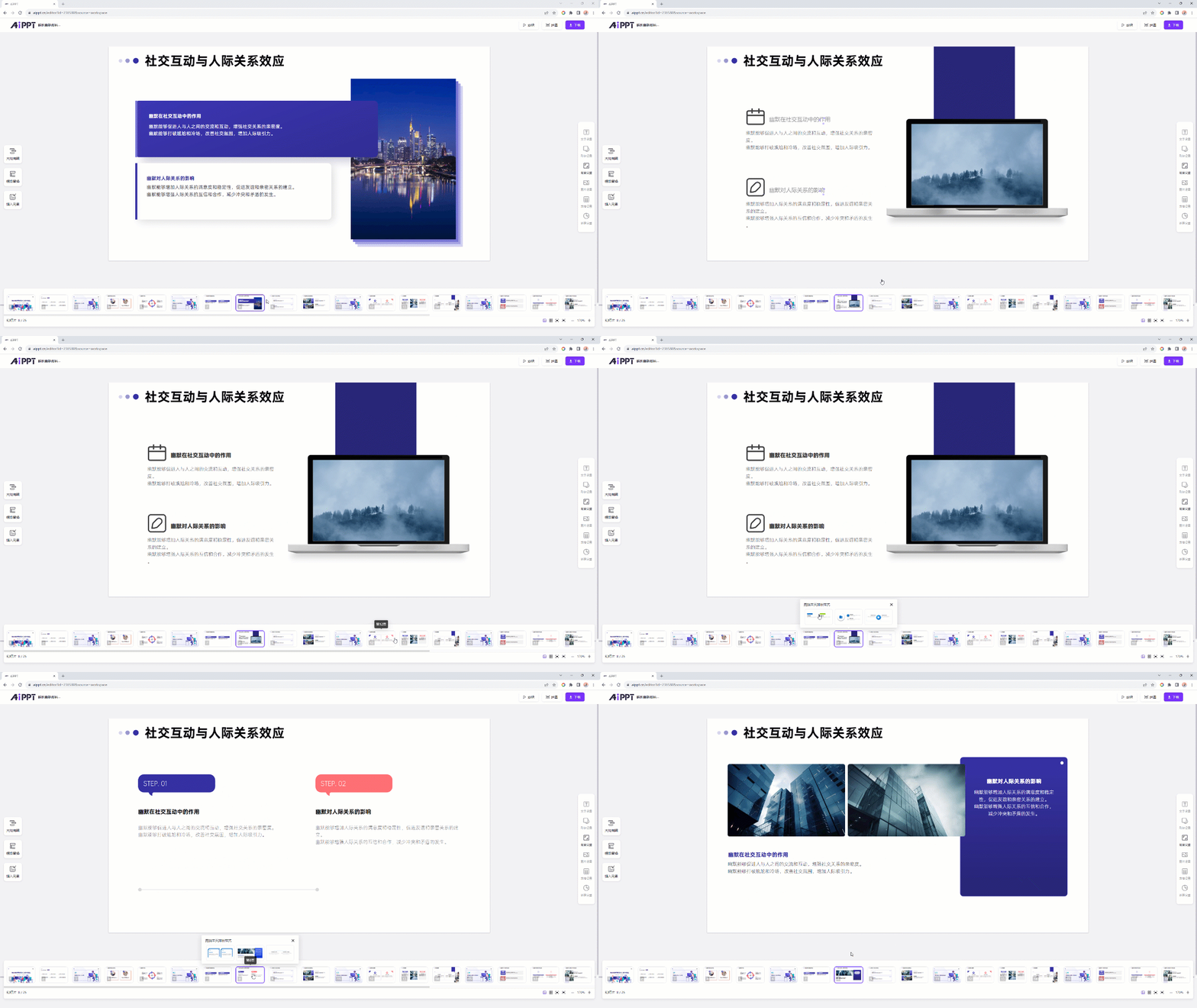
One-Click Inner Page Replacement
Compared to adjusting the entire PPT, sometimes you may only need to modify a few specific pages in your presentation.
AiPPT is fully capable of this task as well! Just select the inner page you want to optimize, click to replace it with one click, and you can quickly update the content without spending a lot of time.
These quick styling tips not only improve your work efficiency but also allow you to spend time on more important content rather than wasting time on tedious style modifications.
Use AiPPT to make creation easier. Try these tips and improve your PPT-making skills!
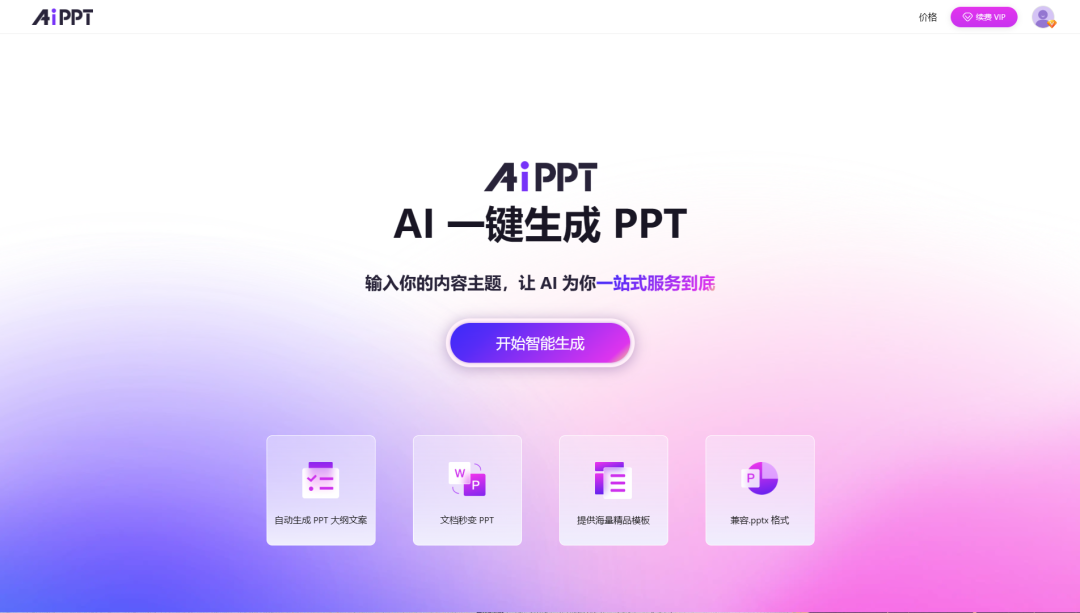
Sight is no match for experience—open the product website on the right now and experience the intelligent PPT creation journey.
Finally, if there's anything about the product that doesn't work well for you, or if you'd like to suggest new features, we warmly welcome you to scan the code to add our assistant's WeChat and join the group to talk directly with the product manager!









