
 Script Planner Assistant▸
 AI Apps
 AI News
[Toast Major Update] Text-to-Animated Images Now Exclusively Available, Redesigned Workspace for a Smoother Experience

[Toast Major Update] Text-to-Animated Images Now Exclusively Available, Redesigned Workspace for a Smoother Experience
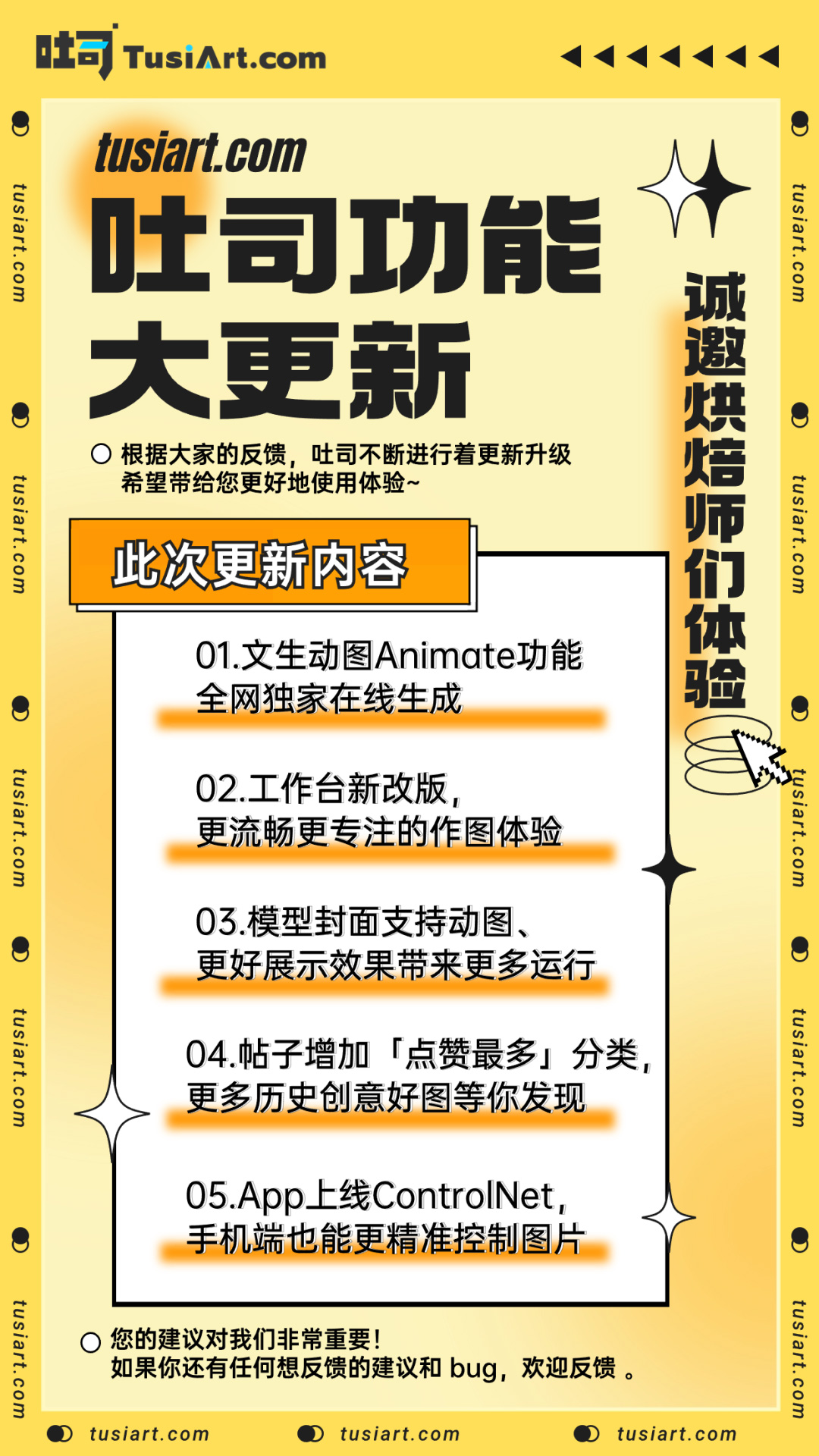
Dear Toast family members:
Thank you so much for all your suggestions! As a team that listens, Toast has rolled out new features once again. Based on everyone's feedback, Toast keeps optimizing and improving to bring you a better experience~
Let's take a look at this week's updates, and feel free to visit tusiart.com to experience the new features~
Have you recently been blown away by all the amazing animated GIFs made with AnimateDiff on social media, eager to give it a try? But when you search for related tutorials, you find it incredibly difficult and almost impossible to get started!
But that's not a problem on Toast, because tusiart.com has launched the latest Animate!
Here you can use the massive collection of models in the model library and freely mix and match them to generate any GIF animations you want. Just three steps and you'll master it easily!
1. Open Toast and click the Animate feature
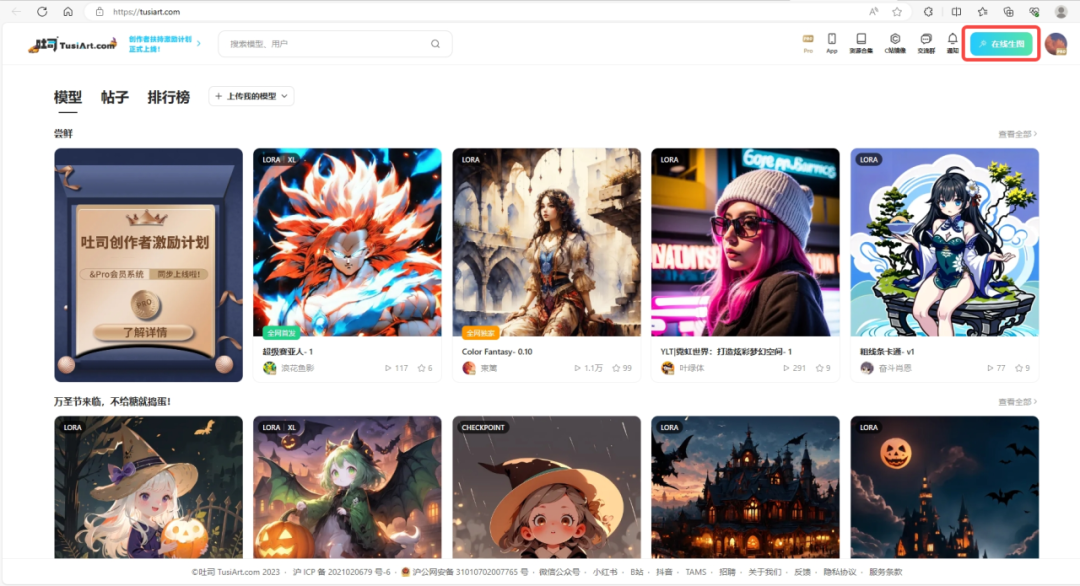
Open Toast TusiArt (tusiart.com) and click Online Image Generation
Select Animate on the far right
And you can start generating GIF animations
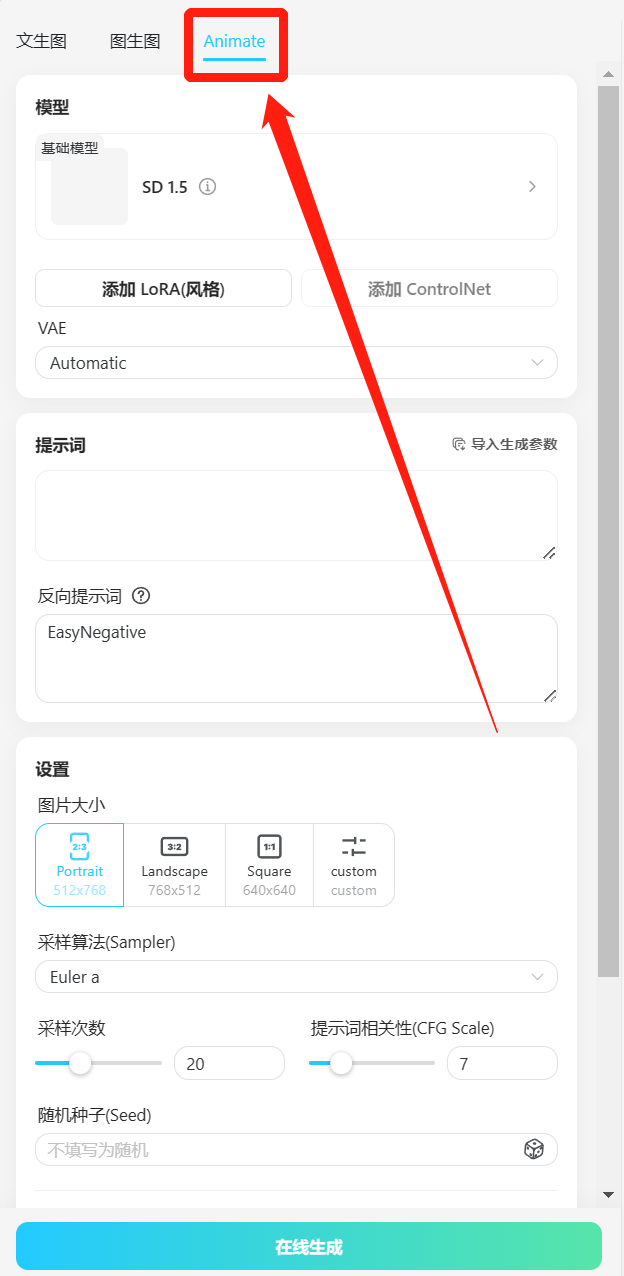
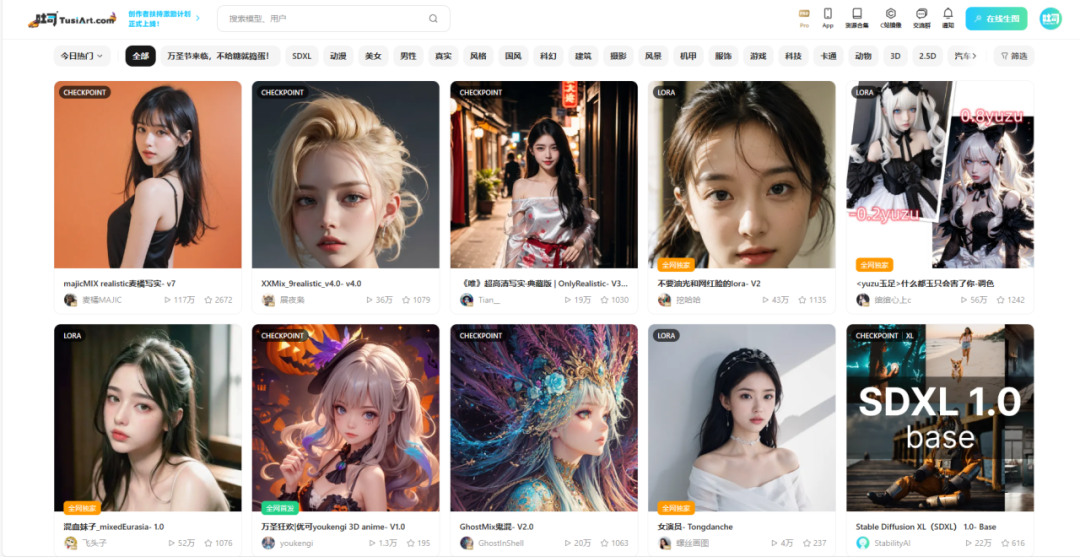
2. Choose the appropriate model based on the style
Choose the style model that matches the kind of GIF animation you want to create. You can also add various LoRAs to achieve results that better fit your ideas.
In short, no matter what style you want, you can find the corresponding model in Toast's rich model library.
3. Select parameters and fill in the prompts
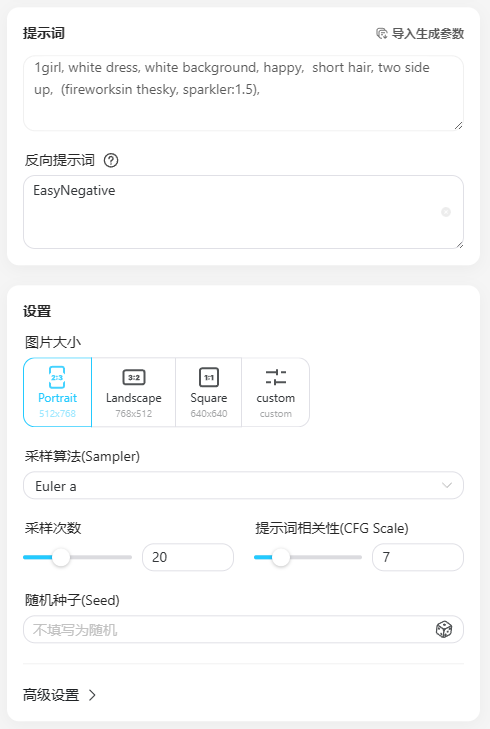
The parameter settings here are not much different from normal text-to-image generation; just choose what's appropriate. The key is the prompt description, which will directly affect the resulting GIF animation.
Example: 1girl, white dress, white background, happy, short hair, two sideup, (fireworks in the sky, sparkler:1.5)
This describes a little girl wearing a white dress watching fireworks, so the generated animation will align with the prompt description.
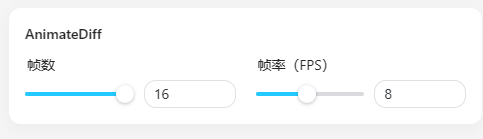
Frame count: This represents how many Toast-generated images will be used in this animation in total. Here, 16 is recommended for better results. (Frame rate refers to how many images are played per second.)
Taking the parameters on the right as an example, 16 frames means 16 images in total, with a frame rate of 8, i.e., 8 images per second, so the resulting animation will play for 16÷8=2 seconds.
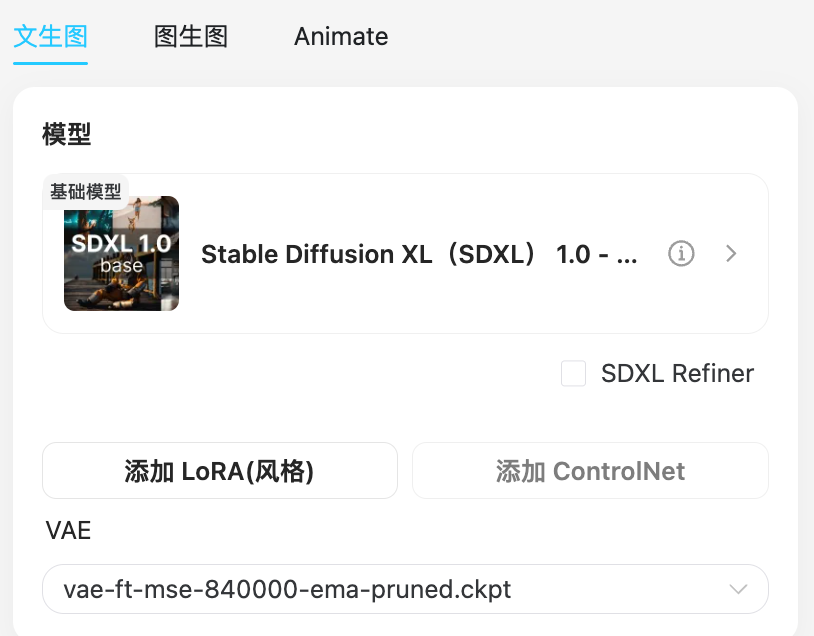
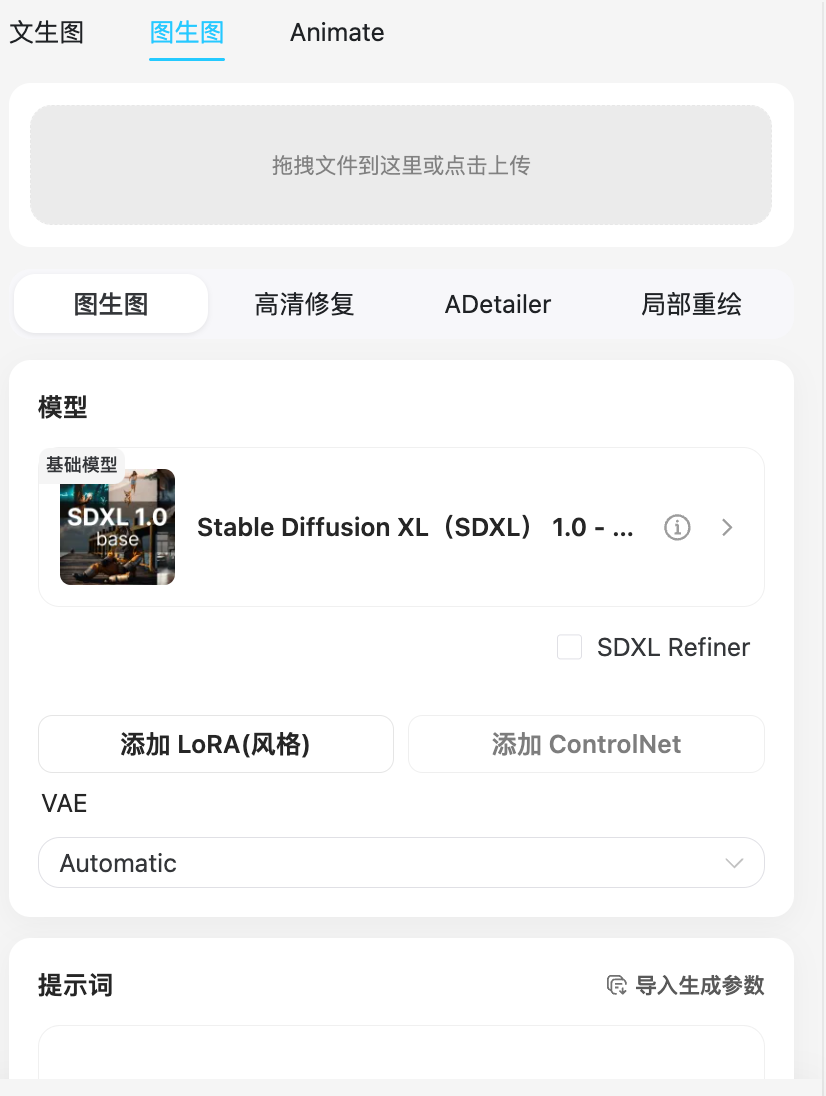
Workspace Redesign: We have redesigned the workflow for text-to-image, image-to-image, and Animate workspaces to provide a smoother and more focused image creation experience. At the same time, text-to-animation has been moved to the top for easier access, so more people can experience the joy of animations~
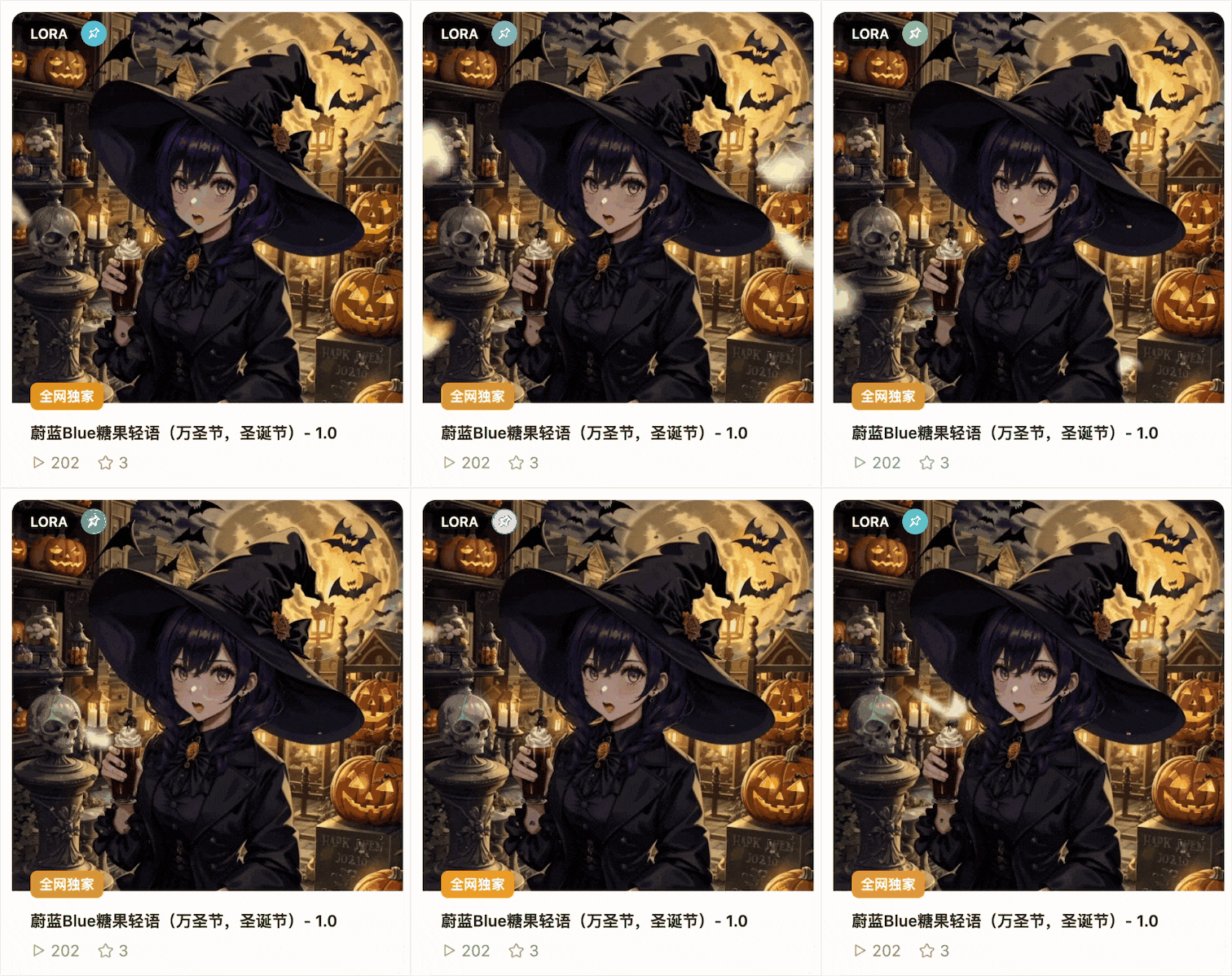
Model covers now support animated GIF uploads: With GIF animation support, your model showcase becomes more dynamic and visually appealing, making people more eager to run the generation. Little Toast recommends including suggested parameters for the animation in the description~
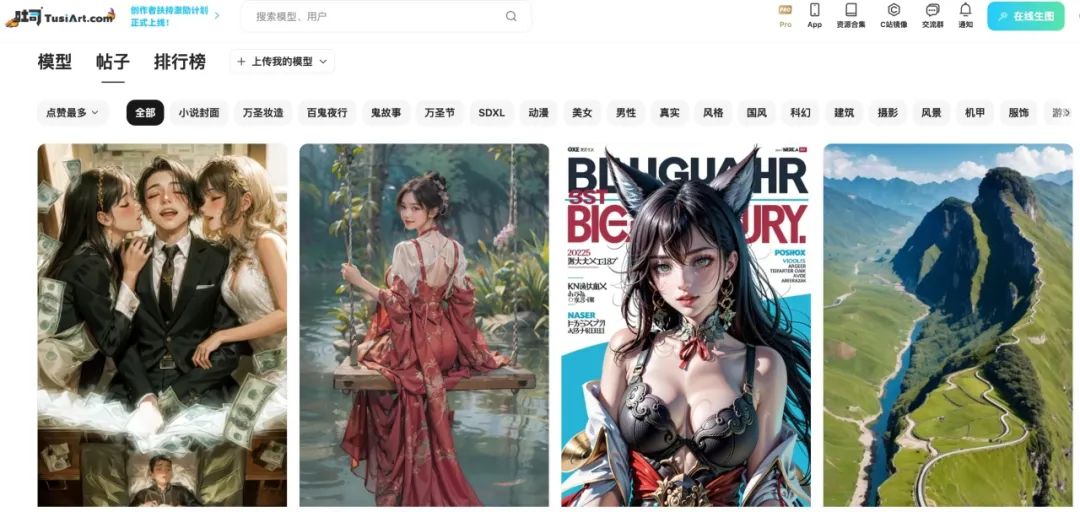
In the post categories, a "Most Liked" sorting option has been added. You can now freely browse image generation activities and the top-liked images in each category. Go check them out and make your own with one click~
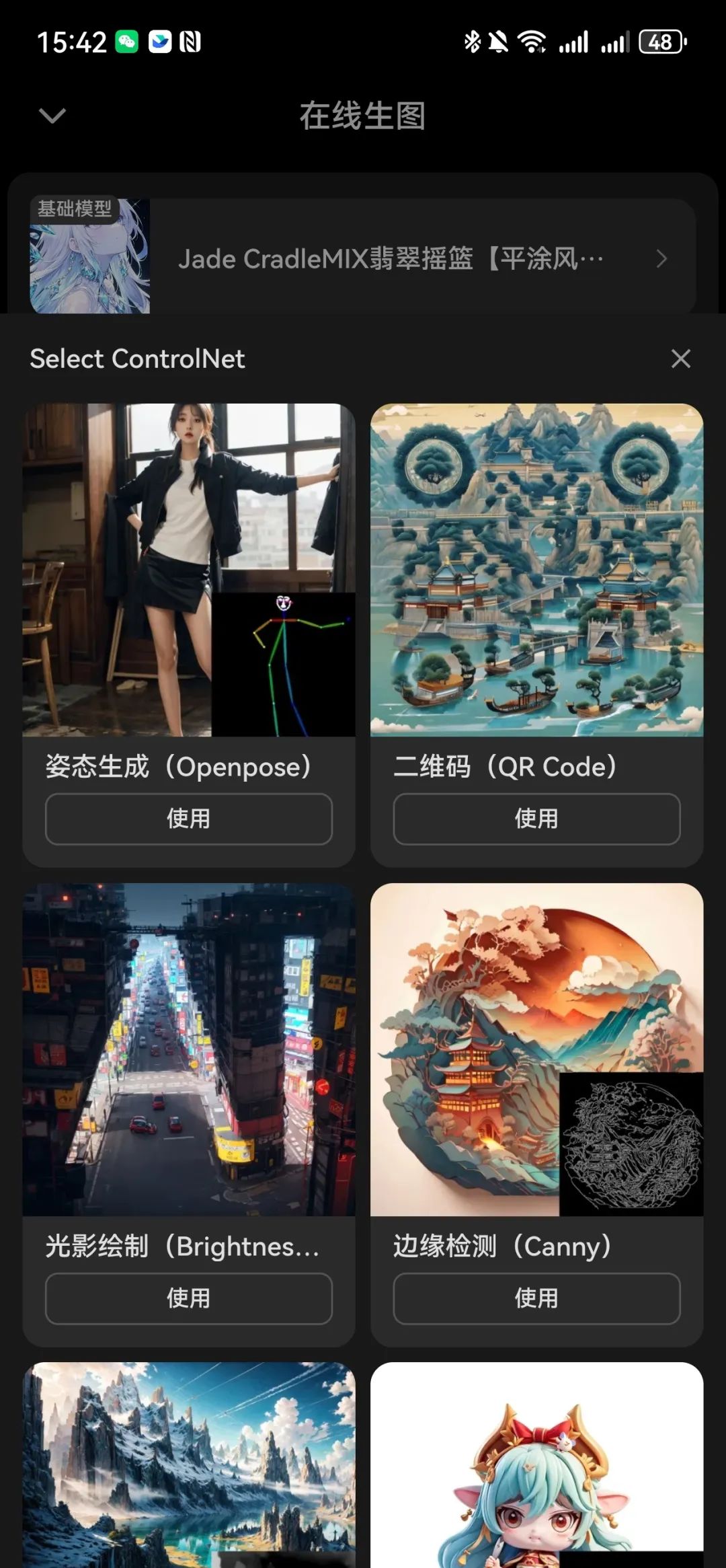
Updates wouldn't be complete without the app. Toast app has now launched the ControlNet feature, allowing you to have more precise control over your AI drawing anytime, anywhere on your mobile device!
Welcome to Toast tusiart.com to experience the new features and improvements. Your feedback is very important to us. If you have any suggestions or comments, feel free to join our official group (832353658) to chat with us.









