
 Script Planner Assistant▸
 AI Apps
 AI News
AI Image Editor — The All-in-One Picture Toolbox You Can Use Instantly, a Must-Have AI Tool for Workers!

AI Image Editor — The All-in-One Picture Toolbox You Can Use Instantly, a Must-Have AI Tool for Workers!
Whether at work, study, or in daily life, we always need to handle all kinds of images, such as cropping, cutting out subjects, creating electronic ID photos, converting image formats, removing watermarks from images, and more. Although these operations may sound simple, it can still be quite time-consuming and labor-intensive if you don't have time to learn Photoshop and don't have a tool that suits you.
So today I'm sharing a tool website that covers more than a dozen ai image processing functions — "AI Image Editing Tool", to help you handle images more simply and efficiently!
Website address: https://img.logosc.cn/
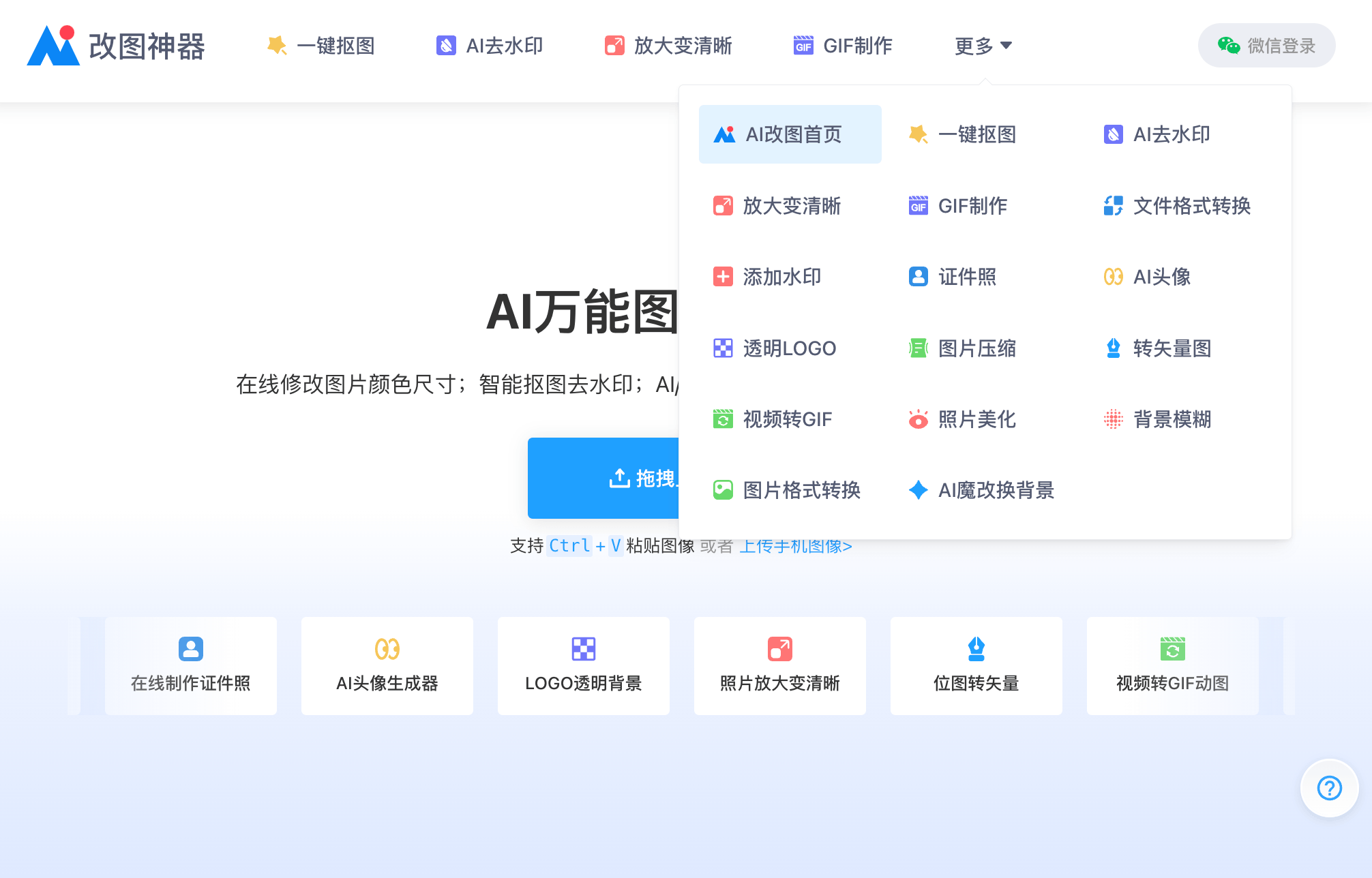
Now let me introduce some commonly used features of AI Image Editing Tool!
One-Click Smart Cutout
A smart cutout tool perfect for beginners, and it's very easy to use. For example, if I want to cut out a portrait photo, I just need to press Ctrl+V to paste the photo in and the conversion is done automatically.
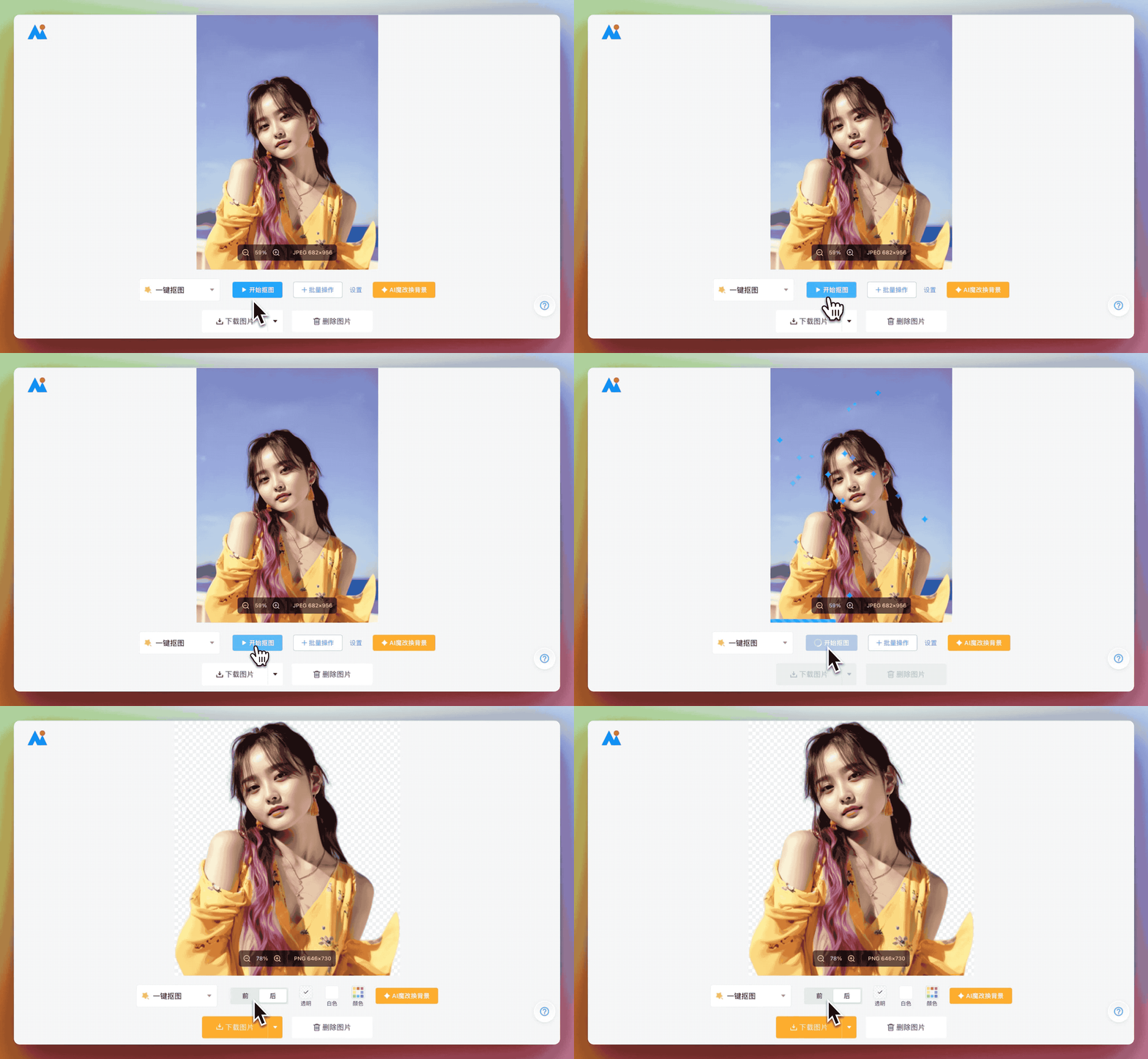
Not only is the image processing speed very fast, it also automatically recognizes the main subject area for cutting out, and the quality is very high, with precise edge details — much more refined than manual cutouts.
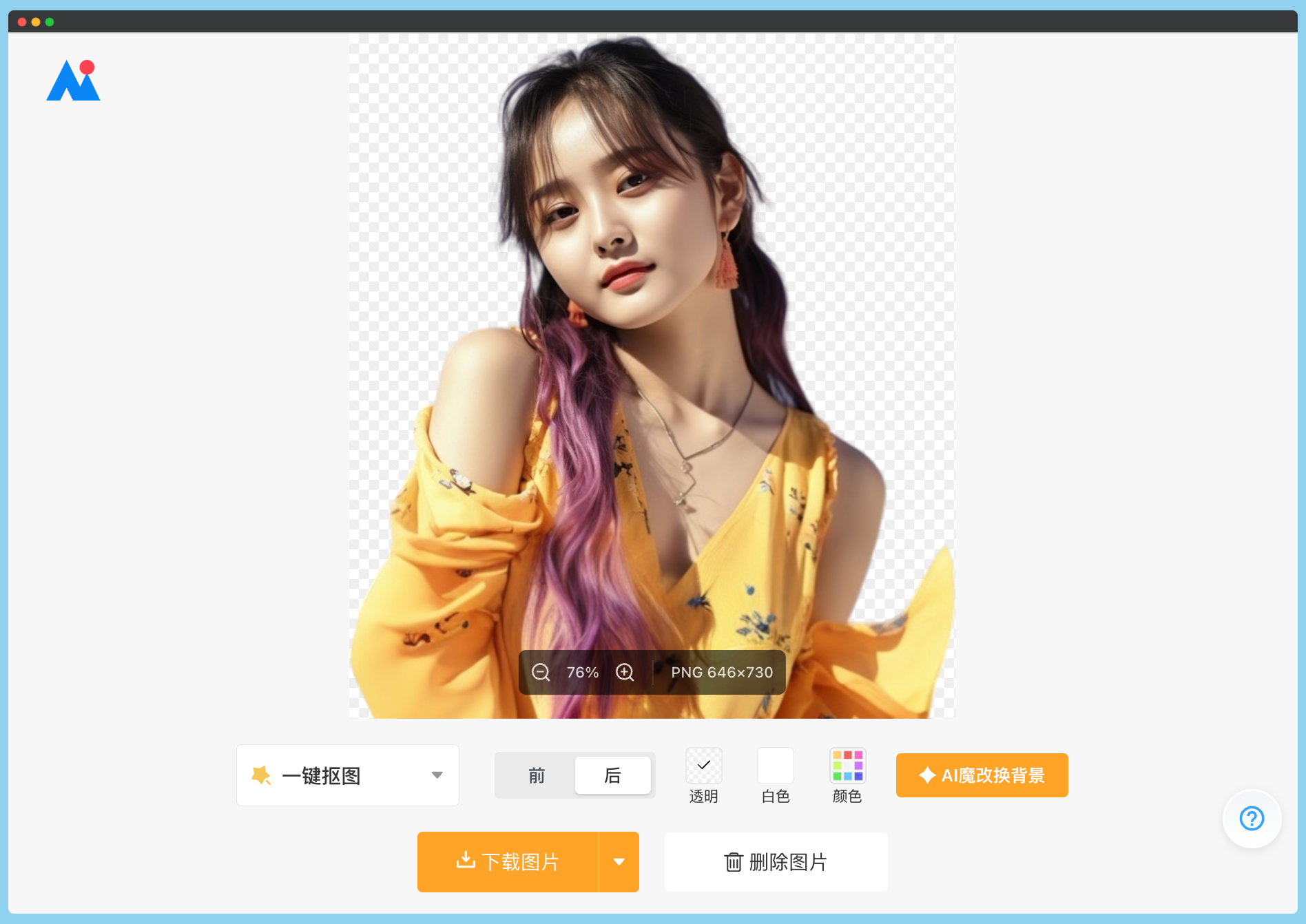
Image Restoration & Enhancement
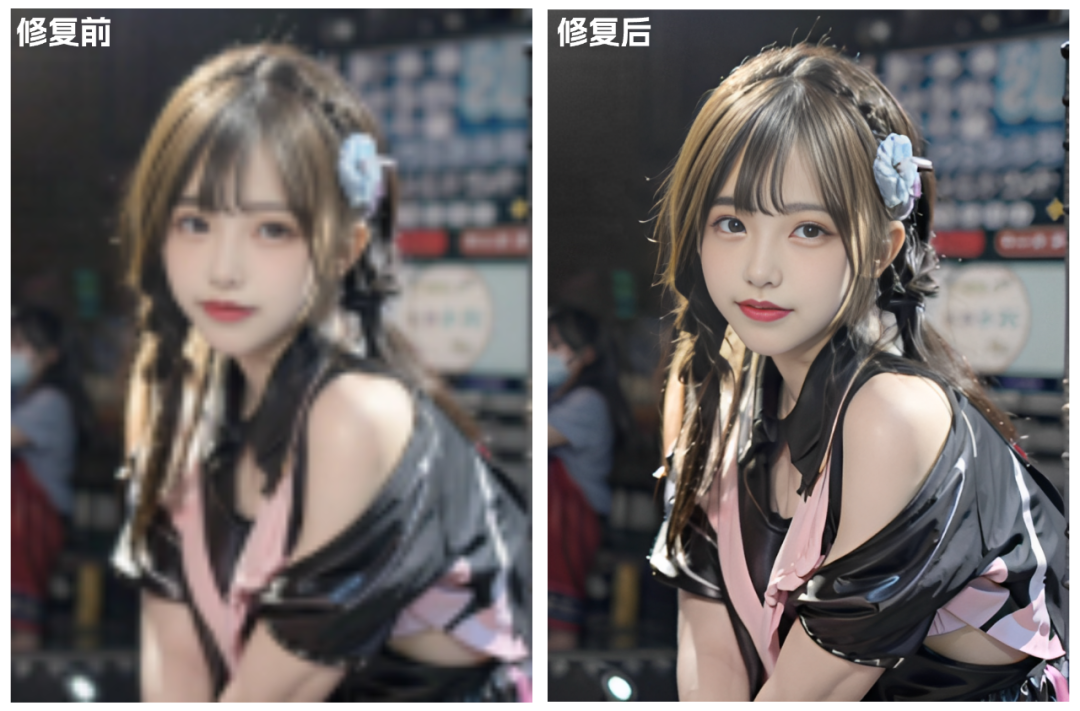
Many times, the images we download online are quite blurry and unusable as materials. At this point, you can use the image enlargement and enhancement feature to restore them.
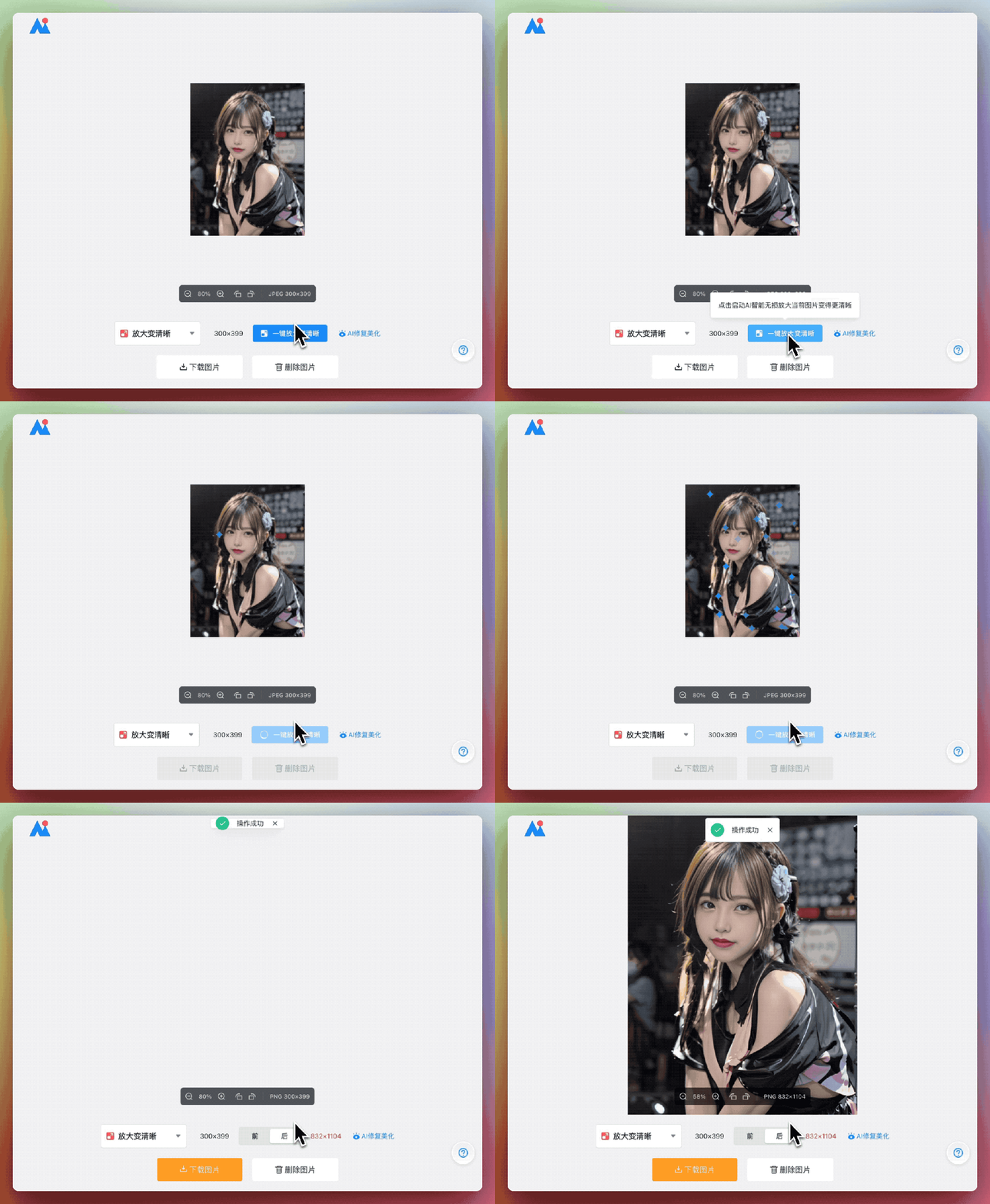
Take a look at the restoration effect. AI image technology can not only make blurry faces in photos clear, but also restore facial features and skin based on the original image, giving them a more textured appearance.
AI Cartoon Avatar Generator
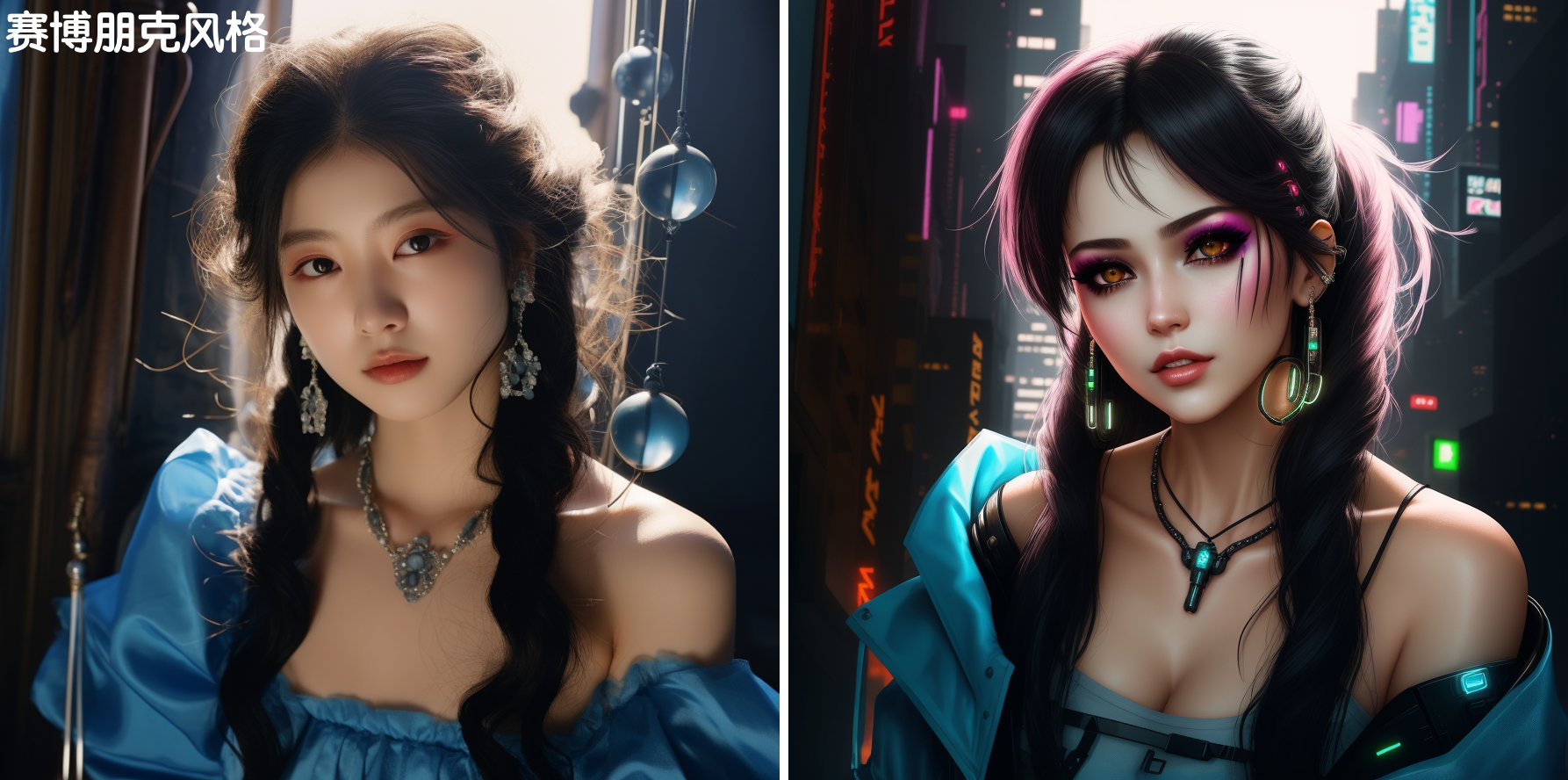
What if you can't draw but still want a unique, exclusive anime avatar? Just leave it to the AI Cartoon Avatar Generator! Simply upload your photo, click the input box to open the AI prompt generator, select the words you need to fill in the input box below, then click one-click generate, and you'll get your own unique exclusive avatar!
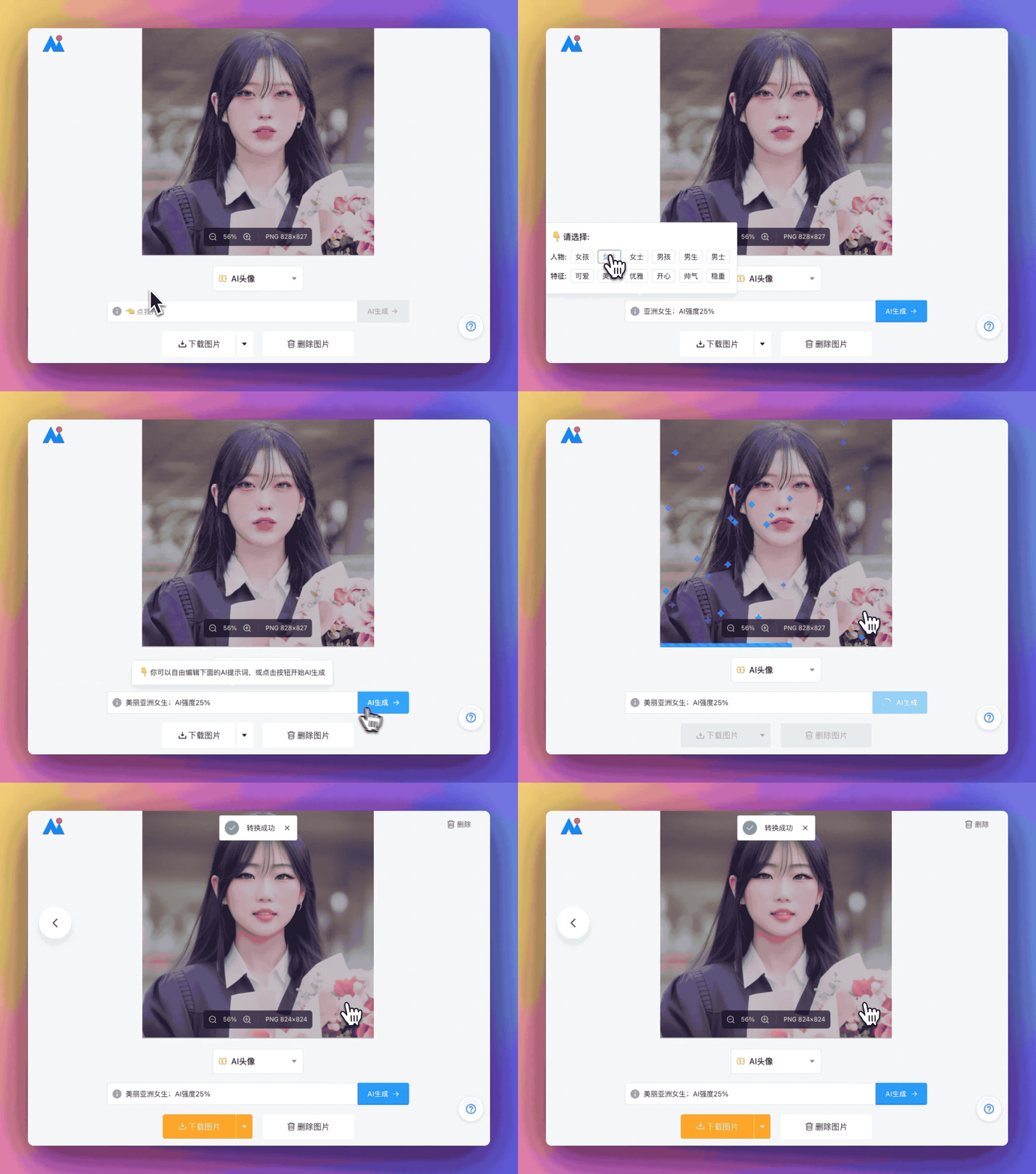
You can also customize and modify the prompts in the input box for great flexibility. In addition, you can drag to adjust the AI strength to control the similarity between the generated avatar and the original image. Simple and convenient, it's an AI cartoon avatar tool perfect for lazy people.
AI Magic Background Change
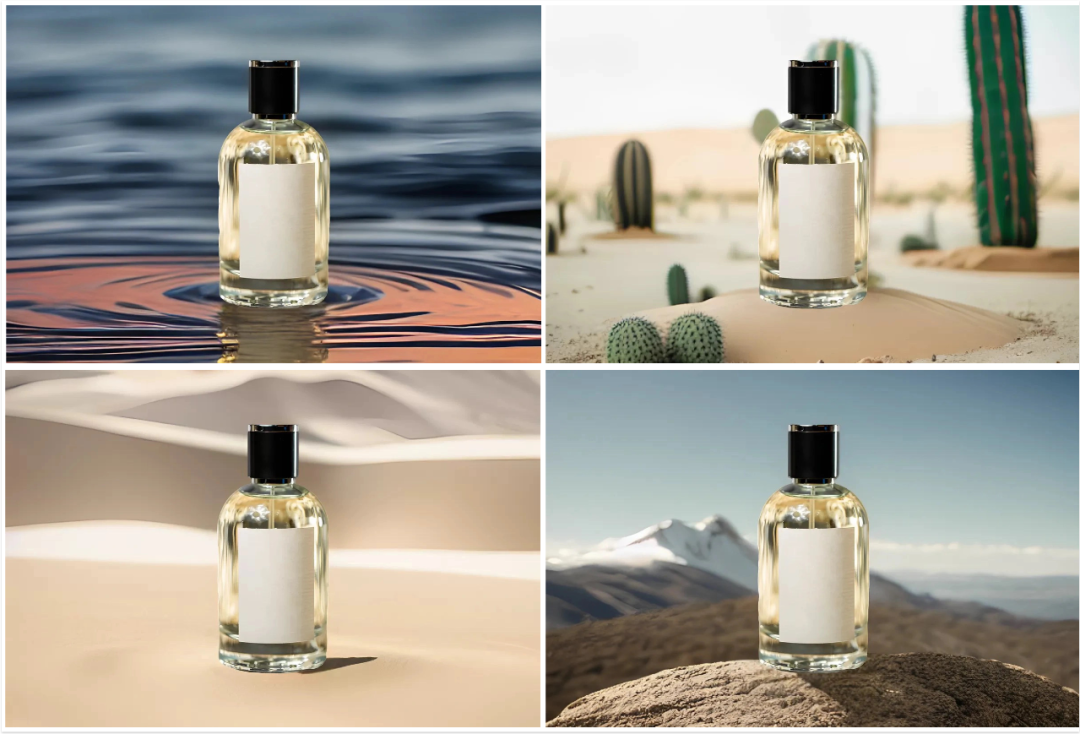
AI Image Editing Tool not only has the smart cutout tool perfect for beginners, but also features the ability to modify and change image backgrounds directly through text descriptions after uploading — AI Magic Background Change. After uploading the image, click one-click cutout, then simply describe the scene you want in the input box below, and AI will generate it for you with one click.
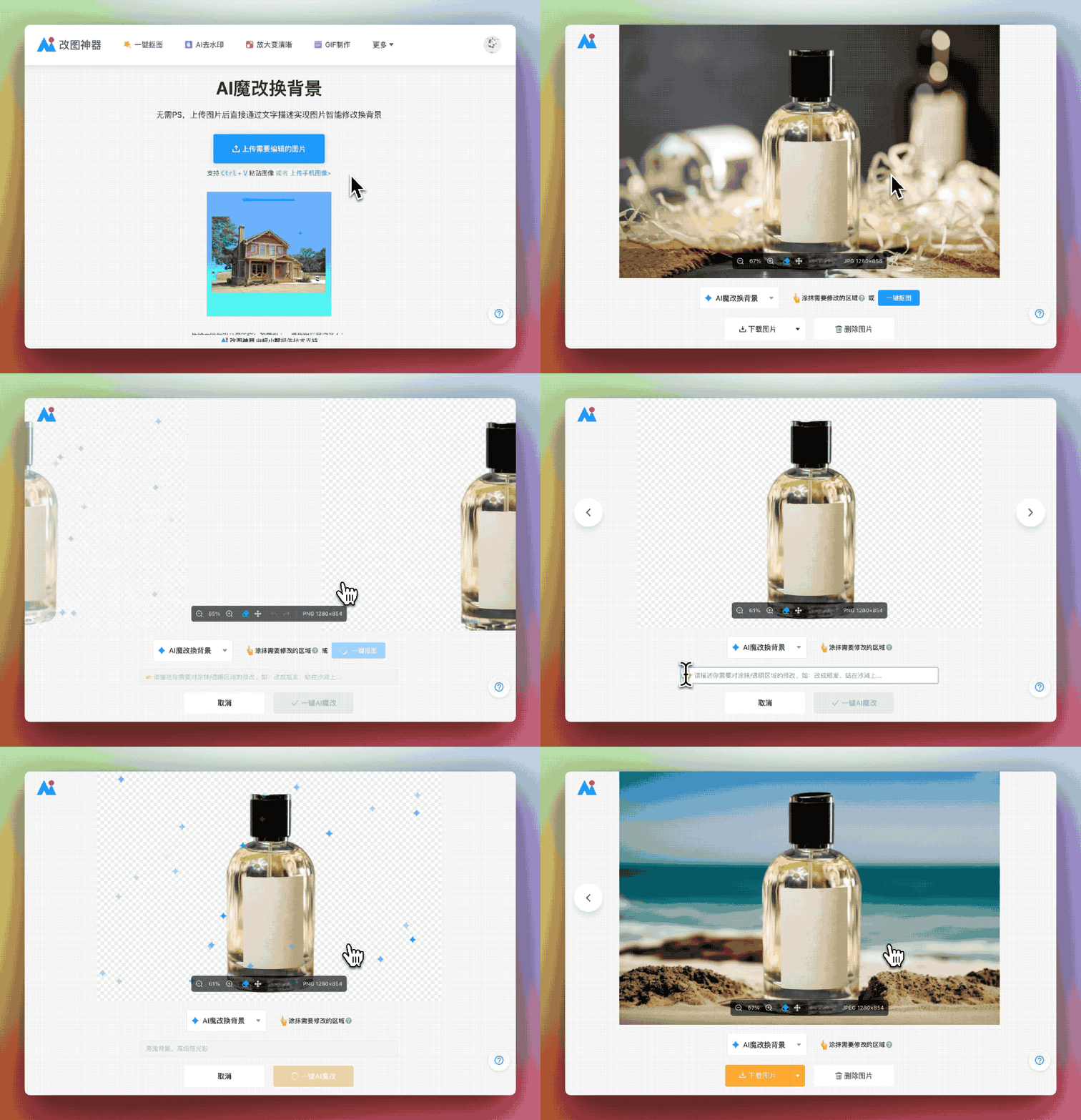
For example, if I want to change the background of a perfume product image, after the cutout is complete, I enter [dark blue premium-feel background] in the input box, and AI instantly generates a new background image for me. Friends doing e-commerce can give it a try — the time and labor costs of producing product images will be greatly reduced!
Smart ID Photo Maker
For example, the Smart ID Photo Maker feature includes common sizes like 1-inch, 2-inch, and 5-inch, as well as sizes for various exams and qualification certificates. Of course, the size here can also be customized — it's entirely up to you.
In addition to common ID photo sizes, this website also supports one-click changing of ID photo backgrounds. Whether you need red, blue, or white background ID photos, just one photo is all it takes, with no need to go to a photo studio to take new ones.
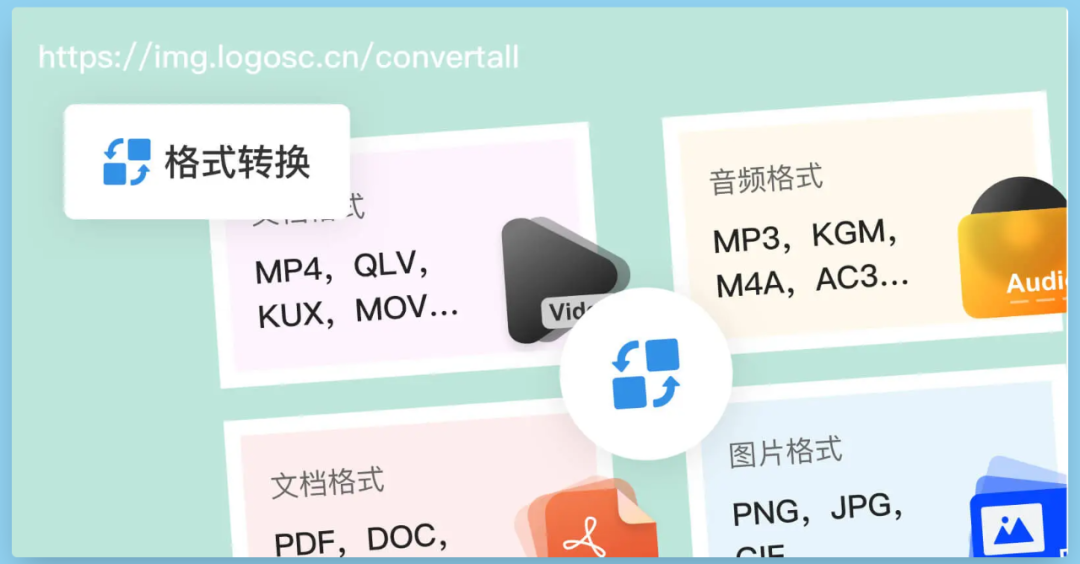
Universal File Format Converter
The Universal File Format Converter can help you batch convert various computer file formats. Not only does it support mutual conversion between various image formats such as JPG, PNG, SVG, and GIF, it also supports batch conversion of document types, video types, audio types, and other file formats. Friends with file format conversion needs can bookmark this for later use!
In addition to the features mentioned above, functions like watermark removal, GIF creation, and photo beautification that everyone might use won't be introduced one by one. It's more than enough for daily image processing needs, and it's completely free — just open it up and start using it right away.









