
 Script Planner Assistant▸
 AI Apps
 AI News
iAuto Review: A Free, Lightweight, Powerful Diagramming Tool for Work

iAuto Review: A Free, Lightweight, Powerful Diagramming Tool for Work
Due to work requirements, my projects often involve drawing a large number of logic flowcharts, mind maps, activity-on-arrow network diagrams, Gantt charts, topology diagrams, and other illustrations. Among these, the most frequently used are complex logic flowcharts and large topology diagrams in projects, followed by mind maps.
I started by searching for office drawing software on Baidu, and the ads were dazzling. During this time, I tried Microsoft Visio and Wondershare Edraw, but the results were not ideal. Drawing mind maps in Visio is very cumbersome, and the software is often 1 GB in size. Edraw, on the other hand, doesn't support data linking, and I have many large topology diagrams where connecting nodes one by one is really tedious and confusing. Other online tools like ProcessOn don't meet my needs, and I often work at project sites where network connectivity is unstable. I was really stuck.
I also saw an article shared by a Toutiao friend about IAuto, an all-in-one local office software, so I downloaded it and gave it a try—it really is powerful. I'll share a few of its particularly great features with you. Of course, I'll also point out the shortcomings without holding back, to help you avoid pitfalls.
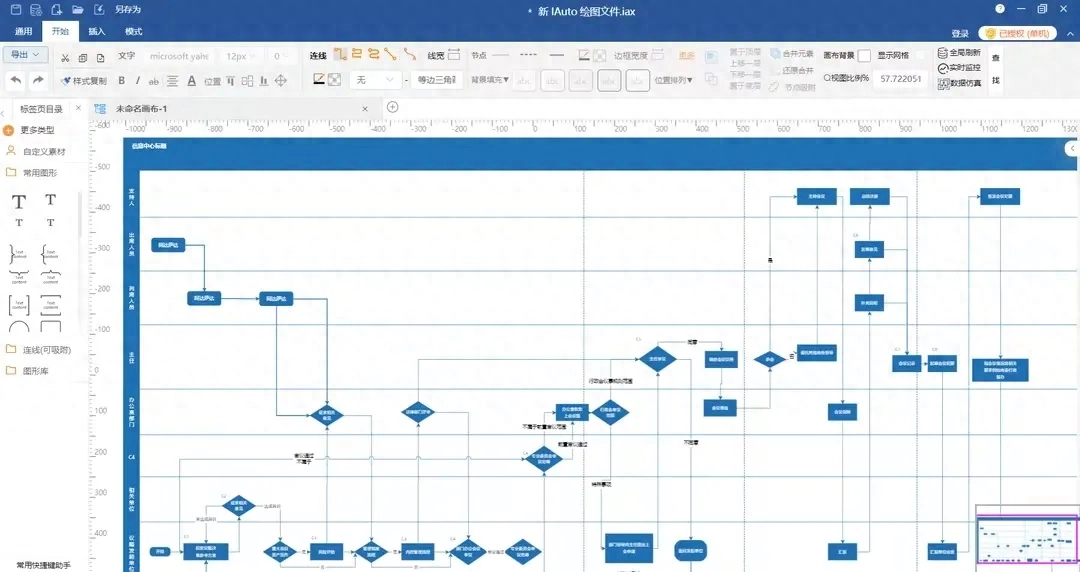
Software Interface: The interface is relaxed and clean, without a lot of clutter. It has a style somewhat similar to Office, with no random ads or other distractions. Multiple theme styles are available to choose from;

1. Batch Connection
Includes one-click head-to-tail batch connection and many-to-many connection. I have to say, this feature easily solved the tedious and time-consuming problem I had in other software when connecting dozens or even hundreds of lines one by one in many-to-many topology drawings;
2. Sub-canvas, Sub-system, and Collapse/Expand Containers
In my projects, there are many hierarchical relationships between logic diagrams and topology diagrams. Through sub-canvas and sub-system, I can easily associate the main topology with sub-topology diagrams, effortlessly achieving drill-down. The collapse/expand container allows me to hide multiple nodes as a whole and display them on the canvas when needed, which is very convenient;
3. Data Linking
IAuto's data linking is created using a data simulation approach. I didn't quite understand this feature at first, but after watching the tutorial, I found it really simple. Unlike writing VBA scripts in Excel, you can link node data without any scripting;
4. Batch Circular Distribution / Batch Rectangular Distribution
5. Drag-to-Customize Zoom Spacing (drag to batch adjust spacing between nodes without changing node size)
6. Rich Text Image-Text Annotations
7. Custom Floating Parameter List
(Node parameter attributes and other information can be edited through a floating custom control)
...
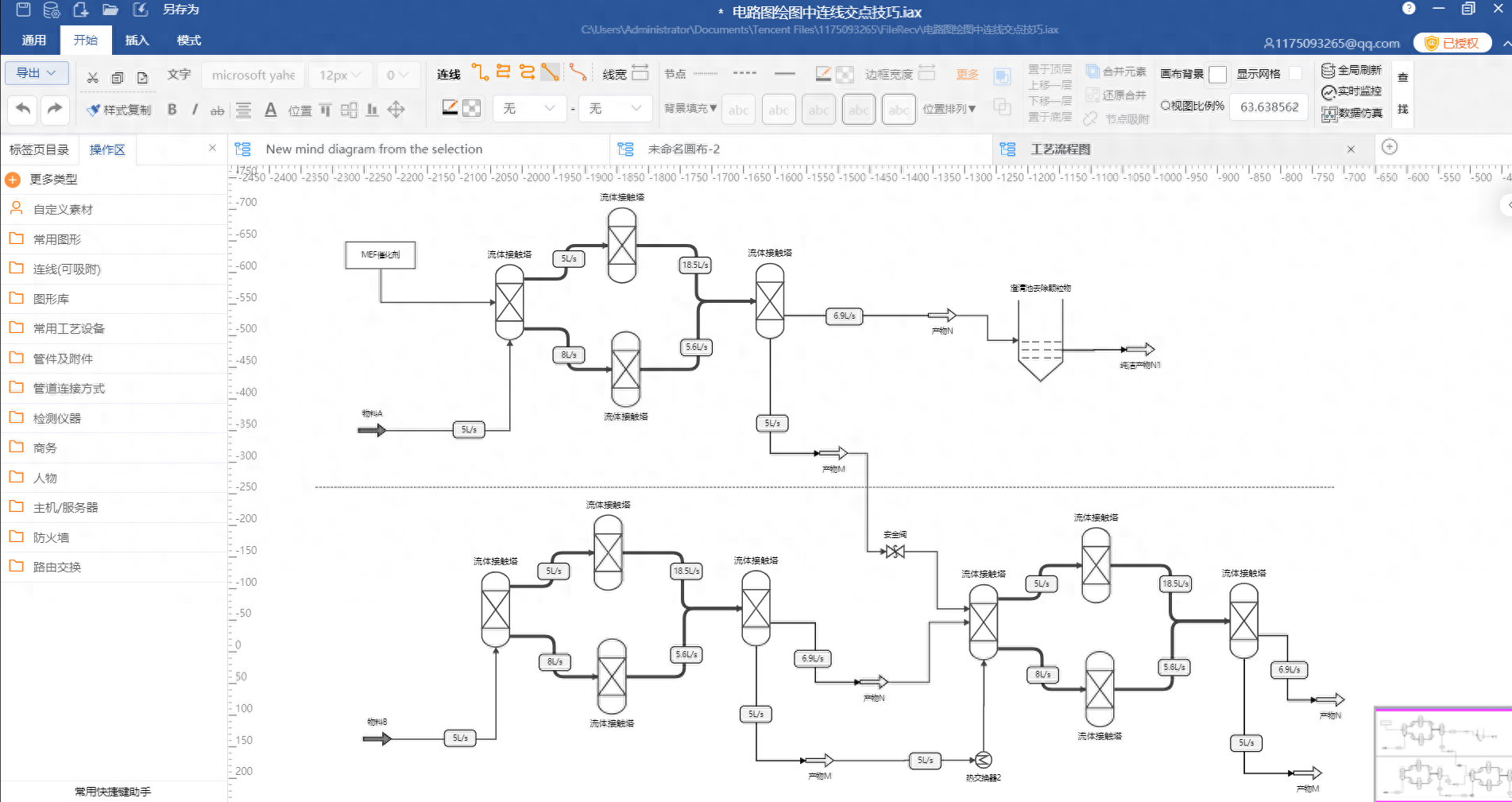
Process Flow Diagram
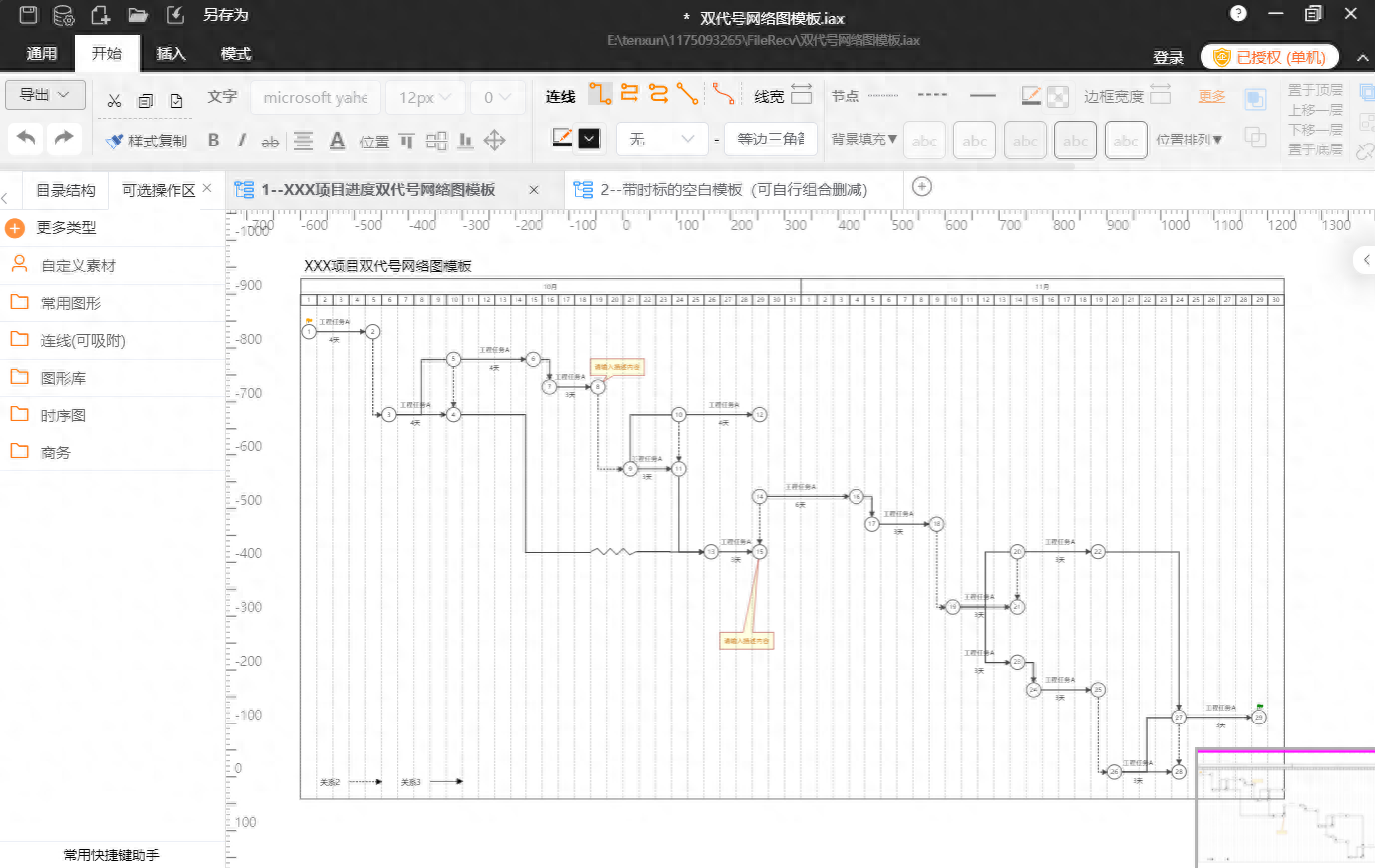
Activity-on-Arrow Network Diagram
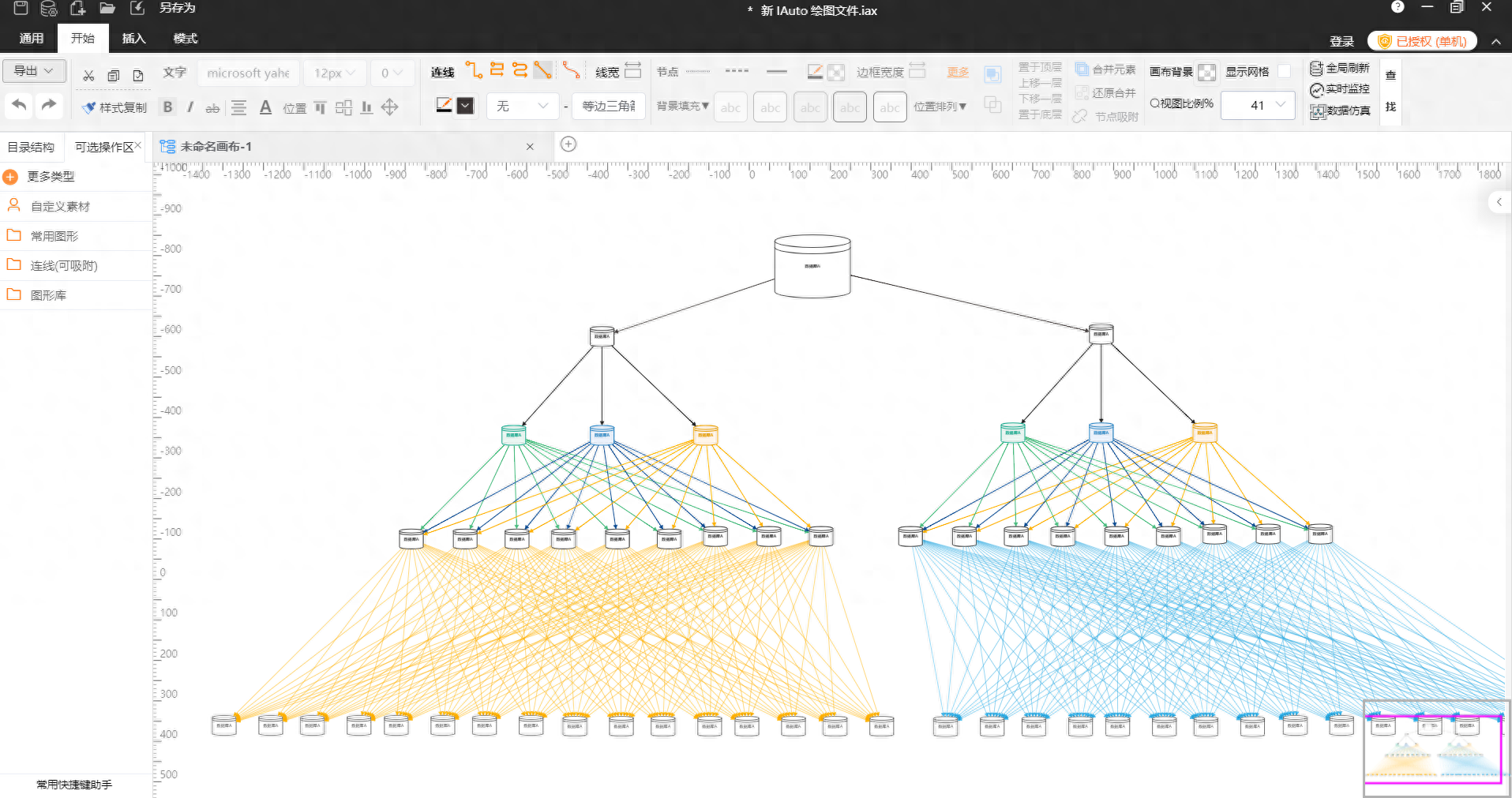
Topology Structure Diagram
This software not only handles these basic function scenarios with ease, but also easily completes associations between different business canvases. After recommending the software to colleagues in the testing team, they effortlessly completed the entire project's testing logic diagram;
Let me summarize
Advantages:
- Cross-platform: if your company uses both Mac and Windows systems, you don't have to worry about others being unable to open or edit your files;
- Powerful basic features that can efficiently handle very complex drawing scenarios;
- Data linking: after binding node data relationships, modifying one place will synchronize the displayed data of other nodes in real time;
- Lightweight and easy to use. Unlike Visio, which is nearly 1 GB in file size and troublesome to download.
- 95% of the features are free, which can meet most needs. Even the full-featured professional version with a lifetime subscription costs only a little over 300 RMB, which is affordable for most people and offers incredible value;
Drawback: The product has only been out for a few years, so many people are not yet familiar with it
Overall, IAuto is a lightweight and easy-to-use software, very suitable for drawing scenarios in various complete projects. One software can solve multiple scenarios. This software has been on the market for over 2 years now. Compared to foreign tools like Visio that have a 30-year history, there are certainly still many functional scenarios to be covered and iterated. I hope this product can become widely known and find its way into most people's computers!









