
 Script Planner Assistant▸
 AI Apps
 AI News
Saber: A Cross-Platform Open-Source Note App with a Paper-Like Writing Experience
小编 ·

Saber: A Cross-Platform Open-Source Note App with a Paper-Like Writing Experience
What is Saber?
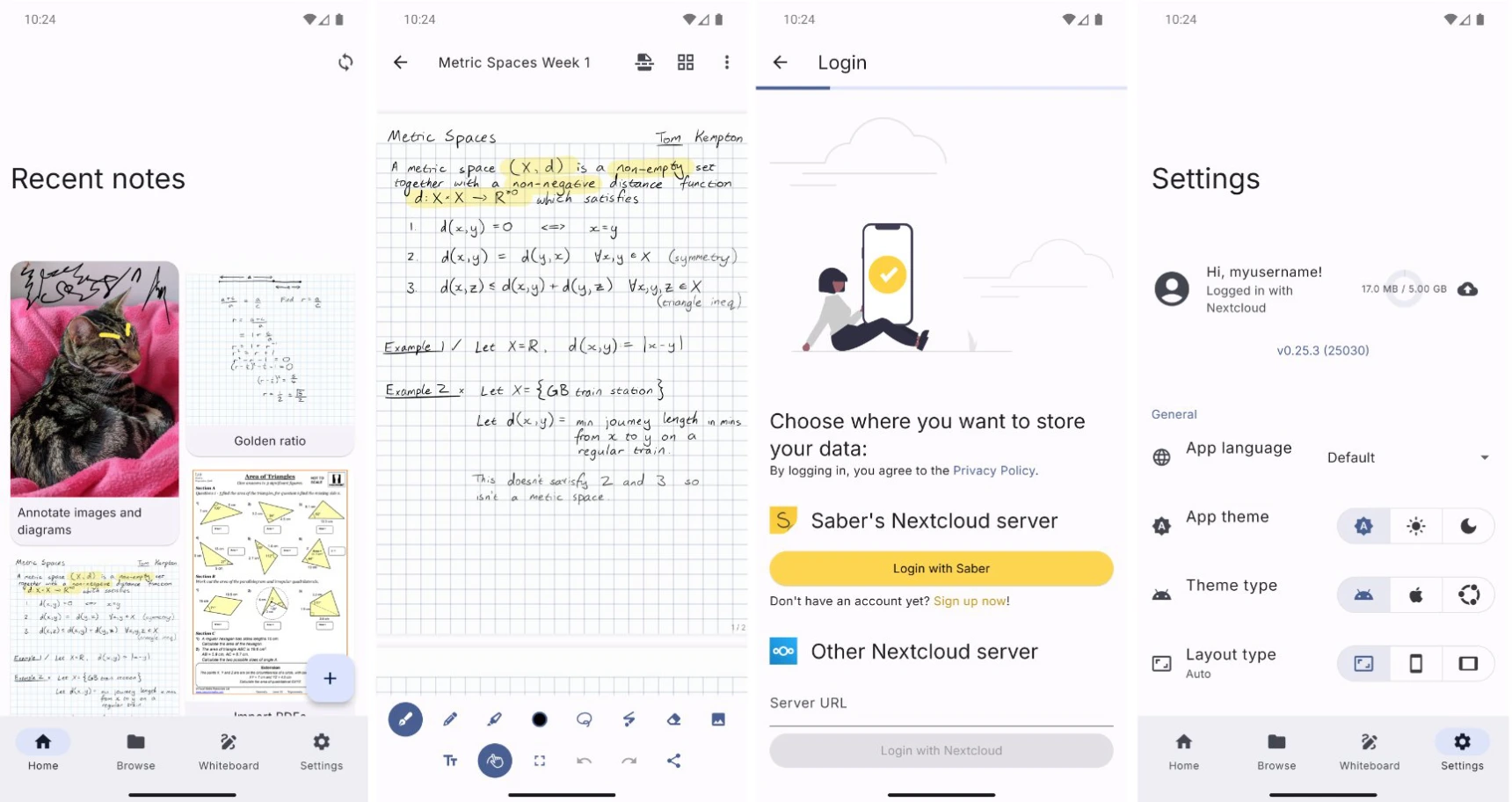
Saber is a cross-platform note-taking app that delivers a pen-and-paper-like writing experience, offering users a private and reliable digital note-taking tool. Saber supports multi-platform synchronization, including Android, iOS, Windows, macOS, and Linux, allowing users to seamlessly switch between devices and access their notes.
Saber Features
Encrypted Sync: Supports encrypted storage and synchronization to ensure the security of user data.
Cross-Platform Support: Compatible with multiple operating systems, allowing users to enjoy a consistent experience across different devices.
Smart Highlighting: Uses an advanced drawing engine to deliver a highlighting experience similar to real strokes, solving the overlapping color issue of traditional highlighters.
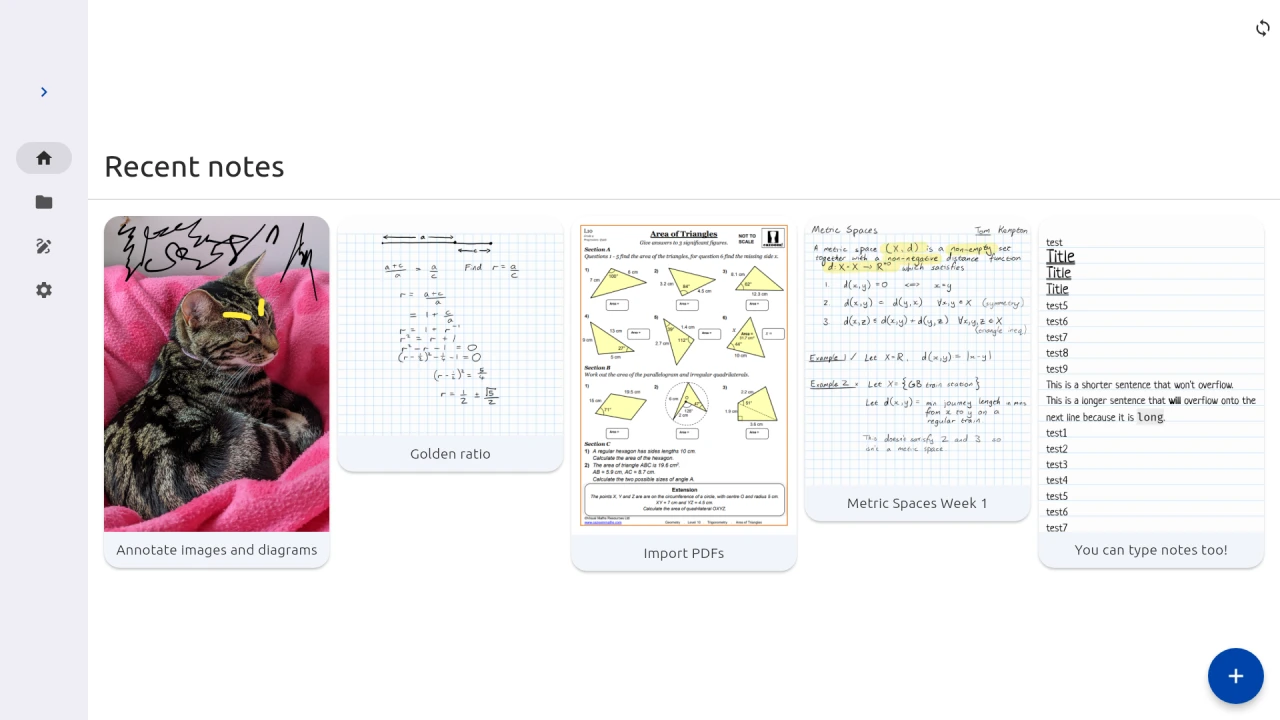
Infinite Hierarchy Organization: Users can create unlimited folders and subfolders to organize notes, making them easy to find and manage.
Dark Mode Optimization: The interface experience remains consistent in low-light environments, optimizing the user's visual experience.
PDF Annotation: Supports annotating and marking up PDF files, meeting users' diverse needs for reading and studying.
Saber Use Cases
Academic Research: Students and researchers can easily organize reading materials and efficiently take excerpts and notes.
Meeting Notes: Professionals can quickly capture ideas and key points during meetings and review them anytime, anywhere.
Project Management: Team members can draw flowcharts, track task progress, and improve collaboration efficiency.
Personal Planning: Individual users can make plans, record schedules, and work toward achieving their goals.
How to Use Saber
Installation:
Android: Download and install from Google Play Store or F-Droid.
iOS and macOS: Download from the Apple App Store.
Windows: Download the installer from the official Saber website.
Linux: Recommended to install from Flathub; it can also be installed via AppImage or other unofficial channels.
Creating Notes:
After opening the app, users can create new notes and choose different writing tools and colors.
Supports handwriting input and PDF annotation features.
Organizing Notes:
Users can organize notes by creating folders and subfolders, making them easy to find and manage.
Syncing Notes:
Saber supports multi-platform synchronization, allowing users to seamlessly switch between devices and access their notes.
Make sure the device is connected to the network and logged into the same account to enable sync.
Using Dark Mode:
Enable dark mode in Settings to optimize the experience in low-light environments.
Related Links
Project Homepage:https://saber.adil.hanney.org/
Github:https://github.com/saber-notes/saber









