
 Script Planner Assistant▸
 AI Apps
 AI News
How to Create Your Own Memes with OpenAI's GPT-4o: A Step-by-Step Guide
小编 ·

How to Create Your Own Memes with OpenAI's GPT-4o: A Step-by-Step Guide
There are quite a few ways to make meme emoticons. Today, let's talk about how to use Openai's GPT-4o image generation model to create your very own meme emoticons. Here's how to do it step by step:
What You'll Need
OpenAI's GPT-4o image generation model. It can combine text and image context to produce more natural, realistic, and consistent pictures. Plus, you can chat with it like a conversation—modifying and adjusting the generated content just by talking to it.
Step-by-Step Guide
1. Prepare a Photo
Find a photo in a style you like and upload it—it can be a selfie of yourself. For example, a meme image you've made before, or any random selfie will work.
2. Create the Meme
In the GPT-4o model, describe what kind of meme you want in a casual, conversational way. Something like "make an expression of eating melon" or "give me a big laughing smile" works perfectly.
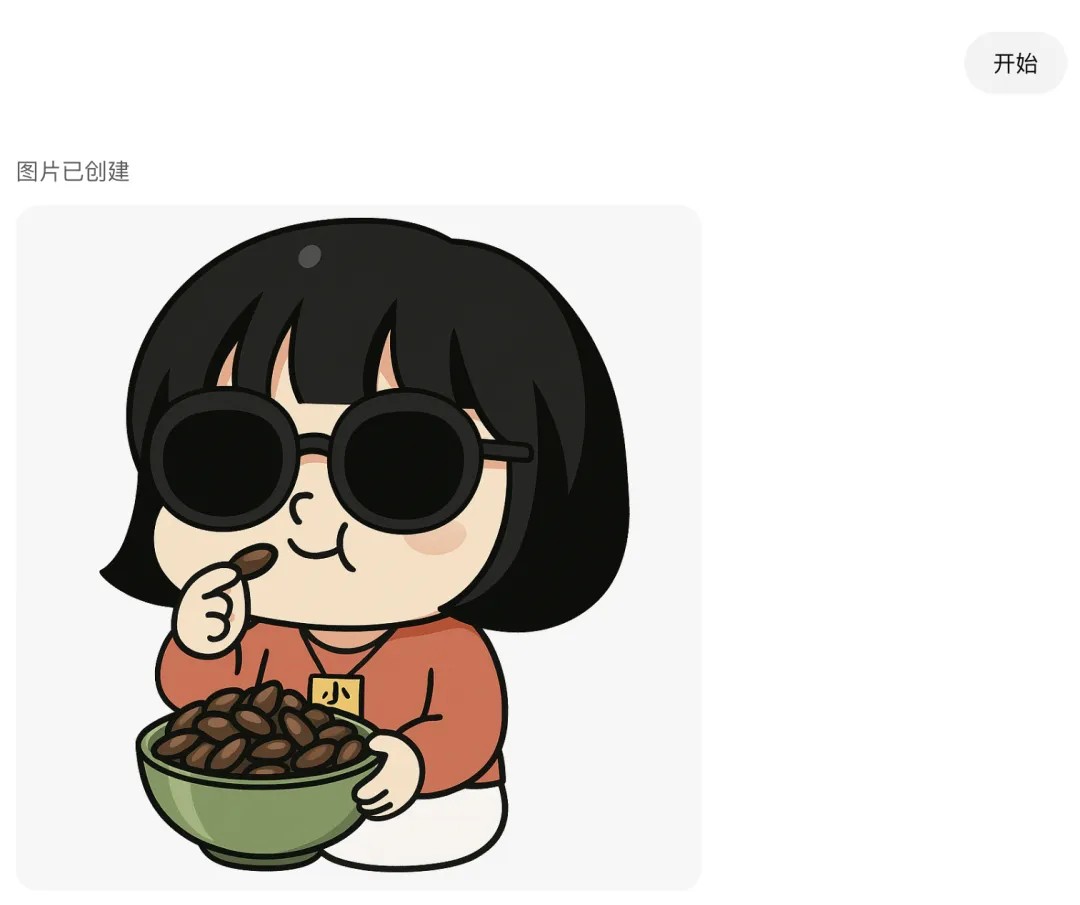
The model will generate a meme based on your description and the photo you uploaded. If you're not happy with the result, just keep chatting with it and tell it what needs changing. For example, "make the expression more exaggerated" or "change the background color."
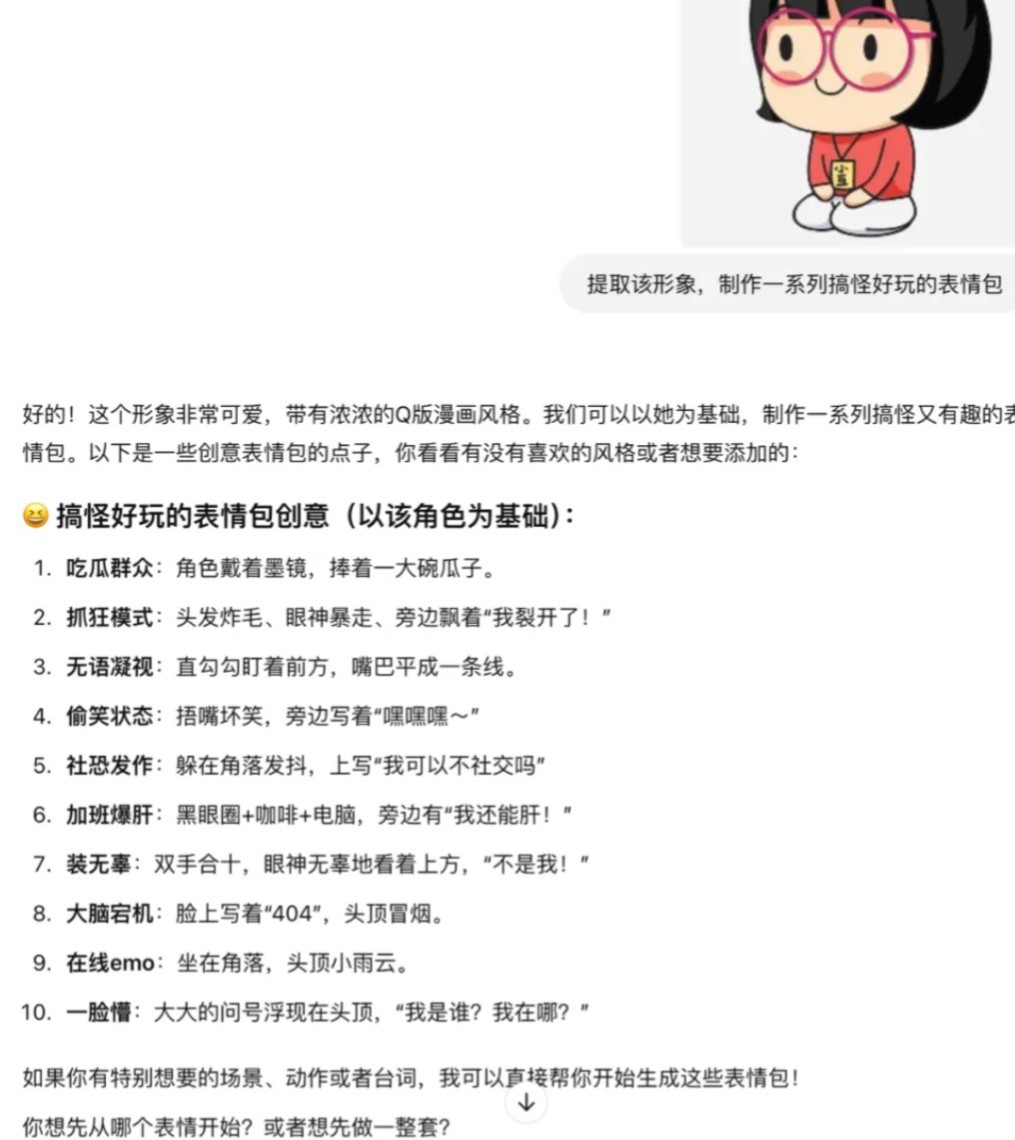
3. Edit and Optimize
If there's a mistake in the text on the generated meme, or if the overall style doesn't quite fit, click on the image, select the part you want to change, and tell the model how to modify it. Something like "replace the text '开心' with '哈哈'" or "make the background pure white."
4. Make It Animated (Optional)
If you want your meme to move, you can pair it with Kling AI to turn the image into a video, and then convert it into a GIF. This way, the character in the image can blink, wave, or perform other animated effects.
5. Save and Share
Once you've created a meme that you're happy with, you can save it to your computer or phone. You can also upload it directly to social media or chat tools to use.
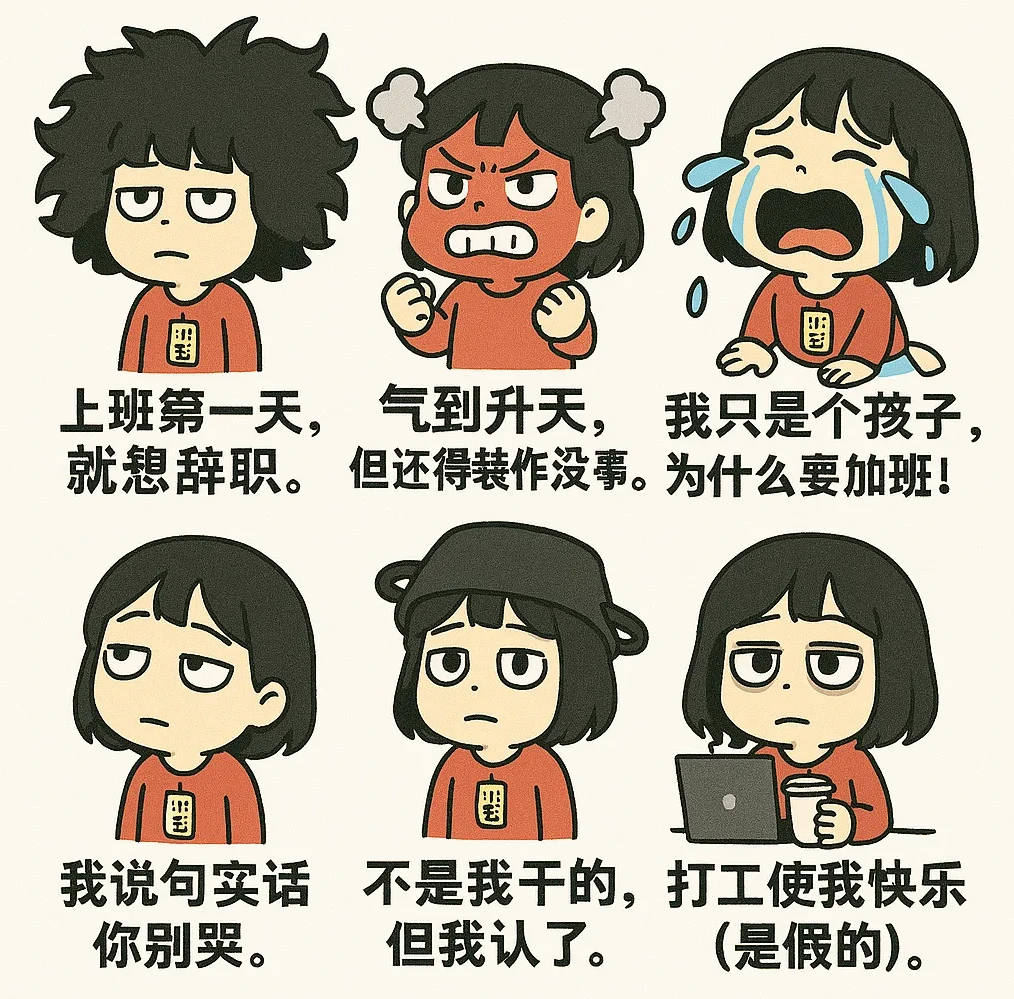
If your memes turn out really interesting, you can also submit them to the WeChat Sticker Store. Then you can use them, your friends can use them, and you might even make some money from them.
Things to Keep in Mind
Consistent style: Try to keep the meme style consistent—such as pure white background, clay sculpture style, pencil drawing style, Q-version anime style, Lego style, Studio Ghibli style—and pick one to focus on.
Generate step by step: It's recommended to make one meme at a time, which makes adjustments and modifications easier later on.
Keep trying: If the first result isn't great, don't be discouraged—try a few more times. With each attempt, adjust the description and requirements, and you'll eventually make a meme you're happy with.
By following these steps, you'll be able to easily create your own meme emoticons!
Detailed tutorial:https://mp.weixin.qq.com/s/BOmuQVpfboen0xuR2xmaaA









